
I want my apartment to be smart, but I don’t want it to look stupid. That is, I don’t mind having a digital frame on display, but I don’t want the cord hanging down the wall, calling attention to the fact that it’s a digital frame. To get a few ideas on how to hide some of the tech in my apartment, I asked Mya McDuffie from online interior design site Havenly for help.
What wires?

Whether it’s your home entertainment system or computer desk, there’s bound to be at least one area of your home that’s a rat’s nest of cords. “Even if cords don’t bother you, they tend to pick up dirt on surfaces, which doesn’t make for the most welcoming of first impressions on your guests,” McDuffie told Digital Trends.
She suggests storing your tech in decorative boxes, cutting holes out for the wires, and stacking them neatly to keep things dust-free and organized. It works really well for power strips and all the gear you charge, for example. Depending on what you’re hiding, you may need an IR blaster to be able to control your gadgets without line of sight. It’s also probably not the best idea to put larger devices, like a router, in a box — this will block airflow and could cause problems with heat.
Hidden cameras
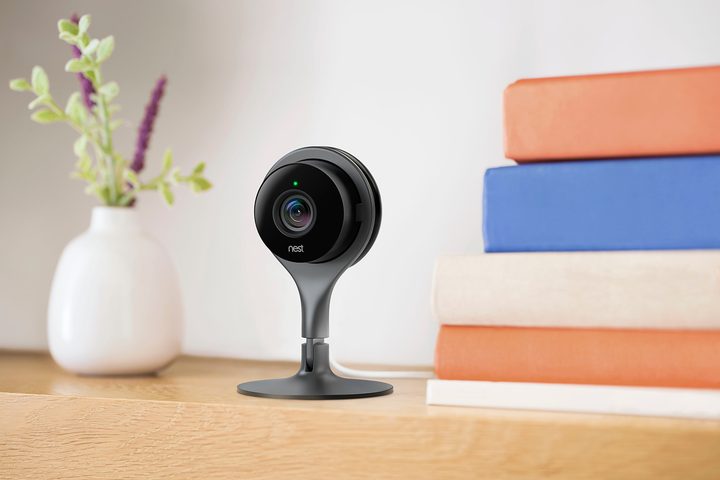
If you have a security camera in your home, you probably want to hide it. After all, if a burglar breaks in, you don’t want them immediately snatching it. The trick is putting it somewhere unobtrusive that still offers maximum coverage.
Luckily, lots of cameras can be physically tilted to change the viewing angle, and some let you pan and tilt from the app. “For a low placement, tuck your Nest camera in the base of your potted palm or fiddle leaf fig,” suggests McDuffie. “If you’d rather go high, strategically align your bookcase with a corner of the room and use a flex camera to wrap around the edge of the frame for a bird’s eye view.”
Sound off
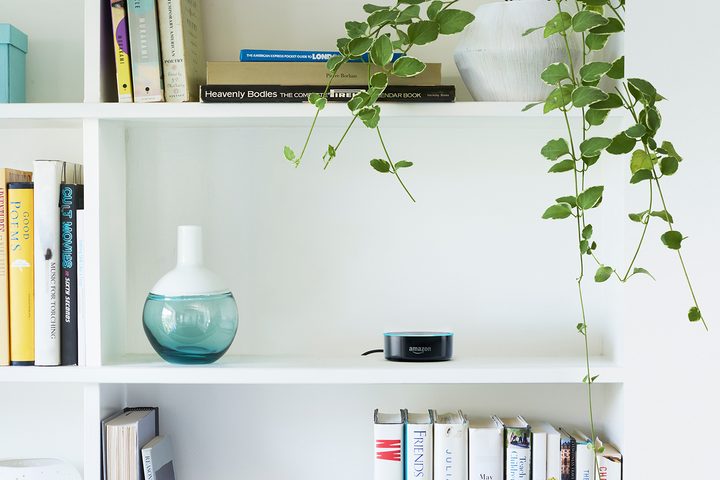
It seems clear that Amazon and Google designed their smart assistants to be on display. Sticking them in a cupboard will probably lead to all sorts of trouble with you hearing each other. “It’s totally OK to incorporate your Alexa Dot into your coffee table décor, but don’t do so at the expense of the scenery,” says McDuffie. “Remember to group decorative objects in threes, and use a tray to collect everything and avoid over-cluttering your space.”
For hubs you’re not talking to, she suggests putting them on a bookshelf, so they’re a little more inconspicuous. “You can even use a few old books to quickly create a screen that hides it from sight altogether.” If you can’t bear the thought of destroying books, your local used bookstore will likely have some it’s going to pulp anyway.
Sensor censure
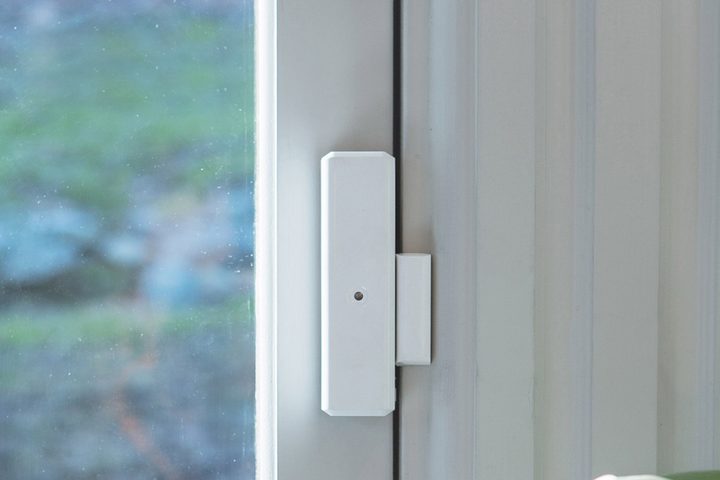
“Ah, sensors. So helpful – but not so beautiful,” says McDuffie. Apartment dwellers above the first floor or so can probably forgo window sensors and stick to motion detectors and door sensors instead.
“To minimize the visual distraction that a sensor might attract, try to purchase sensors in the same color family as the trim/wall color you plan to install them on,” she says. “We know this isn’t always possible for renters (particularly for door frames), so don’t fret if the one you want doesn’t come in any shade but white or black.” In this case, it might be better to be safe than stylish.
Ray of light
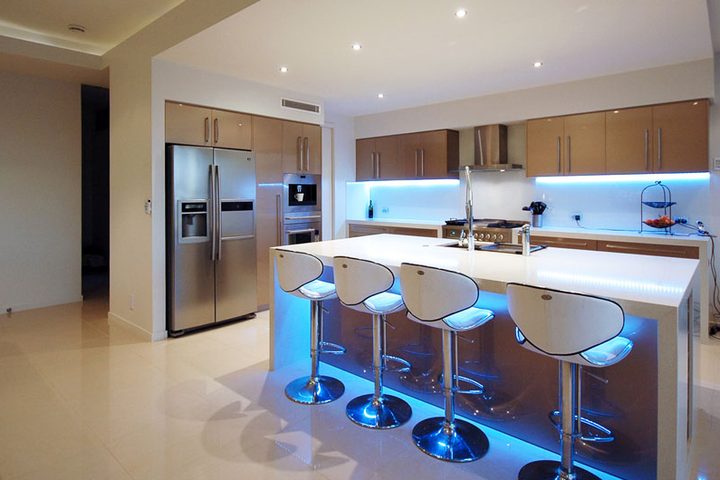
Strategically placed light strips are an easy (if not cheap) way to add some ambience to your room. (We have some fun and functional ideas here.)
“If you’re really into the color-changing ambiance that lightstrips can provide, you’re going to want to install them in a way that adds to the overall atmosphere of your space, rather than detracts from it,” says McDuffie. “Install lightstrips on the undersides of surfaces so they’re not visible, and use hooks to wire the cord along the form of the furniture so that it doesn’t distract from the piece itself.”
You’ll also want to keep in mind that these strips need to be plugged in, too, and you don’t want to be tripping over cords just so your couch can glow.



