
There are many cloud storage services you can use to keep your files safe online. One of those is OneDrive. You might have heard of competing options like Google Drive or Dropbox, but OneDrive is Microsoft’s option.
OneDrive will let you conveniently access files on the go, share content with coworkers, and so much more. Yet, there are different versions of OneDrive, various storage plans, and many ways to use it. In this guide, we’ll tell you everything you need to know about OneDrive.
What are the different versions of OneDrive?

There are two different versions of OneDrive you can use in 2022: OneDrive Personal and OneDrive for Business. The Personal version of OneDrive is what you’ll see and use on Windows 10 and Windows 11. You need to sign up for a Microsoft Account to use it. Once you do, and you download the respected app, you’ll find that it integrates with the File Explorer on Windows or Finder on MacOS.
If you subscribe to Microsoft 365 to get Word, Excel, PowerPoint, and other Office apps, you’ll get 1TB of storage included with your plan. Yet, other (more expensive) storage plans are also available. You can use this space to back up your PC, share files with family and friends, or mobile photos, among other things.
OneDrive for Business, meanwhile, is what you get with your work or school account. This is where files that you store in Teams or Skype or share through Office apps that you use like Word, Excel, or PowerPoint end up getting saved and stored in your company or school. You don’t have control over the storage in OneDrive for business. Rather, it’s managed by your organization or work, or school. Businesses interested in OneDrive can check out Microsoft’s webpage which explains the benefits over competing services.
How much does OneDrive cost?
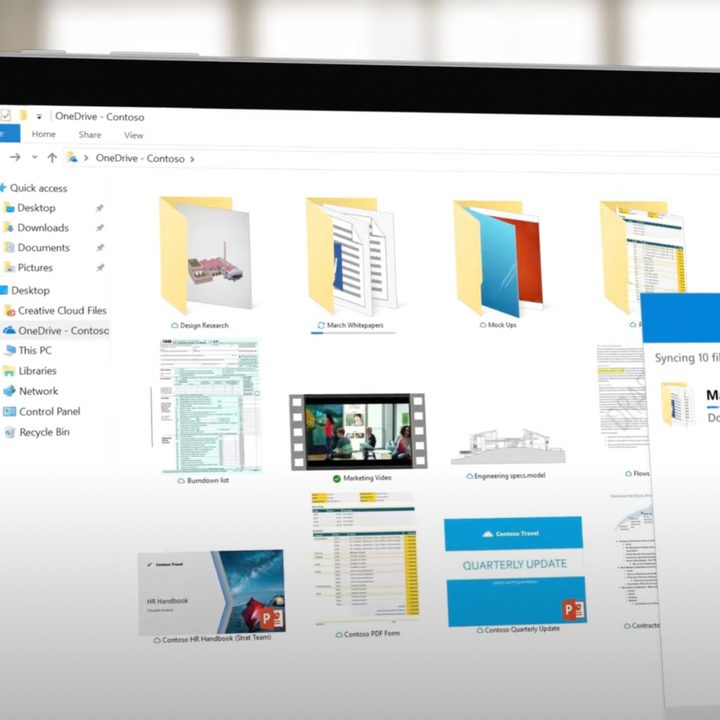
Wondering about how much OneDrive costs? It comes included with Microsoft 365 subscriptions.
Microsoft wants you to use OneDrive to store and sync all your data across devices. That’s why it’s pushing out OneDrive apps to all platforms and giving you 1TB of online storage per machine with a Microsoft 365 subscription. The Microsoft 365 Personal subscription provides 1TB of OneDrive storage, which at $100 a year or $7 a month. Microsoft 365 Family, meanwhile, is priced at $100 a year, or $10 a month. It includes up to 6TB of OneDrive storage, for 1TB per person.

If you want to use OneDrive without Microsoft 365, then you can! You get 5GB for free in a basic plan, but you can add 100GB for $20 a year, or $2 a month. The best value, though, remains to get it through Microsoft 365, as you get storage, plus the additional benefits of the Office apps.
If you’re interested in learning more about how OneDrive compares to other services, then check out our dedicated guide. We compare the best cloud storage services and look at pricing, to hopefully help you in your decision.
What is OneDrive good for?

OneDrive’s greatest strength is how well it integrates with Microsoft apps and services. This is what OneDrive does best, especially if you own multiple PCs, or phones, and tablets. In apps like Word, Excel, and Powerpoint, you can choose OneDrive as a space to store your files. When you do this, the file becomes always online, and accessible from any device, with changes always being saved online through a feature known as version history. You also can use collaboration features to share files with friends and family in these apps via OneDrive, as well.
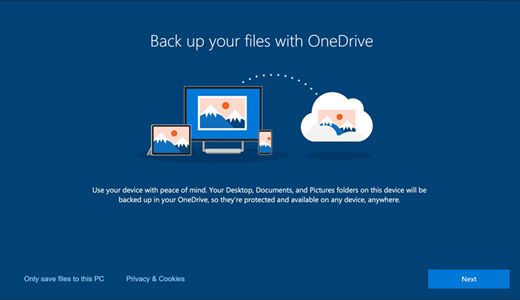
Other than that, OneDrive integrates with Windows 10 and Windows 11. You’ll see your most-used and opened or recent files in Windows 10’s search box, or on the Windows 11 Start Menu. You also can use OneDrive as a sharing mechanism to share files out to people via links in Outlook. Other than that, OneDrive can automatically back up your critical files and folders like Desktop, Photos, or videos through a feature known as PC Folder Backup.
OneDrive also has a feature known as Personal Vault. With this, you have a space to store and upload your most important or sensitive files and photos and protect them with a fingerprint, PIN, face, or a code sent to an email or via SMS text. It’s a special folder that is protected separately.
Finally, with OneDrive on iOS and Android, you can use the service to back up your camera roll. This ensures you won’t ever lose your important photos. Backups are done when your phone is connected to Wi-Fi and you’ll see all your photos in the cloud through the Photos section of OneDrive on the web.
How to install and use OneDrive?
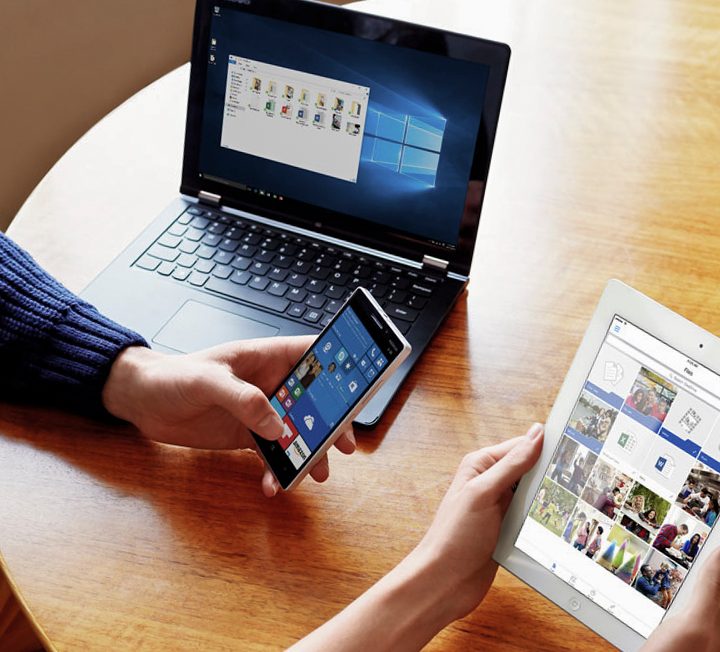
If you’re wondering how to install OneDrive, then wonder no more. If you’re on a Windows PC, the OneDrive app is already pre-installed on your system. Just search for it in your all apps list, or in the Start Menu. On a Mac, manually install the app from the Apple App Store by searching for it or by grabbing the file from Microsoft’s website.
You can then sign in with a personal Microsoft account and follow the instructions on your screen to get started (or add your work account later.) If you don’t see OneDrive on your PC, then you need to manually download the app. Visit Microsoft’s website, and follow the instructions.
On a Mac, OneDrive will integrate with a special section in the sidebar of the Finder. On a PC, it integrates into a similar area with File Explorer, though a dedicated sync app will also run in your Taskbar. This is through a feature known as Files on Demand. This lets you access all your cloud storage in OneDrive without having to download all of them and use file storage space on your Windows device.



