
Google is celebrating Chrome’s 10th birthday with the release of a new version of the web browser that’s one of the most significant since its initial launch. It’s hard to imagine Chrome ever being the underdog, but in those days, Internet Explorer held the web in the palm of its hand. Known as Chrome 69, the next evolution of the web browser is new for both desktop and mobile, which can be downloaded here (or through the appropriate mobile app store).
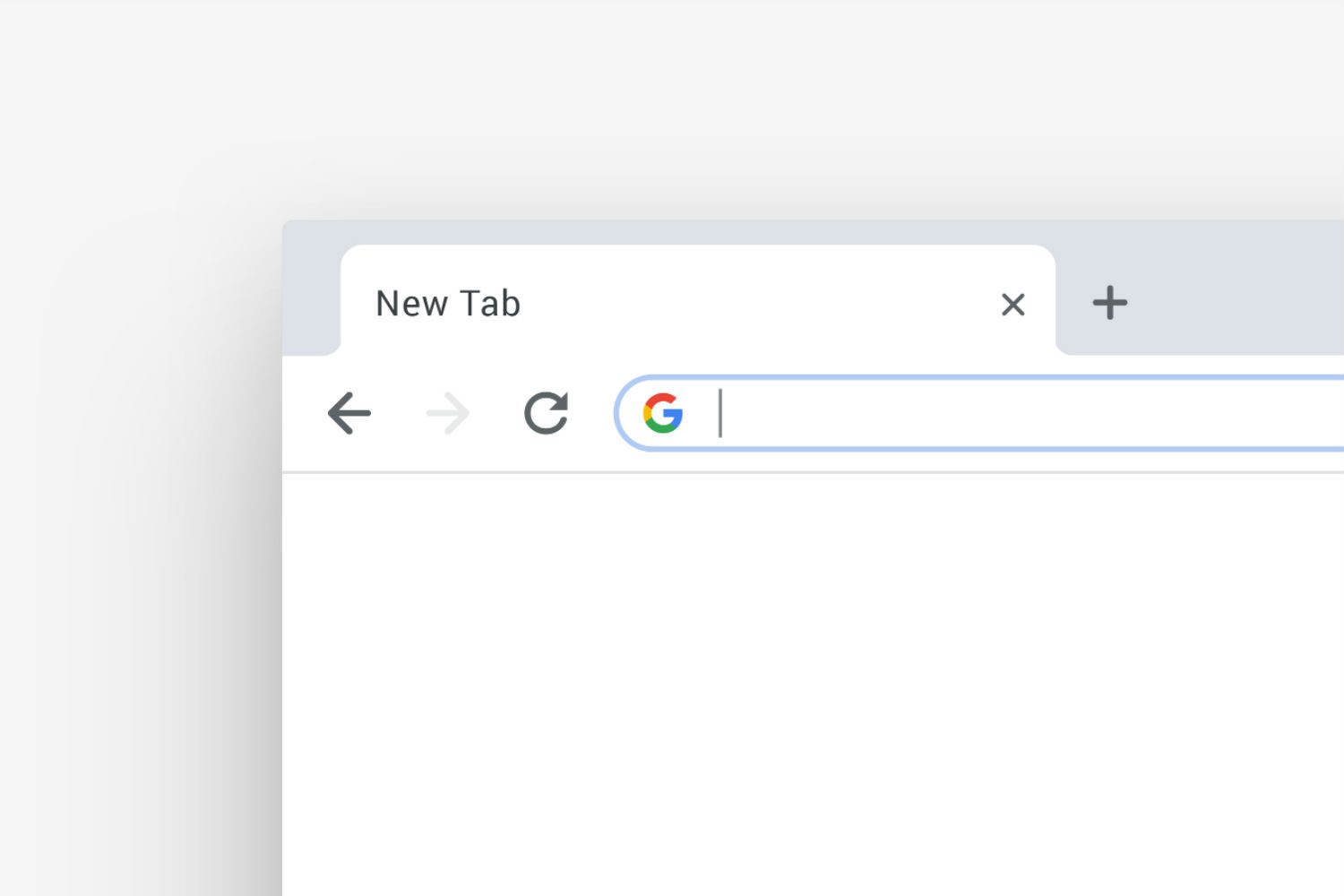
The first thing you’ll notice about this new version of Google Chrome is its look. Gone are all sharp edges and angular features, replaced instead with bubbly circles and pastel colors. It’s been a long time coming, but Chrome now fits into the Google ecosystem of applications much more from a visual perspective. Google even noted that the shape of tabs makes the favicon easier to identify for people who like to hoard tabs. In the mobile browser, Google has moved the toolbar to the bottom on iOS, which it says makes it easier to reach. Like with Gmail, Google has taken a long time to switch up the classic look of Chrome — and we’re glad it’s finally being refreshed.
But the updates go beyond just looks. One of the most noticeable new features is right in the search bar, which is an area Chrome has pioneered since its beginnings. The Omnibox will now give you answers directly, rather than waiting to load up a new page on Google. These are mostly what Google calls “rich results,” which is information Google displays right on the page such as weather, calculator, or scores for sporting events. Google even says you’ll soon be able to search for files from your Google Drive account right from the Chrome search bar as well.

A feature we’ve been wanting for a long time is better access to shortcuts. They can now all be managed right from the New Tab page every time you click on the “+” sign to start a new tab. Your shortcuts can easily be used or edited right from this page now, instead of having to clutter your toolbar. You can also throw in a custom image to be the background of the New Tab page.
Google has also made a few changes to security that we find particularly interesting. We’ve long known about Google’s multiple web security projects, such as its push to move more websites to the HTTPS protocol. But in Chrome 69, Google is making password security easier. Google says the new Chrome is better at remembering your information for contact forms, but also at giving you stronger passwords. So, when you’re having to create yet another online account, Chrome will automatically generate a new password for you. This is a nice alternative to the reliance on third-party plugins across websites, which is both dangerous and prone to misuse.

There are a few features that weren’t mentioned in Google press materials that we’ve been highly anticipating as well, such as Picture-in-Picture mode and native Windows 10 desktop notifications.
All of that (and more) is included in the new update, which is a pretty fantastic way to celebrate 10 years of Google Chrome. Firefox has given Chrome a run for its money in the past six months or so, but for our money, Chrome is still the best web browser you can use. If you really want to go on a trip down memory lane, check out the initial comic Google made back in 2008 to explain the launch of Chrome. Happy birthday, Chrome!


