
Windows 10X was supposed to be the next big thing for Microsoft. It promised a new visual look and a modern, lightweight version of Windows, but what it actually shaped up to be is one of the company’s most complicated products — and one that would never actually launch.
While the new flavor of Windows 10 was intended to power a next-generation wave of dual-screen PCs, Microsoft has been largely quiet about it since the pandemic changed plans. That led to a boatload of rumors about it being refocusing for single-screen experiences to take on Chrome OS and, now, a new rumor that it is officially dead.
But with the potential death of Windows 10X, Microsoft might have just saved itself a lot of trouble. There were a lot of things in Windows 10X that had yet to be figured out, and with 10X now heading in the same direction as the Windows Phone and Zune, Microsoft is probably better off without it.
The app problem rears its head
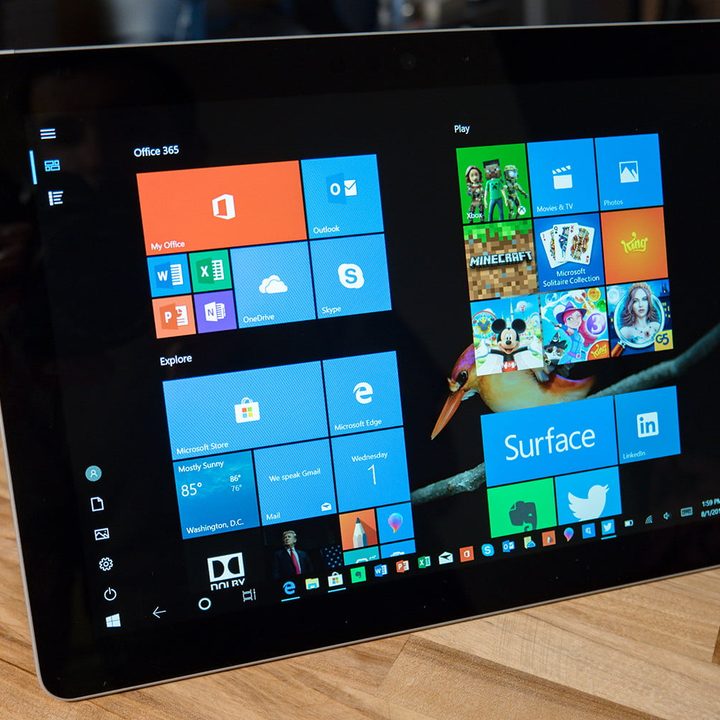
Now that it seems that Windows 10X is dead, there’s the need to look back and see where the operating system might have failed to begin with. Although fancy new visuals like a refreshed Start Menu, Action Center, and window animations were nice, the big problem with Windows 10X was what was actually under the hood.
This version of Windows 10 might have been a little too lightweight, cutting out the things people would have cared about most — such as their apps.
Microsoft admittedly did work with developers on the original dual-screen flavor of Windows 10X with an emulator. It contained support for Win32 apps like Google Chrome, which ran in virtualized “containers” for performance gains not found in the regular version of Windows 10. That all sounded great.
However, since a working version of the newer single-screen version of the OS leaked, it became clear that this wouldn’t be true anymore. Instead, Microsoft opted to cut out that Win32 app support, and reposition the OS as more of a Chrome OS competitor that put the web and the new Microsoft Edge browser first. Perhaps even by allowing users to stream their apps via the web through “Cloud PC.”

But that’s the biggest problem with Windows 10X. Without app support, Microsoft would have been dipping into a troubling situation once again. It is true that the OS was intended for education and enterprise users who are web-first focused, but even these users need traditional Win32 apps for printing, managing devices, and other situations.
Without Win32 app support, there was a small chance that Windows 10X might have ended up just like Windows RT, which was a locked-down version of Windows without support for traditional desktop apps that looked and behaved just like Windows 8.
Uers would have become frustrated. They might go out and buy a new 10X device, and then find that it doesn’t work with everything they wanted. Those who opted to adapt 10X to an enterprise or education scenario would have ended up with confused users who wondered why their favorite apps didn’t work. Without a clear solution in sight, Windows 10X may have been doomed from the start.
Windows 10 in S mode and Windows 10
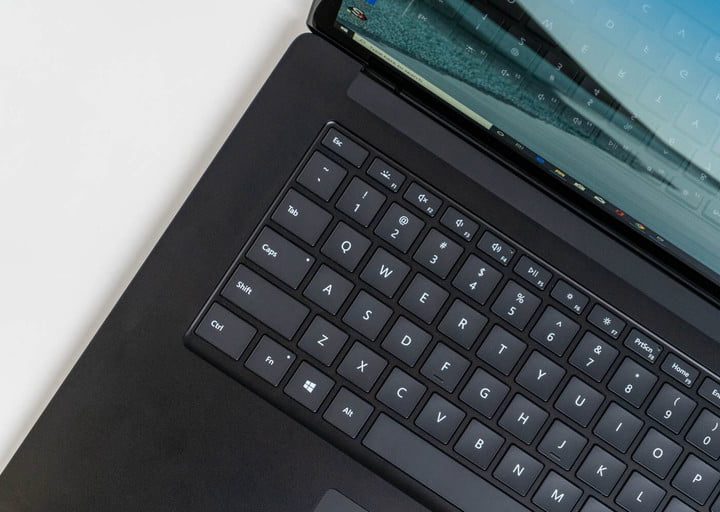
For all the worries about the app problem that could have ended up plaguing Windows 10X, there’s a good side to its death. Microsoft is now able to spotlight the regular version of Windows 10, which is now in use on over 1.3 billion devices worldwide. There’s a lot of things in Windows 10 that need some help, not to mention Microsoft’s other slimmed-down version of Windows, known as Windows 10 in S mode.
When Microsoft saw the rise in popularity in Chromebooks, it offered Windows 10 in S mode. This version of Windows offers the same look and feel of Windows 10, but lacks Win32 app support and the many subsystem features in regular Windows 10. Essentially, it already is a version of Windows 10X, sans the new user interface elements.
So, with 10X likely being dead, Microsoft can hopefully focus on Windows 10 in S mode to help catch it up to what’s being offered in Chrome OS. Perhaps it can be given a sweeping visual overhaul in the same way that Apple did with MacOS Big Sur. A little visual touch here and there could make a huge difference.
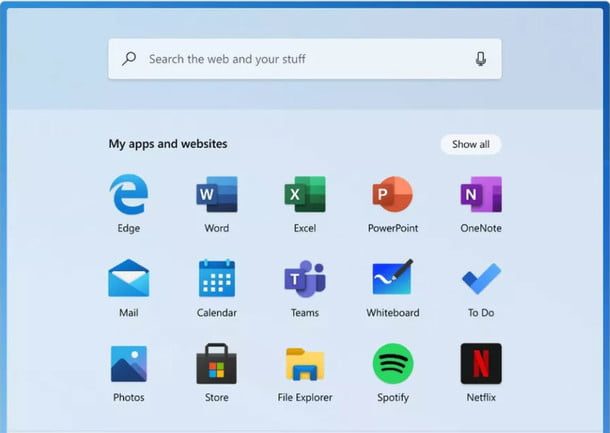
And then there’s regular Windows 10 itself. While Apple and Google have drastically changed the way that MacOS and Chrome OS, respectively, look and feel over the years, Windows 10 has largely been stagnant. Small things like the colors of the tiles Start Menu have seen visual changes, but otherwise, it’s still the same.
Icons from Windows 98 and Windows 8 are still buried in the OS, and there are still more than one way to accomplish common settings. Not to mention, the lack of design consistency and the presence of Fluent Design across Windows 10. There’s a lot in Windows 10 that needs changing, and with 10X being out of the way, there’s finally hope.
Again, not much is known about Windows 10X, with not much more than speculation from industry insiders. There’s a big chance these plans for Windows 10 could finally come to light at Microsoft’s Build 2021 developer conference, and even a “What’s next for Windows” event, too.
Until then, pour one out for Windows 10X and, hopefully, we can start toasting a brighter future for Windows 10.


