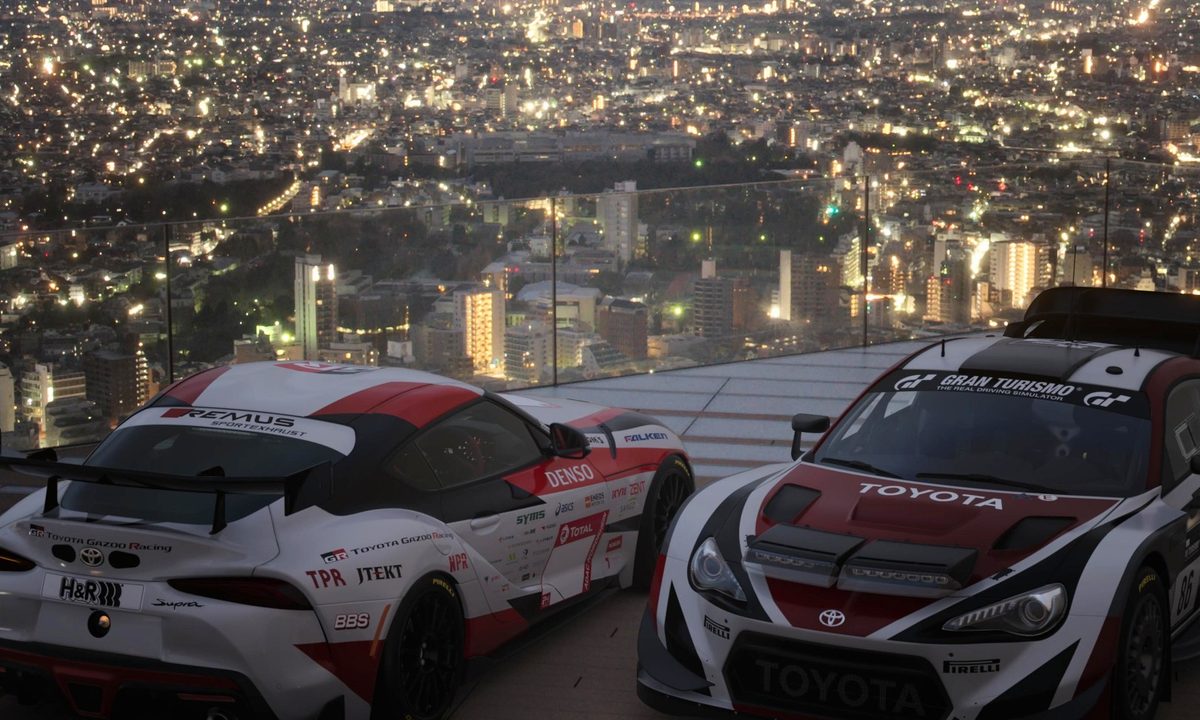
Players won’t have everything available upon booting up Gran Turismo 7. They’ll be restricted to buying cars from a used car lot, and most Word Races won’t be open. Slowly but surely, you’ll unlock new areas to explore in the JRPG-like overworld as you complete menus and increase your driver level. However, you may be looking for something more challenging than AI racers. Unfortunately, multiplayer is locked until you progress to a certain point.
Perhaps it’s a good thing, especially for new players. Gran Turismo 7 is no arcade racing game. It requires fine-tuned driving skills and a basic understanding of driving lines, cornering, and braking, all things they don’t teach you in Need for Speed school. Learn the little things before you take your skills online. Here’s how to unlock multiplayer in Gran Turismo 7.

How to unlock multiplayer in Gran Turismo 7
To unlock multiplayer in Gran Turismo 7, you need to complete menu book nine, Tokyo Highway Parade. Once you wrap up the event, Luca gives you a well-deserved congratulations, and the multiplayer areas unlock in the overworld.
There are two ways to play multiplayer in Gran Turismo 7. Players can join casual lobbies in the lower right corner of the map or compete in ranked seasons in Sport mode. We’ll dive into the significant differences later. For now, follow these steps to unlock multiplayer in Gran Turismo 7.
Step 1: Head over to the cafe and speak with Luca to begin completing menus. Menus are the “campaign” of Gran Turismo 7. Complete them to unlock more races to play, areas to explore, and cars to drive. Most importantly, they’re the key to unlocking multiplayer in Gran Turismo 7.
Step 2: Grind menus until you reach menu book nine, Tokyo Highway Parade. This is a multi-race Grand Prix where you’ll get points based on how you place. Thankfully, you only need to come in third place overall. By now, you’ve already completed the High-Speed Ring Track Day Championship from menu book four. This race works the same way.
Step 3: Win (or at least bronze) the Tokyo Highway Parade and head back to the cafe. Speak with Luca, and he’ll give you your reward. Once you go back to the overworld, Sport mode and multiplayer will be available.

What is Sport Mode in Gran Turismo 7?
Similar to how it worked in Gran Turismo Sport, Sport mode features daily races that open at different intervals throughout the day. In this ranked multiplayer mode, players are matched with players of similar skills. They can improve their rating by performing well in daily races. There are seven Driver Ratings (DR) you can fall under. They are E, D, C, B, A, A+, S, with E being the lowest and S being the highest. However, your DR is also tied to your Sportsmanship Rating (SR).
The most frustrating part of any online racing game is the initial scrum at the beginning. If you get bumped off the track in Need for Speed, that’s it; your race is probably over. In Gran Turismo 7, players who bump and hit other players are penalized. Their SR decreases, thus preventing them from progressing through the ranking system. You can safely assume that you’ll race against fair players who aren’t trying to run you off the track once you make it out of the lower tiers.
Besides daily races, you can also enter championships to increase your DR. Championship races in Sport mode work similarly to World Races. At the end of each race, you’ll get points based on your performance. At the end of X-number of races, whoever has the most points wins.
Championship races further divide players by skill by placing them into leagues at the start of each season. Your DR determines which league you’re in with GT1 hosting A or better drivers, GT2 containing B drivers, and GT3 containing C or lower drivers. So how do you enter daily races in Sport mode?
Each race starts at different intervals, assumingly gathering groups of players. For example, we’re looking at a daily race that starts in two minutes!
Once you enter, you’re placed in a lobby where you, unfortunately, have to wait for the race to begin. You can run time trials to get used to the track while you wait. Otherwise, you’re stuck at this screen until the race begins. Let’s say the daily race starts in 20 minutes. Instead of sitting there for 20 minutes, set a timer on your phone or watch for 18 minutes. When it goes off, exit whatever event you’re in and head back to Sport Mode. The two-minute buffer should give you enough time to load in, pick a race, and make any last-minute tunings before it begins.
Sport Mode races do have upgrade restrictions. Once you’ve decided on a race (and if you have enough time), head to the tuning shop and tune your car to meet the specifications. Get right up to the edge without going over. If the horsepower maximum is 295, get yours up to 294.99

How to play split-screen in Gran Turismo 7
While split-screen is basically a video game dinosaur, there is a way to play local multiplayer in Gran Turismo 7. From the multiplayer tab, select 2 Player Battle. From here, each player can choose their car, and the host player (player 1) can set the race rules. You can select the course, weather, and time of day along with how you’ll start the race, either grid start or rolling start.