
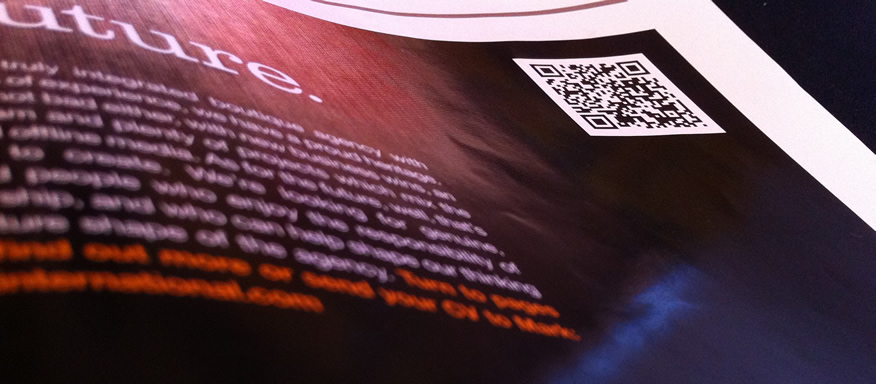
According to a new study release today by comScore, more Americans are adopting the practice of scanning QR codes in retail businesses or within magazines. Over 14 million Americans scanned a QR code with a smartphone in the month of June which comes to a bit over 6 percent of all mobile users in the United States. Over 60 percent of the scans came from men, making them 25 percent more likely to scan codes then females. The most common age bracket of QR usage were 25 to 34 year old people and 36 percent of the people scanning QR codes were in households making more than $100,000 a year.
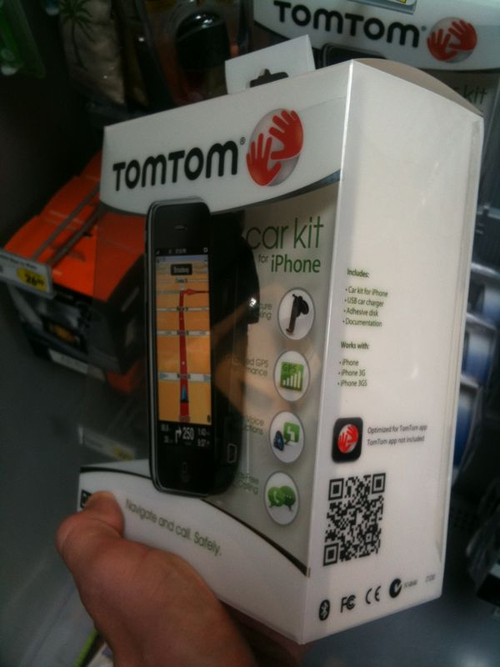 The most common place that people scanned codes were in newspapers and magazines. It was also common for users to scan the codes viewed on the Internet as well as codes on product packaging, business cars, flyers or posters. The least popular places to scan codes included television and the front of a store. While standing in front of a store holding a smartphone didn’t appeal to everyone, users didn’t mind scanning codes inside retail stores. However, 58 percent of the QR enthusiasts preferred scanning the codes at home. Other popular locations to scan codes included grocery stores, the workplace, public transit and restaurants.
Late night comedians have also starting implementing QR codes during broadcasts for entertainment purposes. Also in June, Jon Stewart and the creative minds at The Daily Show used a QR code on-air in June to poke fun at CNN asking viewers to scan QR codes during one of the recent Republican debates. The QR code led to this Web page, which Stewart promised to be “very informative”. Jimmy Fallon had also used QR codes on his late night talk show. In February, Fallon held up a QR code that led to a music video to plug the album of his musical guest that night.



