
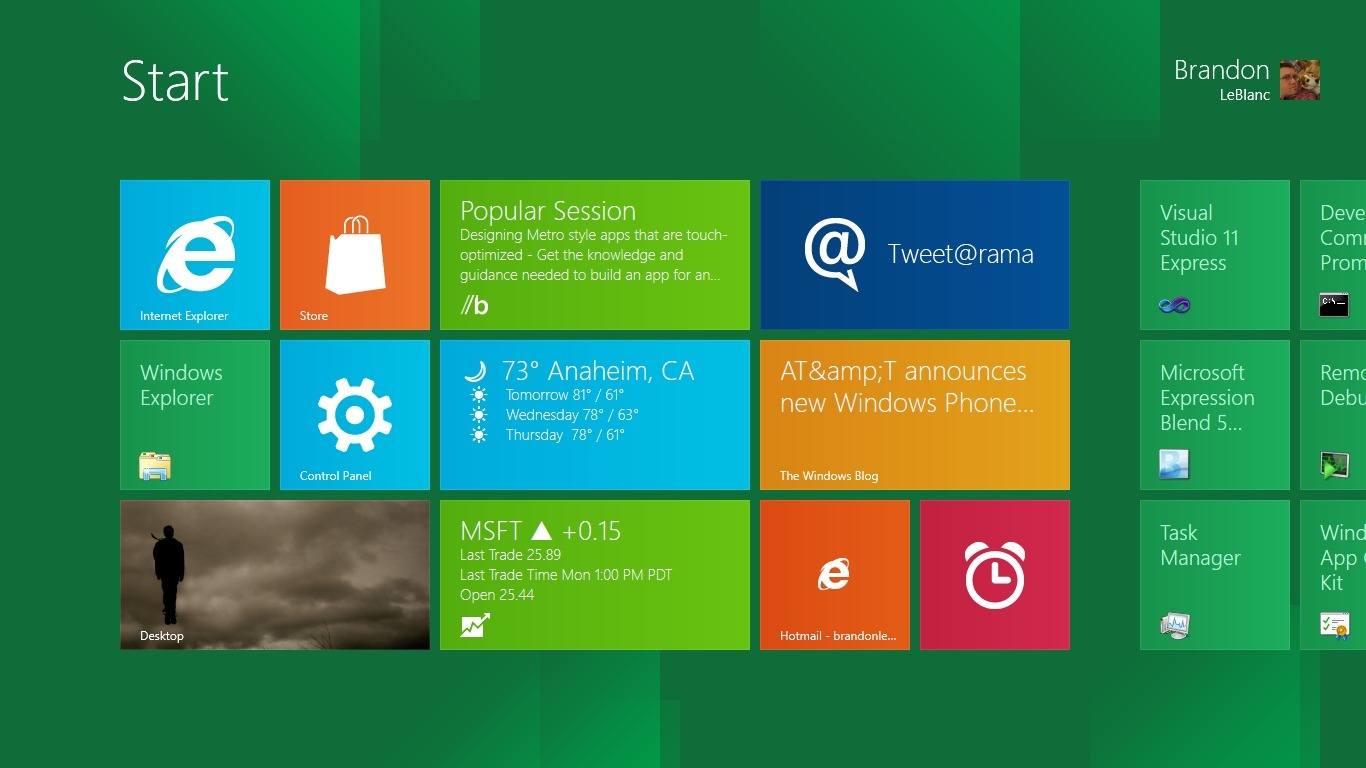
Announced in an official blog post earlier this week, Microsoft explained why the company wouldn’t be supporting plugins within the Metro version of Internet Explorer 10. Designed to improve security and reliability as well as preserve precious battery life, Microsoft believes leaving out support for plugins like Adobe Flash should ultimately offer the best experience for the consumer. Microsoft claims to have studied nearly 100,000 popular websites and over 60 percent of them already offer HTML5 video for site visitors if the Flash plugin isn’t installed. However, if a user opts to use the desktop version of Windows 8, the Abode Flash plugin is supported.
 In addition, Microsoft hasn’t included support for Silverlight within Metro, instead opting to rely on HTML5. For instance, users attempting to use the Netflix streaming video application in the Metro version of Windows 8 won’t be able to access it until Netflix rolls out support for HTML5 video. However, users can flip back over to the desktop version of Windows 8 to install Silverlight and watch Netflix video. If Microsoft decides to create a Metro-only version of the OS for tablets, Flash support would be absent similar to Apple’s approach with the iPad and iPhone. Apple has long been a critic of Adobe Flash and former CEO Steve Jobs constantly stated that Apple should have to wait on a third party developer to improve software for other iPhone and iPad developers to utilize during creation of new apps.
Adobe was quick to respond to the news that Windows 8 Metro wouldn’t support Flash. The company mentioned that they are working on a version of Flash that’s compatible with low-power processors found in tablets and smartphones. They also stress that users of Windows 8 will be able to seamlessly switch over to the desktop version of Windows 8 when landing on a site that requires the Flash plugin.


