  1. Home
  2. Gaming
  3. How tos

How to change bot difficulty in Counter-Strike 2

Add as a preferred source on Google
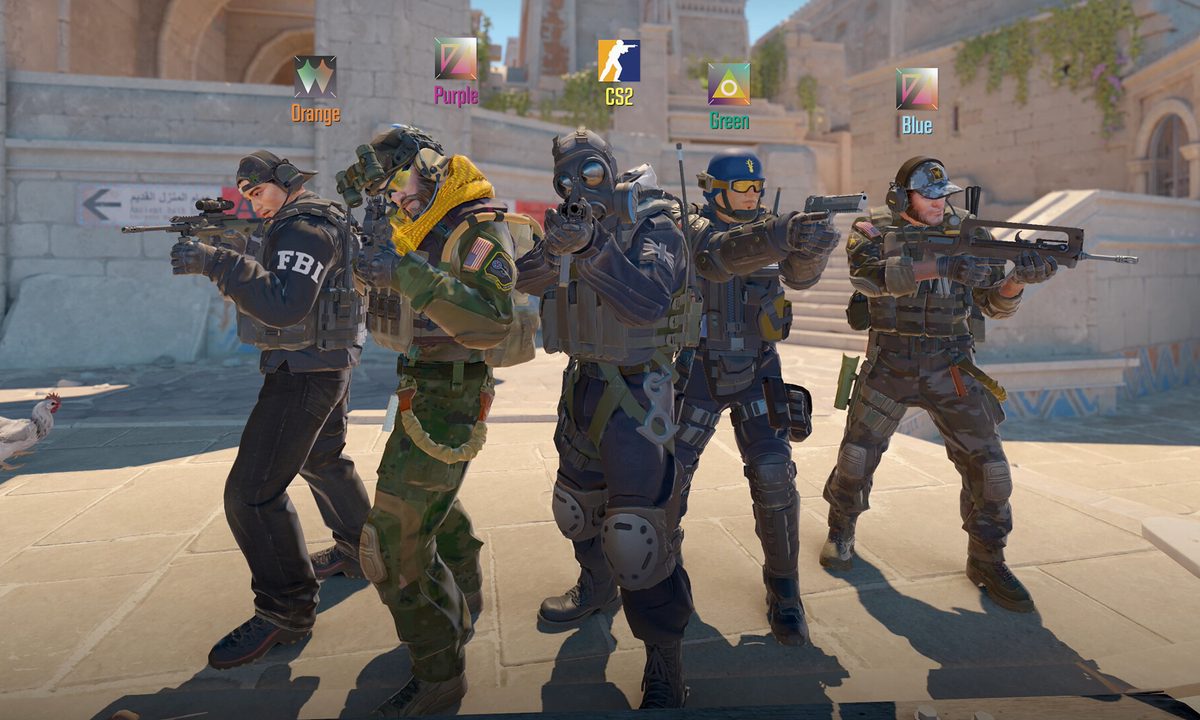
A team groups up in Counter-Strike 2.
Valve

There's no denying that Counter-Strike 2 is one of the most hardcore and competitive FPS games on PC. One wrong move in this game can force you to wait out the rest of the round and leave your team a player down.

With such a long history and dedicated playerbase, the skill ceiling is intimidatingly high and you may not be able to keep up with those you're matched up against. Bot matches give you a chance to practice your skills and strategies in a less-stressful environment, though the challenge they provide may not be exactly right for you. There is a way to tweak them so you can find the perfect targets, but it's not very intuitive.

Recommended Videos

Difficulty

Easy

What You Need

  • Begin a practice match

A player in a bot match changing the difficulty in Counter Strike 2.
Valve

How to change bot difficulty

Bot matches can only be played in the Practice mode where you will be instantly placed in a match on the map of your choice with a full lobby of bots.

Step 1: Begin any bot match in Practice mode.

Step 2: Open the command console by hitting the ~ key.

Step 3: Type or paste in the command "bot_difficulty" and add one space and a number between 0 and 5 following it.

Step 4: Each number represents how difficult the bots will be, with 0 being so easy bots won't even fire at you, to 5 being the most challenging.

Step 5: Once you improve, you can alter the bot's difficulty any time by repeating the steps and inputting a different difficulty number.

Jesse Lennox
Former Digital Trends Contributor
Jesse Lennox covers all things gaming but has a specific interest in all things PlayStation, JRPGs, and experimental indies…
Asus ROG Ally X gets a special makeover with an OLED panel and gold trims that don’t look gaudy
The bundle includes a translucent black and gold Ally X with OLED screen, TMR joysticks, and AR glasses.
ROG Xbox Ally X20 featured image.

Limited edition gaming hardware has a long history of slapping a commemorative color or accents on existing hardware and calling it a day. 

The ROG Xbox Ally X20 bundle, announced at Computex 2026 to mark the 20th anniversary of ASUS's ROG brand, does not make that mistake. The upgraded design alone makes it worth a closer look.

Read more
AMD’s Radeon RX 9070 GRE has strong 1440p claims, but $549 may be a hard sell
Radeon RX 9070 GRE goes global after China debut
AMD Radeon RX 9070 GRE front view

The Radeon RX 9070 GRE has now launched globally at Computex 2026. AMD first introduced the RDNA 4-based GPU in China in May 2025, so this is a wider rollout rather than a brand-new graphics card.

It will be available from board partners starting June 2, in reference and overclocked versions, with a suggested retail price of $549.

Read more
Alienware’s upgraded gaming monitors offer higher brightness and refresh rate starting at $300
Alienware’s four new 30-inch-plus screens bring higher brightness, faster refresh rates, and cheaper 240Hz options.
Computer Hardware, Electronics, Hardware

Alienware has four new screens coming out of Computex 2026, and the lineup cuts across almost every tier that serious PC gamers care about. Its latest Alienware gaming monitors put brighter OLED, faster ultrawide refresh rates, and $299.99 240Hz QHD gaming into one launch window.

The range includes a 39-inch 5K OLED flagship, a 34-inch 280Hz QD-OLED ultrawide, and two 240Hz QHD LCD options at 32 inches and 34 inches. That spread gives Alienware a high-end halo product while pushing fast QHD screens closer to mainstream upgrade territory.

Read more