

Owners of the OnePlus 13 and OnePlus 13R smartphones are receiving a software update which includes a significant new AI feature.
OnePlus has started to roll out its Plus Mind AI tool to 13 and 13R handsets around the world, giving users the ability to receive intelligently suggesting actions while also storing the information for you to search through at a later date.
Plus Mind actually debuted on the OnePlus 13s, but it’s only available in India, and the tool has since arrived on the OnePlus Nord 5 in Europe.
With the rollout to the 13 and 13R, the feature is now available to those in more countries – including the US – although triggering Plus Mind on these handsets is a little different to the first two.
The 13s and Nord 5 each have a dedicated ‘Plus Key’ on the left edge, allowing you to instantly trigger Plus Mind, but this hardware button doesn’t feature on the older 13 and 13R. Instead, you’ll need to swipe up on the screen with three fingers to trigger the AI tool.
What can Plus Mind do?
Think of Plus Mind as a Google Lens-style feature which can understand the context of what’s on screen, and everything you deem important and want quick access to in the near future is stored in a dedicated memory box app called Mind Space.
Quick snaps of a poster, web pages, social media posts, messages conversations, or virtually anything appearing on the screen can be analysed by Plus Mind and stored in Mind Space.
A three finger gesture up the screen will add whatever’s on screen to your digital memory box – but that’s only part of what Plus Mind can do.
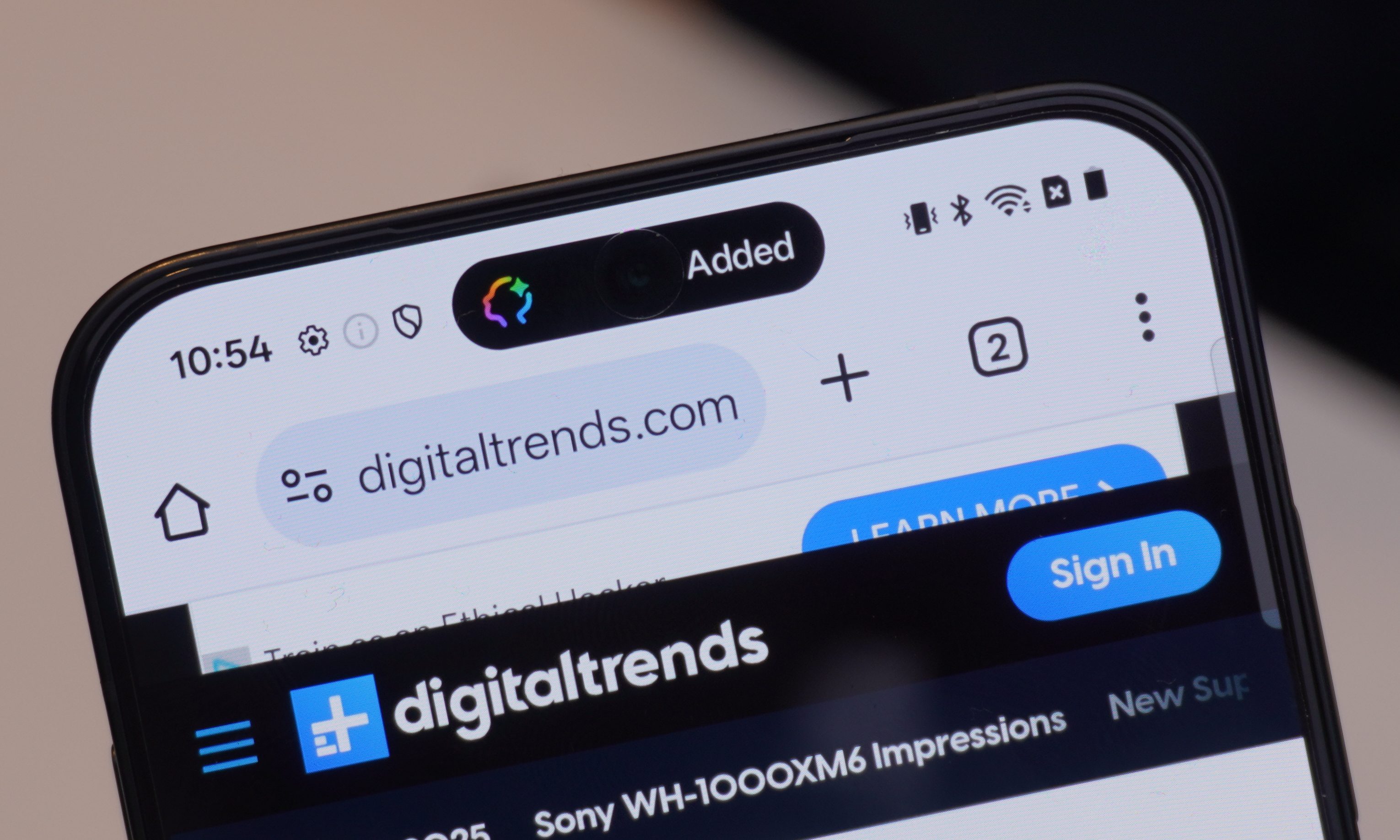
If, for example, you’re reading a message stream with friends which includes details of an upcoming event, trigger Plus Mind and the AI tool will recognize the event information and suggest a calendar entry. A simple tap to confirm the action, and Plus Mind will add an entry to the default calendar app for you.
It’s also able to translate text in Instagram posts, apply smart tags to articles you want to read later, and recognise products and places directly from the camera viewfinder.
As everything which is analysed by Plus Mind is stored in Mind Space, you can return to previous memories by searching for them in the app or via the native AI search bar on the handset.
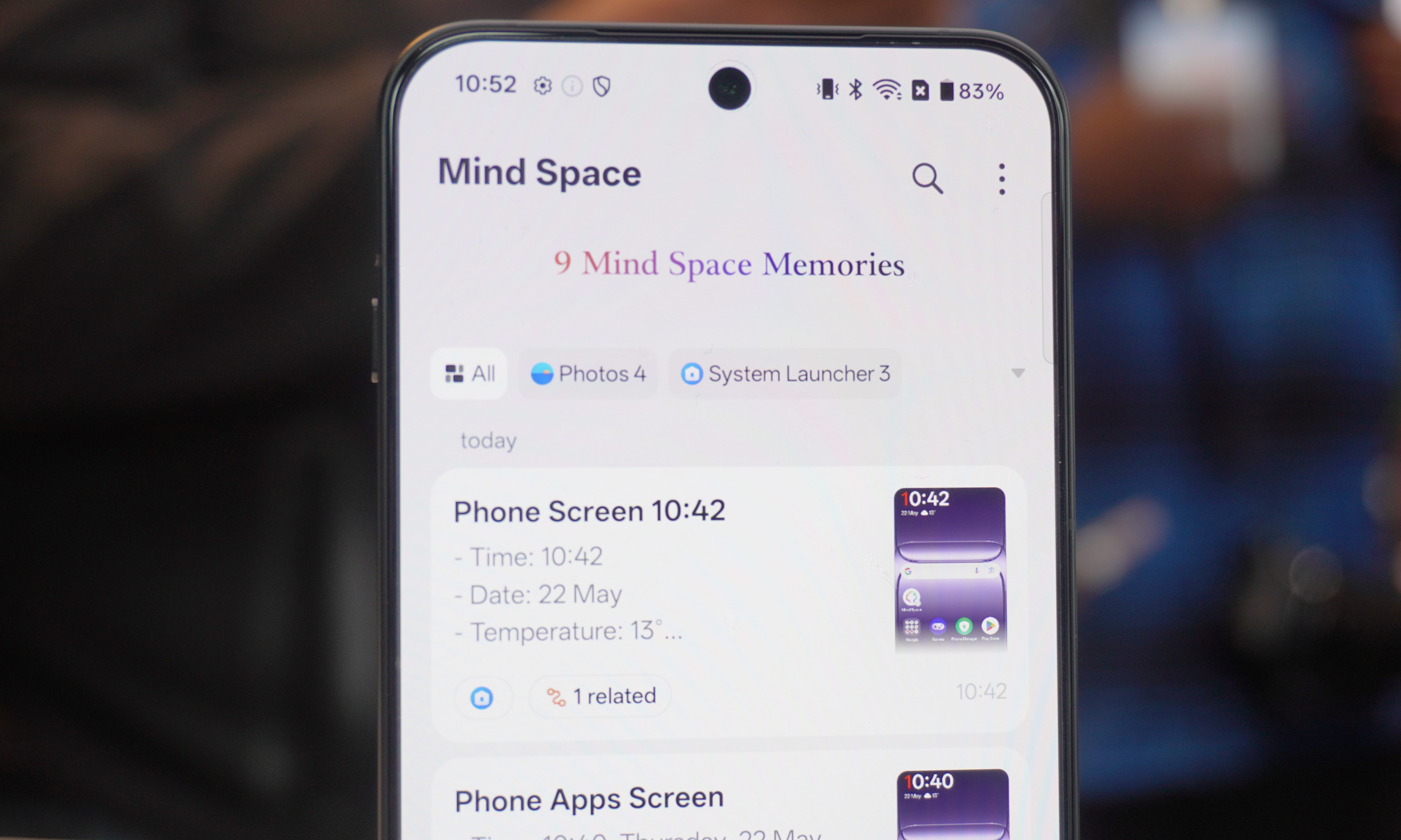
I’ve experienced Plus Mind and Mind Space for short bursts with the OnePlus 13s and Nord 5, and while the foundations are there for a useful feature, it does feel a little limited at times.
It can do the basics well, from calendar entries to object recognition in images, but it’s not yet at the deeper level of understanding. However, given time that will change.
Just the start
OnePlus is adamant that Plus Mind and Mind Space are not the end game for its AI ecosystem, they’re merely the first stage of a three stage strategy to offer customers a truly personalized AI.
It’s calling stage 2 “Your Secondary Mind”, where it’ll integrate Mind Space with LLMs (Large Language Models) allowing Plus Mind to understand all your content and everything about you, to create a dedicated AI persona.
Then with stage 3 we’ll get “Your Personal Assistant”, where Plus Mind will evolve the persona into an assistant which will pro-actively offer recommendations based on your activity. (e.g. suggesting a taxi so you’re not late a flight due to traffic).
We currently don’t know when these stages will be rolled out, so for now you’ll have to play around with Plus Mind.
If your OnePlus 13 or 13R is yet to receive the update, fear not as it will take a couple of weeks to roll out to every handset.


