

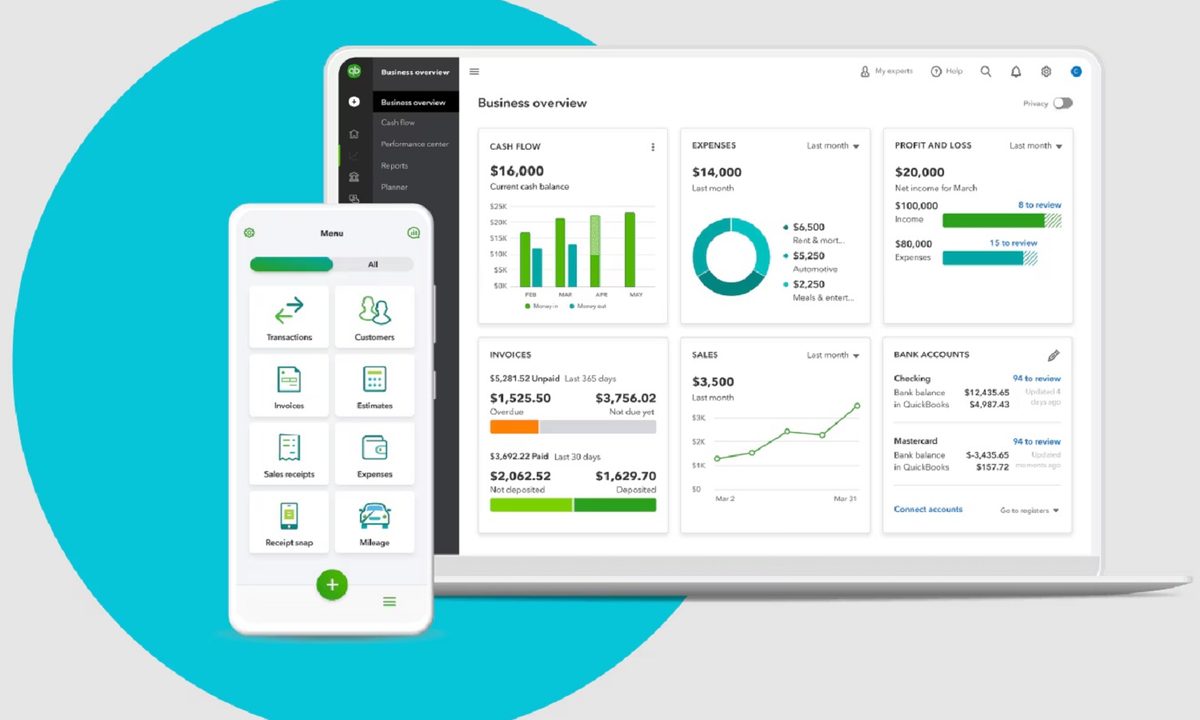
For those who own a small business, and for those who are planning to launch one, you’re going to need all the help that you can get to make sure that everything is always running smoothly. Intuit QuickBooks Online is a software solution that you can trust for this, and now’s an excellent time to sign up for it because all plans are 50% off for three months, starting from $3.50 per month instead of $35 per month for the Simple Start plan, all the way up to $23.50 per month instead of $235 per month for the Advanced plan. You should hurry if you’re interested, as the limited-time offer may expire at any moment!
Why you should sign up for Intuit QuickBooks Online
Intuit QuickBooks Online is cloud-based software that you can access from anywhere using your laptop or smartphone, as long as there’s an internet connection. There are four plans available — Simple Start at $3.50 per month instead of $35 per month for one user, Essentials at $6.50 per month instead of $65 per month for three users, Plus at $9.90 per month instead of $99 per month for five users, and Advanced at $23.50 per month instead of $235 per month for 25 users. All plans have access to an automated bookkeeping system, automated bank feeds, a bill management system, auto-generated invoices, a customer management system, and a business performance feed, among many other helpful features for your small business. You’ll also be able to get setup help and bookkeeping assistance from Live experts for 30 days.
Some features of Intuit QuickBooks Online are powered by Intuit Assist, which uses artificial intelligence-powered automations for speed and efficiency. The Essential plan gives you access to the Accounting Agent for smarter bookkeeping and the Payments Agent for automated cashflow, the Plus plan adds the Customer Agent that turns leads into sales, and the Advanced plan throws in the Finance Agent that makes data-backed decisions for the future and the Project Management agent that creates and tracks projects.
Plenty of small businesses have benefitted from the features of Intuit QuickBooks Online, and yours could be the next one. Sign up now while all plans are 50% off for three months, starting from as low as $3.50 per month to only $23.50 per month for the most comprehensive plan. There’s no time to waste if you’re interested in taking advantage of this limited-time deal — sign up now to start using Intuit QuickBooks Online as soon as possible!


