
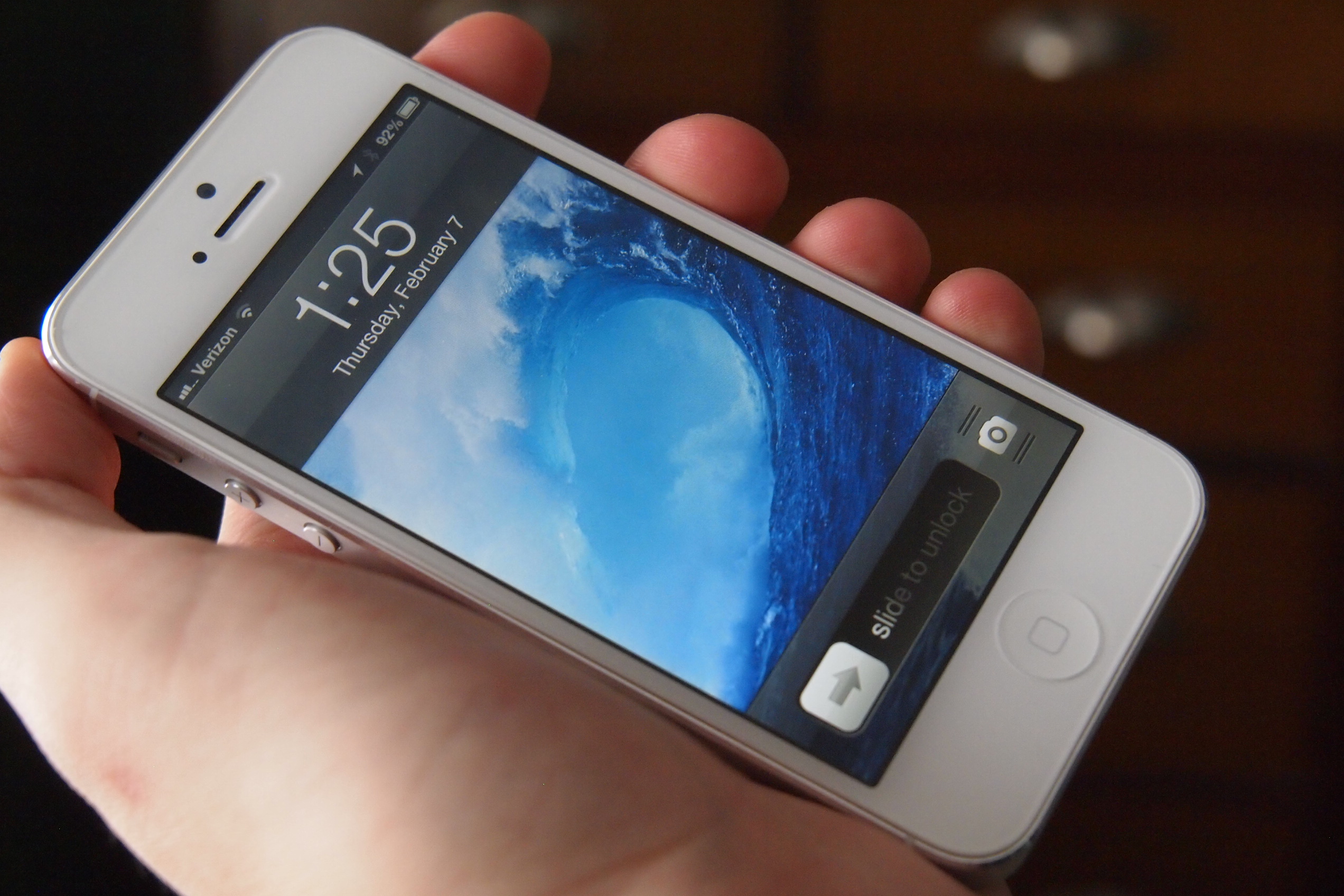
 Today Apple published its latest patent application with the U.S. Patent & Trademark Association, according to Patently Apple. The patent details a new method of unlocking the company’s devices. Until now, Apple’s unlocking swipe has been simple and effective, but not the most secure. Of course, a short password can be added for extra protection, but those can be easy to get around if a thief or hacker is motivated enough.
This new method would tap into the user’s photos and ask for identifying information in order for the user to move forward. For example, an image of your friend might pop up, and you would have to correctly indicate that person’s name. Just identifying a single image, however, can be extremely easy for just about anyone to do so, for those wanted added security, an option to require a series of photos is also mentioned.
Sure, this may seem like an overly complicated way to access one’s device, but it’s important to remember that this is not intended just for handheld devices, but potentially for any Apple computing device, like a laptop, which is perhaps more likely to contain sensitive information than one’s phone. Still, we can’t help but wonder: why introduce this method now when, just a few months ago, Apple published a patent application that revealed a biometric means of unlocking one’s device? (Users would need to scan their fingerprints in order to gain access to their phone, tablet, or Mac.)
Given the choice between the two, we give props to the creativity of the photo unlock, but the biometric scan seems like it would be the more secure, less complicated means of keeping prying eyes away from our devices.



