
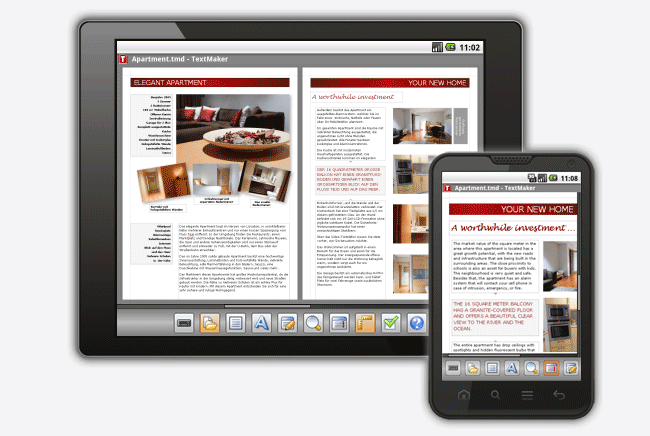
 Office suites for Android and iOS are plentiful thanks to Microsoft Office’s absence from these two popular mobile platforms. However, of the dozens that come up in search, only a handful approach Office’s robustness in features and functionality. And of those, almost every one is missing a key feature or two. It might be something as simple as not displaying word count, as crucial as an inability to render and save formatting correctly, or as complex as working with Word’s Track Changes, but big players like Quick Office, DocumentsToGo, iWork, and Google Drive all fall short in some key area, leaving people waiting for Microsoft to get its act together (you still have a long wait ahead of you if the rumors are true).
But wait, there’s hope! Last year SoftMaker released Office 2012 Mobile for Android after more than a year in beta. The folks at SoftMaker are experts at mobile office suites since they’ve been at it since the Windows Mobile days. It shows in the Android version, making the wait well worth it. One major roadblock: the price.
$30 is steep for an app, even if the bundle includes all three: TextMaker word processor, PlanMaker spreadsheet, and Presentations. Most people will only want and need one of them: TextMaker. Wish granted. SoftMaker has quietly released the apps on the Google Play Store, allowing customers to buy them separately. Even better: they each cost just $5. That made it worth it for us to take a closer look at TextMaker to see if it lives up to the company’s lofty claims.
How It Works
Upon opening the app, TextMaker drops you right into a new document instead of presenting you with landing area. This can be a little disconcerting, especially if you’ve never used the app before – we like the way QuickOffice and DocsToGo give you a few options upon opening. Aside from accessing documents stored on the tablet or phone, TextMaker can also connect to DropBox, Google Drive, SkyDrive, and Evernote. QuickOffice has a wider selection of cloud service connections, but TextMaker hits the big ones.

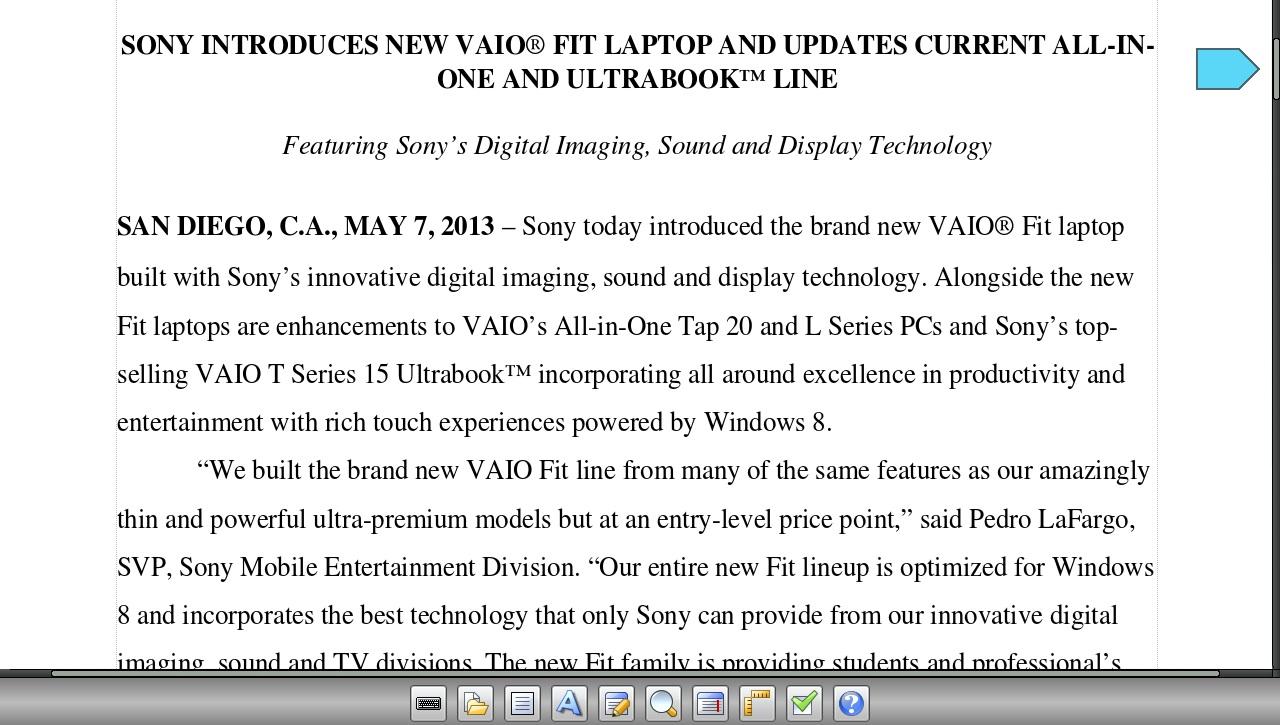
The app’s layout is very clean and simple and familiar to anyone who has ever used an office suite, mobile or not. A toolbar on the bottom features icons, not text, for all the typical menu items: File, Edit, View, Format, Tools, etc. Each of these menus is available from the Menu button if the meaning of the icons isn’t apparent. A second level toolbar appears when there are more options, and everything is arranged in a clean and familiar way so it’s easy to find what you’re looking for. The number of options is pretty vast and could become confusing if not arranged well. Thankfully, an extensive Help file is available at a tap and is accessible offline. Other than the two toolbars, the rest of the screen is given over to the document itself.
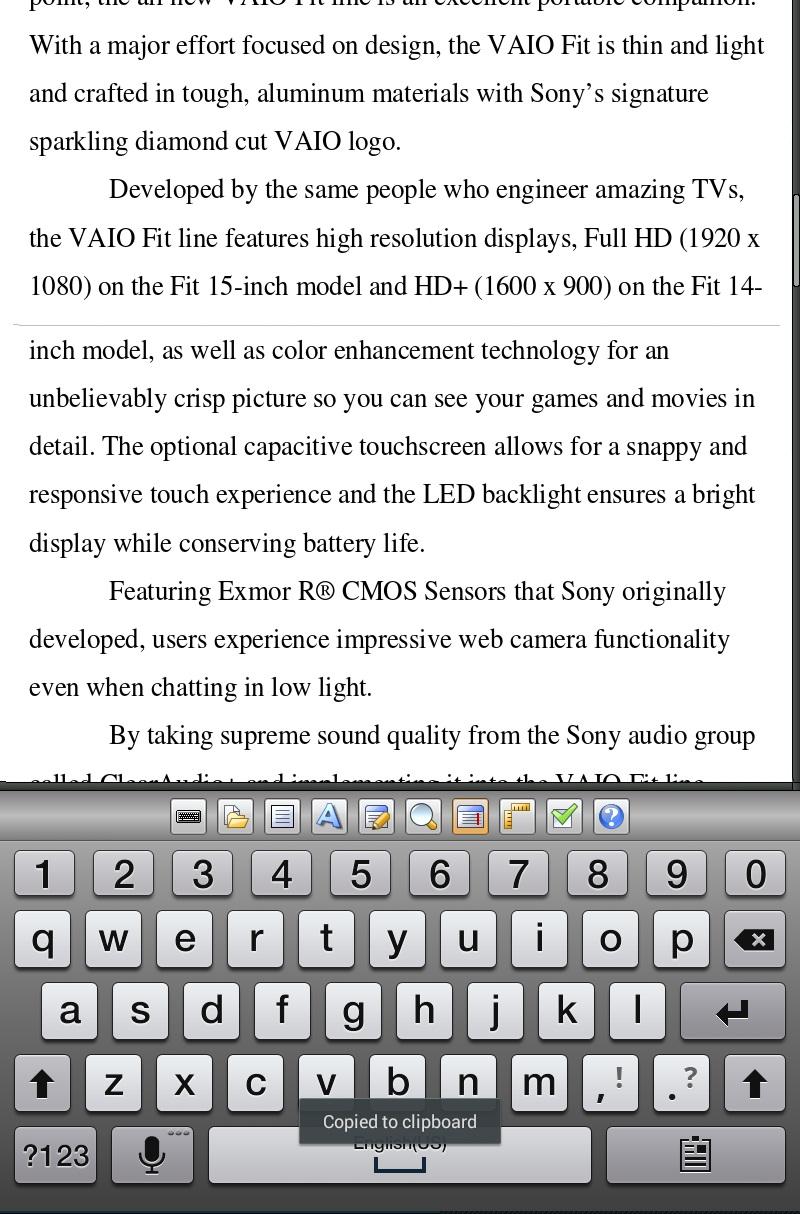 TextMaker won’t crowd the screen with the keyboard unless you tap the icon to bring it up. We appreciate this since we mostly used a Bluetooth keyboard when working on documents and it was nice not to have to dismiss the on-screen one every time. It’s also nice that the app looks and works the same whether on a tablet or a smartphone screen. Since the controls take up a minimal amount of screen real estate to begin with, it’s comfortable to work even on displays as “small” as 4 inches.
Another nod to small-screen usefulness in the Wrap Text mode. The default view shows the whole page, margins and all. Wrap Text fits the text to the screen and eliminates the margins, creating a continuous scroll of content. This does not affect the formatting of the document itself. We found this useful even on tablets when we wanted to read and edit but not worry about formatting or making the text large enough to read comfortably.
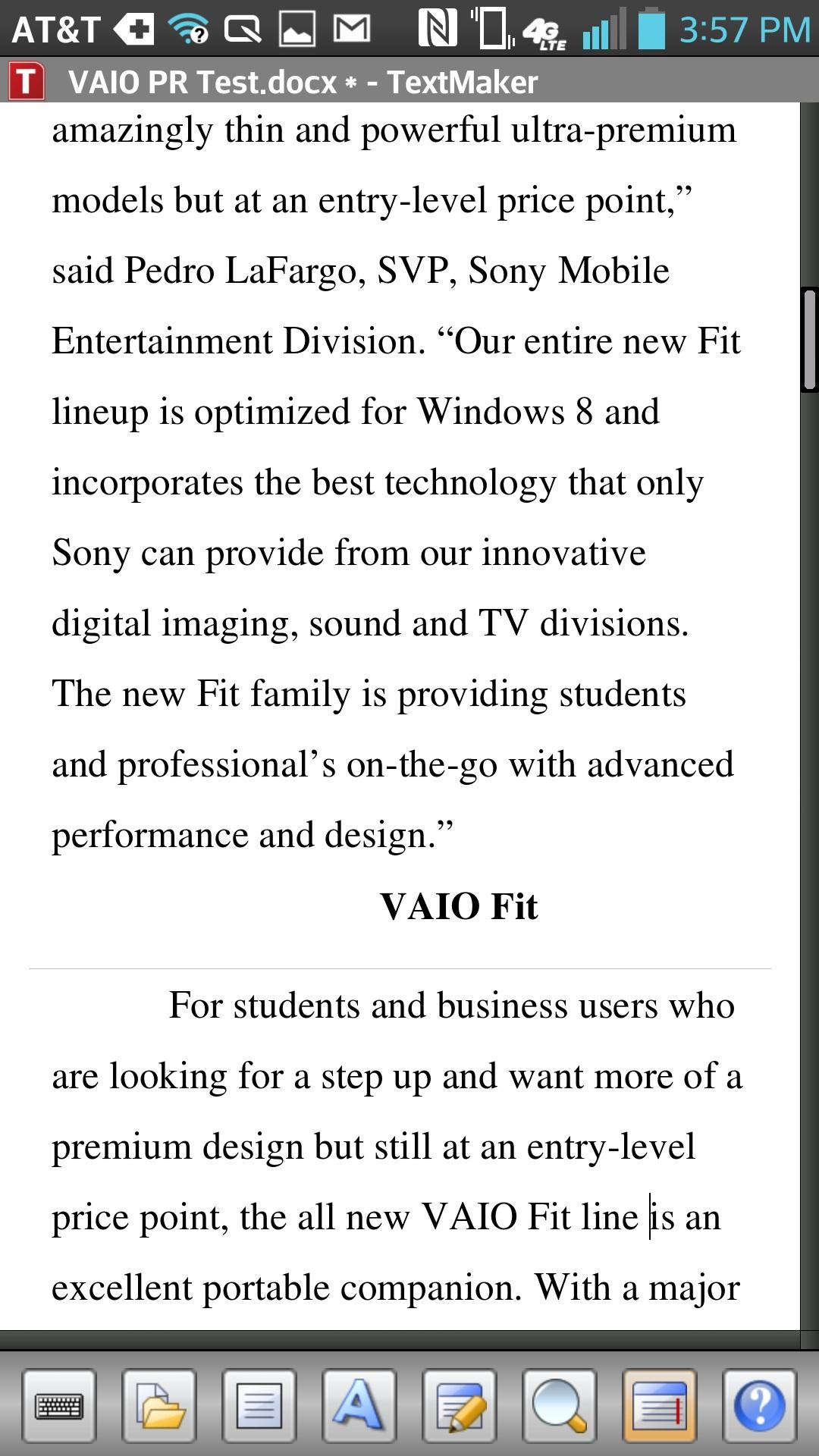 TextMaker’s most prominent claim is that it will preserve all document formatting, be it on the text or paragraph level to images, text boxes, and other objects. In our testing, we found this to be true. We tried documents with a variety of applied styles, and pictures, drop caps, and tables. The only element that didn’t display exactly is fonts, and this isn’t a problem unique to Android. TextMaker does give you the option to add fonts if common ones are missing. Everything else rendered the same as on a computer.
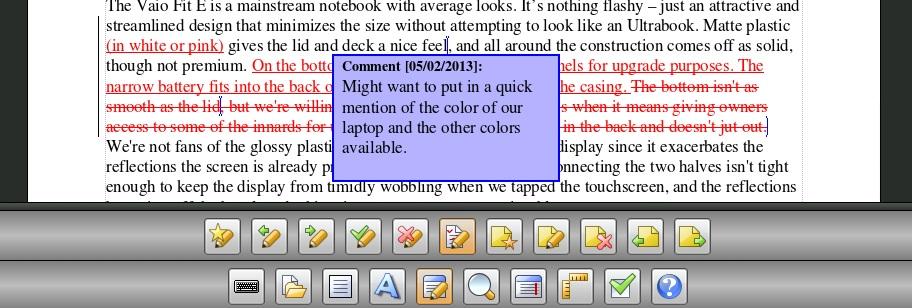
One feature that will make this app invaluable to professionals and students is its ability to work with MS Word’s Track Changes. A few other office suites allow you to see changes and/or comments, but TextMaker gives you full functionality. You can see changes, record, accept/reject, and jump from one to the next, plus view, edit, and add comments. The process is very similar to how it works in Word, so anyone familiar with that program will have no problem in this app.
Pros
- Robust features: This is one of the most robust office suite apps we’ve ever come across for mobile devices. The features and functionality are far above every other app yet the interface doesn’t feel bloated, crowded, or confusing.
- Extensive file format support: TextMaker can read and save to a long list of file types from .doc and .docx to .odt and .rtf, and even obscure formats like Pocket Word for PocketPC (remember that? No?) and TextMaker for desktops. No matter the file, the app preserves formatting and also gives you a way to read the text without pinching and scrolling around.
- Fast: The app is fast and smooth and works just as well on big screens as on small ones, so you don’t need to pull the tablet out every time you want to make a quick edit.
- Affordable: We’d pay $10 just for this app, so the $5 price makes is a real value.
Cons
- Can’t edit PDFs: The one major document type you can’t edit or view is PDF, though you can export as PDF. This isn’t a huge drawback, but would be nice to have in such a comprehensive word processor.
- Not on iOS: Apple fans might just cry because all this awesomeness is not available for their platform. Judging from the SoftMaker website the company seems in no hurry to make one.
Download TextMaker from Google Play for $5 or, if you want to try it out before throwing your money at SoftMaker, there is a 30-day free trial app with full functionality.


