  1. Home
  2. Phones
  3. News

Google Wallet now lets you share your digital car key with custom permission levels

A new Google update brings role-based permissions to Google Wallet digital car key sharing.

Add as a preferred source on Google
Google Wallet digital car key sharing
Google

If you use your Android phone as a car key, Google just improved the whole experience. The May 2026 Google system services update is rolling out now, with a big upgrade to how digital car keys work in Google Wallet.

You can now share your car key with different people and assign them different levels of access, almost exactly like you would with a physical key fob.

What are the new car key sharing roles in Google Wallet?

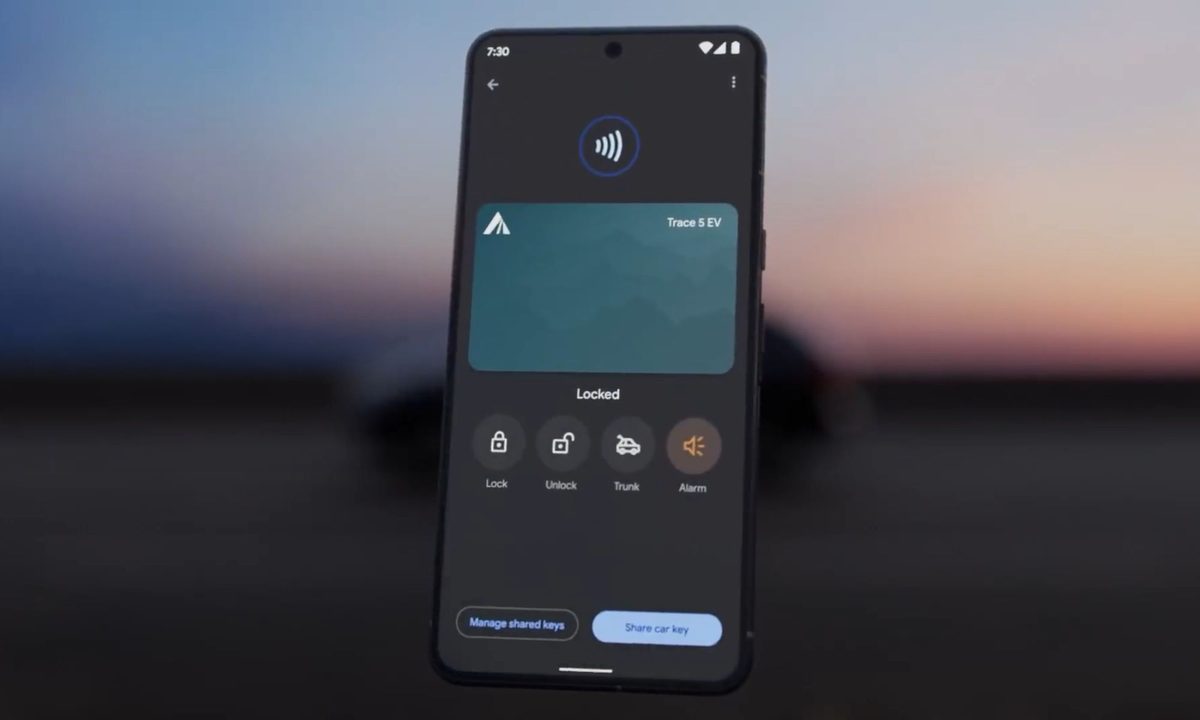
Previously, sharing your digital car key in Google Wallet was pretty basic. The new update introduces three distinct roles: co-owner, guest, and service.
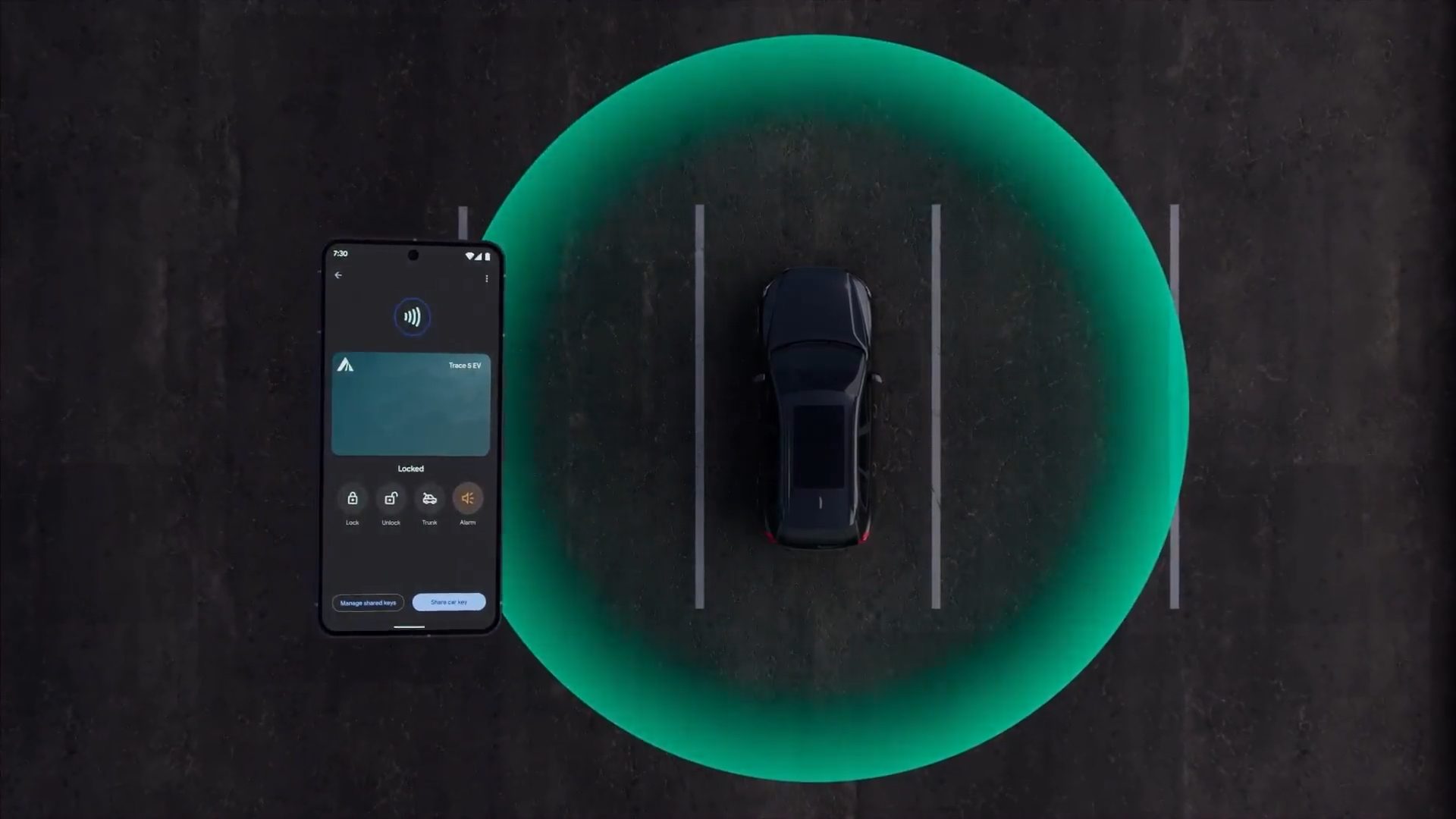
A co-owner gets full access, much like handing a spare key to a partner. A guest role is more limited, ideal for lending your car to a friend or family member. The service role is designed for mechanics or valet drivers, giving them just enough access to do the job without handing over full control.

Recommended Videos

Besides choosing a role, you can also set specific restrictions depending on who you are sharing with. These include speed limits, acceleration limits, and even a cap on how loud the music system can go.

To share, open Google Wallet, select your digital key, tap Share car key, verify with your fingerprint, and choose a contact. A passcode will appear for the other person to activate their key remotely.

The update also makes sharing across your own devices easier
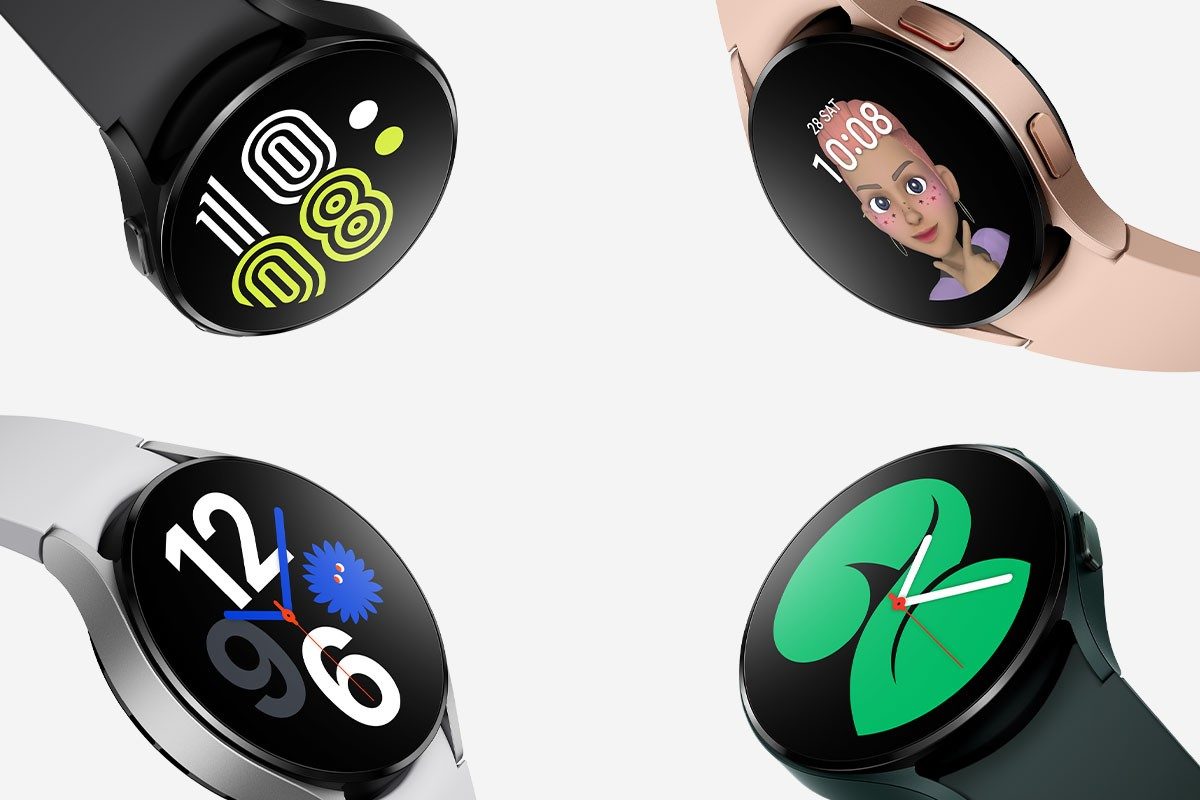
This update also simplifies moving your digital car key between your own devices. If you use a Wear OS smartwatch alongside your Android phone, syncing your car key across both is now smoother. It is a small but practical improvement for anyone who regularly switches between devices throughout the day.

Manisha Priyadarshini
Manisha Priyadarshini is a tech and entertainment writer with over nine years of editorial experience.
The Digital Trends App Bundle is yours to try for a whole week, free
Digital Trends App Bundle

Recently, we've entered an exciting collaboration with Maple Media, creating a bundle of 17 apps worth having on your phone. From relaxed fun to serious productivity boosts, these apps cover all your bases and provide a fun boost to your phone. Normally, the bundle is $9.99 per month (far lower than the cost of using the apps individually), but for your first 7 days you can get access to the bundle for free. View the full Digital Trends App Bundle for a complete list of the apps, or read on for a summarized take.

Start your free trial

Read more
The Galaxy S26 Ultra might not see much of a battery upgrade after all
It looks like it will stay the same as the last five years.
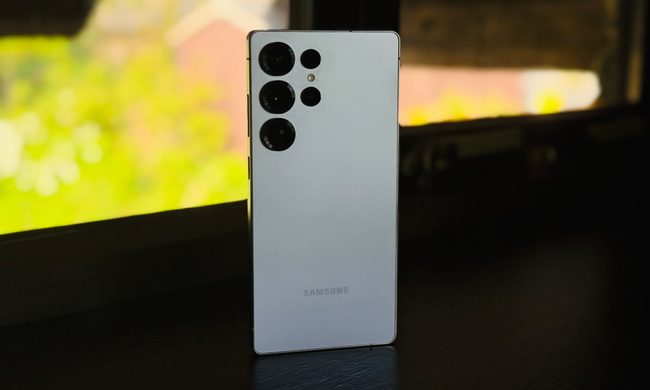
The back of the Samsung Galaxy S25 Ultra.

What's happened? This week, China's Quality Certification Center released information about a battery (EB-BS04898ABY) with a maximum capacity of 4,855mAh. That's the same capacity as was previously seen in the Samsung Galaxy S25 Ultra, and fans have taken this certification to mean the Galaxy S26 Ultra will not see a capacity increase after all.

The Samsung Galaxy Ultra models have had the same battery capacity for the last five years.

Read more
The Galaxy Tab S10 Lite is official, and it’ll be here sooner than you think
Galaxy Tab S10 Lite

What's happened? Samsung has officially announced the Galaxy Tab S10 Lite, a budget-friendly alternative to the Galaxy Tab S10. The device has been rumored for months, but this is the first time Samsung has officially acknowledged its existence.

The Galaxy Tab S10 Lite will have a 10.9-inch display and a peak brightness of 600 nits — a bit on the lower side, versus the iPad Pro's maximum brightness of 1,600 nits.

Read more