
When I announced to the world that I would be switching from my beloved, but oh-so-boring iPhone 4S to a (gasp) Windows phone, one of two things happened: my proclamation was met with indifference and I was swiftly told to leave the DT Portland office’s break room if I was going to keep up my shenanigans. Not my finest moment, let me tell you.
Now, I don’t consider myself obsessed with all things mobile but I try my best to keep up on the latest news from Cupertino, Redmond, and whatever else is churning out from the Fortress of Solitude that is Google’s headquarters in Mountain View, California.
I occasionally update our Mobile Editor Jeff Van Camp about how much I love my new Lumia 920 and gripe about my fiery disdain for Internet Explorer 10.
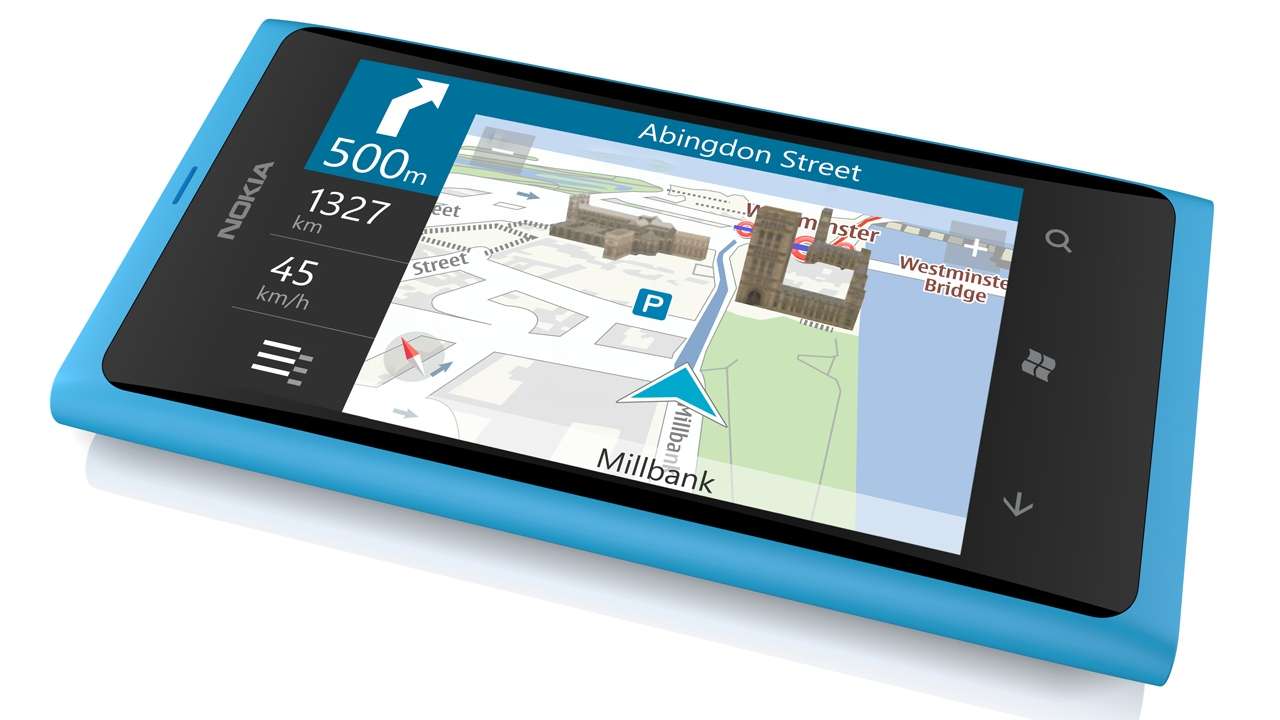
When I made the switch, I knew my app selection would drop lower than a diabetic’s blood sugar, but that didn’t deter me. And while I could wax lyrical about my Lumia 920, what’s really endeared me to the Windows Phone OS is the Here Drive +Beta app (the app formerly known as Nokia Drive).
There are many navigation apps to choose from on Windows Phone but few simultaneously cater to automotive adventurers and driving enthusiast so, well, enthusiastically.
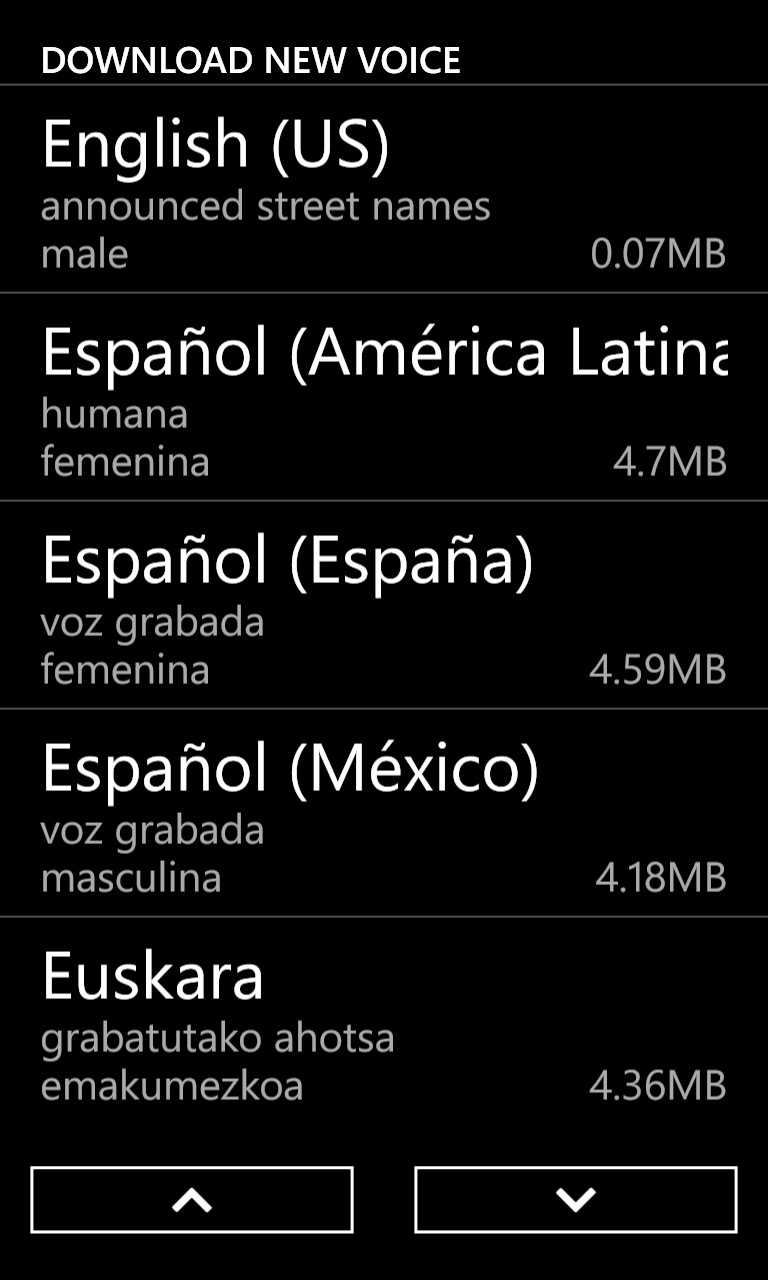 HERE already comes loaded on your Windows Phone, so starting the app is as simple as pressing the tile on the Start screen. It offers spoken turn-by-turn navigation and gives you the option to select from over 50 languages. The recorded voice must be downloaded to the phone and is accessed via the settings menu in the app, with the typical voice file being no more than 5MB. This voice will be feeding you directions while you drive.
English speakers (both the U.S. and U.K.) are able to choose from a male or female navigator, with a bonus “Surfer Dude” option. Needless to say, Surfer Dude was my immediate choice because – let’s be honest – what better way to alleviate the frustrations of being lost or stuck in traffic than with a sing-songy surfer prepping you for the upcoming onramp? There’s no better way, dude.
Of course, spotty signals and areas of zero reception can put a damper on your trip faster than two flat tires, which is why HERE requires you to download maps locally to your phone. And because the maps are downloaded, drivers can use HERE entirely offline. Nokia has kindly mapped over 190 countries, with the app also collecting information from other HERE users and local authorities for updated traffic alerts.
Users in the U.S. can download individual states, but be warned: it’s quite the data hog so I recommend downloading over Wi-Fi and not 3G/4G. (Downloading every state in the U.S. requires 1.8GB of storage.)
Once that was all taken care of I was able to start testing the app on the open road. Hit the additional options button on the app’s home screen and an easy-to-read list of options appear. I was able to select between 2D and 3D maps, set my destination, and save my favorite location for easy access later.


Searching for an establishment with multiple locations, like say a Starbucks, brings up a list of all the Starbucks nearby. HERE actually catalogs these results from closest to farthest and conveniently gives you the distance for each result in relation to where you currently are.
You can also pin your favorite destinations to your start screen for easy access later on.
As I mentioned, HERE is especially handy for drivers.
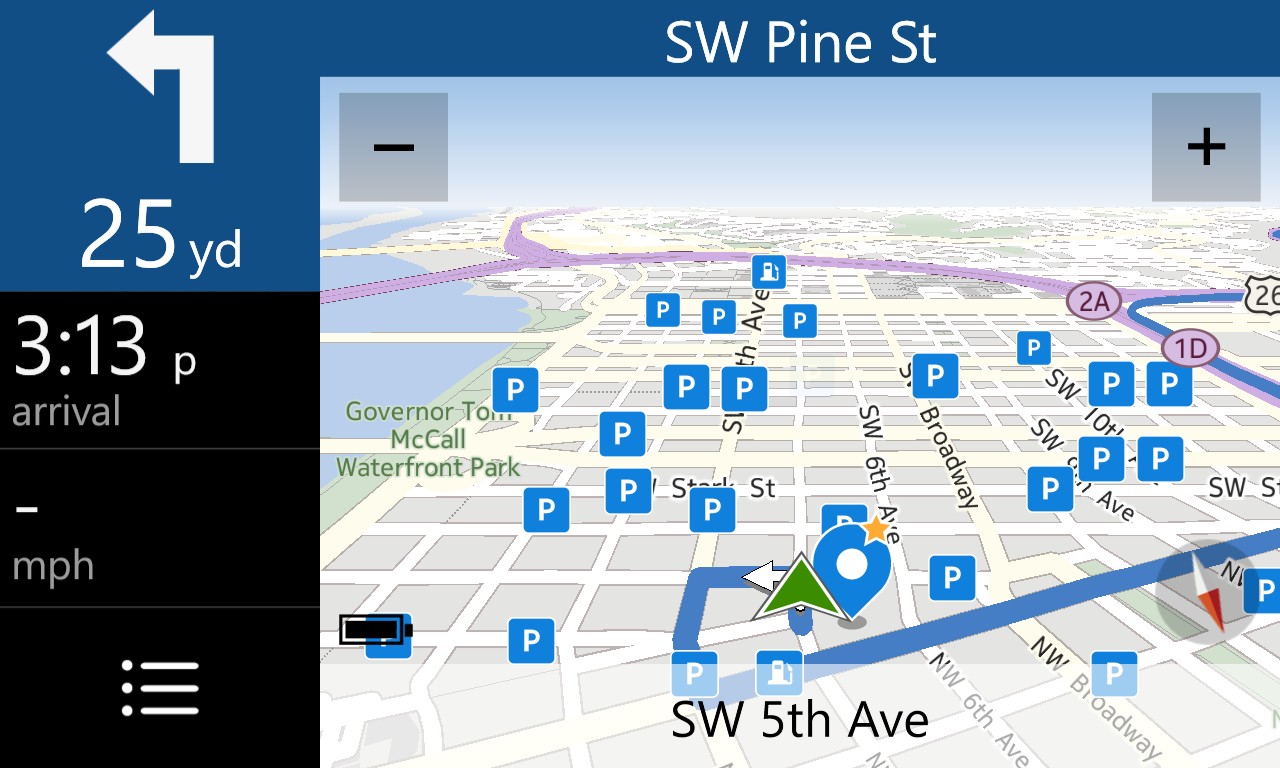
Using the phone’s accelerometer, the app displays the posted speed limit and your current speed. You can also able to set a speed limit alert, which notifies via an audible warning when you are traveling over the posted limit.
The nice thing about this feature is that it is entirely self-enforced, so I was actually able to set up the mph I needed to exceed before I was given an audible warning.
HERE also differentiates between two speed variables and lets you adjust your limit accordingly: one for when the speed limit is above 50 mph and the other for when it’s below.
Of course, if you don’t want any warnings at all you don’t have to set a limit.
In addition to that, drivers can filter different map layers, which really amounts to what points of interests (POIs) are shown on the map (just like in any decent car navigation system). POIs include gas stations, hospitals, hotels, and ATMs to name a few.
It all sounds rather robust but the true beauty of HERE lay in its simplicity. The user interface is minimal without feeling spartan and navigating through each of the menus never feels cumbersome.
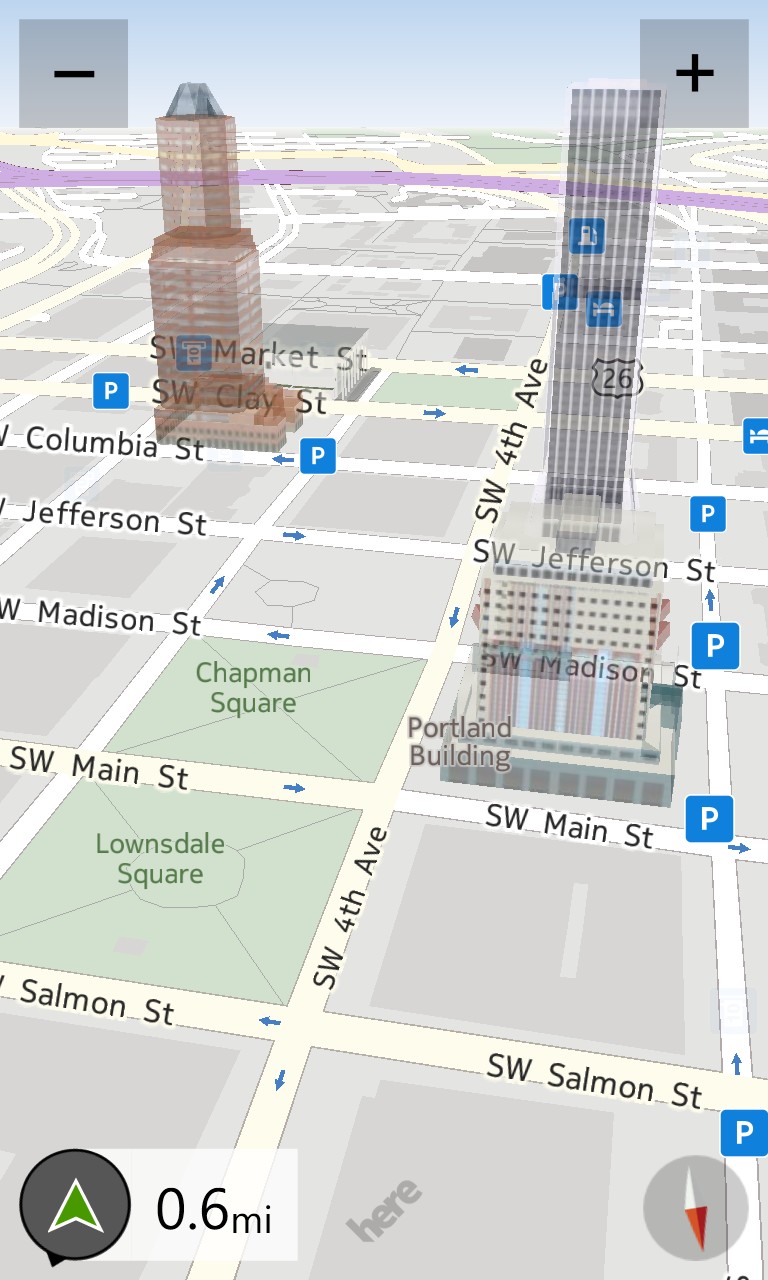 The image quality is also top shelf, with accurate 3D renderings of buildings and landmarks. For example, the KOIN building here in Portland, Oregon was rendered accurately in all its LEGO-like glory.
And while HERE doesn’t offer the same Google-caliber satellite map imagery, that argument is moot given Windows Phone 8 users don’t have access to the app anyway.
While I’m merely a recent convert to the Windows Phone scene, It hasn’t taken long to see that users have become disenfranchised over a lack of apps. With the HERE Drive + Beta, Windows users finally have a sleek, stylish, and easy-to-use app that can navigate them through virtually every corner of the globe; qualities alone that should be enough to rev the collective engines of drivers and Windows Phone users the world over.


