
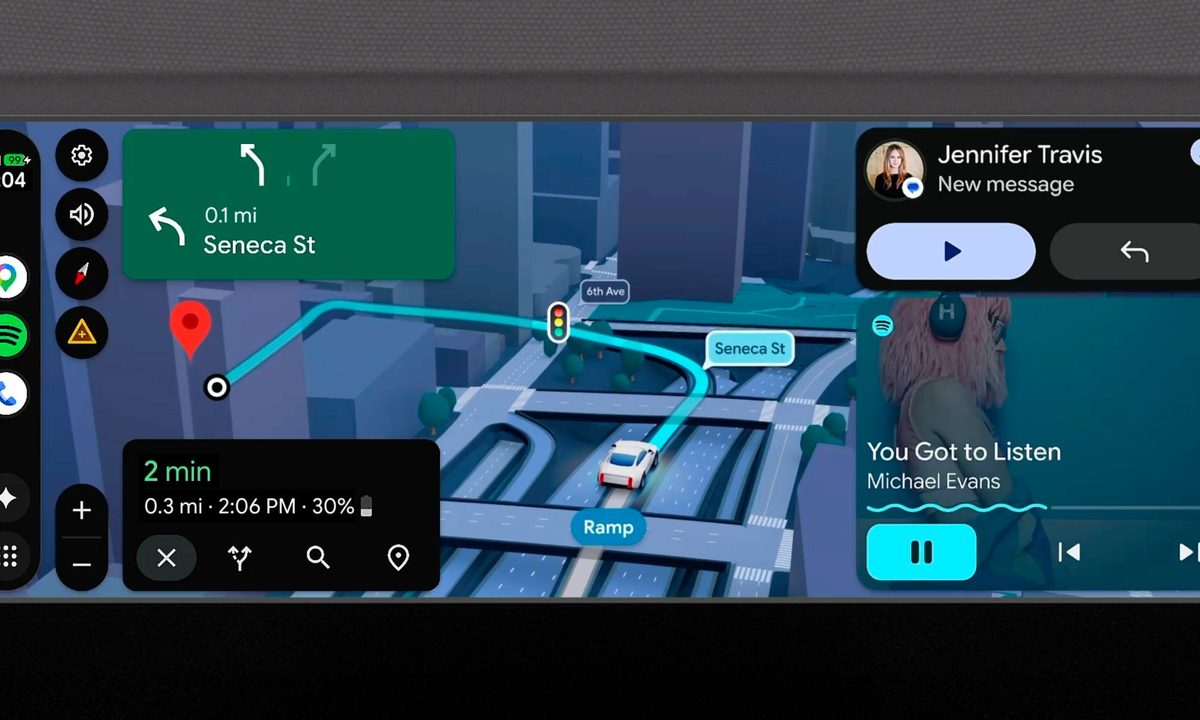
I use Android Auto every day, and at this point, it feels like a quiet co-driver sitting on my dashboard. That’s exactly why this upcoming refresh from Google actually matters. It is not just a visual tweak; it is a proper overhaul of how Android Auto should feel inside a modern car. The biggest change is the design. Google is bringing its Material 3 Expressive design language from phones into cars. That means Android Auto is getting a more modern, more fluid look with expressive fonts, smoother animations, and even support for wallpapers. This should really make the entire interface feel less rigid and more alive while you are driving.
Widgets finally make Android Auto feel useful at a glance
What really caught my attention, though, is widgets. Android Auto is finally leaning into glanceable information in a meaningful way. Instead of digging through menus, you can quickly see things like weather updates or tap a widget to control smart home functions, like opening your garage door as you pull in. It is small, but this is the kind of convenience that actually changes how you use the system day to day.
Google Maps is also getting a major upgrade with something called Immersive Navigation. This is where things start to feel genuinely next-gen. Maps will now show a more realistic 3D view of your surroundings, including buildings, overpasses, and terrain. On top of that, it will highlight traffic lights, stop signs, and lane details, which should make complex turns and highway merges feel a lot less stressful.
Turning your car into a movie theatre when parked
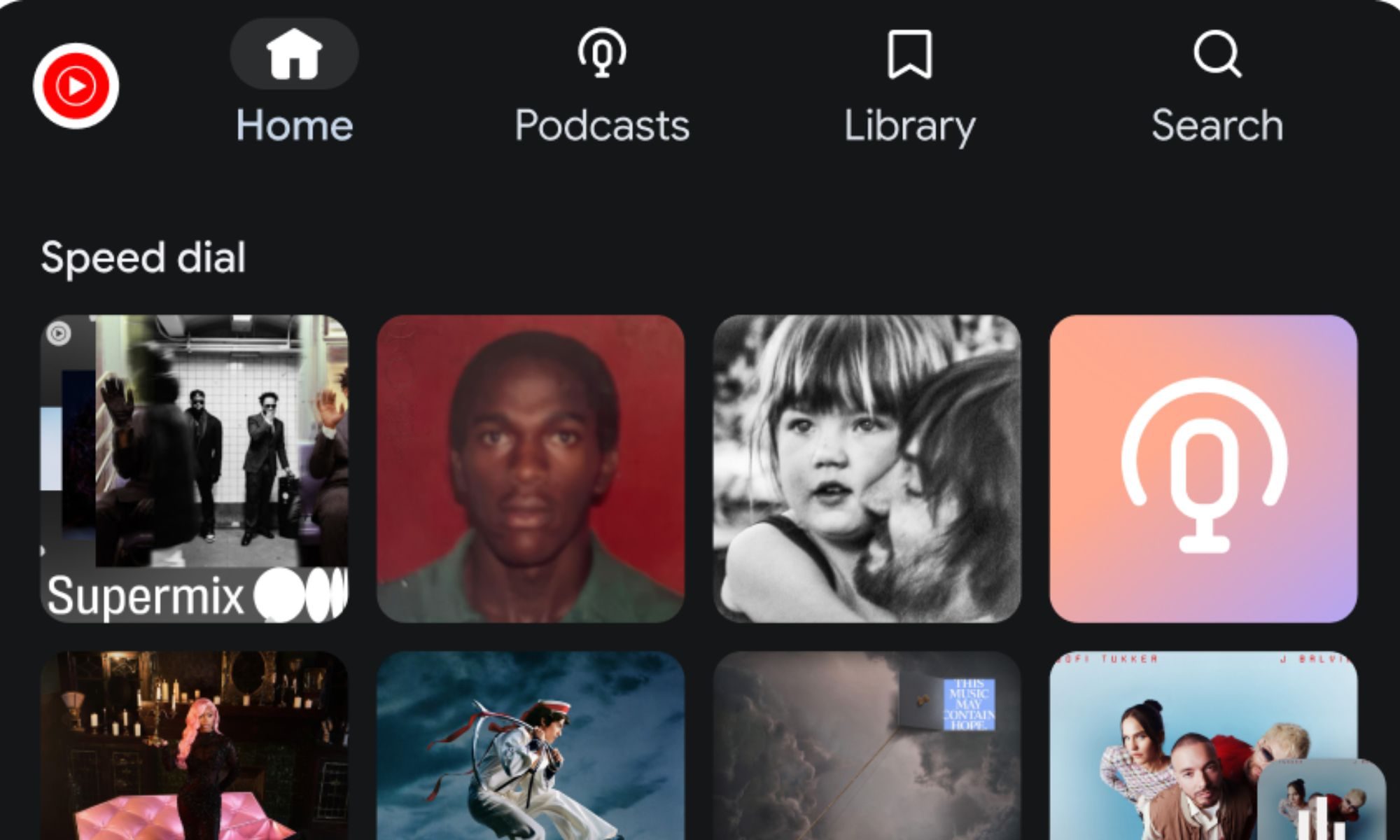
And then there is the entertainment side, which is where things get a bit surprising. Google is bringing a more relaxed, parked-car experience to Android Auto, almost like turning your dashboard into a mini theatre. When your car is stationary, apps like YouTube will support full HD playback at up to 60 fps on supported vehicles from brands like BMW, Hyundai, Kia, Tata, Renault, and Mercedes-Benz. Importantly, Google is also keeping safety in mind. Once the car is in motion, supported apps will automatically switch to audio-only mode, so you can continue listening without video distracting you.
Audio is getting an upgrade, too. Android Auto will soon support spatial sound with Dolby Atmos in compatible apps and vehicles, making in-car listening noticeably more immersive.

On the AI side, Google is going all in with Gemini. The idea is to make Android Auto more about talking. You will be able to brainstorm ideas, get information, and handle tasks using voice while driving. Features like Magic Cue can surface quick actions for incoming messages, while integrations like DoorDash ordering are designed to reduce friction for everyday errands. Even meeting apps like Zoom are being brought into the car experience, depending on region and rollout.Gemini is also being positioned as a kind of car assistant. If a warning light pops up on your dashboard, you can ask it what it means instead of immediately spiraling into confusion or searching forums at a red light.
All of this makes Android Auto feel like it is slowly turning into something far more capable than just a mirror of your phone. And yes, I am genuinely curious to see how smoothly this actually works in real life, especially before I start trusting it with anything beyond music and maps.


