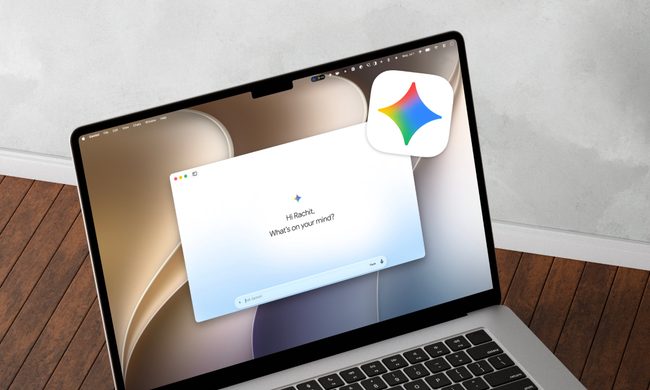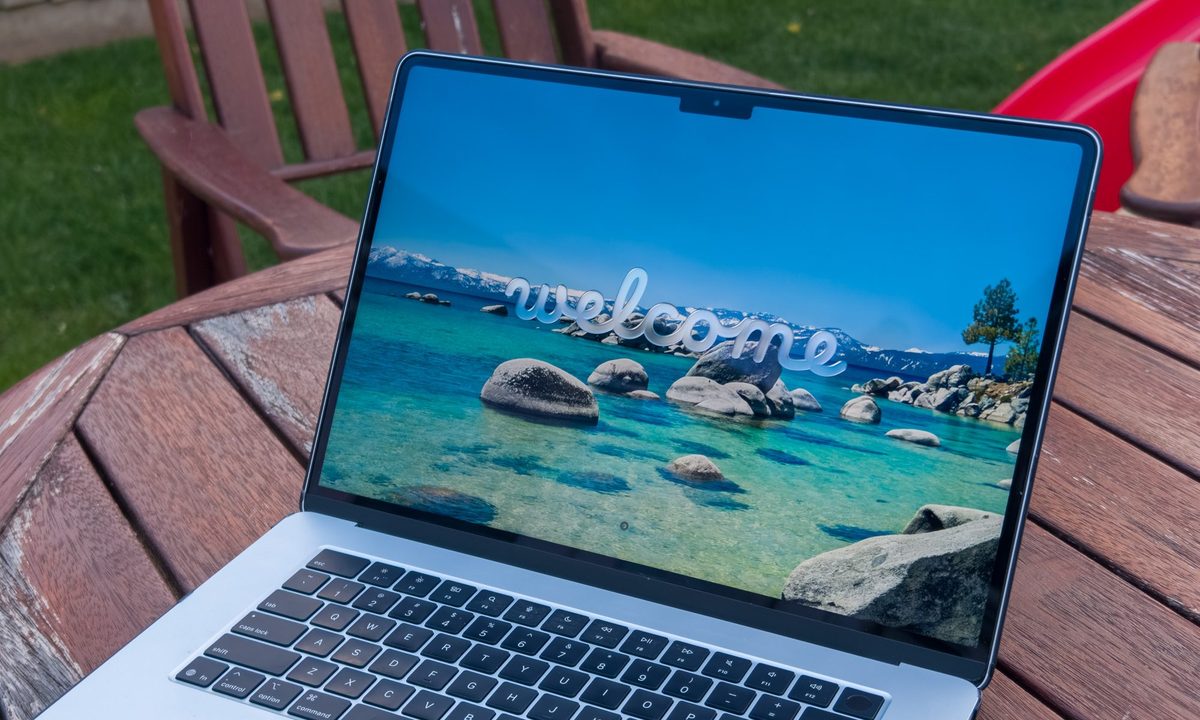
Apple’s latest macOS 26 Tahoe is here, and as always, it’s generating buzz among Mac enthusiasts. The latest version promises tighter integration with the iPhone, Liquid Glass UI update, and deeper integration with Apple Intelligence. The surprising part is that for someone who has spent years immersed in the Windows world, I actually find myself tempted this time.
On paper, Tahoe looks polished and consistent with Apple’s vision of computing. Features like Continuity across devices, improved Spotlight, and AI-assisted workflows are genuinely useful. And unlike before, I already own an iPhone 16 Pro, iPad Pro, Apple Watch Series 10, and a pair of AirPods 4.
That means I’d get the full benefit of Tahoe’s ecosystem play. Things like answering calls seamlessly on the Mac, dragging files across devices, or having notifications sync in real time suddenly feel less like marketing gimmicks and more like everyday conveniences I’d actually use.
Why Tahoe is pulling me in
The biggest reason is how well it fits with my existing Apple gear. With Windows, I’ve enjoyed the freedom to build and upgrade my own PCs, or switch between laptops from various brands. But macOS offers something Windows can’t replicate, that deep hardware-software synergy, where everything just feels tightly integrated.
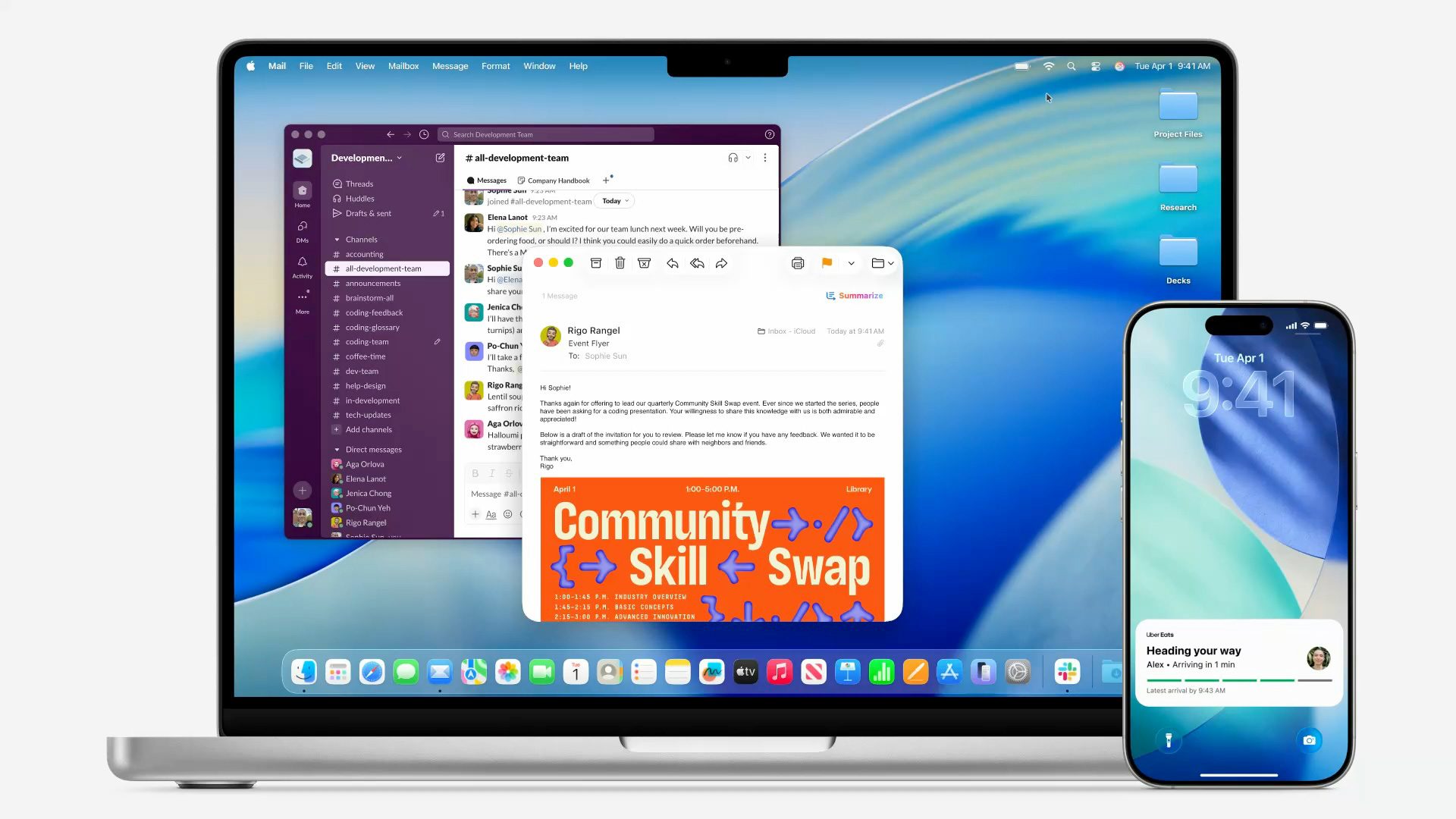
Having my Apple Watch unlock my laptop, or my AirPods automatically switch to my Mac when I need them, might not sound like a big deal, but in practice it can make daily computing feel smoother and less fragmented.
While Windows remains king for gaming, macOS Tahoe has improved in ways that make me curious. The Games app, Metal 4 updates, and better support for modern titles won’t suddenly turn the Mac into a gaming powerhouse, but as someone who already does most of my gaming on a custom Windows desktop, I could see myself relying on a MacBook for everything else. It’s not perfect, but it’s not irrelevant anymore either.
What still holds me back
Of course, it’s not all roses. Apple’s hardware limitations are still hard to swallow. No upgradability, limited ports, and a higher price tag compared to Windows machines with similar raw specs are real trade-offs. Even though the M-series chips deliver excellent efficiency and performance, I know I’d be giving up the flexibility I’ve always valued on Windows.
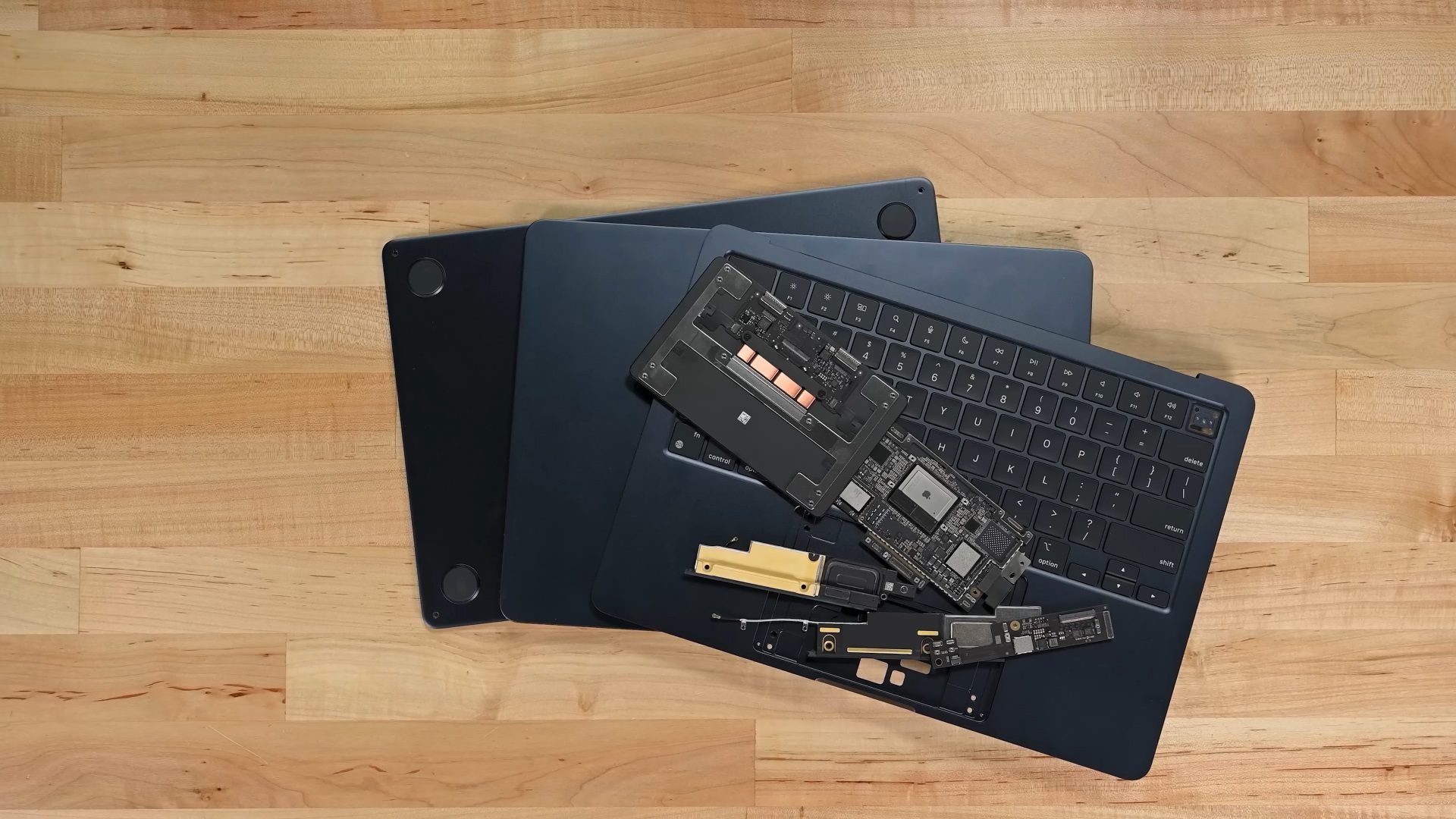
Software compatibility is another sticking point. Certain creative tools and niche applications I use still work best or only on Windows. And while Tahoe makes macOS more appealing, it doesn’t erase the fact that Apple prefers a closed ecosystem where it controls the rules.
What would seal the deal?
For me to fully switch, Apple would need to go a little further. More robust gaming support would help, since I want a portable machine for work and casual gaming sessions. Allowing just a little more hardware flexibility, even something like broader external GPU support, would make Macs feel less restrictive. And while I love the Apple ecosystem, I’d still like to see better cross-platform flexibility so Tahoe plays nicely with non-Apple devices too.
Tempted, but not convinced
In the end, macOS 26 Tahoe is the closest I’ve ever come to feeling tempted by a Mac. The way it ties together my iPhone, iPad, Apple Watch, and AirPods 4 is powerful in a way Windows simply can’t match. As a lifelong Windows fan, I’m not ready to jump ship entirely, but for the first time, I can imagine a scenario where my daily driver laptop isn’t running Windows at all.
MacOS 26 Tahoe may not be the push that makes me switch, but it’s definitely made me pause and think harder than any macOS release before it.