As smartphones grow in size and power, computers and tablets are slimming down, closing the gap between the devices. Similarly, certain apps cross over between the two, allowing users to have all their favorite functions on both their Chromebook and smartphone.
So, Android users, the time has come. Here are the Android apps that you can use on all your devices that use Chrome OS. From streaming networks to games and life-organizing apps, we cover them all in this list of the best android apps for Chrome OS.
Netflix
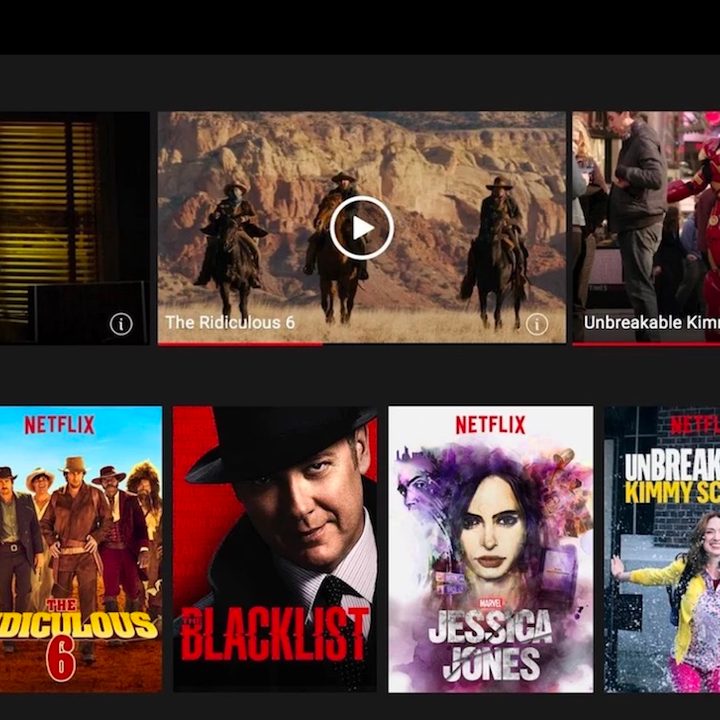
No app list on the internet right now would be complete without Netflix app. Without it, how would you procrastinate, how would you fill your evenings, how would you chill? Exactly. The Netflix app for Chrome OS is every bit as capable as the Netflix app on every other platform, and if you’ve ever used it on an Android device, it should be pretty familiar. Just sign into your account (or your old roommate’s account you still have access to) and pick up where you left off — presumably watching some of the best movies on Netflix.
YouTube
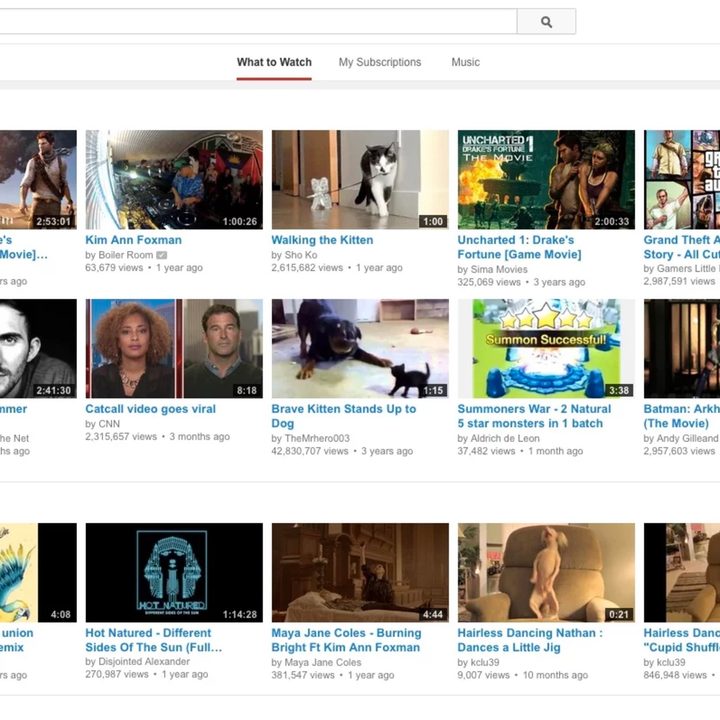
Okay, maybe you could still procrastinate without Netflix. But good luck putting off those deadlines without YouTube, right? The site has everything, from viral videos to free movies, and now you can easily browse on your Chromebook. The Chrome OS app is ultimately a carbon-copy of the Android version — it’s pretty much the same as the YouTube web app, but a little cleaner. Don’t worry, your subscriptions and weird faves are right where you left them.
Google Photos
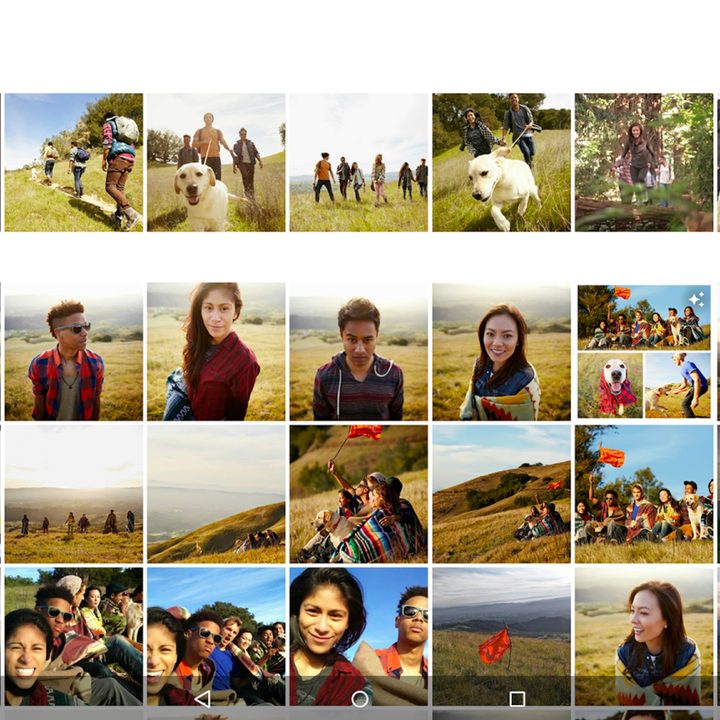
If you have an Android phone, you probably already enjoy Google Photos, particularly after a recent redesign. The Google Photos app also works pretty well on Chrome OS. It’s a great place to browse for old photos you had no idea your phone backed up — and subsequently delete them. All of them. Yeah, especially those ones. You can also edit photos, organize them into albums, and apply the usual assortment of filters. It’s an easy pick for the best Android apps for Chromebooks.
Spotify
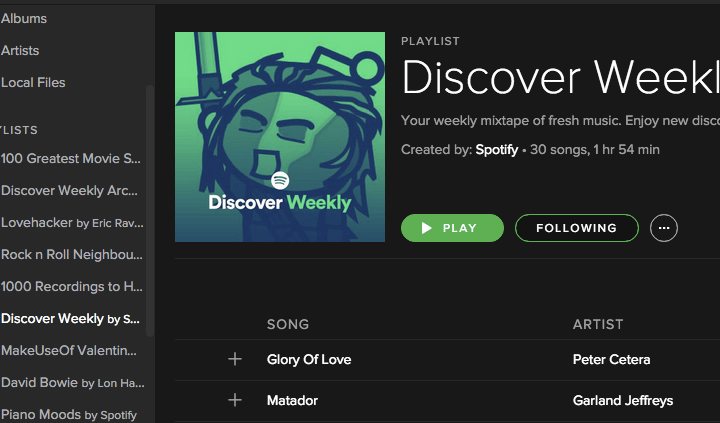
No more firing up Spotify in your browser, nope, now you and download the Spotify app for the fullexperience. It features the same functionality, but now you can free up a browser tab and keep listening to all your musical favorites, get recommendations, and all the other Spotify features you love.
Slack
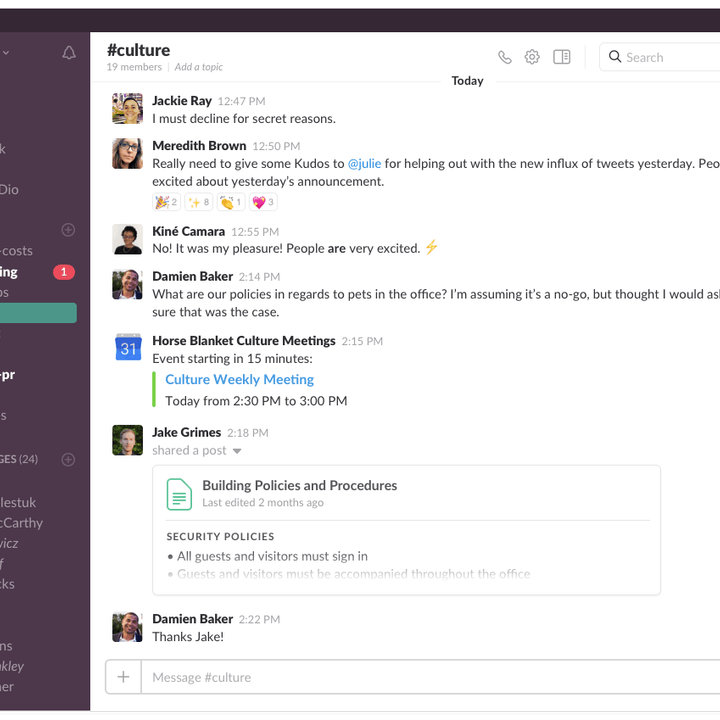
Now you can run your Slack app from your Chromebook’s desktop rather than trying to keep up with your co-workers in a browser tab that will inevitably get closed by accident. It runs a little better from the app than it does in a browser tab anyway — even if you can’t blame missed messages on your browser anymore.
Outlook
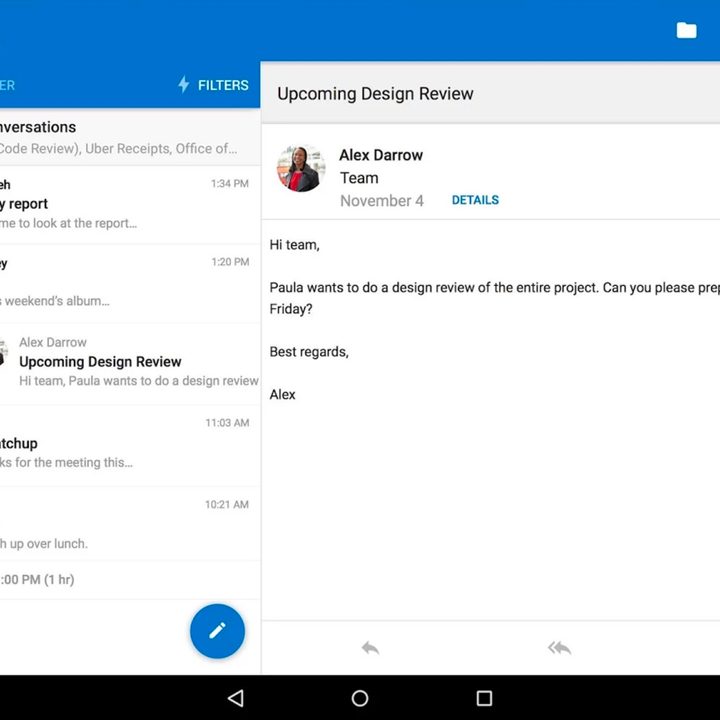
Outlook, everyone’s favorite productivity app, provides a fully-featured experience that you just don’t get when its tethered to a flimsy browser tab. Now you can get all those important notifications, meeting invites, and calendar alerts that you’d been missing out on. It’s another way pick for best Android apps for Chromebooks.
SignEasy
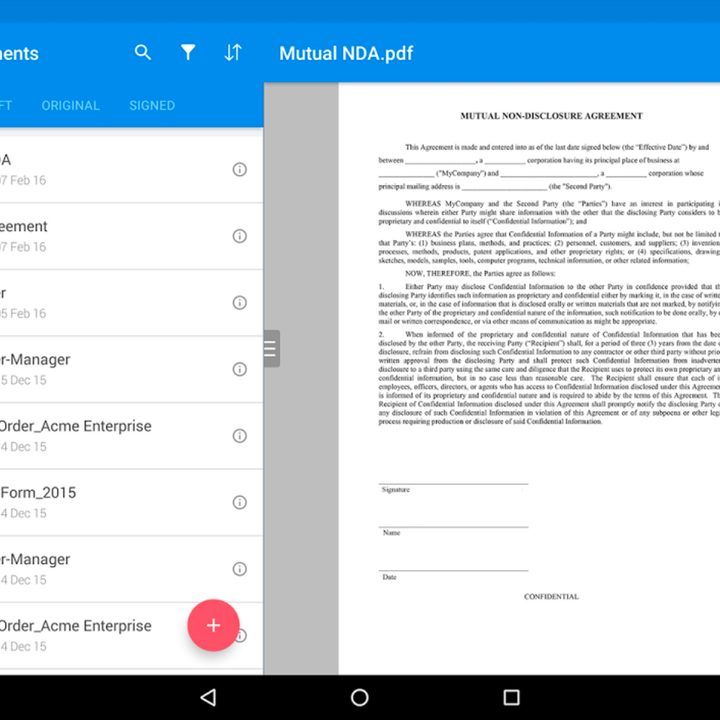
All right, this one’s nothing exciting but if you’ve ever tried to digitally sign something in a browser, it’s a very welcome change. SignEasy allows you to sign, initial, and submit important documents and keep a detailed record of them right there in the app.
Google Keep
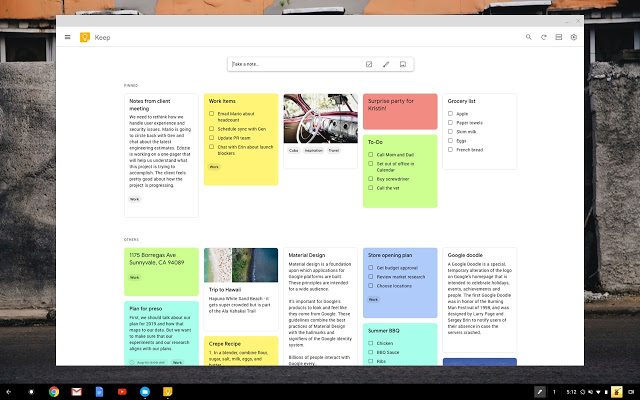
Google Keep is a handy post-it note-taking app for Android that works great on Chrome as well. If you like leaving notes for important reminders or events, you’ll love the ease of use and cross-compatibility of this app. It also supports photos and voice messages, although the post-its are best suited for Chrome OS.
Snapseed
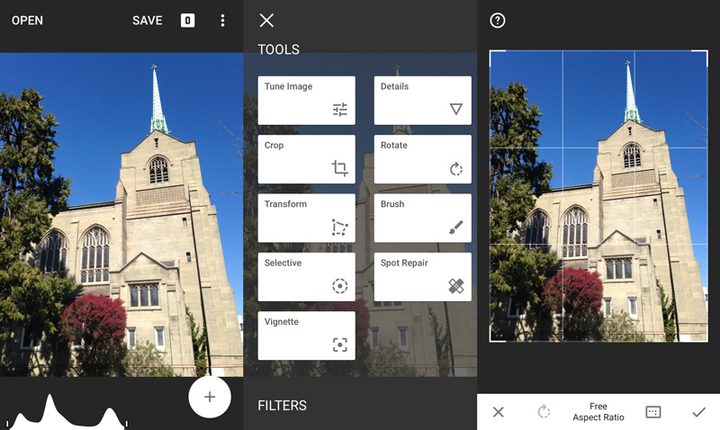
Not satisfied with your current photo editing options? Snapseed works great on Android for improving photos you just took, but it also functions on Chrome OS so you can deal with past photos that may need a brush-up, new filter, add-on, cropping — the app has a whole lot of options and works great for many different kinds of photo editing.
Aqua Mail
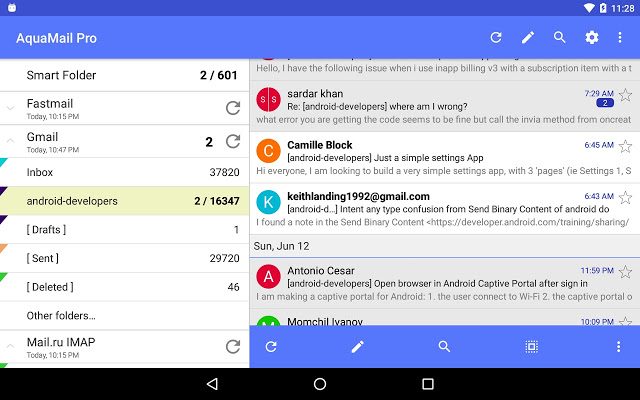
If you juggle multiple emails for work or school, Aqua Mail has your back. This innovative email platform lets you access all your emails from various sources and organize them as you prefer. It also offers excellent integration and syncing for popular calendar apps, printing apps, assistant software, task apps, and more.
Kindle
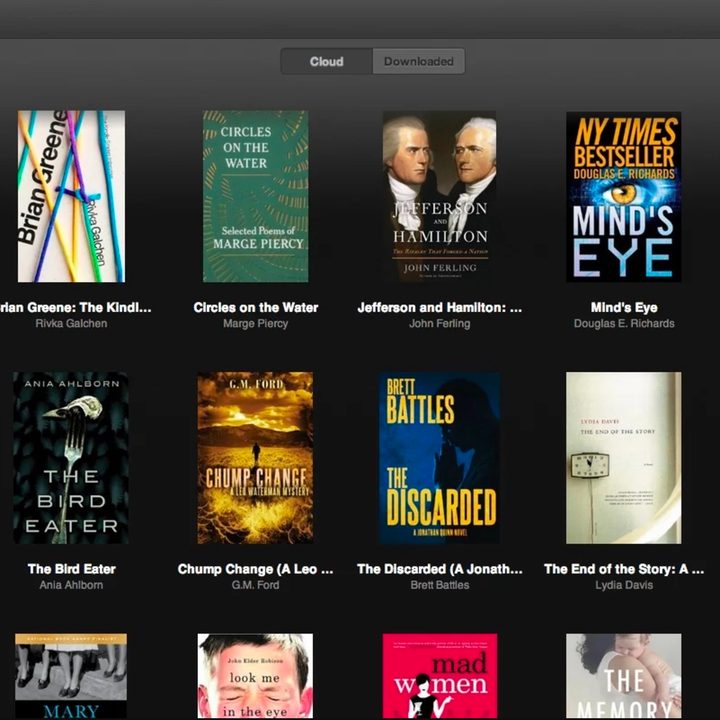
Fire up the Kindle reader in a browser. Go ahead, we’ll wait. Not a great reading experience is it? Well, now you can just open the Kindle Android app and actually enjoy reading that digital copy of War & Peace you’ve been chipping away at for years. Or, you know, read literally anything else.
Infinite Painter

Paint, infinitely. Seriously, this app will let you paint forever and ever. Most other painting apps do that too, but it’s nice to have options now that your Chromebook can run Android apps — and legit digital art suites. Infinite Painter includes a set of customizable brushes, and editing tools to create or add-on to existing works, and since it’s optimized for Android, it’s not going to make your poor Chromebook struggle to keep up.
Autodesk Sketchbook

You can’t discuss digital media creation tools without mentioning at least one Autodesk app. Sketchbook combines a vast array of digital brushes, pencils, and other tools to round out a remarkably full-featured Android app. It’s not as responsive as a pencil and paper, but with the right Chromebook — and the right stylus — it comes pretty close.
Duolingo
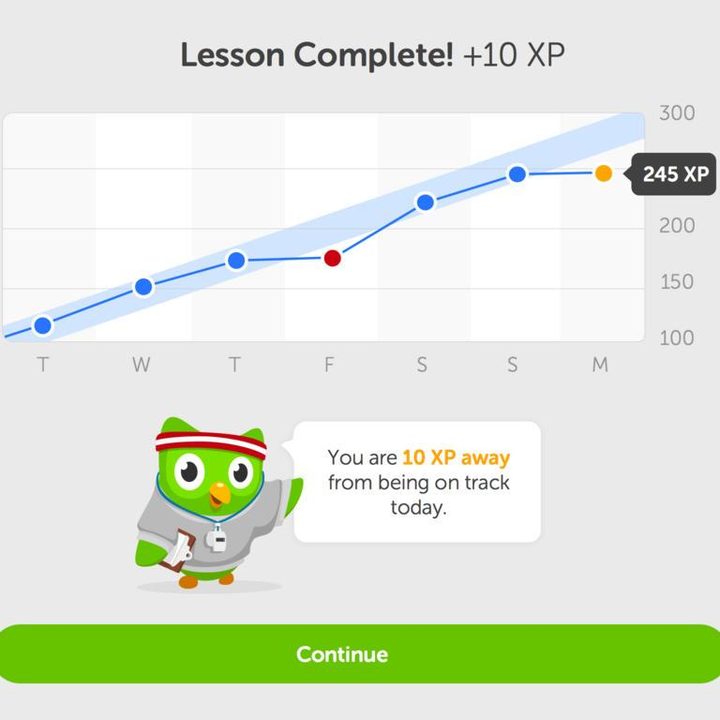
Duolingo for Android also runs very well on Chrome OS, so you can finally polish up those Spanish skills with the help of a nagging little owl who will message you every day until you cave and re-learn your verbs again. It’s for your own good, the little owl will say, relentlessly prodding you day and night.
Asphalt 9

Asphalt 9 offers a fun-filled roster of cars from real-life brands that you can customize to your heart’s content before going street racing on maps around the world. While Chromebooks aren’t exactly designed to be racing game machines, Asphalt 9 does a good job of lowering the requirements for a smooth experience without destroying the racing fantasy.