  1. Home
  2. Computing
  3. News

Canva AI 2.0 aims to reshape how you turn ideas into polished projects

The update introduces a more conversational, AI-driven workflow that helps users move from a rough idea to a full finished projects without switching tools.

Add as a preferred source on Google
Canva AI 2.0 featured
Canva

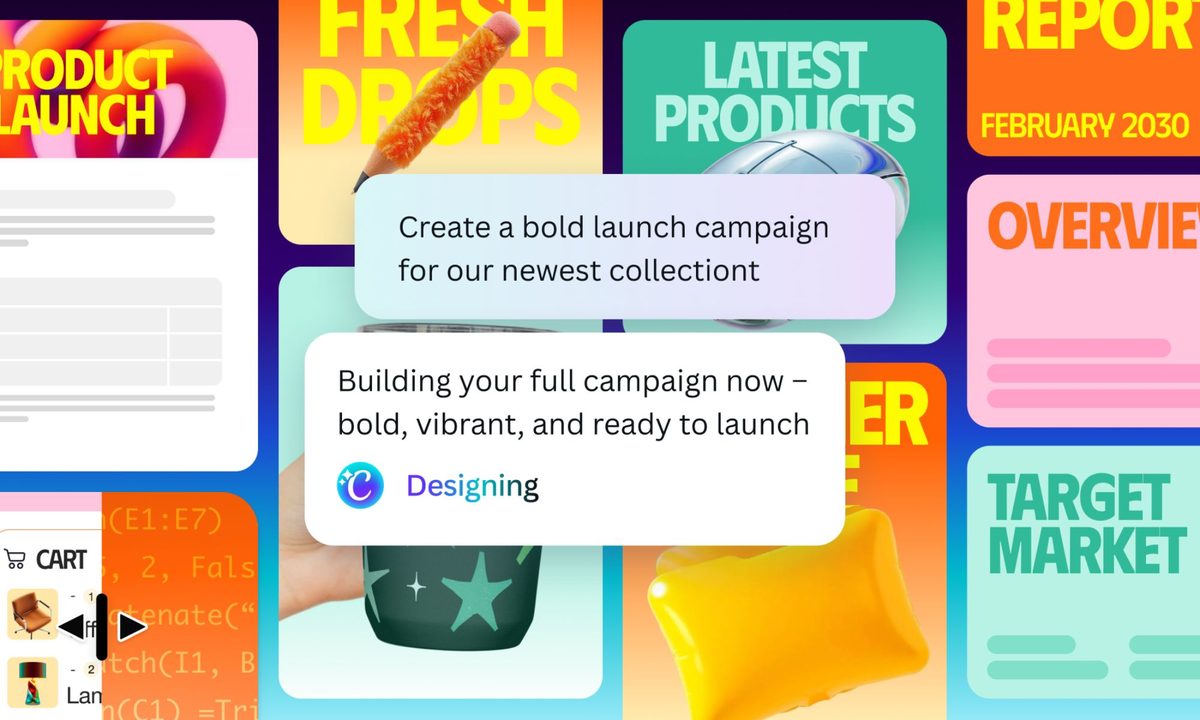
Canva today unveiled its AI 2.0 update, introducing a more conversational, AI-powered approach to designing and completing projects. The upgrade aims to take users from a rough idea to a polished result more seamlessly, without the need to switch tools.

Create designs by simply describing ideas

Instead of beginning with templates or blank pages, users can now describe what they want, and the platform generates a fully structured, editable design. This shifts the process from manual building to guided creation, reducing the need to piece things together from scratch.

Behind the scenes, Canva’s AI uses what the company calls “agentic orchestration” to understand the user’s intent and coordinate different tools automatically. Rather than switching between features, users can stay in a single flow, asking the AI to generate things like a multi-channel campaign plan or refine an existing design with simple prompts.

Designs stay editable and adapt to preferences

The update also focuses on flexibility, allowing users to make targeted edits with natural-language commands. For example, users can ask the AI to swap an image, adjust a headline, or refine a font, and only those elements will change without affecting the rest of the design. This will make it easier to fine-tune outputs without starting over.

A new “Living Memory” feature learns user preferences over time, helping keep their work consistent across projects. It can apply their unique style, branding, and past choices automatically, reducing repetitive adjustments. Together, these changes position the platform less as a design tool and more as a creative collaborator that evolves with the user.

Recommended Videos

Canva AI 2.0 is available as a research preview to the first million people who discovered it on the Canva homepage starting today. The company plans to expand access to more users in the coming weeks.

Pranob Mehrotra
Pranob is a seasoned tech journalist with over eight years of experience covering consumer technology. His work has been…
AI may have just won a literary prize. My heart weeps seeing it poison our love for books.
updated book and AI photo

I had a hard time processing this news. As someone who has been deeply in love with stories since childhood and who grew up on the works of Arthur Conan Doyle, Terry Pratchett, J.R.R. Tolkien, and other such venerable authors, seeing an AI-written story win a prestigious writing award is hard to digest. 

If you are unaware, the winners for the Commonwealth Short Story Prize for 2026 were announced, and three of the five winning regional stories have been found to be entirely or partially written by AI. Or at least that seems to be the consensus among readers. As a reader and an amateur fiction writer, this hurt me deeper than any other tale of AI corroding our lives.

Read more
Canva and Adobe are coming to Gemini, and they want to make everything chatty
Adobe and Canva are plugging into Google’s assistant, betting that creative work starts with a prompt, not an app icon
Art, Collage, Photography

Canva and Adobe are moving deeper into Google Gemini, giving the assistant a bigger role before users ever open a design app.

Adobe says its "Adobe for creativity" connector is coming to Gemini in the coming weeks, giving users a way to describe tasks and send them through Adobe tools for imaging, design, and video. Canva is already rolling out its Connected App for Gemini in select English-language markets, with full availability coming soon.

Read more
AI can pass the Turing Test in live chats and appear more human than us. I am spooked now
UC San Diego researchers found GPT-4.5 was judged human 73% of the time in live conversations
Image of a human woman next to an AI-generated face with Real or Fake text at the bottom.

AI can pass the Turing Test in live chats, and the latest result lands with a chill. In a UC San Diego study, GPT-4.5 outperformed real participants at convincing judges there was a person on the other side.

The setup was harder to shrug off than a standard benchmark. Judges reacted to real-time exchanges rather than static prompts, then made a fast call based on conversation alone.

Read more