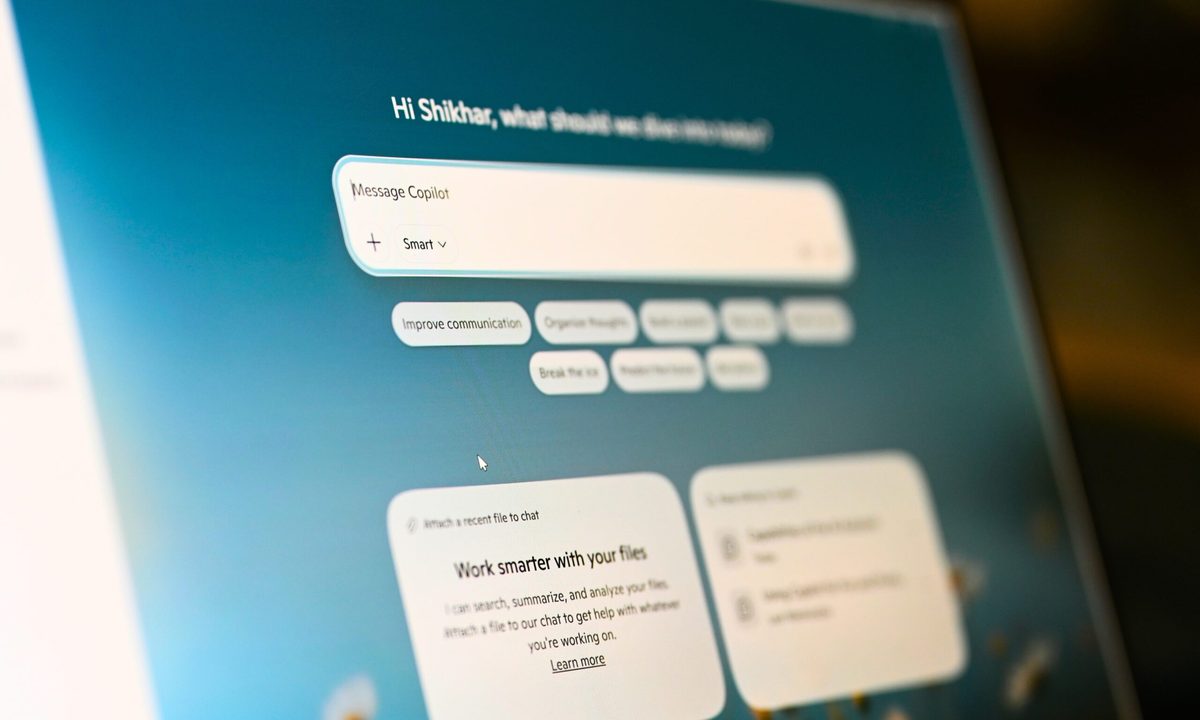
Microsoft has redesigned Copilot for Windows 11 more than a couple of times. Its latest idea, however, is based on one that it already tried and abandoned: docking the AI assistant to the side of your screen so that it remains accessible even when you’re using other apps.
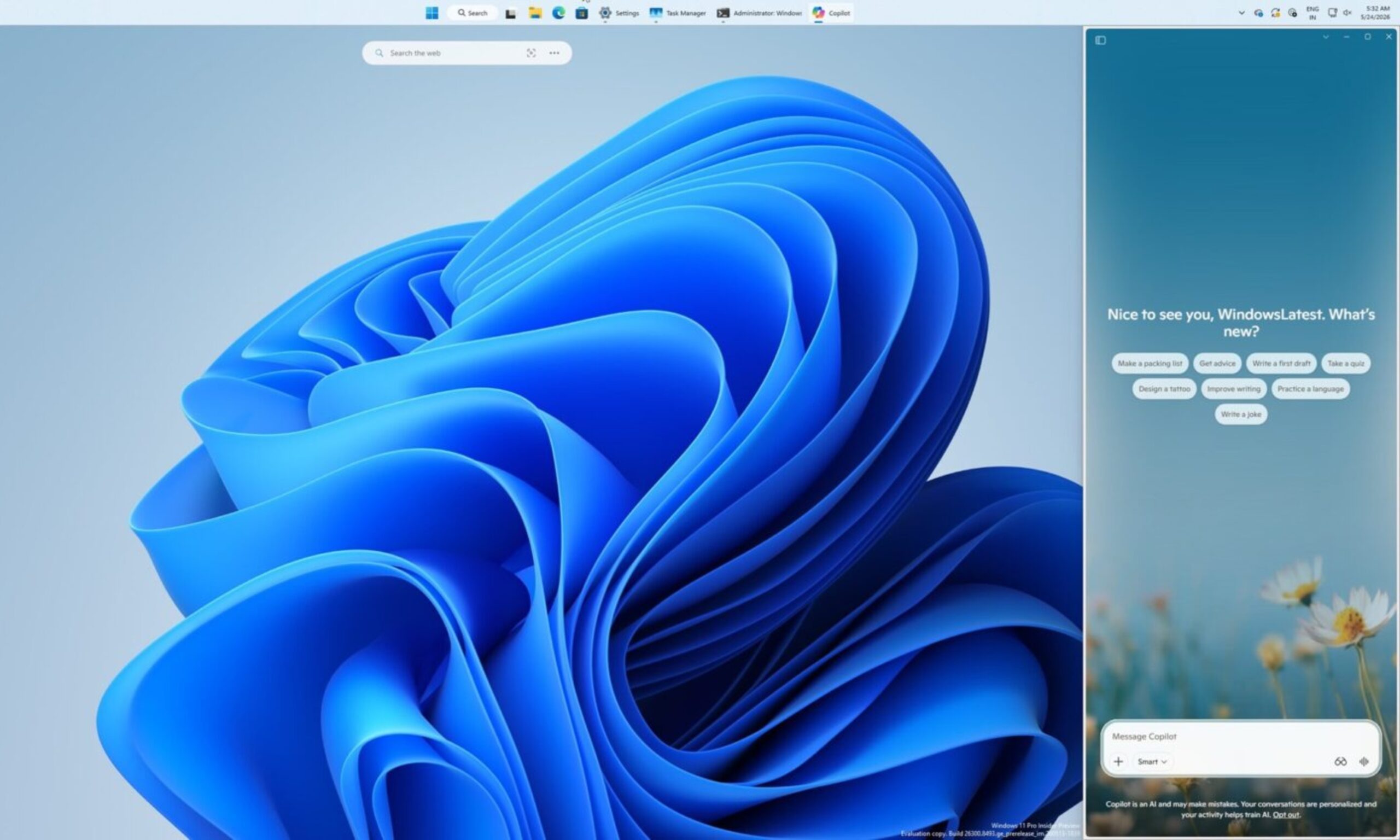
By default, Microsoft’s AI assistant still opens as a standalone app (in a separate window). But hovering over a new dropdown menu in the title bar now offers dedicated window snapping options that let you dock it to either the left or right edge of the screen (via Windows Latest).
What is the new Copilot sidebar, exactly?
It might look like the snapping interface is similar to Windows 11’s native Snap Layouts, but that’s not the case. Copilot gets dedicated layout options, independent of the standard window snapping experience on the operating system.
It’s a persistent sidebar that stays pinned while you work, and not a floating window that you have to constantly manage. A picture-in-picture mode is also available for users who want the AI assistant visible but less intrusive.
Once you dock Copilot, the operating system automatically resizes everything else around it. For instance, Windows 11 repositions the active apps to fill the remaining screen space, while the desktop watermark shifts to the other side.

Hasn’t Microsoft tried this already?
Yes, and that’s where things get more interesting. Copilot originally shipped on Windows 11 as a sidebar that sat alongside your apps, so you could ask it questions about the on-screen content.
Later, Microsoft scrapped the design in favor of a standalone app, which was later converted into an Edge-based web wrapper. According to the Windows Latest report, which spotted the new docking behavior, the original sidebar implementation failed because it was built entirely on web technologies.
The new version, however, gives users meaningful control over placement, something that the initial version never offered. Although it’s not immediately clear whether Copilot Vision will trigger automatic docking when activated, the new docking behavior is rolling out gradually.