
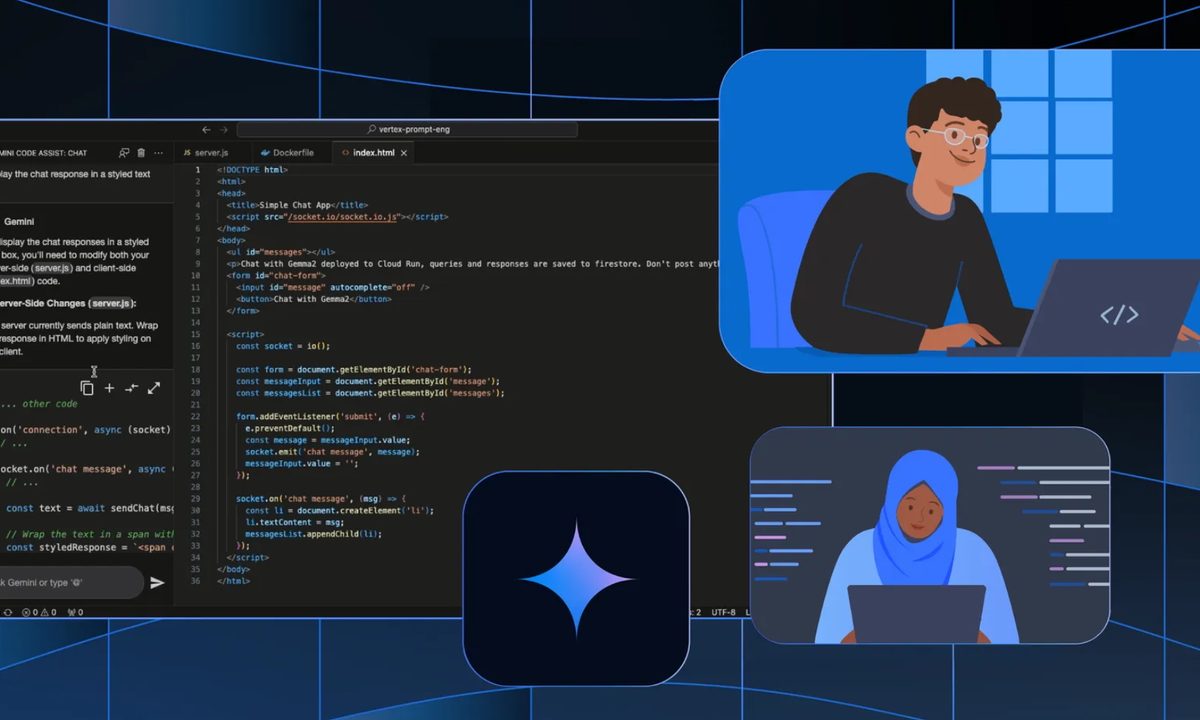
Google has made a free version of its Gemini Code Assist tool available worldwide starting February 25. The generative AI model, previously aimed at businesses, is powered by Gemini 2.0 and integrates with IDEs like Visual Studio Code.
This means you can access Code Assist’s features directly from the environment you’re working in. It will auto-complete code as you’re typing it, and you can also work through problems in the chat or generate code snippets.
The most interesting point about this new free version (officially dubbed “Gemini Code Assist for individuals”) is the usage limits. Every user has access to 180,000 requests a month — which is well over 5,000 per day. These are big numbers no matter how you look at it, but how many requests you get through will depend a lot on what kind of project you’re working on.
Code completions count as a request, so every time Code Assist generates a suggestion based on what you’re typing, one request is used up — whether you accept the suggestion or not. Depending on the situation, developers can write thousands of lines of code per day, so it is definitely possible to hit the limit.
However, if you’re working on something more complex or concise, you’ll be much more unlikely to reach the cap. Plus, if you know you’re going to type a bunch of code manually and you don’t want to waste your requests, you can toggle off code completion until you’re ready to use it again.
So, all things considered, the usage caps really are very high and you’ll be able to get a lot of usage from the free assistant, even if you’re a full-time developer. In a blog post, Google compares its limit to “other popular free coding assistants” with only 2,000 code completions per month — which happens to be the cap for the free version of GitHub Copilot, Google’s main competitor in this area.
Alongside all of the requests, you’ll also get a pretty large token context window. This lets you work with big files and have Gemini take all of them into context when it generates responses.
Google is also starting a public preview of “Gemini Code Assist for GitHub,” which generates free code reviews of pull requests in GitHub and suggests improvements. This is intended to help teams review each other’s work more quickly and push changes more efficiently.
You’ll need a Gmail account to sign up and install Gemini Code Assist, and as a free user, you’ll get access to all of the features mentioned so far. If you need more advanced features like productivity metrics, customized responses, or cloud integrations, you’ll still need the paid version.


