
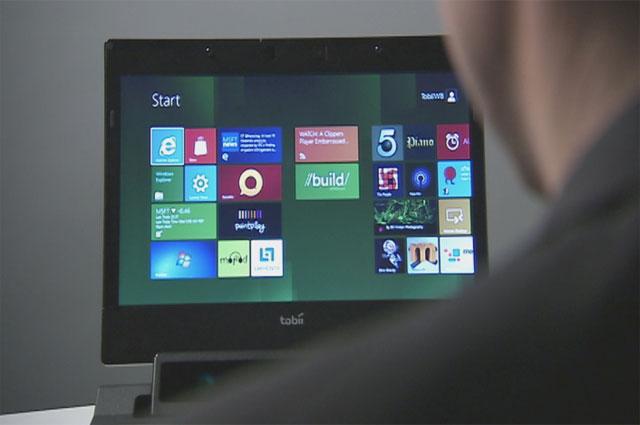
 We’ve been impressed with Tobii since day one, marveling at how intuitive this product is and how well it actually works. Then the company revealed it would pair the eye-tracking technology with Windows 8, a touch-heavy user interface, and we were were even more anxious to get a hands-on look.
Thankfully CES has provided: Tobii is at the conference, giving us a peak at Gaze. And not to over-simplify, but the first thing we’re struck by is just over easy the product is to use. Eye-tracking is entirely new, and adopting this sort of user control could be daunting for beginners. If you remember, there were (and are) some touchscreen holdouts who mourn the continuing loss of physical buttons and miss having something to mash.
But eye-tracking seems even more natural. The system doesn’t entirely rely on your ocular movements, which we actually found to be a relief. Instead it combines the ease of the touchscreen with your natural path of looking and identifying. It’s quicker, in many cases (talking about cutting down on clicking), and the learning curve is anything but steep. Our favorite feature: quick toggling between open windows. Just by looking, you can direct yourself back into an application. For example, we saw two Word documents open, and just by glancing you can switch between the two automatically. In Paint, you can visually select a hue from the color palette, and watch it take form on the page.
Watching Gaze and Tobii first-hand, it’s difficult not to assume this is the future of the user interface for personal electronics. Not to mention the fact that Tobii has made Windows 8 make a lot more sense as a product. The OS has already met early opposition, and some critics say it’s too reliant on touch to be applicable to the PC — a place where Windows has always had a safe home. But Gaze brings it all together, and it’s taking a big step that we’re certain other manufacturers will be following.


