
Slack desktop app users can finally use the workplace chat app with the popular visual theme, dark mode. The collaboration software company announced the desktop availability of an optional dark mode feature on Thursday, September 12, via a tweet and a blog post.
According to Slack’s blog post on the matter, dark mode can be enabled on all versions of the desktop app: Mac, Windows, and Linux. The desktop availability of dark mode is in addition to the mobile platforms that already had the feature. But while the feature is now available on all platforms, Slack’s post did mention one caveat:
“…it’s worth pointing out that dark mode is device-specific: We don’t want to assume that just because you want dark mode on desktop, you’ll also want it on your phone … but you’re now free to set it on both.”
And so you’ll need to set each version of Slack you use (browser, desktop, mobile) to use dark mode individually. Just because you enable dark mode on one of them, doesn’t mean they’ll all sync up accordingly. In addition, at this time, the desktop app dark mode feature also won’t sync up with whichever mode you’re currently using on your computer. So just because your operating system dark mode settings are configured one way, that doesn’t mean the Slack app will sync with those settings. But the company did say that the ability to sync with one’s operating system will be an available feature of the app “in the near future.”
Enabling dark mode on the Slack desktop is simple. And looking at Slack’s guidelines, the method for doing so appears to be the same across desktop platforms, since the company’s directions only differentiate between “desktop” and “iOS” and “Android.”
Here’s how to enable dark mode in the Slack desktop app.
Step 1: In the top left corner, select your workspace’s name.
Step 2: From the menu that pops up, select Preferences.
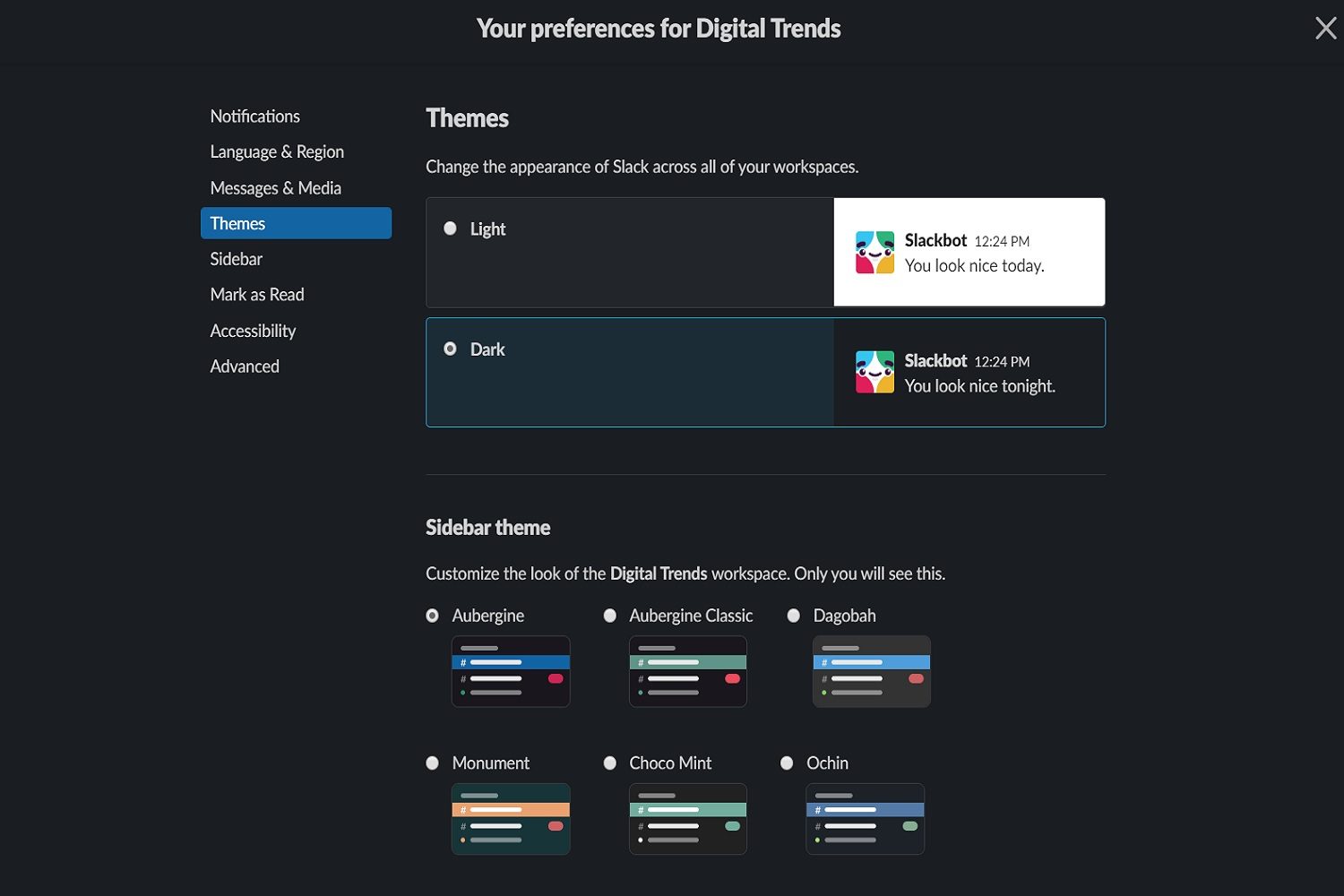
Step 3: On the next screen, select Themes from the left side of the screen.
Step 4: Under Themes, select Dark.
Once you pick either Light or Dark, the app itself will switch immediately to that theme to show you a preview of it. It’s also worth noting that, in that same Themes menu, you can also choose a companion theme for your sidebar. These sidebar themes come with different color palettes.


