  1. Home
  2. Computing
  3. News

Microsoft says disabling these two Windows 11 features will boost gaming performance

Add as a preferred source on Google

Two settings in Windows 11 may affect gaming performance, says Microsoft. These settings are enabled by default.

Microsoft has made it possible for you to disable these options, but there are also reasons why you might want to keep them on. However, if your computer’s performance in games is less than stellar, they might be worth checking out.
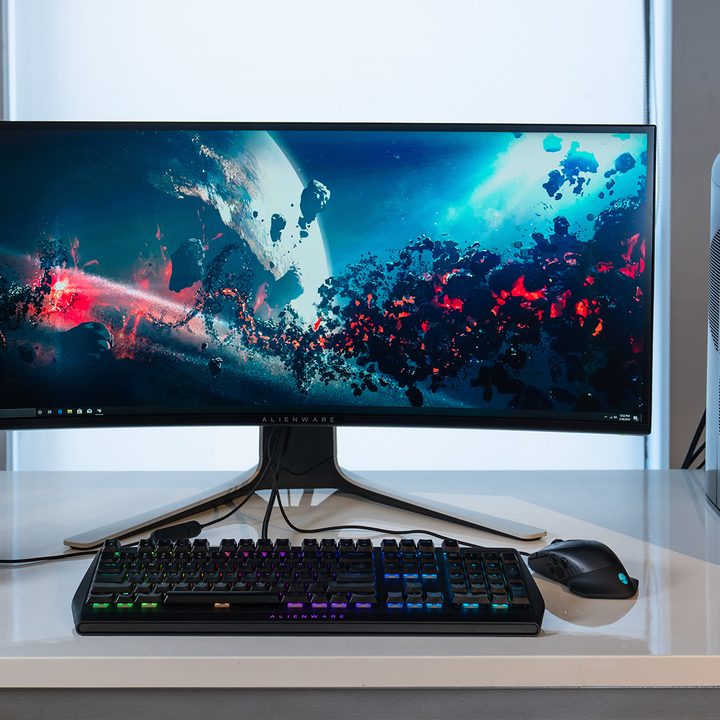
An Alienware + Windows 11 PC gaming setup.
Alienware

Microsoft has posted a new support document detailing the two features and their possible impact. The company has found that Memory Integrity and Virtual Machine Platform (VMP) have affected the gaming performance of some users.

Recommended Videos

VMP does pretty much what it says on the tin — it provides virtual core machine services for Windows 11. Memory Integrity plays a fairly big role, though, because it’s responsible for checking new drivers and ensuring that they’re coming from a trustworthy source. It protects your system from malicious code. This is why you might want to avoid disabling this feature, and if you do disable it, it’s a good idea to toggle it back on when your gaming session comes to an end.

Unfortunately, Microsoft doesn’t go into any detail as to how widespread the problem is, only noting that it happens “in some scenarios and some configurations of gaming devices.”

Of course, if you’re experiencing poor frame rates or other issues while you game, there could be any number of reasons why that might be happening — but if you’re a Windows 11 user, you can try to optimize your gaming experience in this fairly easy way first.

Before you get to disabling things, keep in mind that Microsoft recommends turning these settings back on later, and it adds: “If turned off, the device may be vulnerable to threats.” If you want to give it a shot regardless of Microsoft’s warnings, here’s how to do it.

How to disable Memory Integrity and VMP
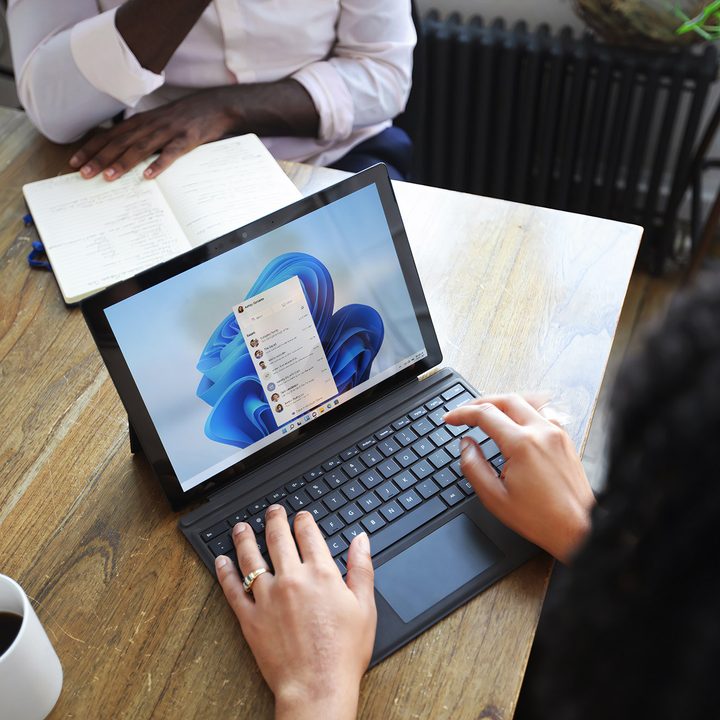
Person sitting and using a Windows Surface computer with Windows 11.
Windows 11 / Microsoft

In order to turn off Memory Integrity, go into your Start Menu by pressing the Windows key, then type in “Core Isolation” in the taskbar. Select it when it pops up, and when you’re on that page, toggle Memory Integrity off. Microsoft recommends that you restart your device afterward.

Turning off VMP is equally simple. Once again, go into the Start Menu, and in search, type in “Turn Windows features on or off.” When you’re in the Windows Features section, find Virtual Machine Platform and deselect it. Press OK to finalize these changes and restart your computer.

If you’re not seeing any benefit from turning off these two settings, it’s best to keep them on. However, if you’re not happy with your frame rates, we have a handy guide that can help you with some more ideas to try out.

Monica J. White
Monica is a computing writer at Digital Trends, focusing on PC hardware. Since joining the team in 2021, Monica has written…
Turns out, teaching games like Battleship can make small AI models a whole lot smarter
By turning Battleship into an AI training ground, researchers helped smaller models reason more efficiently.
AI Apps installed on iPhone Gemini DeepSeek Claude ChatGPT Auren

Small AI models just got a surprising boost from a very old game.

MIT researchers used a Battleship-style setup to test whether AI agents can improve how they gather information before making a move. The result was a sharp jump in performance for smaller systems, including one model that went from rarely beating humans to winning most of its games after researchers changed how it searched the board.

Read more
This AI can tell a real online review from a fake one, and it’s surprisingly accurate
AI is getting really good at spotting the reviews you shouldn't trust.
hand holding a card asking for review

Fake reviews are a real menace for online shoppers. If you have ever bought something online based on glowing reviews only to receive a disappointingly subpar product, you know what I mean. A new study published in the International Journal of Information and Communication Technology proposes an AI-powered system that can not only detect fake reviews, but also trace how they spread.

Why existing tools keep falling short

Read more
Steam Machine confirmed to land this summer, but we’re still in the dark about its price
Steam Machine is getting closer to launch, with broader game verification arriving before Valve reveals what it’ll cost.
Steam Machine with Steam Controller

Valve has confirmed that Steam Machine is shipping this summer, giving PC gamers a real launch window for its SteamOS living room PC. The missing piece is still price, and that’s the detail many buyers need before they can decide whether it fits their setup.

The update came as Valve expanded its Verified program to cover Steam Machine and Steam Frame. For Steam Machine, games will be checked for default controller support, default graphics settings, and how well they run without manual setup. Valve says the hardware is roughly six times as powerful as Steam Deck, while still using SteamOS, the Steam interface, and Proton.

Read more