I recently wrote about the massive shift happening in the browser world, and how AI-powered skills and shortcuts have dramatically changed the experience. Perplexity’s Comet is leading that race, and after months of remaining exclusive to paid users, it is now freely available for all without any invite hassles.
Why does it matter?

Comet is built atop the Chromium engine, which means all your browsing data (extensions, history, bookmarks, and log-ins) can seamlessly be carried over. It offers a sleek UI with a lovely dark mode look, but there are a few functional add-ons that set it far apart.
The persistent Assistant, which can be accessed in a sidebar within every tab, is a fantastic way to dig for further information without having to open another tab. It is contextually aware, which means you can ask it to summarize information and take any action related to the content appearing on the screen.
Moreover, you can easily combine multiple tabs to take actions, such as clustering a dozen Amazon tabs to compare products. And thanks to the connector system, the AI assistant can also take action across services such as Gmail and WhatsApp using natural language commands. It’s pretty terrific to witness in action.
How does it redraw the lines?

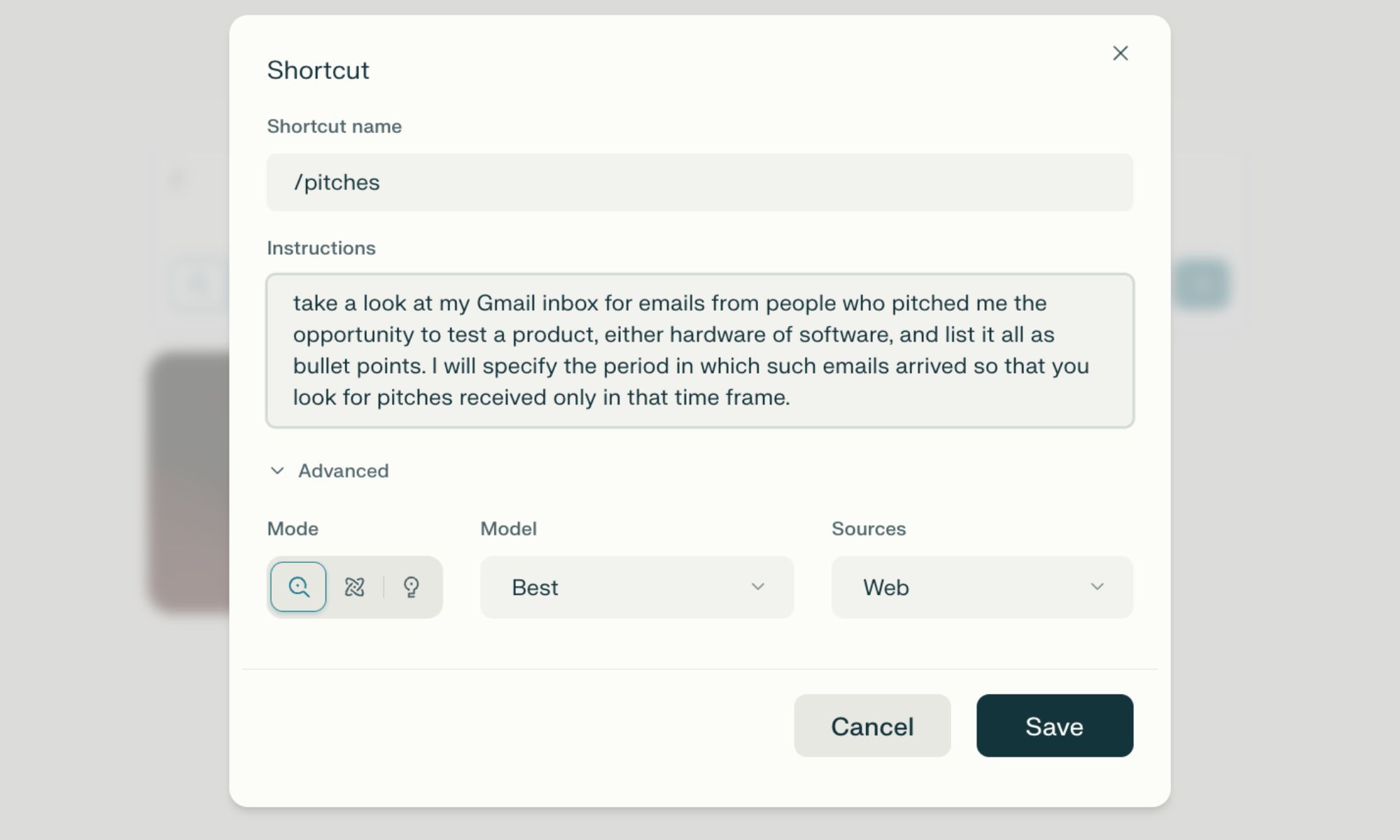
My favorite Comet feature is shortcuts. Think of it as custom agents designed to autonomously perform multi-step tasks with a simplem one-word command. You can create these shortcuts by just describing their intended action, giving them personalized names, and summoning them using a “/” query. It’s pretty simple, but extremely convenient.
I have created shortcuts that do a deep background research, pull up information from specified sources, find discount codes, launch my work tabs with a single click, and more. You can switch between multiple AI models, such as OpenAI’s GPT or Anthropic’s Claude, and take advantage of agentic features such as Deep Research, similar to what you get with ChatGPT and Gemini.

Talking about agentic usage, the built-in AI agent can also handle multi-step tasks autonomously. For example, it can place an order on Amazon by just saying “order items for making chicken salad. Pick the fastest delivery option.” Overall, the browser is a rewarding experience, primarily because it can handle repetitive tasks and make quick work of activities that would otherwise take plenty of manual work.