
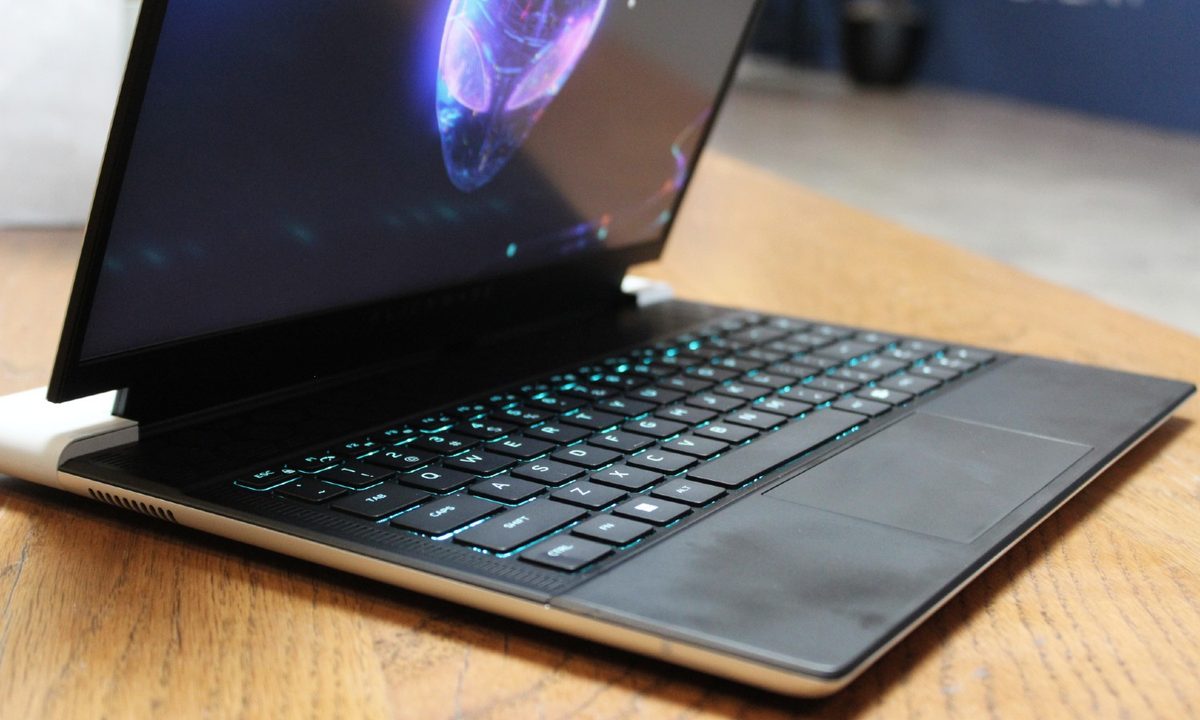
The 14-inch gaming laptop is an interesting proposition, offering more portability, but at the potential cost of gaming performance. Some machines manage that compromise better than others, and the Asus ROG Zephyrus G14 has been one of the better options.
Asus updated the machine at CES 2023, adding a mini-LED display to what was already a great gaming laptop — but it wasn’t alone. Dell also updated one of its excellent machines, the Alienware x14 R2, and it’s a formidable competitor. Which is the better portable gaming system?
Specs
| ROG Zephyrus G14 (2023) | Alienware x14 R2 | |
| Dimensions | 12.28 inches x 8.94 inches x 0.72 | 12.64 inches x 10.25 inches x 0.57 inches |
| Weight | 3.88 pounds | 4.6 pounds |
| Processor | Up to AMD Ryzen 7000-series R9 | Core i5-13420H Core i7-13620H |
| Graphics | Up to RTX 4090 | RTX 3050 6GB RTX 4050 6GB RTX 4060 8GB |
| RAM | Up to 32GB DDR5-4800 | 16GB LP-DDR5 6200 32GB LP-DDR5 6200 |
| Display | 14.0-inch 16:10 Full HD+ (1,920 x 1,200) IPS, 144Hz 14.0-inch 16:10 QHD+ (2,560 x 1,600) IPS, 165Hz 14.0-inch 16:10 QHD+ mini-LED, 165Hz |
14.0-inch 16:10 QHD+ (2,560 x 1,600) IPS, 165Hz |
| Storage | Up to 1TB Available SSD slot for additional 1TB |
256GB, 512GB, 1TB, 2TB or 4TB |
| Ports | 1 x USB-C 4.0 1 x USB-C 3.2 Gen 2 2 x USB-A 3.2 Gen 2 1 x HDMI 2.1 1 x 3.5mm audio jack 1 x microSD card reader |
1 x USB-C 3.2 Gen 2 2 x USB-C Thunderbolt 4 1 x USB-A 3.2 Gen 1 1 x HDMI 2.1 1 x 3.5mm audio jack 1 x microSD card slot |
| Wireless | Wi-Fi 6E and Bluetooth 5.3 | Wi-Fi 6E and Bluetooth 5.3 |
| Webcam | TBD | 1080p webcam, Windows Hello IR camera |
| Operating system | Windows 11 | Windows 11 |
| Battery | 76 watt-hour | 80.5 watt-hour |
| Price | TBD | $1,800-plus |
| Rating | Not yet reviewed | Not yet reviewed |
Design
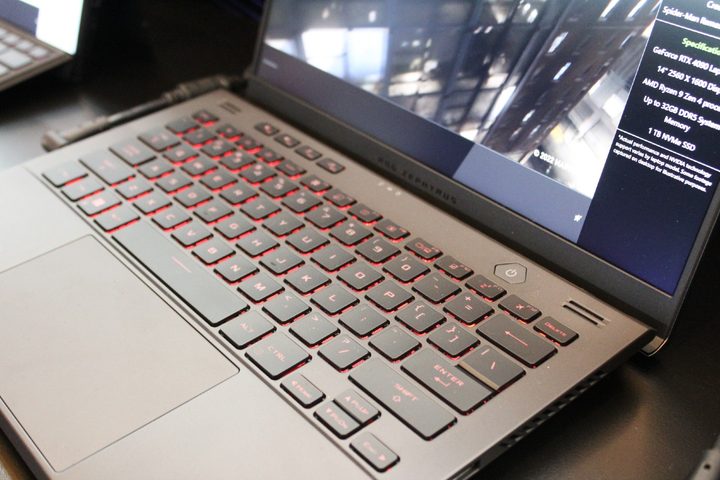
The ROG Zephyrus G14 2023 looks pretty much identical to the 2022 model, down to the white chassis and available AniMe Matrix lid. It’s small enough in width and depth and comes in at 0.72 inches thick. It’s even reasonably lightweight at 3.88 pounds, thanks to the magnesium alloy chassis.
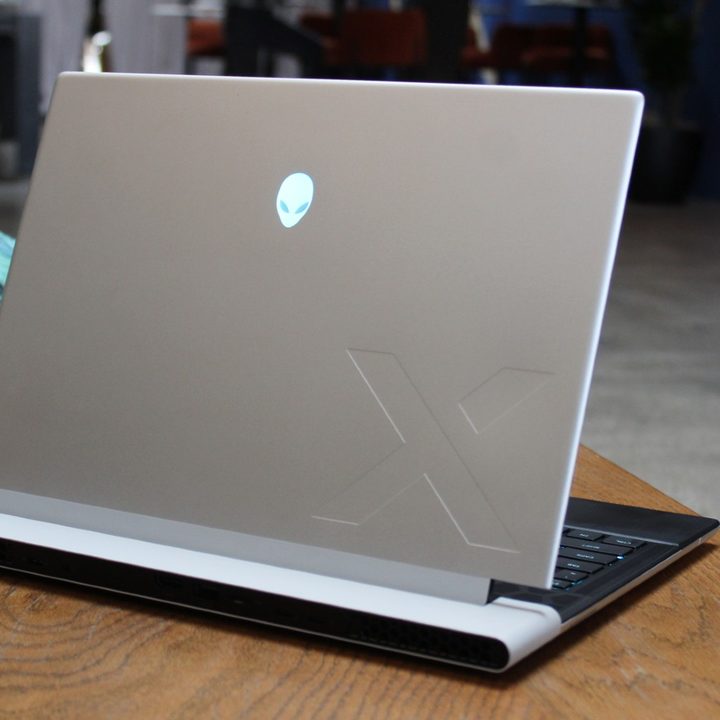
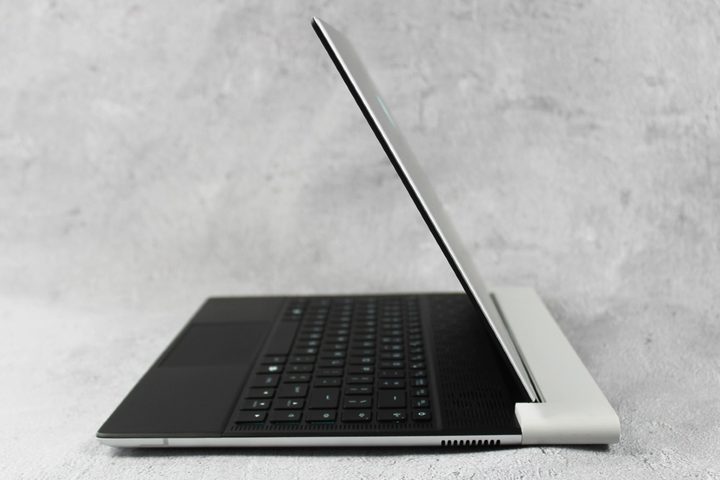
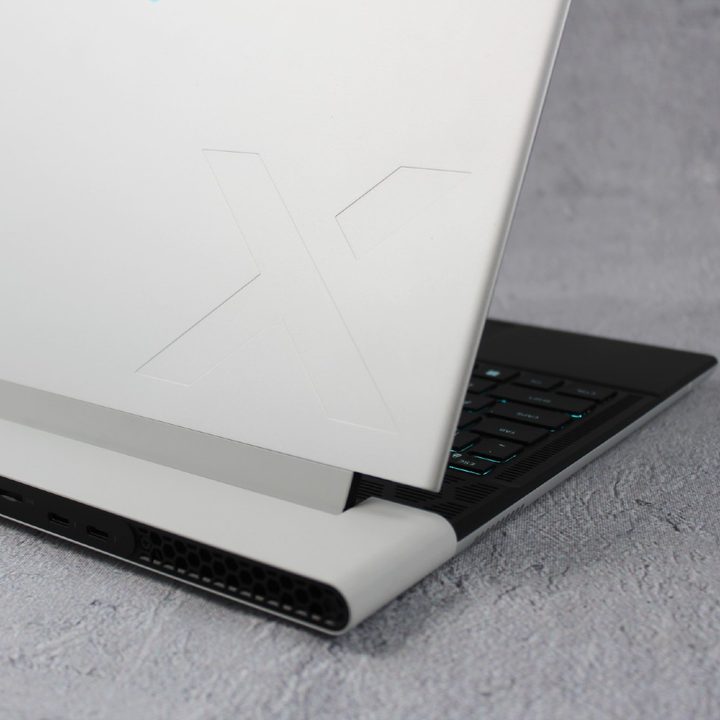
The Alienware x14 R2 is a completely different animal in terms of its design. It’s sleek and svelte and gorgeous. It enjoys curved edges and a simplified chassis that comes across as classier and more elegant. As our reviewer put it, it’s as close to an XPS laptop as you’ll find in a gaming machine. It is, though, slightly larger than the Asus in width and depth while being incongruously both much thinner at 0.57 inches and heavier at 4.6 pounds. Dell’s answer to the AniMe Matrix display lid on the Asus are 100 micro-LEDs that loop around the ports and add a sci-fi vibe.
The Alienware x14 R2 is also all-aluminum, which gives it a more rigid and overall denser feel than the ROG Zephyrus G14 2023. It’s not that the latter doesn’t feel well-built; it’s just that the Alienware is in a slightly different class.
The ROG Zephyrus G14 keyboard offers more travel than the Alienware x14 R2’s, at 1.7mm versus 1.2mm, which might make it better for key mashing during intense gaming. But the Dell offers per-key RGB backlighting versus the single zone RGB lighting on the Asus. Both laptops have serviceable touchpads, but you’ll likely want to connect a good gaming mouse to both of them.
Connectivity favors Alienware primarily because of its Thunderbolt 4 support. Due to the AMD chipset, you won’t find that on the Asus. Otherwise, they’re both well-stocked with ports.
Performance
We can’t really say much about CPU performance, given the lack of benchmark data on AMD’s latest Ryzen 7000 chips and Intel’s 13th-gen CPUs. The Alienware isn’t running Intel’s fastest, and is limited to the Core i7-13620H with 10 cores (six Performance and four Efficient) and 16 threads running at 45 watts. That should be a fast CPU, but not in the same class as larger, bulkier gaming machines.
The ROG Zephyrus G14 will max out at an undisclosed AMD Ryzen 7000-series R9. Since we don’t know the specific series, the laptop could equip either eight cores and 16 threads or 16 cores and 32 threads. Given the thin and light nature of the laptop, we’re likely to see either the Ryzen 7040 or 7035 series, both of which are 8-core/16-thread variants. Power consumption and max speeds are still to be determined, so all we can say is that the ROG Zephyrus G14 is likely to be competitive with Intel in CPU performance, but may or may not be faster.
In terms of the GPU, we know that Asus will be packing in up to the RTX 4090, which will make it significantly faster than the Alienware with it’s maximum of a RTX 4060. So, gamers and creators, the ROG Zephyrus G14 is going to be the faster choice.
Display
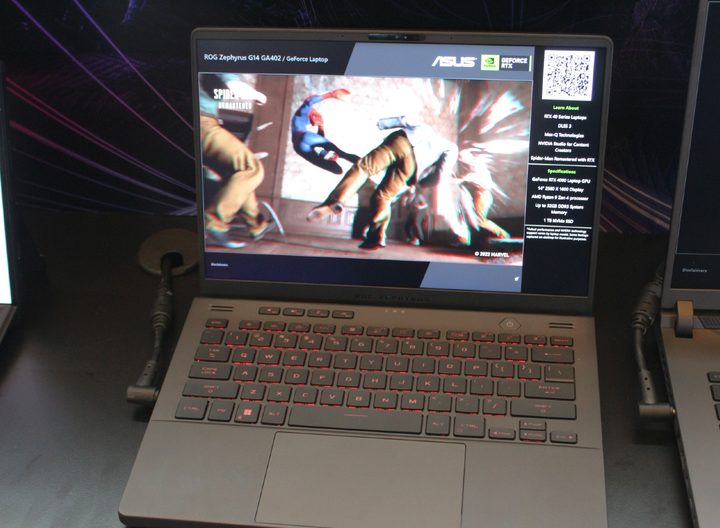
The Alienware x14 R2 has a nice display, a 14.0-inch 16:10 QHD+ IPS panel running at 165Hz. It should be fine for both productivity work and gaming, especially given the GPU topping out at the RTX 4060.
But the ROG Zephyrus G14 is in a different league altogether. Asus offers a Full HD+ panel at 144Hz for those who don’t care about anything but superfast 1080p/1200p gaming, and it also provides the option of a QHD+ panel that’s the equivalent of the Dell’s display.
But Asus also offers a QHD+ mini-LED display running at 165Hz that will be incredibly bright at 600 nits (not as impressive as some other new mini-LED panels hitting 1,000 nits or more). That brightness matters most for HDR, making the ROG Zephyrus G14 better for both HDR gaming and media consumption. It will likely be expensive, but it should be well worth it.
Too many unknowns to call a winner
The ROG Zephyrus G14 2023 retains everything we love about its predecessor and tosses in a gorgeous mini-LED display option. It will likely remain on our list of best gaming laptops, and will likely be the much more powerful option now that it can be configured with up to an RTX 4090.
The Alienware x14 R2 focuses most on its gorgeous design while opting to offer lesser performance in a thinner chassis.
Which will be the right gaming laptop for you? That decision will have to wait for our official reviews once testing is complete, but both gaming laptops look impressive in their respective categories.


