

If you’ve picked up a new game console or laptop this Cyber Monday or Black Friday, you’ll likely also be in search of a monitor to pair it with. There are tons of monitors you can choose from, but thanks to Amazon deals, the Samsung UH850 and the CF390 are on discount, both of which offer up plenty of value and premium features for the sale price.
Samsung CF390 Curved Monitor at Amazon
Samsung UH850 4K QHD Monitor at Amazon
The first monitor, the Samsung CF390, is on sale for $160 instead of the usual price of $182 — a savings of around 13%. Compared to some more expensive curved monitors, the Samsung CF390 is very budget-friendly, but with some premium features. At just 3.7 inches deep, it keeps a relatively slim and low profile. It also still features a 1800R ultra-curved screen and AMD’s Freesync technology for immersive, responsive, and natural viewing.
While its resolution is limited at 1,920 x 1,080, the monitor packs a Samsung VA panel, which makes for deeper blacks and slightly more vivid colors. Like many other monitors, connectivity is decent, coming with an HDMI port and a VGA port to integrate with most laptops and desktops.
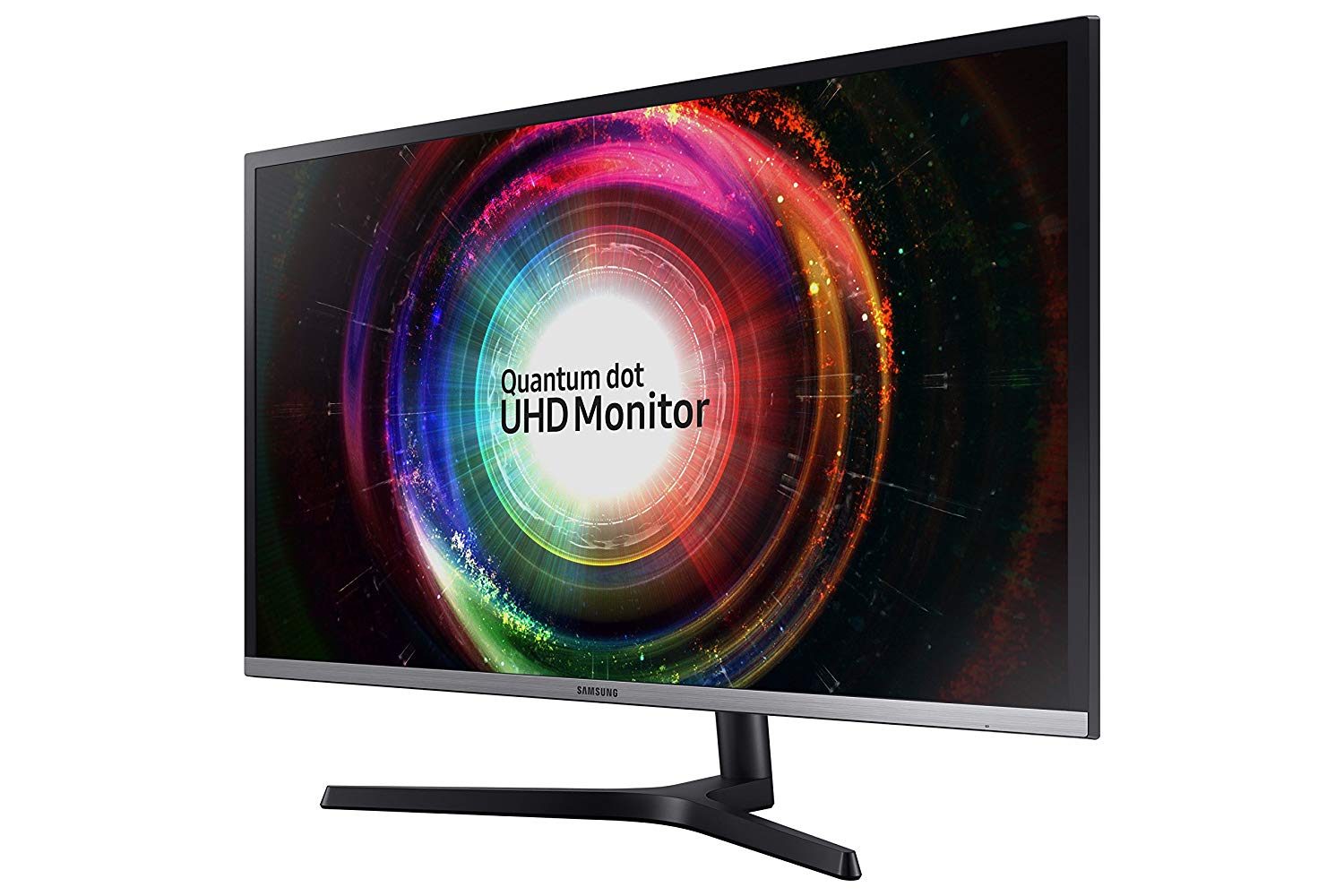
The second monitor, the Samsung UH850 is a bit more expensive at $400 instead of its usual price of $516, for a savings of 22%. At this price, you’re getting quite the fancy monitor, as the UH850 sports a 4K QHD 3,840 x 2,160 resolution QLED display panel.
Paired with its support for AMD Freesync, this QLED panel means that you’ll be able to experience exceptional and life-like picture quality. There’s even Samsung’s Black Equalizer technology onboard the UH850 which offers up 20 different dark level values to enhance the visibility of details.
Other features onboard the UH850 include a split-screen and picture-in-picture feature, which can let you use two different computers at the same time with the monitor. For ultimate productivity, the monitor is fully adjustable and can tilt and pivot as to how you see it fit. You’ll also find a USB 3.0 Hub for charging your devices, like phones or wireless keyboards. Other connections are tucked away in the back. This can let you attach the monitor to a desktop, laptop or game console without having to worry about cables creating a mess on your desk.


