
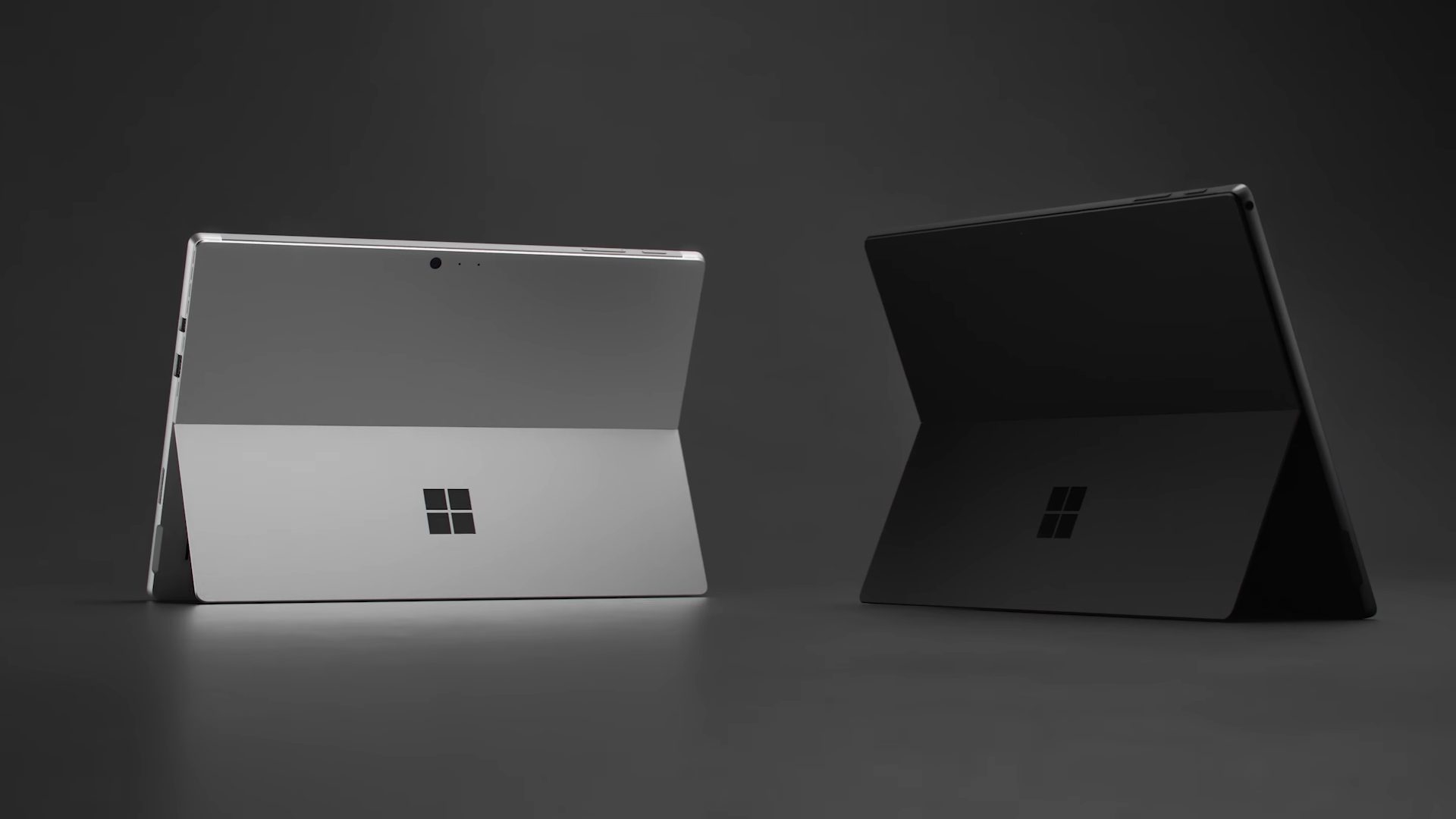
Microsoft kicked off the modern 2-in-1 with the Surface Pro, a detachable tablet that packs all of the power of a “real” PC into an extremely thin and light slate. But that wasn’t enough for the company from Redmond: it also jumped into the mainstream notebook market with the Surface Laptop, a thin and light machine in its own right that adds a little flair to the traditional form factor.
Each of these notebooks has just received its annual update, incorporating 8th-gen Intel CPUs and introducing a new black color scheme. We took a look at the latest models, the Surface Pro 6 and the Surface Laptop 2, to see which offers the best value and performance.
Design
The Surface Pro 6 epitomizes Microsoft’s highly recognizable Surface design and aesthetic, as a sliver of silver-grey color magnesium that’s thin, light, and eminently robust. It looks solid and feels like it in the hand, creating what’s likely the most elegant and modern Windows tablet around with by far the smoothest and most flexible kickstand. Even this late in the game, connectivity remains minimal, with just a single USB-A 3.0 port and a mini-DisplayPort to go with the now-aging Surface Connect port for power and docking. Look elsewhere for USB-C and Thunderbolt 3 — the same goes for the Surface Laptop 2.
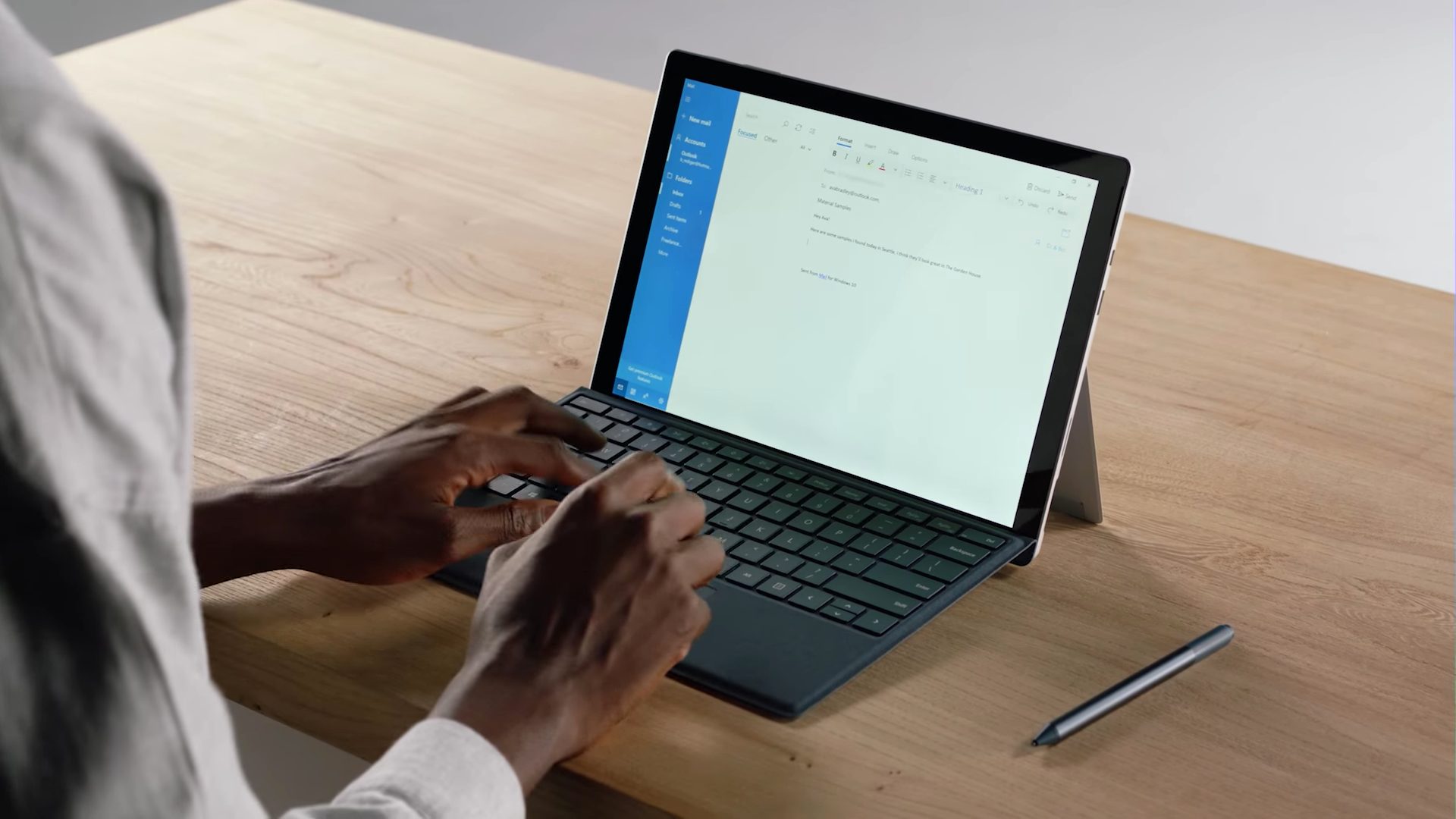
Of course, the Surface Pro 6 is the consummate 2-in-1, supporting every conceivable form of input. There’s the Type Cover, a $100 keyboard add-on with a crisp key mechanism and effective backlighting, a very good Microsoft Precision touchpad with full Windows 10 gesture support, and a magnetic attachment to the tablet that props up the keyboard at a comfortable angle. And then there’s the Surface Pen with its 4,096 levels of pressure sensitivity, tilt support, and the fastest response times among all Windows 10 tablets. Needless to say, the display is also touch-enabled.
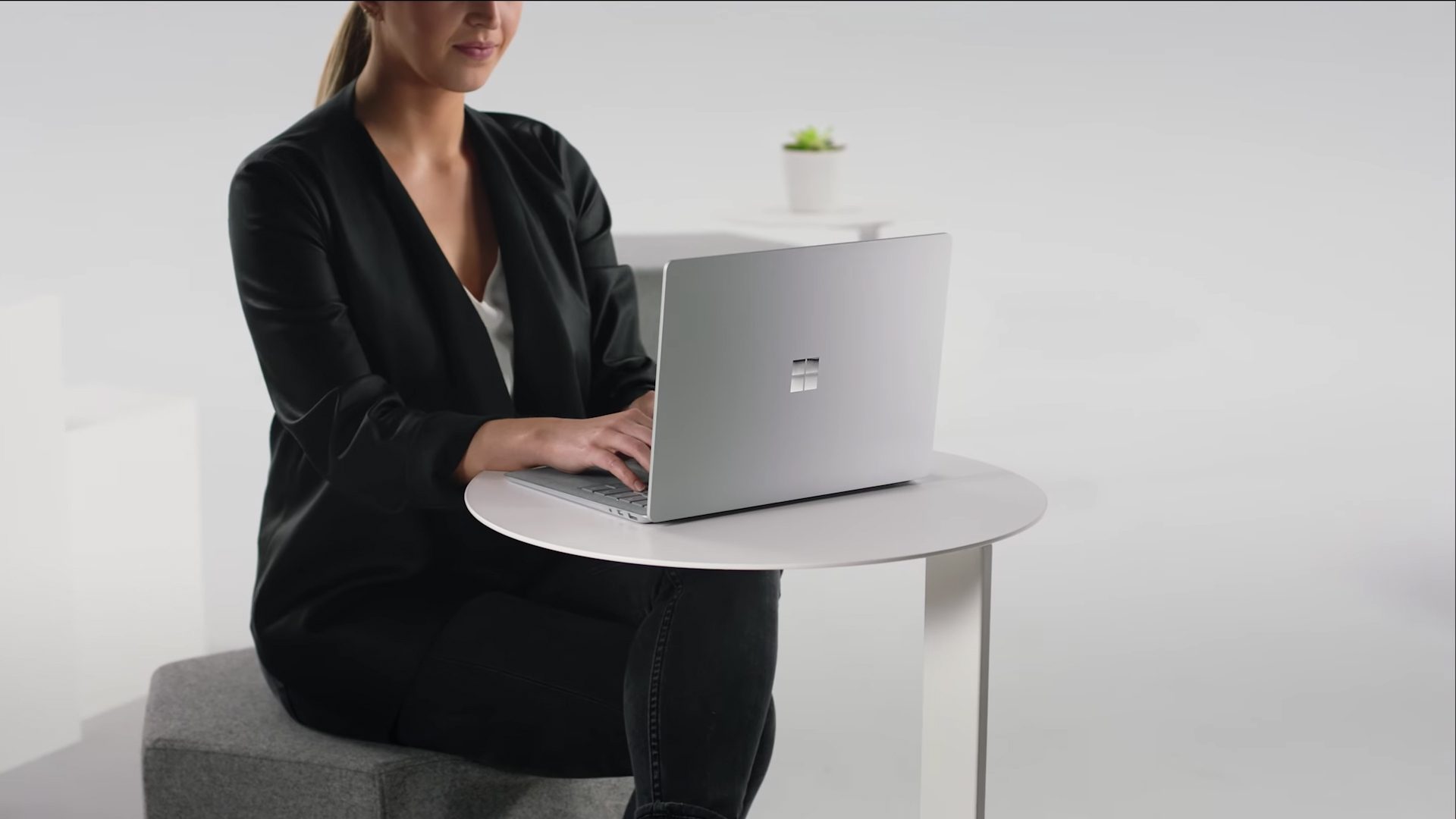
The Surface Laptop 2 is Microsoft’s nod to the tried-and-true clamshell mechanism. Take one look at the Laptop 2 and you’ll see, though, that it’s anything except usual. There’s the same Alcantara fabric on the keyboard deck that Microsoft introduced in its Signature Type Cover for the Surface Pro line, and it’s just as comfortable and attractive here. The chassis is aluminum, which is a switch of the company’s usual choice of metals, which makes the Laptop 2 both durable and light — with the usual Surface solid-as-a-rock build quality.
The Surface Laptop 2’s keyboard is excellent as well, with plenty of travel and a satisfyingly click that makes for a precise feel. The touchpad is a Microsoft Precision version and it’s plenty big for efficiently utilizing Windows 10’s full suite of gestures, and the touch display also supports the Surface Pen — albeit it’s not as comfortable to use with a pen as the Surface Pro 6.
Both machines offer different color schemes, via the Signature Type Cover on the Surface Pro 6 and the keyboard deck and chassis on the Surface Laptop 2. A deep black color is an option on both, and that’s extended to the Surface Pro’s chassis as well. These are two very well-made notebooks, and choosing between them really comes down to what kind of machine you’re looking for a — the best Windows 10 tablet on the market or a lovely and quite usable notebook with some elegant panache.
Performance
Both the Surface Pro 6 and the Laptop 2 received upgrades this round up to Intel’s 8th-gen U-Series processors. The Core i5 and i7 Whiskey Lake processors are quad-core CPUs with eight threads — both fast and efficient. That’s a lot of power tucked away inside the Surface Pro’s tablet portion, and it’s more than enough to make the Laptop a real competitor. We haven’t had a chance to test either machine, but they performed similarly relative to each other when they were equipped with 7th-generation Intel CPUs.
We’ll note that the solid-state drive (SSD) in the previous Surface Pro was a fast PCIe version that scored much higher than the SATA SSD in the previous version of the Laptop. We’ll have to wait for our testing to see if the same holds true this time around.
Another area where these two notebooks are closely matched is in display quality. The Surface Pro 6 uses a 12.3-inch IPS display that’s incredibly sharp given its 2,736 x 1,824 (267 PPI) resolution in the very productivity-friendly 3:2 aspect ratio. For its part, the Surface Laptop 2 has a 13.5-inch IPS display that runs at 3,000 x 2,000 (201 PPI), also in the 3:2 aspect ratio. Both displays use Microsoft’s latest Pixelsense technology that squashes all of the various layers — LCD and touch screen most notably — into as thin a panel as possible, making images pop and pen and fingertip presses as natural as possible. If they’re like previous versions, then they’re both also bright with excellent contrast — like all Surface devices, they enjoy some of the best displays you’ll find on a Windows PC today.
The Surface Pro 6 and Surface Laptop 2 are going to provide comparable performance and both offer excellent displays. You’ll find both of them to be excellent choices for even demanding productivity work.
Portability
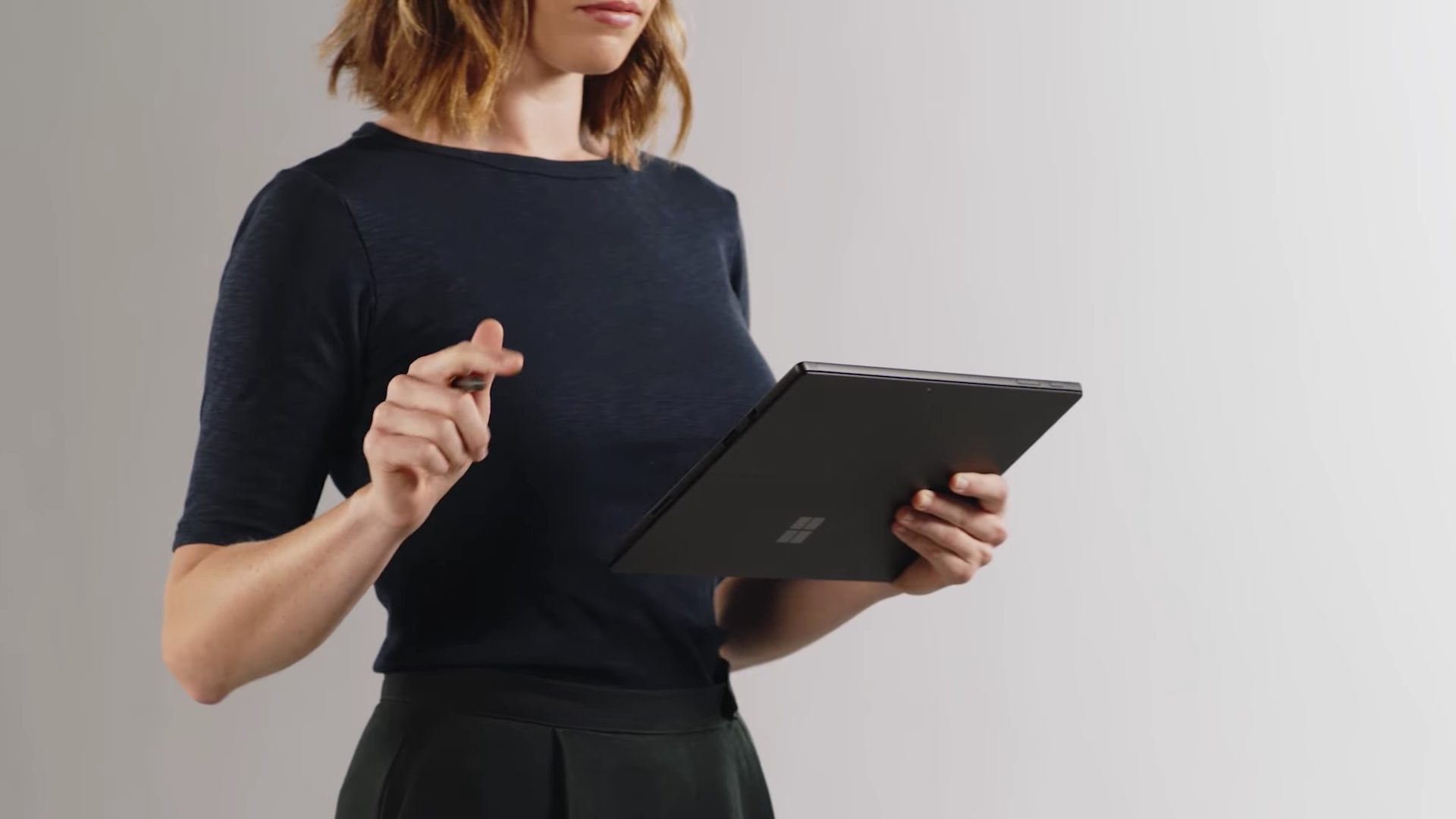
The Surface Pro 6 is an eminently portable device at just 0.33 inches thick and 1.69, at least for the tablet portion itself. Add on the Type Cover and it’s naturally a bit thicker and heavier, but it’s still quite easy to toss into a backpack and carry from place to place. The tablet houses 45 watt-hours of battery capacity, which is very good for the slate format and powered the Surface Pro to over 10 hours of playing a local test video and more than five and a half hours of web browsing. That promises nearly all-day battery life for productivity tasks and is commendable for such a thin machine.
The Surface Laptop 2 isn’t quite as thin and light as the Pro, but it’s quite competitive with the rest of the traditional notebook field. It’s just 0.57 inches thick and around 2.76 pounds (depending on the CPU), making it also easy enough to carry around. Its 47 watt-hours of battery life is less impressive, comparatively speaking, and yet the original Laptop still fared well in our battery life tests. It made it past 12 and a half hours looping through our test video, and over eight hours when browsing the web. Those are excellent results that place the Laptop at the upper echelon of notebooks we’ve tested.
The Surface Pro 6 is the more portable notebook when it comes to its thickness and weight, but the Laptop 2 is likely to last longer on a single charge. Which is better, therefore, depends entirely on whether you want one of the thinnest and lightest notebooks or you want to make sure you can leave the charger at home.
Tablet or laptop? The Surface Pro 6 stands out most
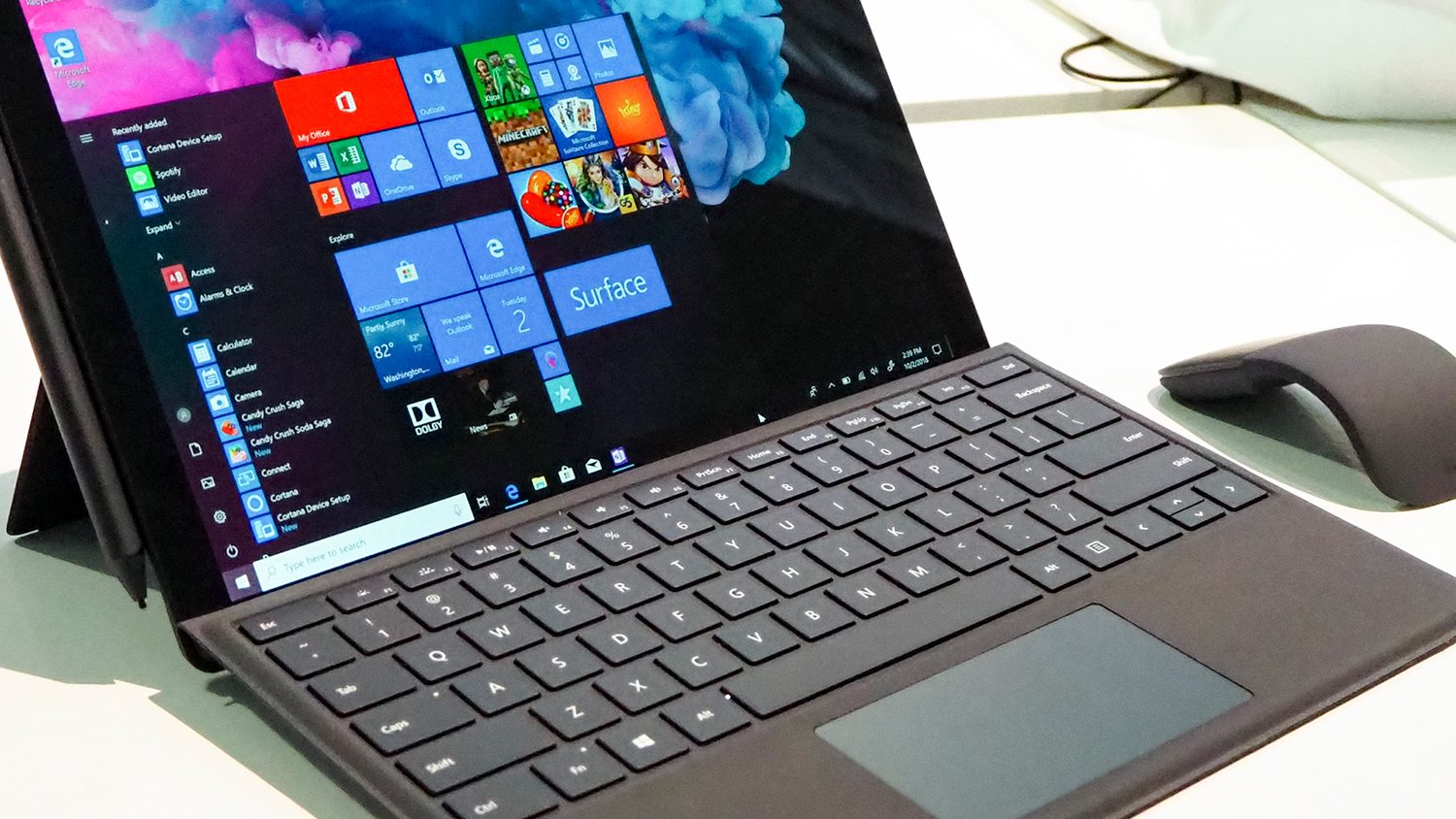
The Surface Pro 6 starts out at $900 for a Core i5, 8GB of RAM, and a 128GB SSD in the Platinum color scheme. That doesn’t include at least $130 for a Type Cover or $100 for a Surface Pen, both necessary if you want to make full use of the 2-in-1. You can spend as much as $2,300 if you splurge on a Core i7, 16GB of RAM, and a 1TB SSD. The Surface Laptop 2 is similarly premium, starting at $1,000 for a Core i5, 8GB of RAM, and a 128GB SSD, also in the Platinum color. The notebook tops out at $2,700 for a Core i7, 16GB of RAM, and a 1GB SSD.
Frankly, you’ll just need to decide if you want a detachable tablet or a standard notebook — because we can’t say that either of these Surface devices is better than the other for productivity users. They’re both well-built, perform well, and look great. At the same time, if you’re looking for the best in their class, then the Surface Pro 6 qualifies — whereas the Laptop 2 is much less of a standout among its much stiffer 13-inch notebook competition.


