
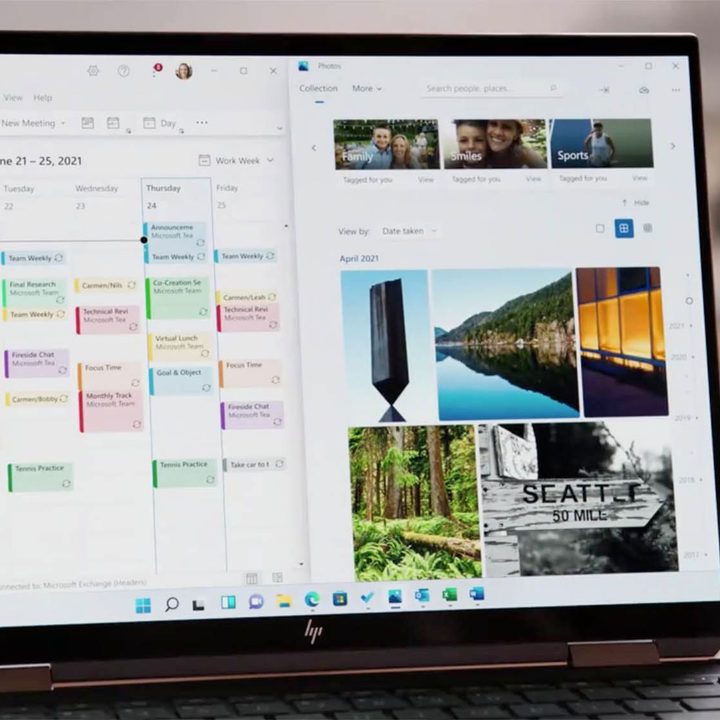
Microsoft announced the release of Windows 11 today and we are currently learning what to expect from the upcoming operating system. The company placed a lot of focus on productivity and allowing users to tailor the Windows 11 layout to their needs. Some of the new features include Snap Layouts, new docking and undocking mechanisms for external displays and laptops, multitasking help, vertical tabs, and the ability to operate multiple desktops.
The first interesting multitasking feature is Snap Layouts. This is a new feature that lets users pick the layout of their windows, apps, and projects based on their screen size. With a few clicks, the layout can be changed to display several apps or projects at once and let users work on them simultaneously with just one screen. There are plenty of app layouts to choose from, some of them including as many as four apps at once. “This is complexity made simple, but deceptively simple, because nobody else lets you do this with this many windows,” said Carmen Zlateff, the Partner Director of Windows User Experience.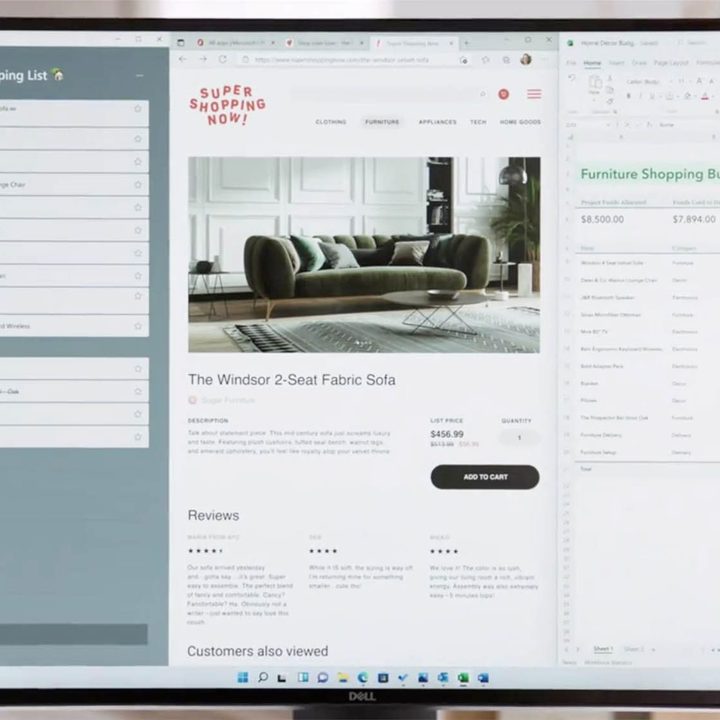
Microsoft promises that Windows 11 will remember the Snap Layout, as well as the apps that you were using, even if you switch to another tab. Being away from the computer or switching to another app will not delete the previous preset. The feature, interchangeably called Snap Layouts and Snap Groups, will remain on the taskbar and can be brought back up to the forefront whenever the user wants. You can also now choose to switch between single apps or even entire projects. According to Carmen Zlateff, “Bringing multiple windows together is something you can only do on Windows.”
Microsoft also intends to improve productivity for laptop users who dock to connect to an external display. When switching from a bigger screen onto a much smaller laptop display, Windows 11 will minimize the Snap Group layout and scale down to match the new display. Once the laptop is back in the docking station, Windows 11 automatically reconfigures the layout to bring back the previous settings and apps that were in use during undocking.
Microsoft also announced the addition of vertical tabs in browsers. When using multiple tabs, it’s easy to get lost in them and forget which is which. Microsoft’s solution to this problem is to allow users to switch to a vertical tab mode. This will expand the list of tabs on the left side of the screen, clearly showing the titles. It’s unclear whether this will be a feature only available in Edge or whether it will stretch to all other browsers.
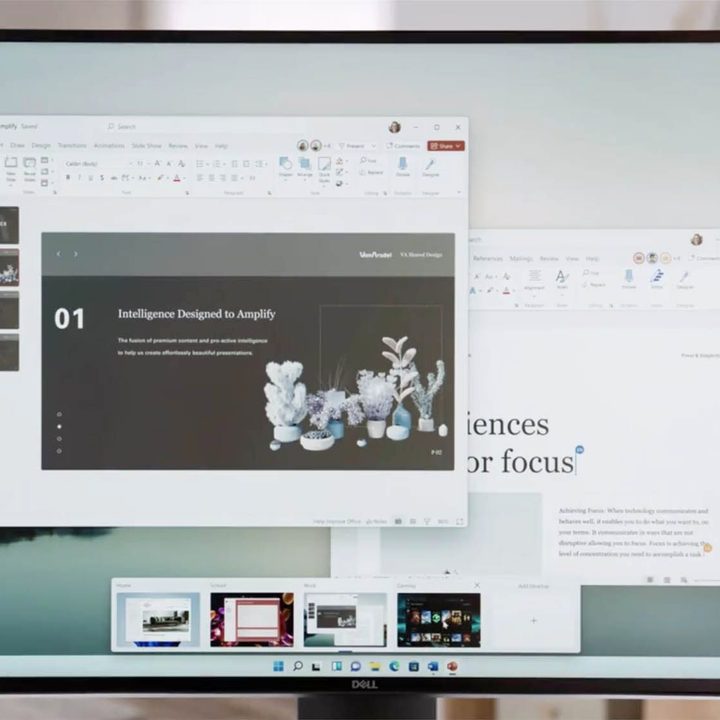
Another productivity-related addition to the new operating system is the ability to maintain multiple desktops. Windows 11 will now let its users save several custom desktop presets that they can switch to based on their current activities. According to Microsoft, saving a separate desktop for school, work, or gaming will be simple. Every desktop will have a different set of apps. The purpose is to better separate the time when you need to stay organized and focused from your leisure time. Once a desktop preset is saved, the user can switch between presets at any time — Windows 11 will remember them.


