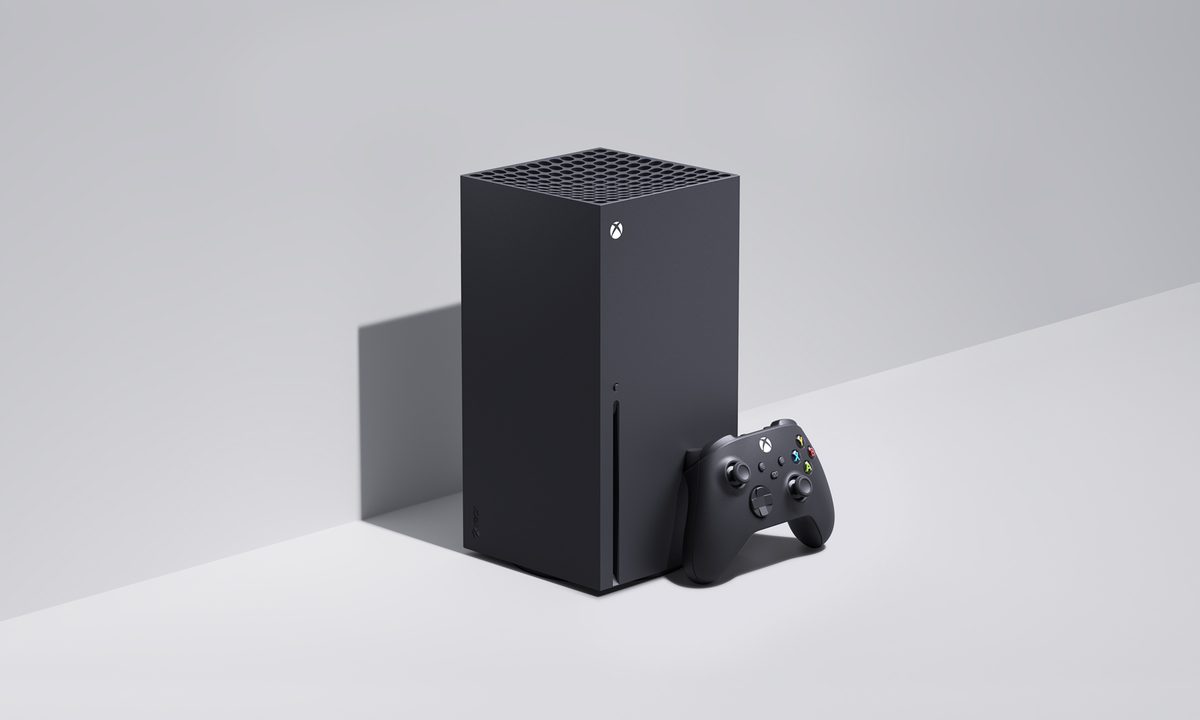

You don't need much to get started playing the best Xbox Series X games once you've got the console in your hands. But if you really want to take your gaming experience to the next level, there are plenty of accessories out there that can completely change how you use your console. There are some obvious picks like checking out the best Xbox Series X controllers or best headsets, but there are some other accessories you may not think of that could truly level up your gaming.


Xbox Elite Wireless Controller Series 2
- Wireless charging
- Adjustable controls and parts
- Durable
- Expensive
The Series X comes with a new controller, so why should you invest in a premium controller for a hefty $180? The Elite Series 2 from Microsoft is the most premium controller on the market. Aside from remarkable build quality, this controller is designed for customization. You have the replaceable thumbsticks, completely remappable buttons, a 40-hour rechargeable battery, adjustable triggers, and three unique profiles to customize these presets. That alone makes this a tempting buy, but what really pushes it over the edge are the back paddles. These four extra paddles on the back can be mapped to any other function on the controller. For example, this can allow you to keep your thumb on the right thumbstick to aim while doing a melee attack in a first-person shooter instead of moving it off to hit a face button. It is such a simple concept, but somehow one that hasn't become mainstream.

Xbox Wireless Headset
- Great quality for price
- Surround sound
- Lightweight
- Somewhat small
Headsets are a far cheaper and convenient way to get a fully surround-sound and immersive experience with your games that doesn't require investing in expensive speaker systems. The official Xbox headset is not only far more affordable, but it doesn't skimp out on features. It comes with a great mic for online play, surround sound, and overall high-quality audio to get you immersed. You can even use dual connections to talk with friends on the phone while gaming all at once.
While generally comfortable, it is a bit small and can feel tight over longer play sessions.

Xbox Rechargeable Battery + USB-C
- Saves money on batteries
- Fast charging
- Convenient
- No charge level indicator
If you're sticking with the traditional Xbox Series X controller, then you should at the very least invest in the rechargeable battery and USB-C cable. Microsoft has once again opted to make their standard wireless controllers powered by normal AA batteries. Once those bite the dust, it will be up to you to continue replacing them every so often to stay in the game. Depending on how much you play, buying more batteries can get expensive and wasteful quickly. This kit will solve both of those problems for you. Plus, you can even continue playing while it's charging so you're never left waiting to play.

Seagate Storage Expansion Card
- Can quick-resume games
- Large size
- Easy to install
- More expensive than similar SSDs
The Series X comes with an internal hard drive of 1TB. That may sound like a lot, but even toward the end of the Xbox One and PS4 generation, games were getting so large that dedicated gamers needed to add on more space to keep more than a handful of major titles on their systems at once. We can only expect the current generation to see game sizes continue to expand as they push graphics and scale further and further. Thankfully, Microsoft realized space would be a problem and planned accordingly by including a special storage slot on the Series X for you to insert extra storage. The Seagate Storage Expansion card is an officially licensed storage expansion that is as easy to install as plugging it in to double your storage space.

Xbox Game Pass
- Hundreds of games to play
- New games added every month
- Allows streaming and downloading
- Not great discoverability options
Let's cut to the chase here. You bought your Series X to play games on. Yeah, you can use it to watch movies and TV and browse the web, but its primary function is to play games. If you somehow haven't heard about Game Pass or are new to the Xbox family of consoles, then this should be on the top of your list. Sometimes referred to as the "Netflix of games," Game Pass is your subscription service that instantly adds hundreds of games to your library for a monthly fee. These games include titles from every Xbox console, from the OG Xbox up to the Series X, for you to browse, download, and play whenever you like. New titles are added monthly, and Microsoft has promised that every game made by one of their first-party studios will be available on Game Pass the same day as release.
PDP Talon Media Remote
- More convenient for entertaniment apps
- Non-gamer friendly
- Somewhat odd button layout
- Doesn't do anything you can't with a controller
While gaming is likely the primary function of your Series X, we can't ignore how great of a media device this box is. Since you can get essentially every major streaming service on your console, it just becomes that much more convenient to use it to watch all your favorite shows and movies. Using your gaming controller to navigate these services can be awkward and cumbersome at times, which is why the PDP Talon Media Remote is a perfect accessory to have on hand. This remote was made specifically for the Xbox, complete with the branding and face buttons, but designed like a traditional remote. This makes it way more intuitive and comfortable to use for media purposes than a gaming controller, especially if you live with others who are not gamers and just want to use it for streaming.

PowerA Dual Charging Station
- Charges two controllers at once
- Very cheap
- Controllers need to be placed perfectly to charge
A rechargeable battery is good for many people, but not ideal for people who aren't within reach of an outlet to plug in if your controller runs dry. Instead, if you snag a PowerA Dual Charging Station and make that the place you set your controller down after each gaming session, you should never have to worry about a low-battery message popping up in the heat of battle. If it does, you can still hotswap to a second controller you leave charging on the second slot as a backup.