
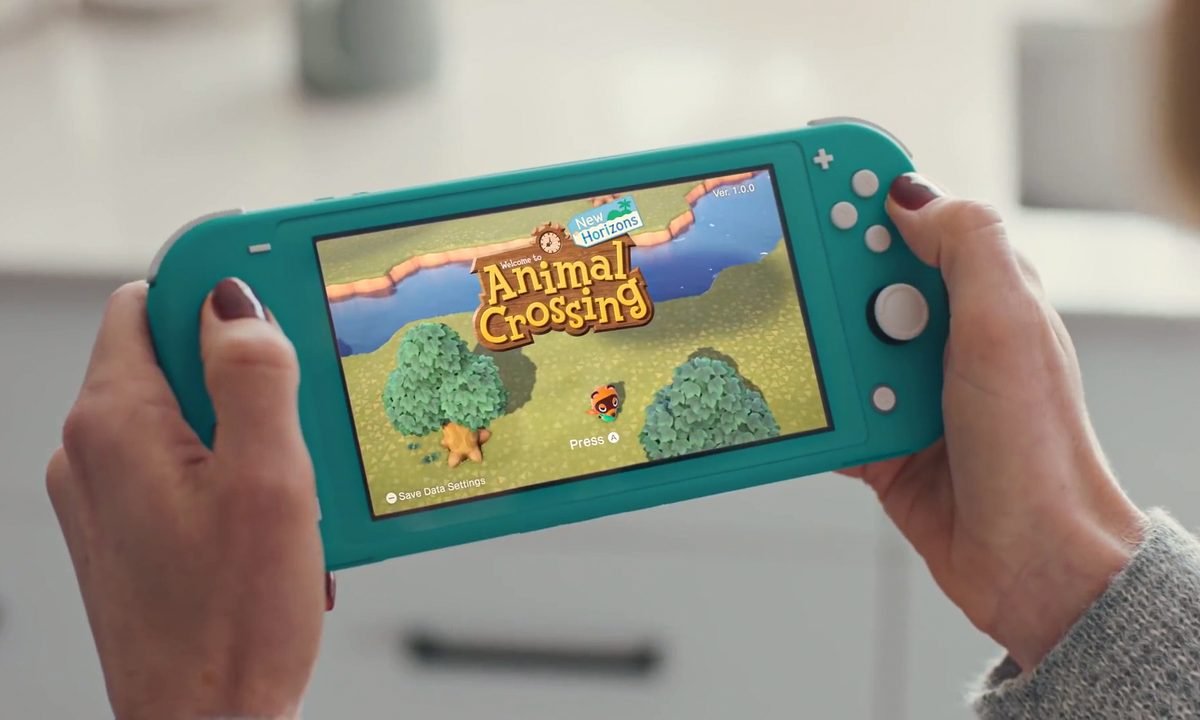
The Nintendo Switch Lite\ functions differently than the standard Nintendo Switch or Switch OLED. Specifically, you cannot actually switch the console between handheld mode and docked mode to play the best Switch games. Part of the reason for this is that the controls on the Switch Lite are not detachable from the system itself. This gives the Switch Lite a lower price and allows for much more portability.
However, this design choice does not mean Joy-Con controllers are completely incompatible with the Switch Lite. In fact, with the right accessories and a few tips, you can play with the Switch Lite in tabletop mode and control it via Joy-Con controllers. Here’s how to use Joy-Con controllers on the Nintendo Switch Lite.

Before you connect Joy-Cons to the Nintendo Switch Lite
You will need a couple of accessories before you can use the Joy-Con controllers with the Nintendo Switch Lite. The first being the Joy-Con controllers themselves.
They come in packs of one or two with Joy-Con straps for horizontal play. We recommend getting the two-pack as this will let you play any Switch game with the Joy-Cons since some do not support single Joy-Con play.
If you plan on playing with other people in multiplayer games like Mario Kart 8 Deluxe, then you should pick up a second two-pack of Joy-Con controllers.
Step 1: Next, you need to purchase a charging station for the controllers since Joy-Cons cannot be charged using the Switch Lite. There’s a four-controller charging station you can get online or in most major retailers that is powered using a USB connection. It even offers battery-level indicators for the controllers.
When you aren’t using the Joy-Con controllers, they should be stored in the station so they’re always ready to go.
Step 2: If you’re going to be playing your Nintendo Switch Lite using Joy-Cons, you’ll need something to hold it upright since it doesn’t include the mini kickstand of its predecessor. We recommend the HORI Dual USB Playstand because of its charging and connecting features. However, any stand that puts the Switch Lite in an upright position will do.
Step 3: This step is optional, but if you want more of a true controller feel, it’s recommended to get a Joy-Con grip, which will allow you to slide your Joy-Con into a mold that feels like a traditional game pad. They’re hard to come by these days, as are most Nintendo Switch accessories, including the system itself.

Pair the Joy-cons to your Switch Lite
Once you have charged controllers, pick up a left and right Joy-Con and get ready to connect them to the Nintendo Switch Lite.
Step 1: Turn your system on and select the Controllers tab at the bottom of the home menu.
Step 2: Select the Change Grip and Order option. Your Switch Lite is now ready to pair with your Joy-Cons.
Step 3: Press down the syncing button for a second or two on the Joy-Con controller you’re pairing. It’s located along the railing, so remove the Joy-Con strap if you already have it on the controller.
It should pair after a few seconds
Step 4: You can then choose which control configuration you want to use by holding down the L and R buttons on the controllers. If you’re using two controllers, press L on the left one and R on the right one. If you are only using one, flip it sideways and hit the little L and R buttons located on the railing.
At this point, you can put the Joy-Con straps back on your controllers.
When you put the Switch Lite to sleep, the Joy-Con controllers should automatically disconnect. However, they should still be synced, so just touch the home button or a face button on each one when you’re ready to connect to the Switch Lite again.

Can you use the Pro controller with the Nintendo Switch Lite?
Players can play with the out-of-this-world Pro Controller alongside the Switch Lite. You simply have to follow the same process as if you were playing with Joy-Cons. Gamers will quickly spot that gameplay functions appear remarkably similar to using a Pro Controller when in tabletop mode on the original Switch.
To cut down on time and work spent in setup, we recommend that you pair the Pro Controller to a USB (if your setup supports it). The gameplay also works best if you’re using a Nintendo-approved and supported hub device. If that sounds unfamiliar to you and you’re not sure what to consider buying, we recommend checking out the HORI Dual USB Playstand.
This particular arrangement will allow you to charge up your system and will feature a useful kickstand. To start, place your Switch Lite on the stand and link your Pro Controller with the USB cable. After that’s complete, you’re ready to start playing.


