  1. Home
  2. Gaming
  3. How tos

How to remap controller buttons on Xbox Series X/S

Add as a preferred source on Google
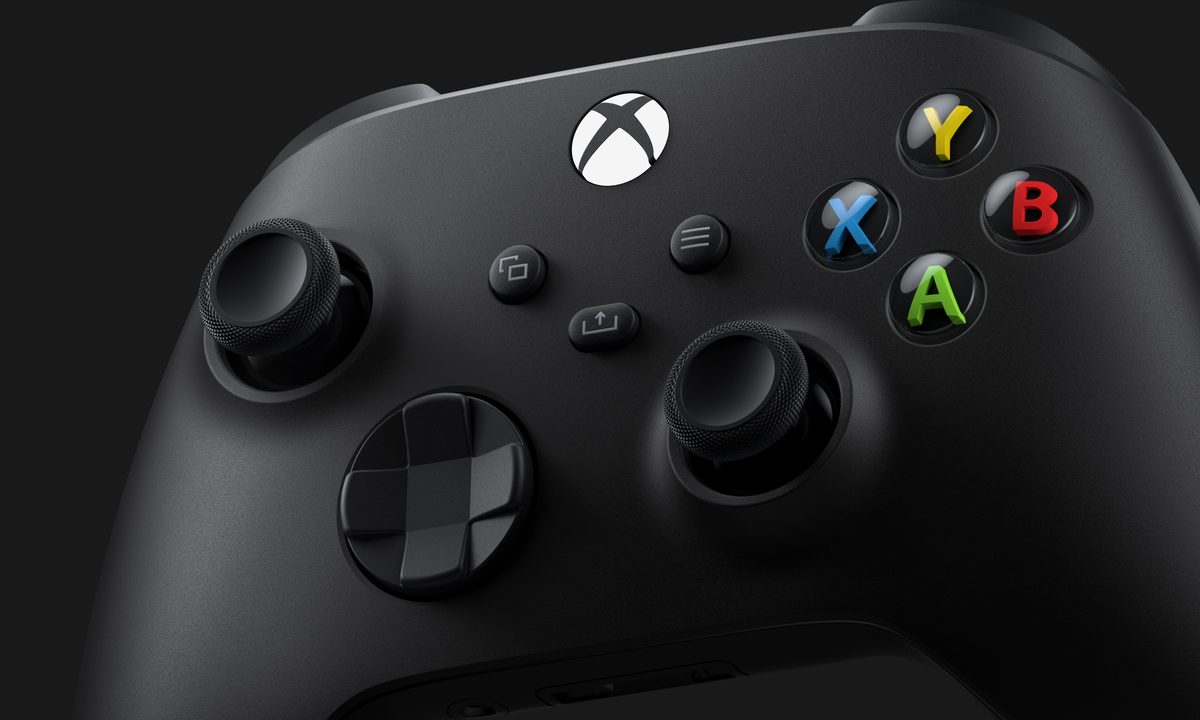
Xbox X Controller.
Microsoft

Customization is one of the pillars of accessibility in gaming, so it's reasonable to expect that you should be able to decide the mapping of your controller buttons. However, not every game allows you this opportunity within its settings, seemingly leaving you stuck with whatever control scheme the developers thought you should use. Luckily, Microsoft has ensured that you can fully remap your Xbox controller on a system level, eliminating this issue almost entirely. Here's how to remap your Xbox controller buttons on Xbox consoles, including the Series X and S.

Recommended Videos

Difficulty

Moderate

Duration

5 minutes

What You Need

  • Xbox Controller

Xbox X Controller
Microsoft

How to remap controller buttons on Xbox

When you're ready to begin remapping your Xbox controller, follow the steps below.

Step 1: Open Settings by clicking on the gear in the upper-right corner of the Xbox home screen.

Step 2: Scroll down to Accessibility on the left side of the Settings menu.

Step 3: Select Controller in the Accessibility menu.

Step 4: Select Button Mapping to access the full suite of remapping options.

Step 5: Press and hold any button you'd like to remap to begin the process.

Step 6: When you've completed remapping your Xbox controller buttons, press B to exit the menu.

Billy Givens
Billy Givens is a freelance writer with over a decade of experience writing gaming, film, and tech content. He started as a…
PlayStation wants to see your papers before you party chat
PlayStation 5 age verification rules spark new privacy concerns
Computer Hardware, Electronics, Hardware

Sony’s PlayStation 5 age verification rules are now taking effect in the UK and Ireland, where the rollout is currently in a pilot phase before full enforcement by June 2026. The company says adult accounts will need to verify their age to keep using communication, broadcasting, and some social features. Child safety is the stated reason, but the rollout has quickly turned into another argument about privacy, data collection, and how much policing online platforms should be allowed to do.

Your PS5 still works, but your social life may not

Read more
PlayStation’s new 30-day DRM check is a step backwards for gamers
Your PlayStation games might stop working if you stay offline
Sony DualSense controllers PS5 gaming together multiplayer

A new DRM-related change on PlayStation is setting off alarm bells across the gaming community. Recent reports have suggested that some digital games on Sony's PlayStation consoles may require an online check-in every 30 days to remain playable. Meaning, the company can temporarily block you from playing games you own if the system can't verify your license.

What's actually happening

Read more
This OnePlus controller turns your phone into a handheld, if you can actually get it
OnePlus Strix G15 controller is a phone controller you likely won’t get to use
OnePlus Strix G15 controller turns the Ace 6 Ultra into a handheld

OnePlus is going all in on mobile gaming again, and this time, it has released a controller to pair with its gaming smartphone. The company just built the Strix G15 controller, which is designed specifically for the new OnePlus Ace 6 Ultra. This is a snap-on attachment that wraps around the phone and turns it into a handheld console.

What's so cool about this controller?

Read more