
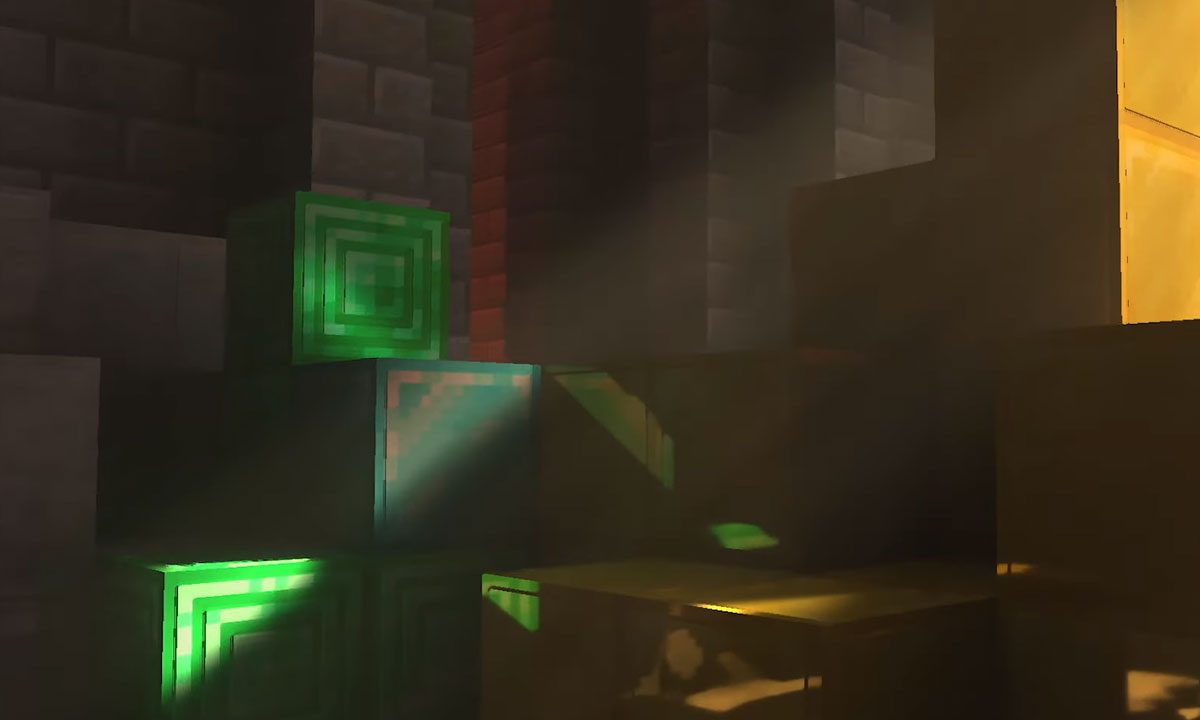
Minecraft is known for many qualities, but graphics are not typically among them. The incredibly flexible and dynamic building game chose a more simple yet pleasing art style to better serve its mechanics. That being said, while that blocky aesthetic will never go out of style, there are plenty of ways to improve the looks since it originally came out in 2011. Aside from graphics packs and shaders, the most impressive visual update you can add to Minecraft is ray tracing.
Ray tracing is one of the latest and most impressive graphical improvements video games have seen in the last few years. This system focuses on making light sources behave more realistically, which alone can make a game look years newer than it really is. Everything from shadows and reflections to world lighting just feel more real. However, it isn't something that's on by default. Whether you're playing on PC or the Xbox Series X/S, here's how you can try out ray tracing in Minecraft for yourself.

How to turn on ray tracing on PC
PC is the most popular Minecraft platform and where ray tracing is most common in games since it is generally too taxing for consoles to handle. Here's how to turn it on.
Step 1: Load up your copy of Minecraft Bedrock Edition.
Step 2: If you don't have a ray tracing-enabled texture pack, open the Marketplace.
Step 3: Use the search function and type in "ray tracing."
Step 4: Download a ray tracing-enabled pack.
Step 5: Wait for the download to complete.
Step 6: Create a world using this pack.
Step 7: Return to the main menu.
Step 8: Go into Settings.
Step 9: Select Video.
Step 10: Scroll down and toggle on the Ray tracing slider.
Step 11: Load back into your world and enjoy the view!
How to use Ray Tracing with an Nvidia graphics card
If you have an Nvidia brand graphics card, turning on ray tracing is a much simpler process.
Step 1: Open the Settings section of the GeForce Experience
Step 2: Select General.
Step 3: Enable Experimental Features.
Step 4: Move to the Game tab and select the Enable Nvidia RTX option next to Minecraft.
Step 5: Launch Minecraft and enable RTX in the Video Settings.

How to turn on ray tracing on Xbox Series X/S
While ray tracing is technically available for Xbox Series X/S users, it is still in a preview stage, meaning you will need to do all the steps above on PC as well as the ones following to make it work.
Step 1: Host a Minecraft world on PC with ray tracing enabled.
Step 2: Download the Xbox Insider Hub app on your Xbox console.
Step 3: Sign up to be an Insider.
Step 4: Locate the Minecraft preview option under Previews.
Step 5: Select Join.
Step 6: Invite your Xbox account to your PC Minecraft world.
Step 7: Once in the world on your Xbox, open Settings.
Step 8: Select Video.
Step 9: Scroll down and toggle on Ray tracing.
Eventually, ray tracing should come to the standard Xbox versions of Minecraft, but for now, this is the only way to experience high-end lighting on your console.


