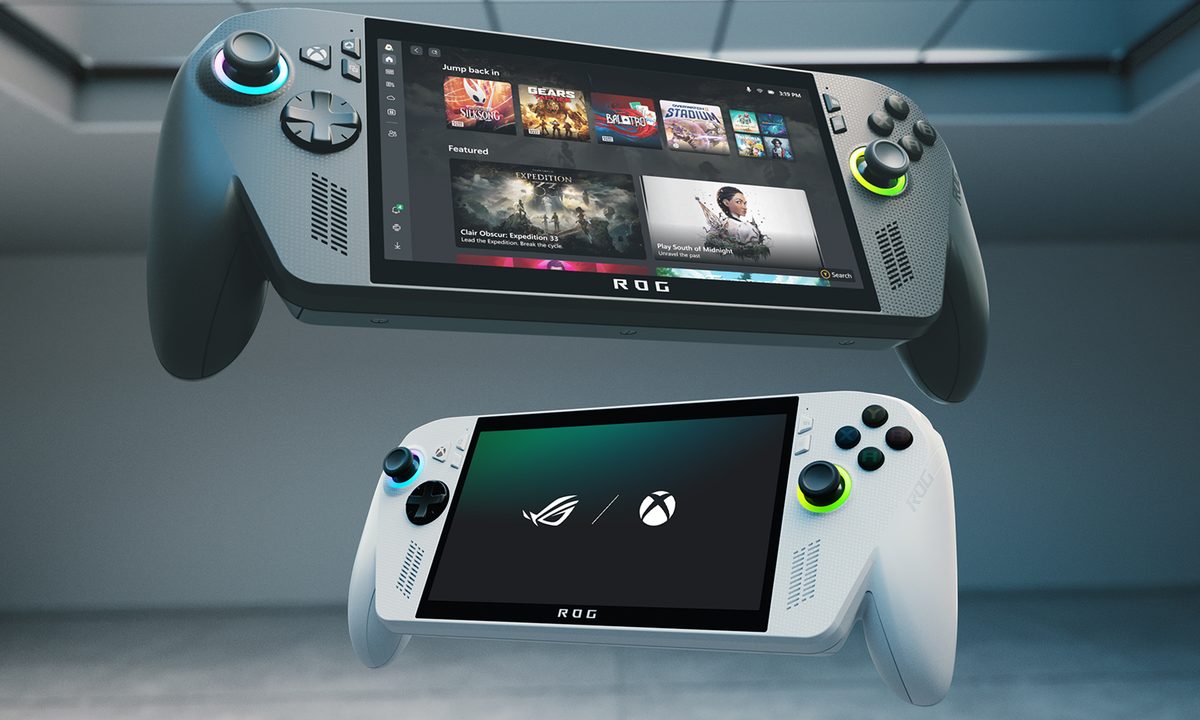
What’s happened? Delivering on promises made at its launch, the ROG Xbox Ally has gotten yet another feature update. Both ASUS and Microsoft have pushed a new update for the ROG Xbox Ally handheld that introduces Default Game Profiles (Preview), which basically offers ready-made performance settings for supported titles. Instead of manually tweaking TDP, FPS limits, or power modes, the device auto-applies profiles when you launch one of the 40+ supported games. The feature is rolling out now in preview form, with more games promised soon.
- At launch, the profiles cover titles including Call of Duty: Black Ops 6, Hollow Knight: Silksong, Forza Horizon 5, and Halo: The Master Chief Collection.
- The system determines whether a game is underperforming or exceeding targets, then boosts or caps FPS and power usage accordingly.
- Users can toggle profiles on/off via Armoury Crate Command Center’s Game Profiles widget.
- The preview requires the latest update for Armoury Crate SE, the Xbox PC app, and Windows 11 to function properly.
Why this is important: See, handheld gaming, by design, involves trade-offs. High power requirements drains battery fast, while power saving often reduces performance. With Default Game Profiles, the handheld adjusts those trade-offs for you, making the ROG Xbox Ally more intuitive and user-friendly. This update means less fiddling, more playing. Especially for users who don’t want to tweak hardware settings manually.
- The auto-tuning boosts batteries without you needing to be a hardware expert.
- Pre-configured profiles help ensure gaming performance as soon as you launch supported titles.
- The feature brings one of the key advantages of consoles, which is plug-and-play simplicity, into the handheld PC space.
- For the device lifecycle, this update improves battery health and reduces wear from frequent manual adjustments.

Why should I care? If you own a ROG Xbox Ally (or are considering one), Default Game Profiles directly improve your experience. You’ll likely notice more consistent frame rates and better battery runtime in supported games, even if you’re not used to tweaking performance settings. That means fewer pauses between sessions and more confidence when gaming away from home. But here’s where it stands out compared to Valve’s Steam Deck approach: while the Steam Deck relies on game developers to embed presets directly into each game, what Microsoft and ASUS have done is device-side, fine-tuned profiles not just per game but per device performance. That means you get the convenience regardless of whether a dev baked in support.

Add to that, Microsoft is also working on expanding its Handheld Compatibility badges, which is their version of Steam Deck’s Verified feature. As such, you’ll start seeing more titles flagged as ready for handheld play. Combine that with the new Default Game Profiles feature, and this new update would be a real game-changer for gamers who want something that just works out of the box.

Okay, so what’s next? First things first, update your Ally. Once the new firmware and Armoury Crate SE patch land on your device, you’ll start seeing these game profiles kick in automatically. After that, it’s really about trying your favourite games and noticing where things feel smoother or where the battery suddenly lasts longer than you expected. Microsoft has already said more titles are on the way, so just keep an eye on those tags, and you’ll get a steadily more polished, Steam-Deck-style experience without the faff.