

The new Beats Pill is a brilliant little speaker for all kinds of reasons. Chief among them probably is that you get a very capable Bluetooth speaker for not a ton of money.
In a lot of ways, and as you’ve read in our Beats Pill review, the version remains simple. You pair your phone, play your music, and Bob’s your uncle. But despite having just three buttons and that same basic shape we’ve loved for years, there are a few decidedly deceptive features that you might well miss — or that might send you scrambling for the manual.
And there are a number of things the diminutive Beats Pill can do that competitors can’t.
So here are our favorite Beats Pill tips and tricks, for the 2024 model.
The lanyard comes off
I love the lanyard on the Beats Pill. It makes it easy to carry, and gives you a way to hang it from places that might not otherwise support a speaker.
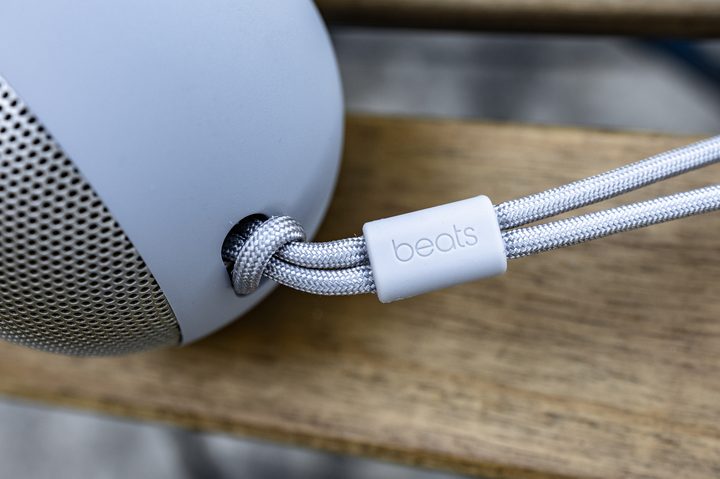
But there are times in which I’d prefer to not have the little rope dangling off the side. Maybe it’s for aesthetics — or maybe the thing’s just in the way.
No matter the reason — and forgive us for stating what is nearly completely obvious — you can remove the lanyard. Just feed the long end back through the loop. (And reverse the process to put it back on.) It’s another simple feature that makes the Beats Pill great.
It can charge your phone
This will tie in to way the buttons work — which we have listed below if you want to skip ahead. But it’s worth a reminder that the Beats Pill can serve as a portable battery charger, which is always a good thing. Beats doesn’t give the exact battery capacity of the Pill, but suffice to say it’s almost certainly greater than that of your phone.
Here’s how to get the Beats Pill to charge your phone: With the speaker turned off, plug one end of the cable into your phone, and the other into the Beats Pill. Then press the power button three times. (Note that you can play music while your phone is charging. Nice.)
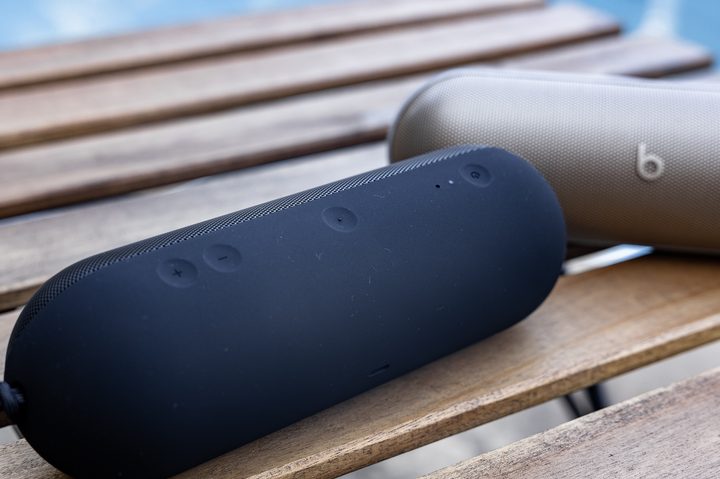
The power button
OK, here’s more on the Power button. Yes, it turns the Beats Pill off and on, but that’s just the start.
- Press once for off/on.
- Once it’s on, press once to get battery status on the LED closest to the Power button.
- Hold for three seconds to pair a device.
- Double tap for voice assistant.
- Press and hold while plugging into your phone if you want USB-C audio.
- And triple tap if you want to charge your phone instead.
The center button
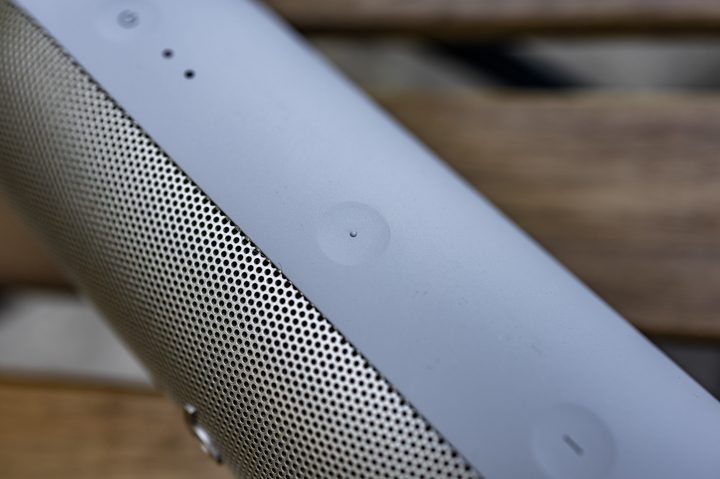
The Center button — it’s the button between the power button and the volume buttons — has a lot going on, too. It’ll control a lot of the basic functionality of the Beats Pill, and it also is how you’ll get the Beats Pill to launch into some of its more interesting features.
- Press once for play/pause.
- Press twice to skip ahead.
- Press thrice to go back.
- Press and hold on two Beats Pill speakers for amplify mode.
- Press the Center button and volume-up to pair two Beats Pills in stereo mode. (The speaker whose buttons you pressed becomes the “left” speaker.)
- Press the center button and volume down to break the pair in either mode.
That’s a surprising number of features for a little Bluetooth speaker, indeed.


