
Despite delays, COVID-19 infections, and yes, even flood runoff, the delayed 2020 Tokyo Olympic Games are now in full swing. This year, 4K sources for the games — especially the most popular sports — are more available than ever. The UHD resolution is also frequently accompanied by HDR optimization and Dolby Atmos sound, so the experience will be better than ever on your home theater system.
There’s just one caveat: You need to watch the Olympic Games from a source that offers 4K content to get all the benefits. Check out our guide for exactly what you need to do!
Step 1: Check your hardware
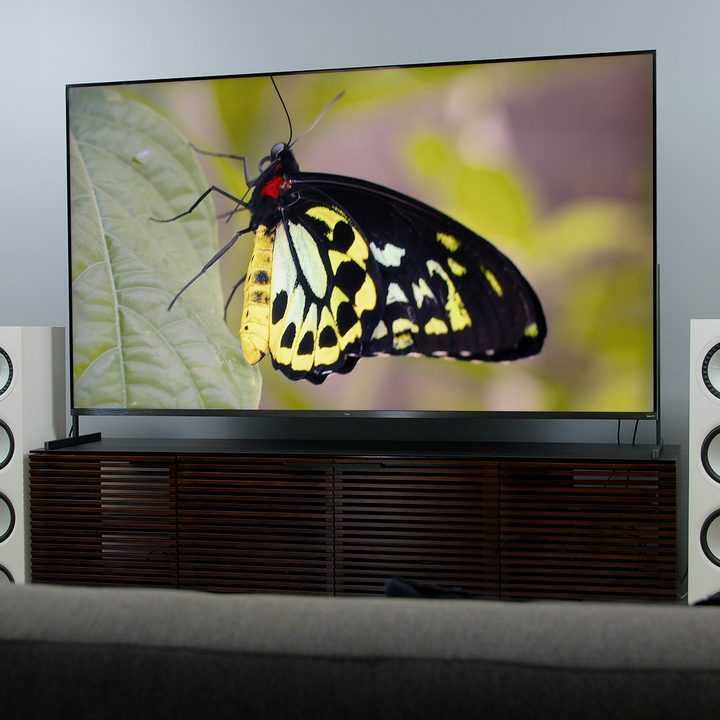
Remember, just because the source offers 4K content doesn’t mean your system will support it. You will need a 4K TV, a receiver or set-top box that supports 4K (this is usually clearly stated on the box itself or in the manual), and a cable connection to your TV that supports 4K, such as HDMI 1.4 or higher. HDR support on your TV and Dolby Atmos support for your speakers will also offer significant improvements.
Step 2: Check your provider

NBC will be covering the events live and will record much of the Games in 4K. However, not every content provider will be supporting that 4K video feed. You will need to check that you have a provider that will be allowing that 4K data to pass all the way through to your home screen. Let’s make that a lot easier with a list of the providers and services that are offering the summer games in 4K:
- Altice (NYC only)
- Comcast Xfinity X1
- Cox
- AT&T/DirectTV
- Dish/Dish Network
- Optimum
- Verizon Fios One
- YouTube TV and FuboTV streaming apps (more on this below)
NBC also has more information about what localized simulcasts will support 4K coverage, which may add an additional layer of limitations depending on how and where you plan to watch.
Step 3: Pick your preferred channel or platform

Now it’s time to pick your specific channels and sources for Tokyo games coverage. Here’s where to look when it’s time to sit down and enjoy your favorite sports. Note that channels can have different numbers depending on what service you are using, which makes it difficult to add channel numbers — when in doubt, search by name or look up your local broadcast information.
NBC’s live and primetime broadcasts
NBC’s own channel is one of the best spots for 4K summer games coverage, especially if you are watching live and have easy access to the network. However, NBC won’t be showing every event, especially when it comes to its repeated Primetime coverage, which generally only covers the highlights or popular sports. Watch NBC in particular for events such as:
- The Opening Ceremony
- Gymnastics
- Swimming
- Track & Field
- Beach Volleyball
- More
All NBC footage will also include support for Dolby Atmos, which pairs well with compatible surround sound speakers or soundbars. Note that events streaming on NBC’s Peacock service will not be in 4K.
The Olympic Channel
The Olympic Channel is a separate channel set up with a specific focus on Team USA. This is the go-to spot for watch tennis and wrestling in 4K!
The Golf Channel
The Golf Channel, to little surprise, will be the home of the Tokyo games golf event, which will also be shown live in 4K.
YouTube TV
YouTube TV is one of the most reliable ways to get the full 4K experience, as you can stream it pretty much anywhere on a compatible system without worrying about localization or providers. However, you do have to pay for it: You need a YouTube TV subscription, which starts at around $65 per month. Then you need the 4K add-on, which costs an additional $20 per month. The good news is that YouTube has recently been offering a $10 discount for the first month of 4K service, so if you have YouTube TV already then it will only cost $10 for summer games upgrade.
If you are using YouTube, treat it like a traditional provider, and navigate to the channel that will be showing the events you want to watch. YouTube has a more comprehensive guide on just how to do this.
FuboTV
FuboTV is another streaming service, a sports-friendly option that does a good job of replicating a cable package. If you use FuboTV, you can watch the Tokyo games at 4K for no additional cost … but only if you are in the right city. FuboTV 4K support only extends to:
- The Boston area
- Chicago
- Dallas-Ft. Worth
- Los Angeles
- NYC
FuboTV does offer a free trial, so it’s possible to sign up, watch the games now, and cancel later if you want to save — but you’ll need to act quickly. A starter subscription will otherwise cost $65 per month. As with YouTube, you’ll need to treat this app as a traditional provider and find the right channels to view particular events. Let the Games begin.



