
Now that you’ve picked up a great smart thermostat, you’re probably busy optimizing it for your home. There are a lot of settings to review depending on the make and model, but there are some best practices that can help you get the most out of your smart thermostat regardless of the one you install. Here are our recommended tips for working with thermostat settings.
What should you set your thermostat at in the winter?
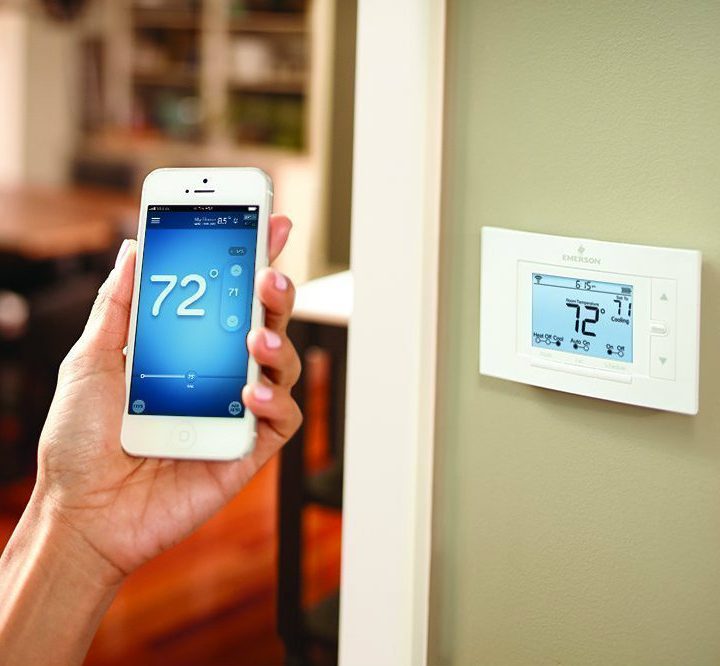
The U.S. Department of Energy suggests setting your thermostat to 68°F in the winter. Ideal default temperatures for thermostats in winter will naturally vary depending on your climate zone, but 68°F is a good starting point.
What should you set your thermostat at in the summer?
The U.S. Department of Energy suggests setting your thermostat to 78 degrees Fahrenheit in the summer. Again, summer temperatures will differ based on climate, so adjust accordingly.
What are the ideal thermostat settings?
There are a lot of options available depending on which particular smart thermostat you have, but we have some general guidelines to help you out.
Use location when your schedule is erratic
Smart thermostats are good at figuring out your daily routine. They take note of when you’re home and when you’re away, and try to make predictions based on previous activity. However, if your schedule is erratic, these predictions can be more trouble than convenience.
In this case, you can lean on your location to be the smart thermostat’s primary trigger rather than using a schedule-based prediction. Make sure the mobile app has location services enabled so that your home can pre-heat or pre-cool before you arrive from your daily commute. This way, your home is comfortable and ready when you open the door.
Your smart thermostat likely has a radius which it uses to detect if you’re home or away. Set that radius far out enough that it can detect when you’re getting close to home but aren’t quite physically there yet. This setting is also helpful for ensuring the thermostat doesn’t act as if you’re away if you’re just going to the neighbor’s house for a bit.
Keep it off at night
While you’re asleep, your whole home doesn’t need temperature control. Save some energy by only managing temperature in bedroom zones if possible. Even then, depending on climate and season, you may not need heating or cooling in bedrooms either. Take note of how your smart thermostat activates overnight; it may deem “optimal” settings are still turning on your heating and cooling when they’re not strictly needed. Take the step of manually setting the sleep time schedule to be as inactive as possible on your system, and if that’s uncomfortable, make minimal adjustments.
Plug into third-party services
Creating connections to Amazon Alexa, Siri, and Google Assistant with your smart thermostat is a fairly straightforward process, but it doesn’t have to end there. Apps like IFTTT can extend smart thermostat functions beyond what’s available out of the box. This integration will be fairly specific to your needs. Take stock of the connected devices in your home and brainstorm how you’d like them to interact with your smart thermostat.
Don’t forget about humidity
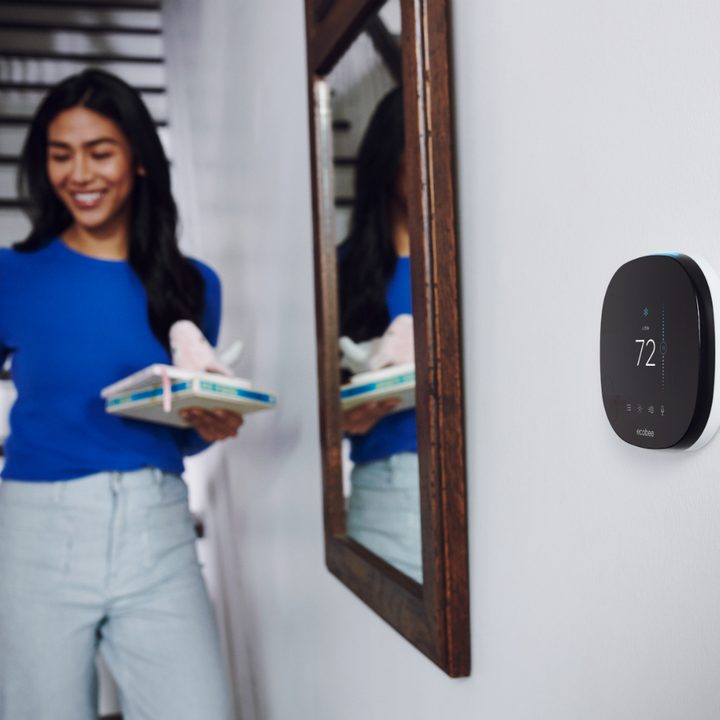
The home’s humidity levels will significantly affect how easily it heats and cools. Luckily smart thermostats typically have humidity sensors and offer heating or cooling regimens for keeping the environment at an optimal humidity level. Smart thermostats can coordinate with some smart dehumidifiers. If you don’t have one yet, it may be a worthwhile complement to keep your home efficiently heated.
Cross-check time-of-use rates
While smart thermostats will do their best to minimize overall power draw, not all will take into account time-of-use rates. These are the rates that your electricity provider will bill based on the usual grid demand and expected supply for any given time of day. This rate is especially key for renewable energy which will wax and wane throughout the day. Nest recently announced the Renew feature which will factor these changes in rates and make automatic thermostat adjustments accordingly. Real penny-pinchers will want to double-check with their local provider rates to see how they can maximize on lowest rates. For example, it may be worth scheduling heating the home earlier in the morning before everyone gets up to enjoy lower rates, and to cut off heating when the morning peak hits to avoid higher rates.
Those are just some of the recommended thermostat settings for devices like Ecobee and Nest. Saving power by implementing best practices doesn’t only save you money, but it also makes a significant dent in combating climate change. About a quarter of America’s emissions come from electrical usage. So as long as the grid relies on dirty sources like coal and gas, being efficient with our home heating and cooling is a high priority.


