iRobot Roombas can be incredibly smart: When programmed and set up correctly, they can navigate complex obstacles, return to their bases for charging, and in some cases, empty out their dust bins into a larger collection bin at the station. With voice assistant compatibility, you can even give them names and orders. But when things go wrong, Roombas can start acting weird -- and that’s not good for their cleaning routines.
One problem owners run across is when a Roomba spins in circles instead of following the pre-planned cleaning routine or navigating correctly. If your Roomba is spinning out, don’t worry: You can usually fix this issue with a few simple steps. Here’s what to do.
Why does a Roomba go in circles?
It’s usually a problem with sensors or with mechanical movement. While spinning in circles may look alarming, it’s rarely a permanent problem, although your robovac definitely needs some care before it’s ready to resume duty again.

How do you fix a Roomba going in circles?
There are several steps you can try to get your Roomba back on track. You don’t have to try them in any particular order unless you spot a step that seems to match exactly what’s going wrong with your robovac.
Step 1: Place the Roomba on a clean section of the floor where there are no obstacles nearby. Set it for a basic cleaning run in this section for a few minutes. If the Roomba operates as it should, then it was probably getting confused by more complicated furniture arrangements (sometimes you have to clean under furniture manually). On the other hand, the Roomba may recognize it has a problem and display an error code. That means it’s time to take out the manual or look up the error message online for further instructions.
Step 2: Flip the Roomba over. Examine the bumpers closely to make sure there is no debris stuck inside them. If debris is wedged inside a bumper, carefully pick it out, or tap your Roomba over a trash bin to release any unwanted particles. When the bumpers are clean and you are sure they are properly aligned and undamaged, try using the Roomba again.

Step 3: Test each wheel on your Roomba to ensure they are all spinning smoothly. If debris was caught near a wheel, it could have stopped moving, which means the other wheels would start spinning the Roomba in tight circles.
If you’ve cleaned out the debris but a wheel is still stuck, you may need to do a more thorough cleaning. Look at the Roomba manual to see how to remove the wheel on your model. Typically, you can remove wheels for a thorough cleaning if necessary.
Step 4: Carefully clean all the sensors. If the Roomba’s advanced sensors get dusty, they may start to recognize obstacles where none exist. This may be especially true of cliff sensors, which keep the Roomba away from stairs, etc. With a soft cloth, carefully clean the entire Roomba, paying close attention to the sensor sections.
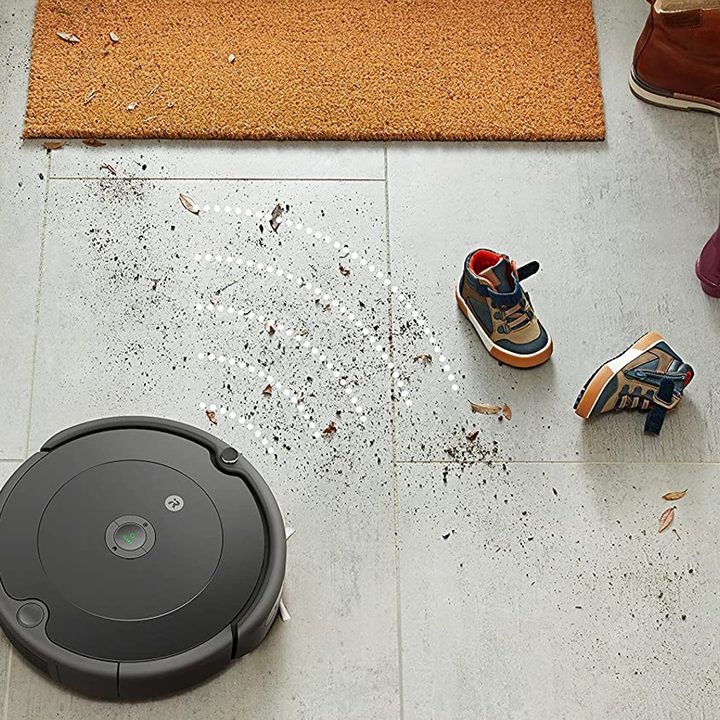
Step 5: Remap the room. Some Roombas have mapping features they use to map out a room with their sensors and then log that version of the room to keep in mind while cleaning. This activity helps a Roomba avoid permanent obstacles including walls and furniture that’s unlikely to move. Problems happen when the Roomba maps a temporary object in the room — like a toy box, TV tray, and so on. The Roomba will continue to see that object and move to avoid it even when it isn’t there, making it look like the Roomba is going in circles. Head into your app and look for ways to remap the room with the Roomba and see if this helps.

Step 6: Do you have very dark carpet or wood flooring? A surface that’s nearly black can cause trouble with a Roomba’s sensors: They may read the blackness as a cliff and try to back away from it, leading the Roomba in circles. There’s not much to be done about this problem. The Roomba may need to avoid dark areas when cleaning to make sure it works right.