


“Though the Yoga 11S suffers from a dim display, it’s otherwise everything a convertible laptop should be: light, portable, and adequately quick – not to mention affordable.”
- Excellent design and quality
- Very light and thin
- Record-setting results in power draw, idle noise, and idle temperature
- Literally silent at idle, quiet at low
- Great value
- Dim display
- Only one USB 3.0 port
- Below-average performance
“Why you can trust Digital Trends – We have a 20-year history of testing, reviewing, and rating products, services and apps to help you make a sound buying decision. Find out more about how we test and score products.“
Lenovo’s IdeaPad Yoga 13 was among the first Windows 8 convertibles, and also among the most successful, earning our “Recommended” award when we reviewed it in November. Even so, the system had an obvious flaw: size. Though made for a package that’s small by laptop standards, the 13-inch display was unwieldy compared to a tablet. The solution to the size issue came in the Yoga 11: a system handicapped by Nvidia’s Tegra 3 processor and Microsoft’s unpopular Windows RT operating system.
We’re still waiting for a convertible that can rival an iPad or Nexus 10 as a tablet, but Lenovo’s latest effort comes as close as any.
Improving the hardware raises the price to $1,000 for our review unit, but an entry-level model with 4GB of RAM can be purchased for just $750, a mere $150 more than the Windows RT version, and $150 less than the Yoga 13. Let’s see if this affordable convertible can match the quality of its big brother at a budget price.
Honey, I shrunk the computer!
Like the Yoga 13, the smaller 11S has an aesthetic similar to previous laptops in Lenovo’s U-series line. A soft-touch coat (available in orange or silver) covers both the lid and bottom, which slightly extends past the interior chassis, creating a subtle lip around both the top and bottom half. This design invokes the look and feel of well-loved hardcover book.
Materials are excellent from top to bottom. While the exterior is soft-touch, Lenovo finished the interior with an unusual, fabric-like material that looks like brushed aluminum but feels like felt. Some conventional plastics do bond the system together, but even these have a sturdy matte finish, and the display hinges are metal.


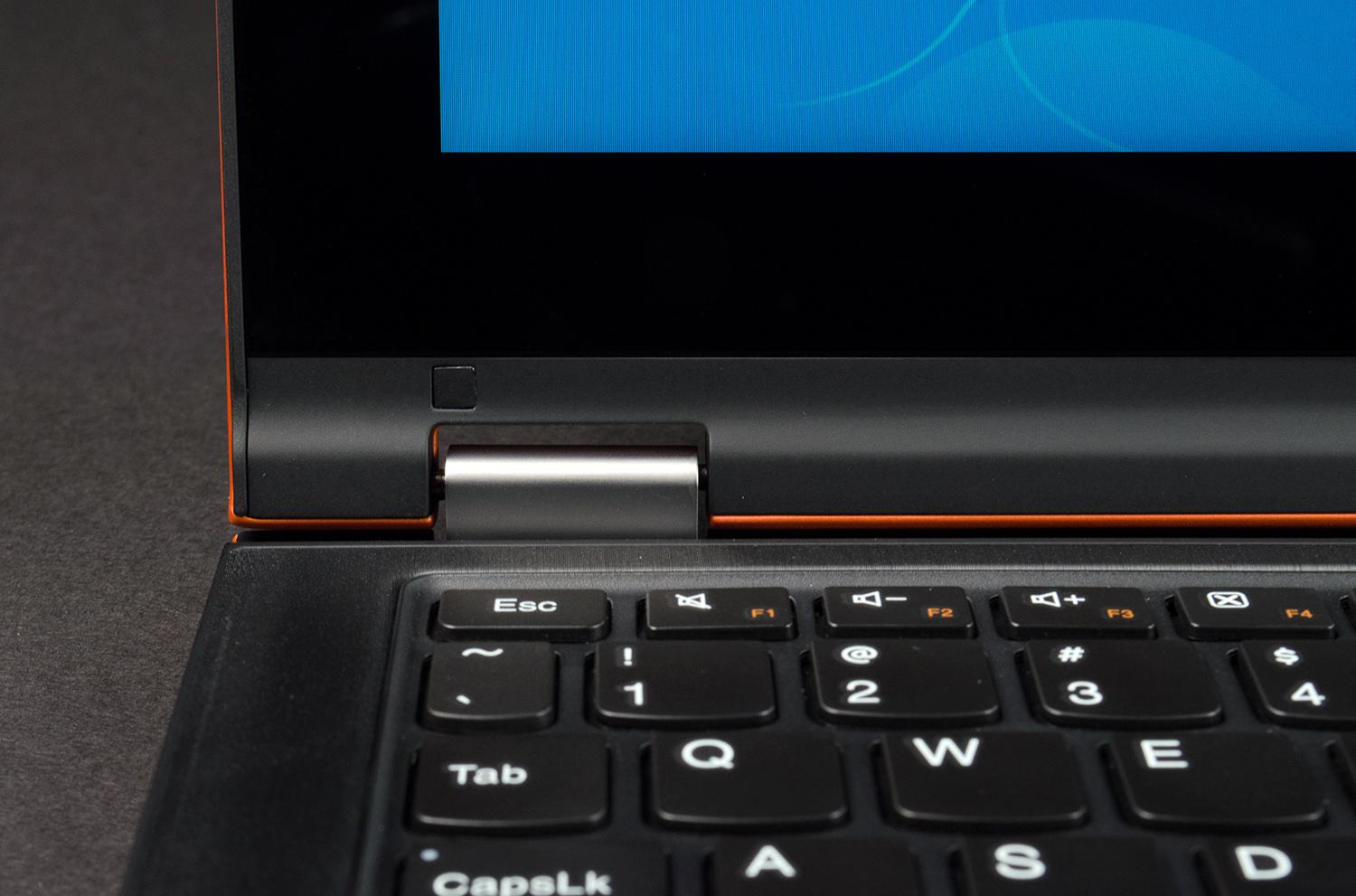
Build quality is impressive, too. While there are a number of notable seams in the chassis, they fit tightly together, melding into a single, sturdy frame. The hinges are stiff enough to keep the display in the desired position, and the buttons used for power and volume control offer solid, durable construction. Better still, Lenovo positioned the buttons so they’re easy to access from both landscape and portrait orientation while the system is used as a tablet.
Our only design complaint stems from the convertible hinge. To use the Yoga as at tablet, you must fold the display backwards until it sits flush with the bottom of the laptop. However, this means the keyboard becomes the “back” of the tablet. The system’s software automatically disables key input, so accidental typing is not a concern, but the feel is a bit disorienting.
Short on ports
The Yoga 11S is a small system, so there’s not much room for connectivity. Users have to make do with two USB ports – only one of which is USB 3.0 – and rely on HDMI for video-out. A combo headphone/microphone jack and SD card reader are provided, too, but that’s it. We’d much prefer to see an extra USB port and an alternative for video-out, such as DisplayPort.
Keeping the keys slim
Slim systems often fail to provide a responsive keyboard, and Lenovo has made some sacrifices, too. Though similar to its other Lenovo laptops at first glance, the keyboard on the Yoga 11S offers limited key travel – a fact that may annoy some typists.
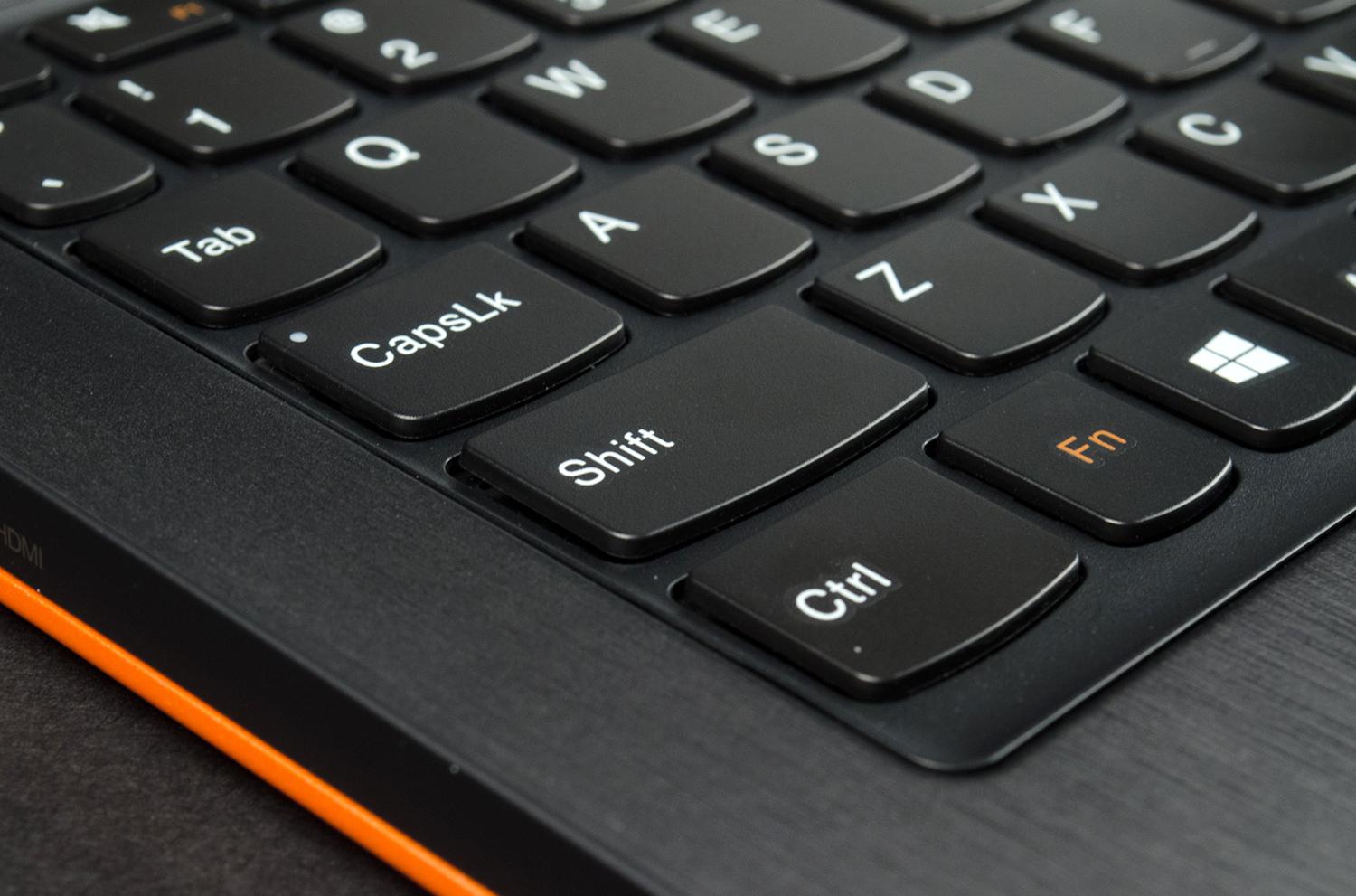
At the same time, the keyboard does deserve some praise, as the keys provide decent feedback despite their limited movement. There’s also a good amount of space given that this is an 11.6-inch laptop. Some keys are shortened, but none excessively
There’s plenty of space for navigation on the system’s ample touchpad, and, as you’d expect, multi-touch gestures work very well. We do wish the integrated left/right buttons could deliver more tactile response, but competitors fare no better.
Not a bright one
The Yoga has fat bezels designed to provide the user with a place to grip the system without activating the touchscreen. They do their job, but they also make the display look a bit small and old-fashioned, particularly next to modern 13-inch Ultrabooks.
This design invokes the look and feel of well-loved hardcover book.
We might be able to forgive this flaw if there were other benefits, but alas, our test suite returned modest results across the border. The display can render a marginal 69 percent of the Adobe sRGB gamut, and overall contrast is just mediocre. Deep black levels are the only positive, and they do contribute to decent subjective quality in movies and games, but this quality is only noticeable in a darkened room.
The Yoga’s small speakers are about on par with the competition. They’re clear, but never loud, and they’re incapable of producing bass with any oomph. Most users will want to pack a pair of headphones or attach the system to external speakers.
Easy to pack, with record-setting power draw
Reducing the size of the Yoga’s display has reduced weight to just 2.8 pounds. Though still far heavier than a tablet, the reduction is enough to make tablet use comfortable (as long as you have two hands free). And, as you’d expect, its weight results in an extremely totable PC.


Low weight isn’t much good if battery life isn’t up to par, but that’s where the low-voltage Intel processor is put to the task – and it delivers. Our Peacekeeper browser benchmark drained the battery in four hours and 41 minutes, which is slightly above average. The light-load Reader’s Test, however, reported an excellent eight hours and 39 minutes of endurance.
Our power tests showed the Yoga 11S to be a record-setter, as the system draws just 8 watts at idle (with the display set at 100 percent brightness) and only 24 watts at full load. These results are the best we’ve seen from any laptop or desktop PC.
Low power draw means poor performance
The Yoga 11S uses a specific type of 3rd-gen Core processor known as the Y-Series, which is designed to draw as little power as possible. However, focusing on power often requires a sacrifice in performance. The question is: how much?
Our SiSoft Sandra Processor Arithmetic benchmark came to a result of 28.4 GOPS, and 7-Zip turned in a score of 5,621. Both figures are behind the performance of an average Ultrabook by about 25 percent. While the system still feels snappy overall, processor intensive tasks can feel a bit sluggish at times.
PCMark 7, however, managed a favorable score of 3,908. This is thanks to a solid-state hard drive that offers quick load times and excellent transfer speeds – two traits that help the Yoga feel quick in spite of its below-average processor.
A hard drive can do nothing for graphics, however, so the Intel HD 4000 integrated graphics processor comes in behind the competition. 3DMark turned in a Cloud Gate score of 2,217 and a Fire Strike score of 371 – numbers that once again are about 25 percent behind an average Ultrabook. The Yoga 11S is an extremely poor choice for gaming.
The power of silence
Many modern laptops produce minimal noise at idle, but the Yoga 11S is the first we can remember that’s literally silent. The only noise you’re likely to hear is the subtle buzzing of electronic equipment.
Lenovo must have some magicians on staff, because no other company comes close to offering design of this caliber at an everyman’s price.
Surprisingly, the system effectively operates at room temperature at idle, despite the passive fan, which is another record-setting low. Increasing load does spike temperatures as high as 109.2 degrees Fahrenheit, but this number isn’t unusual for an Ultrabook and only appeared during our graphics stress test. Loading the processor produced a more reasonable reading of 95.8 degrees, which is warm, but tolerable.
Conclusion
The Yoga 11S, like so many other convertibles, tries to combine a decent laptop with a good-enough tablet. And, like the Yoga 13, this smaller sibling is more successful than most. We’re still a ways away from a convertible that can rival an iPad or Nexus 10 as a tablet, but Lenovo’s latest effort comes as close as any, and does so without sacrificing traditional PC strengths.
There are some flaws, such as the display (which could be brighter), and performance (which is about 25 percent below average, storage excluded). But these flaws are balanced by outstanding design, long battery life, and record-setting lows in power draw, idle noise, and idle temperature.
And don’t forget the price. While our review unit retails at $1,000, it has 8GB of RAM, which is unnecessary for this type of PC. Drop down to 4GB and you’re looking at just $750, which is ridiculously affordable. Lenovo must have some magicians on staff, because no other company comes close to offering design of this caliber at an everyman’s price.
If you’re looking for a small convertible laptop, look no further; the Yoga 11S is the obvious choice.
Highs
- Excellent design and quality
- Very light and thin
- Record-setting results in power draw, idle noise, and idle temperature
- Literally silent at idle, quiet at low
- Great value
Lows
- Dim display
- Only one USB 3.0 port
- Below-average performance



