
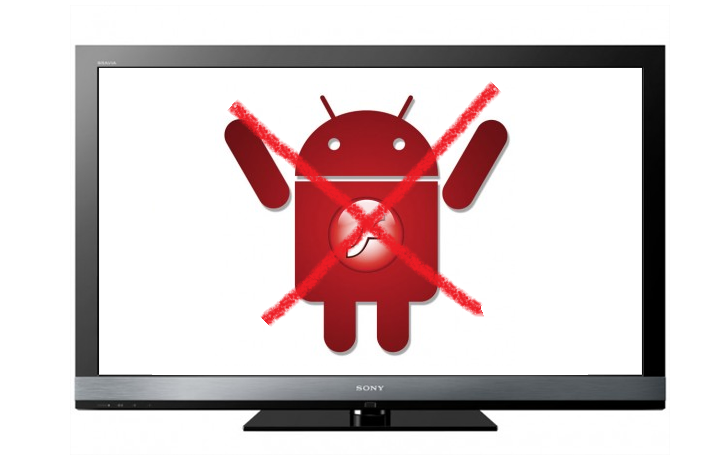
 Yesterday Adobe finally admitted defeat and gave up on Flash for mobile. The news came to the delight of Apple fanboys everywhere, and to the frustration of jaded Adobe developers. Flash plugins for smartphones and tablets (with the exception of the PlayBook, interestingly enough) are out, and in their place HTML 5 has been fully ushered in.
But mobile isn’t the only product market affected by the decision. Adobe says it will also drop Flash for connected TVs. “Adobe will continue to support existing licensees who are planning on supporting Flash Player for Web browsing on digital home devices and are using the Flash Player Porting Kit to do so. However we believe the right approach to deliver content on televisions is through applications, not a Web browsing experience, and we will continue to encourage the device and content publishing community down that path,” the company said in a statement to GigaOm.
The Internet TV platform has notoriously struggled to find a market following, due much in part to its tangles with content providers. But the real impact on Adobe’s latest decision will be on Google TV. These were the sole devices that supported the Flash player, and now Adobe’s cutting its losses and bailing.
Google TV seriously needs a win, and being the only Flash option out there apparently isn’t going to be it.
[UPDATE:]
Adobe reached out to us to let us know a new blog post reveals what exactly pulling Flash for connected TVs means. Basically, Adobe will support HTML apps for TV that have embedded Flash video as well as Flash-based apps packaged with AIR. Web browsing via an Internet TV, however, will not be supported. As Adobe puts it, “We will not ensure that, for example, 10 year-old Websites will render flawlessly on TVs because most people are not browsing 10 year-old Websites on TVs.”



