
Charging your phone is a safe activity, but even plugging a device into a wall carries some risk. A Chinese woman reportedly died when she answered a call on her iPhone 5 while it was charging and an iPad giving a man such a strong shock that it sent him flying across the room. There have been enough high-profile incidents around iOS devices that Apple stepped in to provide discounts for its official ones. Even so, that didn’t stop Tim Tyrrell from getting a knock-off charger for his iPhone 5 and suffering the consequences.
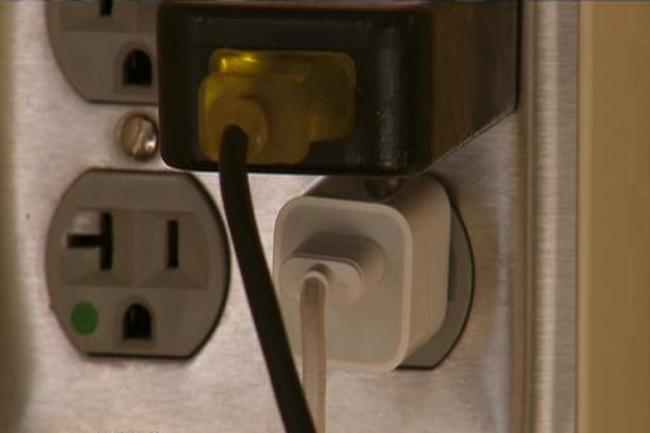 Tyrrell didn’t want to spend the $25 – $30 that chargers from Apple usually cost, so he opted for a $10 combo from eBay that included two wall chargers and a car charger. Unfortunately, one of the wall chargers exploded, leaving Tyrrell with a nasty electrical burn. “Basically, the charger turned black and, it’s where the USB cord connects to the outlet, had a mini explosion,” said Tyrrell. “It kind of bruised the fingers inside where I plugged it in.”
Unfortunately, the injury turned into more than just a bruise. The wound got infected, and, with his diabetes, he had to stay in the hospital for more than a week. Tyrrell went through four operations on his hand, which left him with a hurting hand and some wise thoughts: “Just be careful.”
The irony of this situation is that Tyrrell still has the original charger that was included with his iPhone 5. We recommend using the charger that comes with your phone or tablet, but if you must a third-party accessory, make sure they’re up to snuff with the manufacturer’s specifications.
(Image via KMSP-TV)



