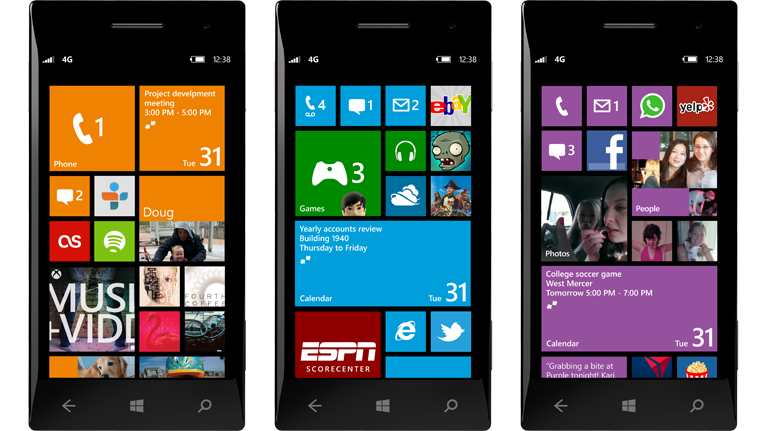
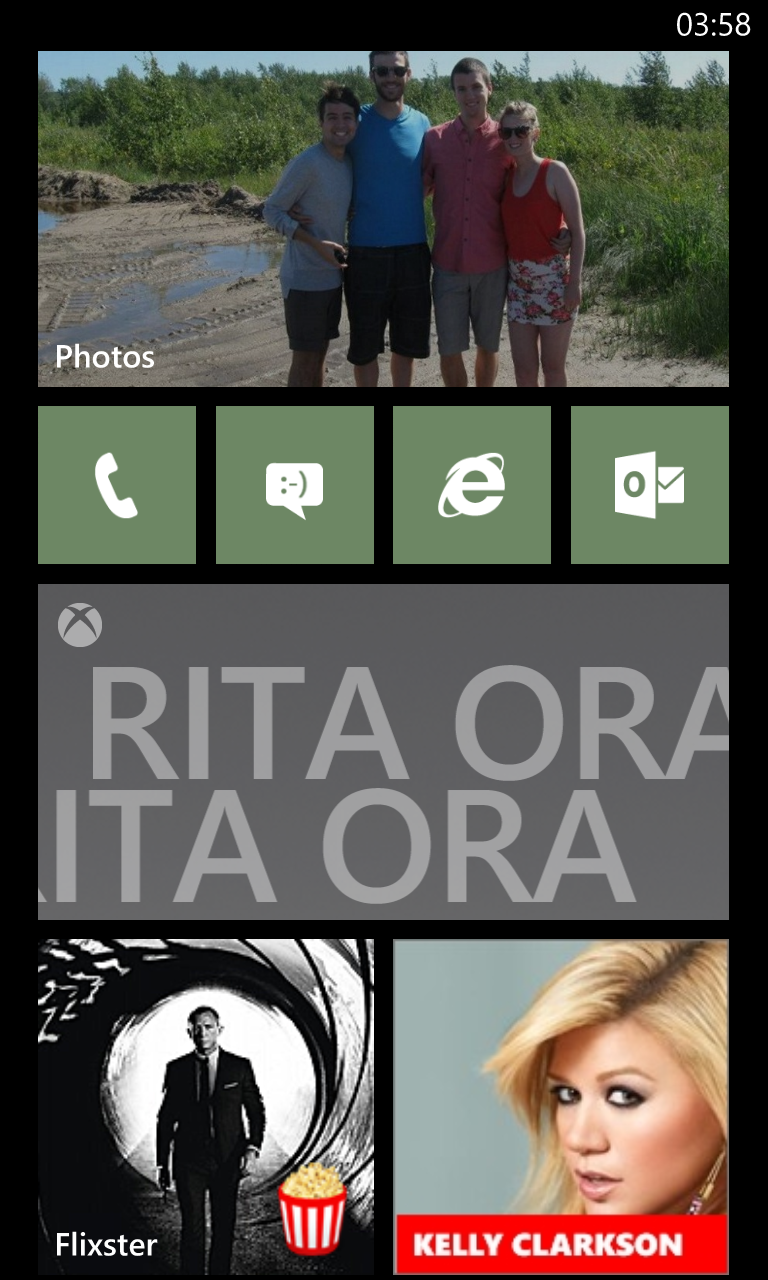
The main draw and most heavily advertised aspect of Windows Phone 8 is the homescreen – or Start screen, as Microsoft calls it. According to its celebrity-stuffed advertising, WP8 is able to suit the needs of any smartphone user by offering an incredibly customizable homescreen. However, rather than blindly accepting WP8’s hyped-up chameleon qualities, we decided to put it to the test using a Nokia Lumia 920.
As an experiment, we crafted five possible WP8 user types and designed unique layouts for each one. The only constants in each Start screen are the four core apps (phone, messaging, Internet Explorer, and email). In our experience, WP8 is the most easily personalized mobile operating system out there. Below are our first attempts at crafting some custom Start screens.
Recommended Videos
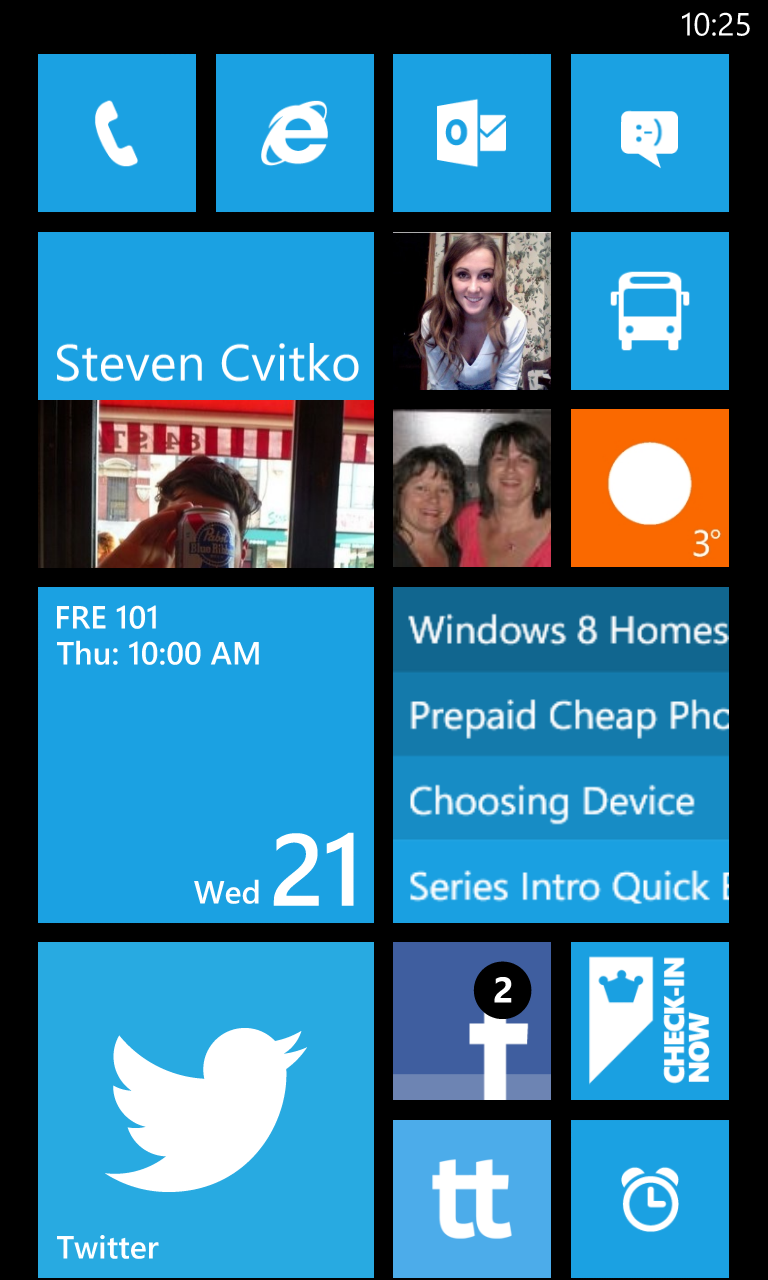
Start screen for the Average Joe
This homescreen is designed to cover the basic needs of an “average” user. A square calendar tile displays upcoming appointments, Clearer (our favorite to-do list app, though it is a blatant rip-off of Clear) depicts pressing tasks, and a few favorite people are pinned near the top. We also included a live tile for Weather and a shortcut to Nokia’s transit apps, both indispensable items for the urban professional.
Another option for this would to incorporate a Me tile to keep track of most social notifications, freeing up some space taken by the Twitter and Facebook tiles. But most people will appreciate the option of a more conventional social media experience.
Obviously, the minimalist likes to keep the homescreen to a bare minimum. We went with the slate theme as minimalists aren’t the types to mess around with colors … too distracting.
Every basic function is represented on the Start screen, and aside from the weather forecast, no animated tiles are used. This arrangement shows that WP8 doesn’t necessarily have to be saturated with information and flashy animations.
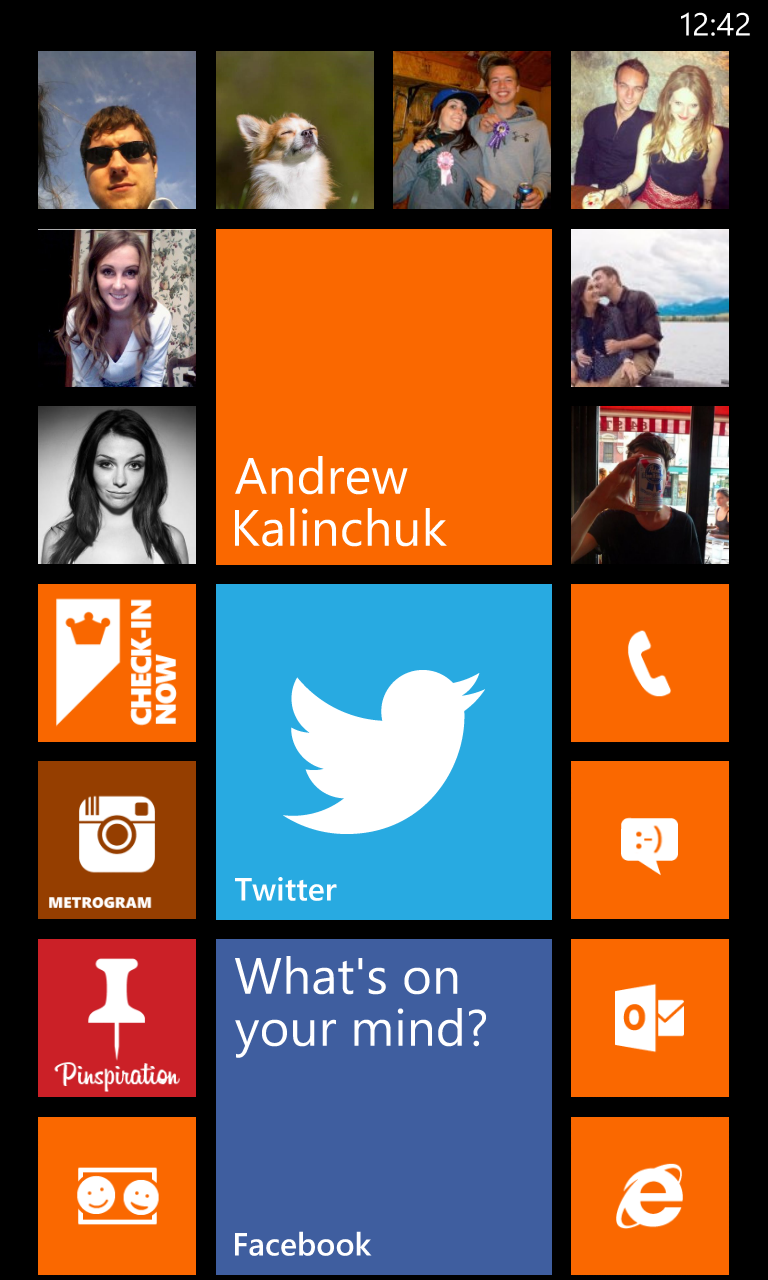
This design is made for the social media addict, who impulsively shares each and every moment. It revolves around a medium-sized Me tile capable of aggregating social notifications. Surrounding that are frequently viewed contacts. Social networking apps are pinned below.
We included third-party clients for Pinterest and Instagram, though they don’t compare to what’s available on iOS or Android. But we’ve all cried enough about lackluster WP8 apps, time to move on.
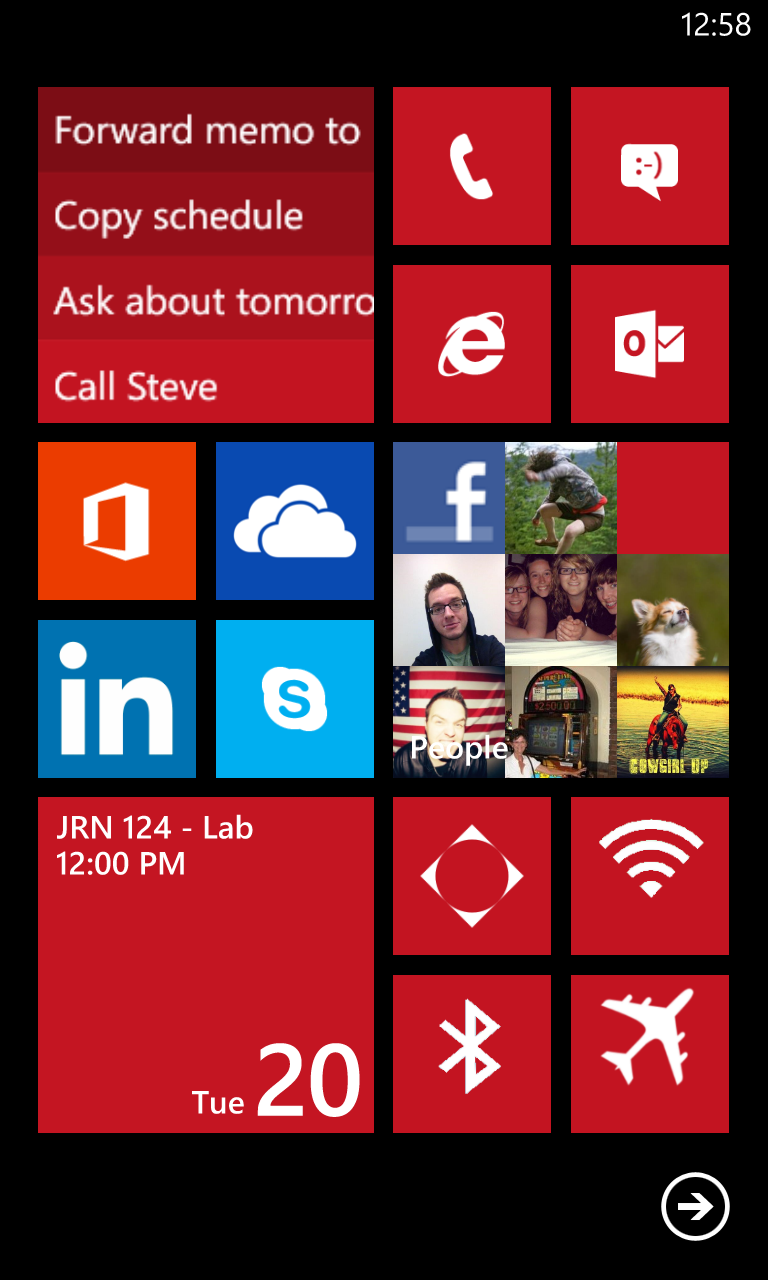
A power user doesn’t have the stomach for clutter and garish colors. They want to get in, get stuff done, and get out. Here we created a one-page layout – no scrolling required.
The four core apps are present, as well as Clearer for to-do lists, Skype for IM, Office for on-the-go editing, and shortcuts to common settings (Bluetooth, Wi-Fi, GPS, and Airplane). Unfortunately, these shortcuts aren’t toggles – they link to the actual Settings – but we’d love to see more immediate access in the future.
The final design we created leans toward a media-heavy user, someone who spends most of his or her time listening to music and watching video. We used a broad Photos tile, a full-size Xbox Music + Video tile, and pinned Flixster and VEVO to the homescreen for the latest in film and music. Other apps like Netflix and Spotify could also work.
With the right tiles in use it’s easy to have media be the focus of your WP8 device, rather than exclusively displaying colored blocks. Plus, everybody loves a good slideshow.
Whether you're thinking of learning a new language, looking for homework help, need a hand with your research paper, or could use a quick review for your upcoming SATs, a skilled tutor can help with all of the above. No longer limited to office hours or library meet-ups, online tutoring services are evolving and improving. In 2025, AI-powered study tools, mobile-first platforms, and expanded access to tutors around the world, students are able to get expert help anytime, anywhere.
Today's learners expect more than just flexibility. They want tutoring that's fast, focused, and delivers results. This shift has led to a new generation of tutoring platforms that combine on-demand help with real-time trackable progress.
Cosmo JrTrack 5 smartwatch for kids gives you peace of mind — on sale at 50% off
For peace of mind, parents should take advantage of today's technology for their child's safety, and for smartwatch deals, the Cosmo JrTrack 5 is an excellent example. This smartwatch is an all-in-one kid-safe solution that you can trust for the back-to-school season, and it's available for a very affordable price of only $75 from Cosmo itself following a 50% discount on its original price of $150. We highly recommend proceeding with your purchase of this wearable device as soon as possible though, as we're not sure how much time is remaining on this amazing offer.
Belkin’s new iPhone chargers are great news for the Pixel 10 series
These 25W wireless MagSafe charging stands aren't just for iPhone users
What's happened? Belkin has launched "the world’s first Qi2 25W certified wireless charging collection", for the easy wireless charging of your iPhone, Apple Watch and AirPods. But it's not just Apple's devices which will benefit from the new chargers.
Google announced its new Pixel 10 series earlier in the week, the first major Android phones to have Qi2 built-in, which means they're compatible with MagSafe accessories for iPhone.