
You waited in line fourteen hours. Committed to another two years with AT&T. Charged the $300 on your MasterCard. Now the iPhone 4 is finally yours.
But you didn’t plan on actually using that magnificent chunk of metal and glass, did you?
As it turns out, Apple’s next Wunderphone might actually work a lot better on the pedestals in Apple stores than in real life. According to a flood of first-hand reports from new owners, merely holding the metal band around the iPhone 4 can cause signal to plummet, the bottom of the screen often suffers from inexplicable yellow blotches, and the tough “Gorilla Glass” that Apple talked so highly of isn’t nearly as resilient as the company claims.
In the first of many videos documenting the most severe problem, one new iPhone user shows his phone sitting pretty with four bars of signal, until he picks it up and wraps his fingers around the metal band, at which point it drops to zero. Setting it down, they zoom back to where they were.
An isolated incident, the iPhone faithful will insist. But Gizmodo’s call for reader confirmation yielded well over a dozen responses – many with video or pictures – of the same issue.
 Touching both the left and bottom sides of the case seems to be causing the drop, and cases seem to prevent it, suggesting the problem comes from bridging electrical connections with the hand, and not RF interference from it.
Other users report yellow discoloration at the bottom of their screens, and in some cases, whitish dots. Although less commonly reported than the reception issue, a number of high-resolution images of the problem on several different phones seem to suggest there’s something to the claim.
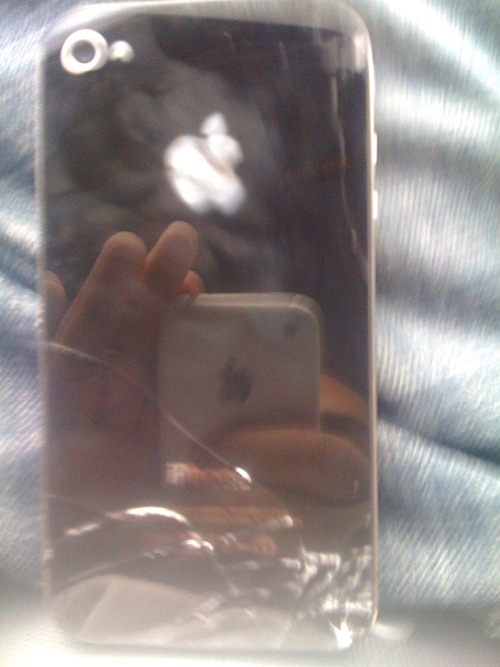
Finally, a number of unlucky folks who have already tested the phone’s durability through accidents report extremely fragile glass that has scratched easily or broken from allegedly minor drops.
So far, Apple has yet to make any official statement on any of the issues, although one Gizmodo reader with reception issues claims Apple tech support told him to “get a bumper.”



