  1. Home
  2. Mobile
  3. Legacy Archives

EyeVerify developing an eye-scanning unlock tool for your phone

Add as a preferred source on Google
14036251-laser-scanning-eye-close-up
Image used with permission by copyright holder
MWC 2026
Read our complete coverage of Mobile World Congress

We’re constantly looking for ways to secure our devices. Nowadays, the most common is the alpha-numeric password protection. Some devices have introduced biometric fingerprint scanning, and we may be seeing more of that in the future. Coming up next, reports Gadget Review, will be eye scanning.

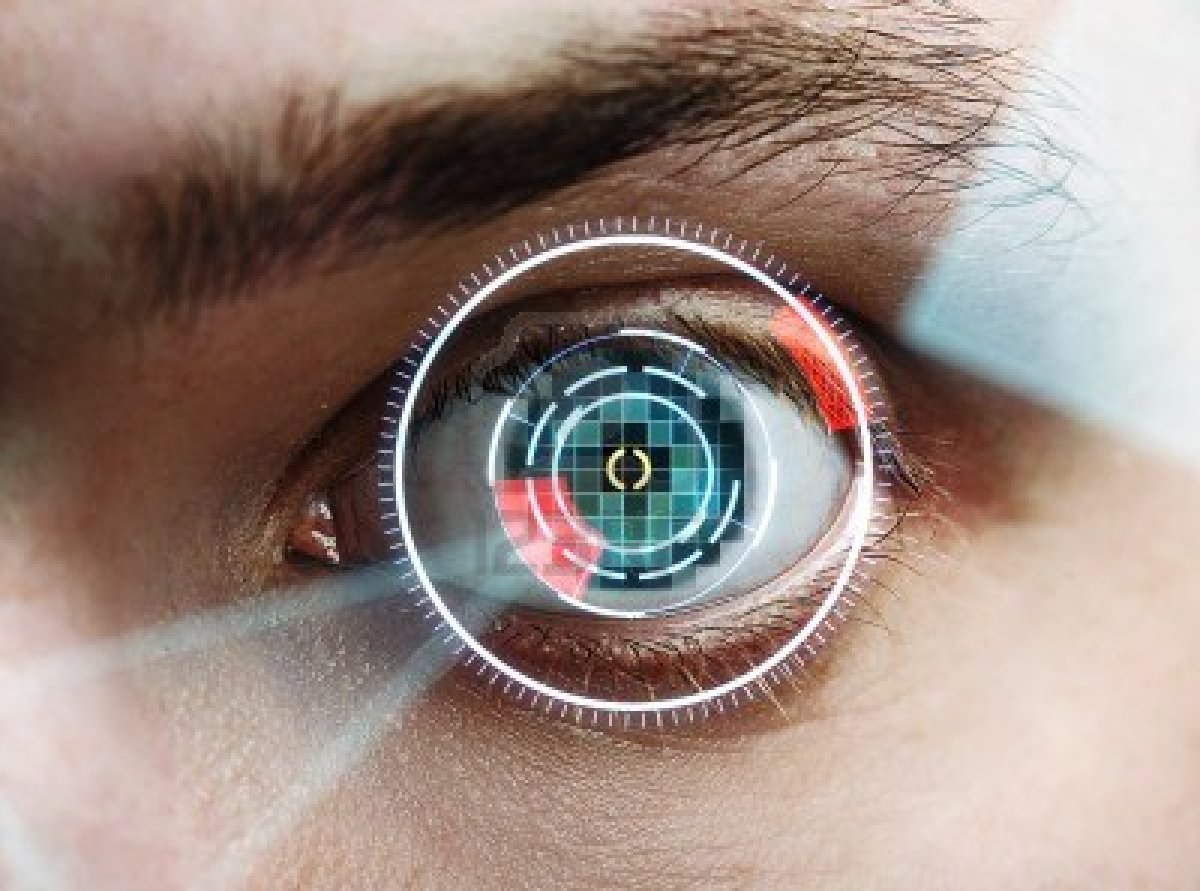
Developed by EyeVerify and introduced at the Mobile World Congress, Eyeprint is an application the company is currently working on; once ready, it will use a mobile device’s camera to snap a photo of the user’s eye, only unlocking the phone after verifying that the veins of the eye belong to the owner.

Recommended Videos

While some skeptics may wonder how accurate eye vein biometrics are, particularly when compared to a person’s fingerprint, the company assures that they’re just as accurate.

According to EyeVerify’s website, scanning one’s eye (or, as they call it, eyeprinting) takes four simple steps:

  1. Hold the phone anywhere from 6-12 inches away from the user’s eye.
  2. The user looks to the left or to the right, but not directly at the camera.
  3. The phone alerts the user when the scan is complete by vibrating.
  4. Total processing of the image is complete in less than one second.

The application isn’t quite ready for the market just yet, but the company assures that it’s close to finishing it and releasing to the public. No word yet on what the pricing may be.

It’s hard to say who EyeVerify is likely to target the product toward. We can imagine that the average user would find it much easier to just press a thumb down on the screen rather than to snap a photo of their eye each time they want to use their phone, particularly because so many of us are constantly locking and unlocking our phones, so it could prove to be a bit of a pain.


Joshua Pramis
Spending a childhood engrossed in such technologically inspiring television shows like Voltron, Small Wonder, and Power…
Snapchat Planets Meaning: Order, Rankings, and How Friend Solar System Works
Snapchat Planets turns your best friends list into a solar system, and yes, your orbit says a lot
Snapchat Planets being shown on the Snapchat app on iPhone.

Snapchat+ includes several exclusive features, but few have generated as much curiosity as Snapchat Planets. Part of the app's Friend Solar System, it transforms your Best Friends list into a planetary ranking, assigning each of your top eight friends a planet based on how often you interact.

From Mercury, which represents your closest friend, to Neptune, which represents your eighth closest, the system offers a quick visual snapshot of your interactions. But what do the different planets actually mean, and how does Snapchat decide who gets which one?

Read more
How to use WhatsApp Web
We'll show you how to use WhatsApp on your desktop or laptop
WhatsApp Web

As one of the most popular messaging services, you’ve already heard of WhatsApp. From its humble beginnings in 2009—two years before Apple introduced iMessage—to its acquisition by Facebook (now Meta) in 2014, WhatsApp has become the dominant messaging platform around the globe.

In recent years, it's grown even more potent with new features like video messages, self-destructing voice messages, the ability to edit sent messages, and more. We even finally got an WhatsApp iPad app in May 2025.

Read more
What is WhatsApp? How to use the app, tips, tricks, and more
From setting it up to mastering hidden features, here is your complete guide to WhatsApp.
WhatsApp app store listing open on iPhone

There's no shortage of messaging apps out there. The past decade has given us more options than we know what to do with, largely because smartphones demanded something better than plain old SMS.

Both the App Store and the Play Store are packed with apps that promise to revolutionize the way we communicate. Most of them didn't make it. The truth is, a messaging app is only as good as the number of people using it, and most apps never cross that threshold.

Read more
