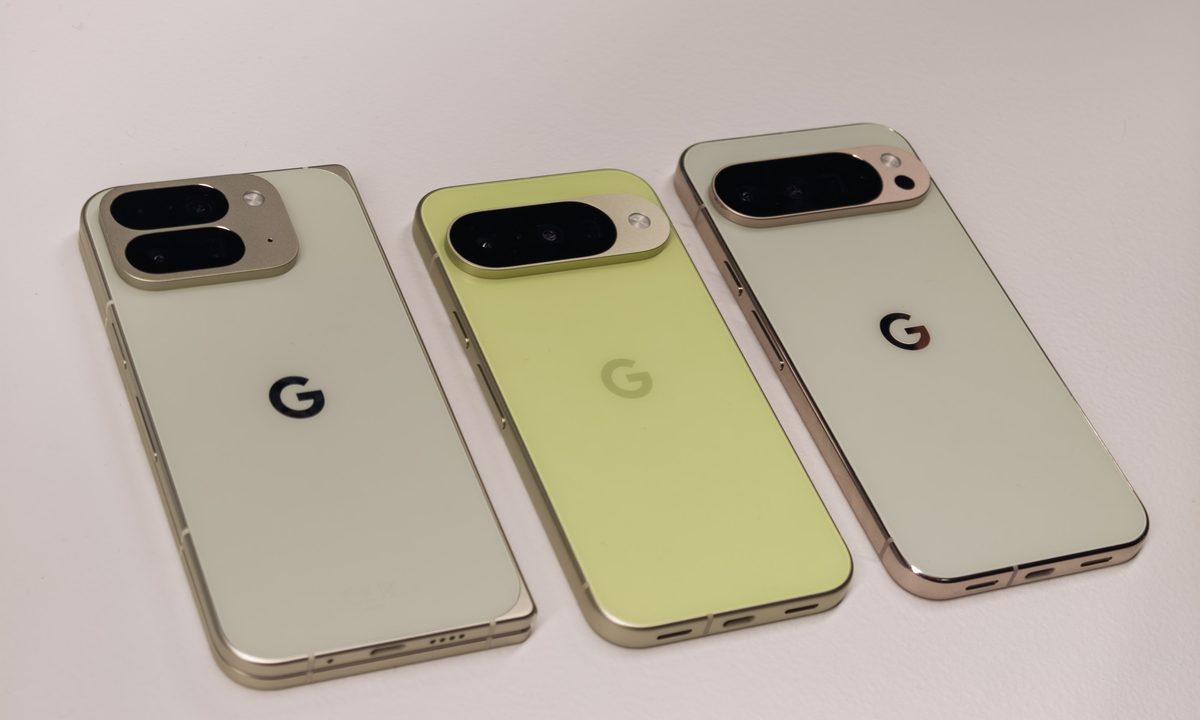
If there’s one thing that Google’s Pixel smartphone lineup is known for, it’s a mix of beautiful and unique colors that are unlike anything else in the industry.
While many smartphone makers have kept to brand-safe colors such as shades of black, white, or blue, Google has embraced its Googliness with a range of vibrant shades of yellow, green, and red.
I spent time with all of Google’s new Pixel 10 smartphones yesterday, and with several different colors to choose from, which color should you buy? Here are the various color options for the Pixel 10, Pixel 10 Pro, Pixel 10 Pro XL, and the Pixel 10 Pro Fold, along with my thoughts on which one is best.
The Pixel 10 comes in four colors; the best is Indigo
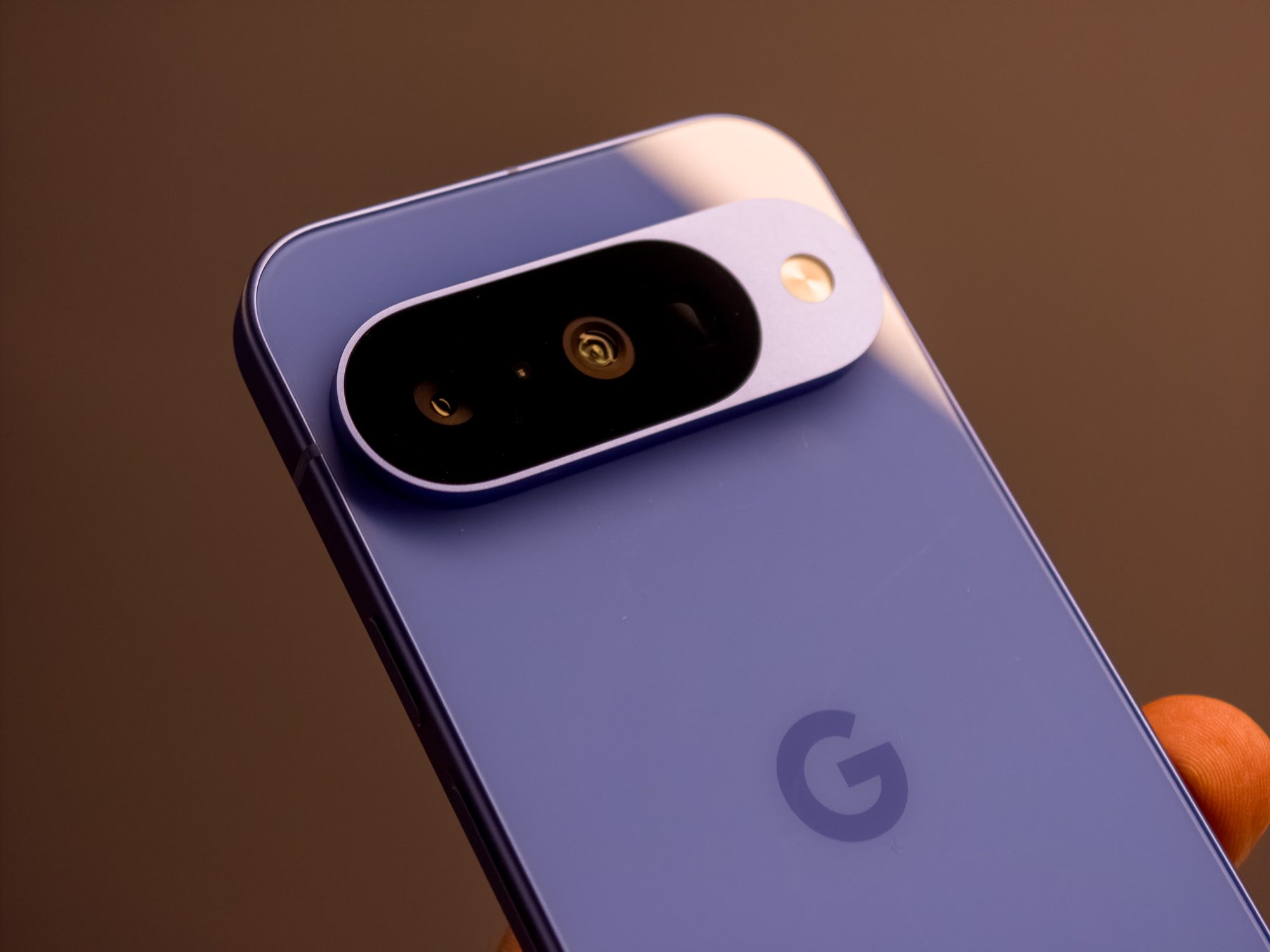
The Pixel 10 series comes in four colors, but there’s one that stands out: Indigo. It’s a stand-out in the renders and looks equally as vibrant in person. It’s “Really Blue” and Google says it’s a special callback to the original Pixel color, but there’s no doubt that this is truly special.
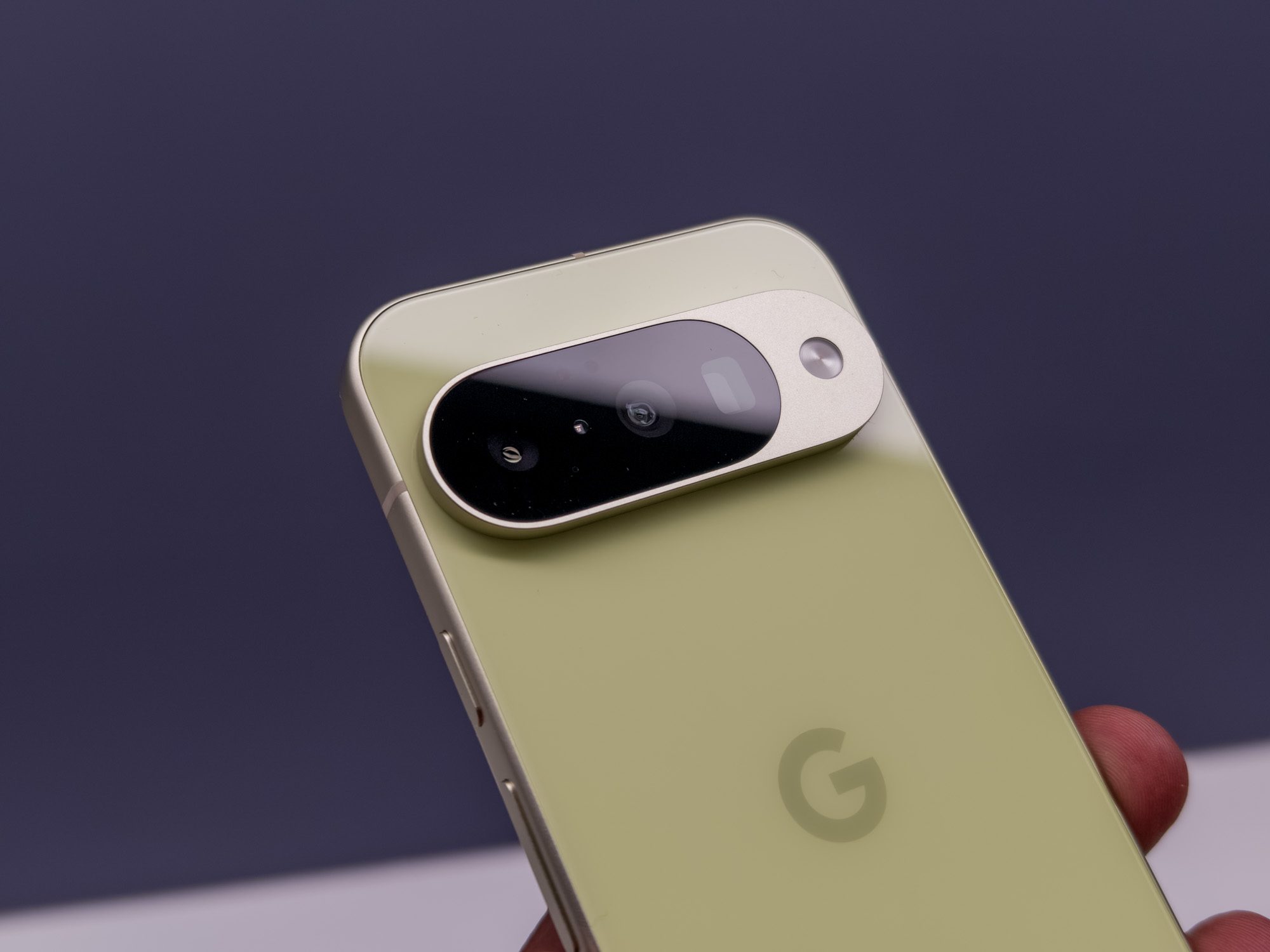
Beyond Indigo, I like Lemongrass, which is a mix between green and yellow. Google has used this color on its phones previously, but it’s a stylish, unique color that is unlike anything else. If you want a phone that stands out, this is a winner.
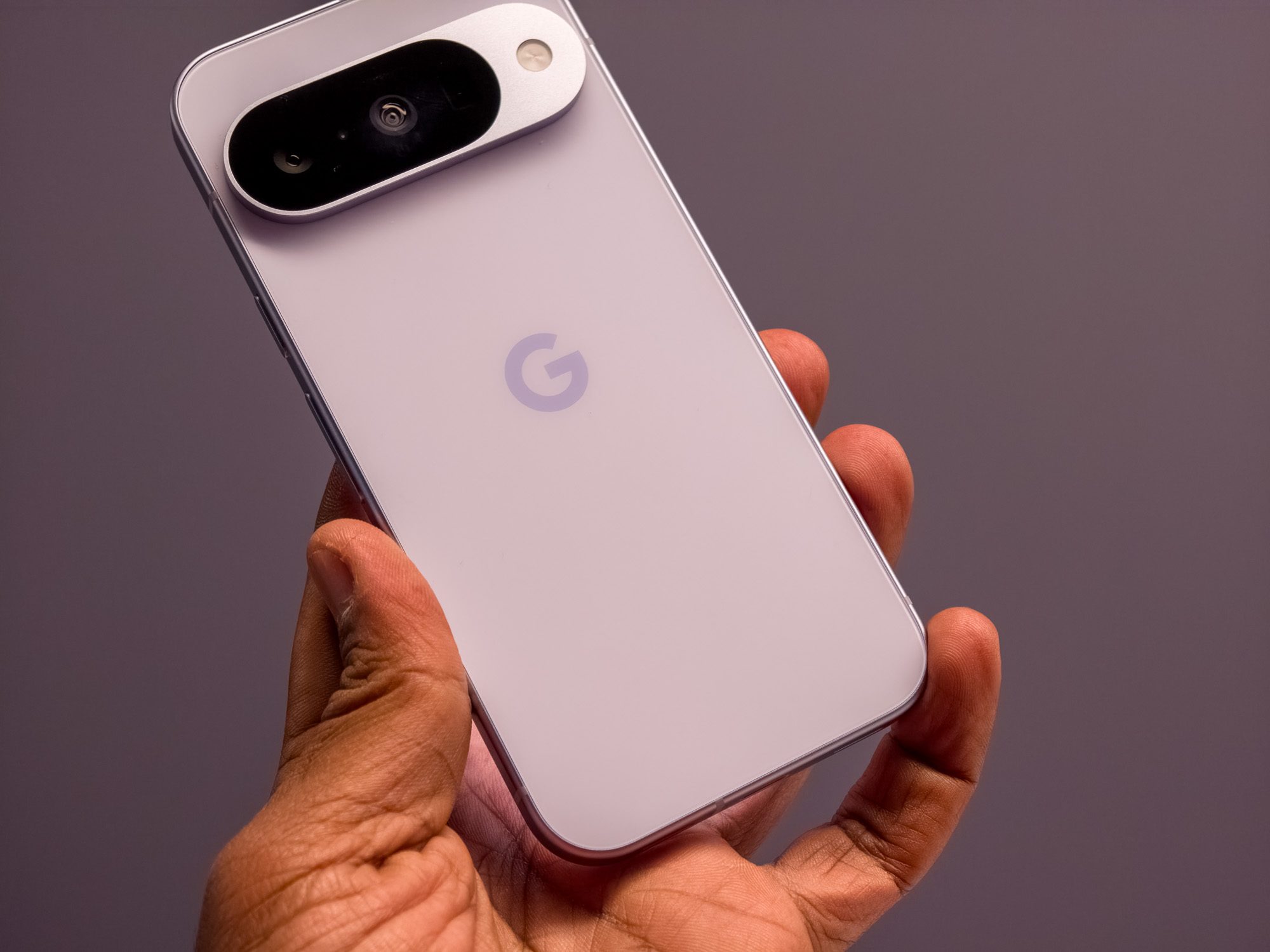
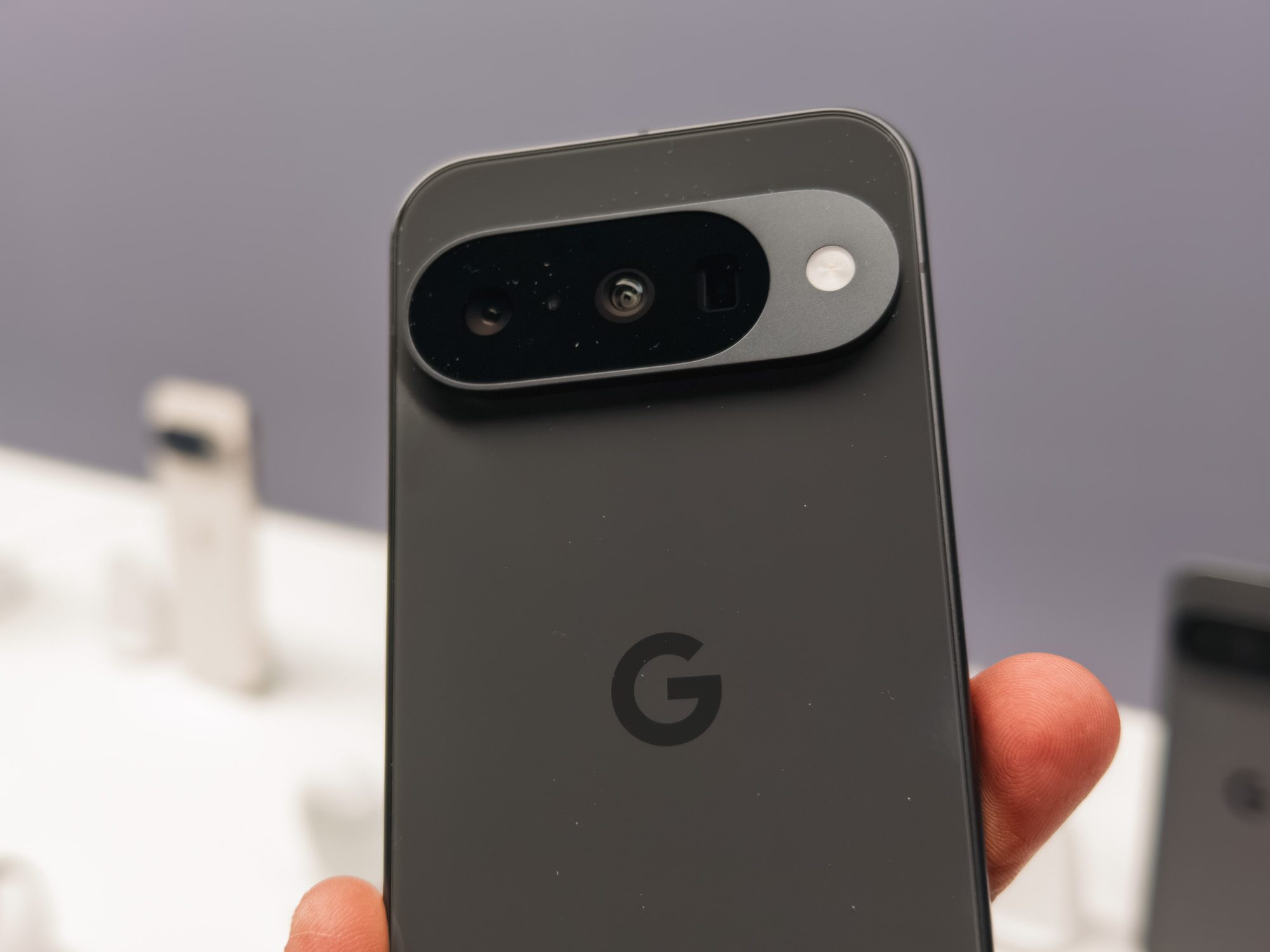
Then there are the more standard colors: Frost and Obsidian. The latter is a dark-gray colorway that is iconic for Google phones and has been an ever-present on the Pixel range. The former is a unique take on silver, blending a traditional silver finish with subtle hints of blue that could appeal to anyone seeking something slightly different, yet not as bold as Indigo or Lemongrass.
The Pixel 10 Pro and XL come in four colors; the best is a tie
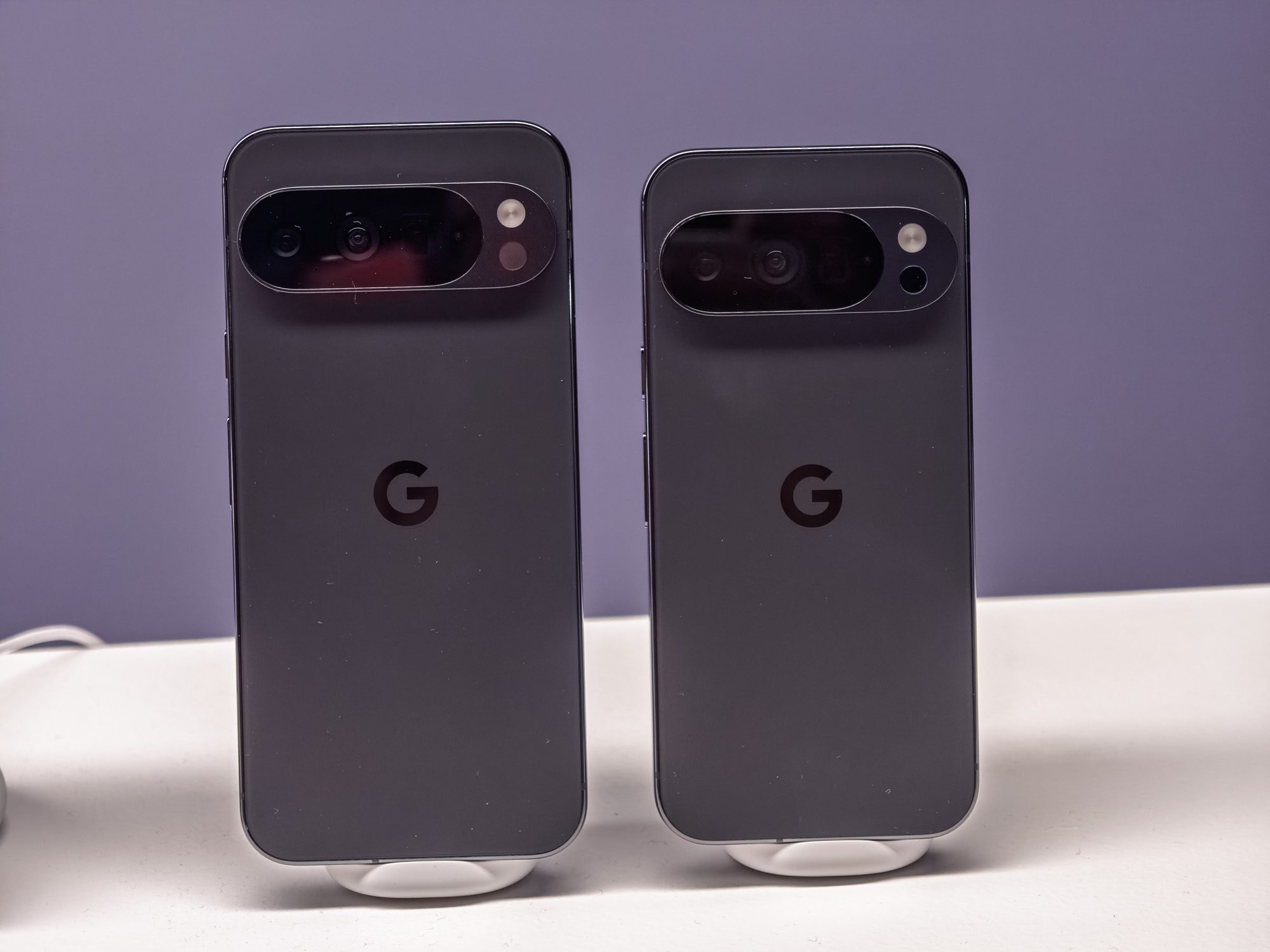
The Pixel 10 Pro and Pixel 10 Pro XL both share the same four color options, two of which are very familiar and two that are more unique.
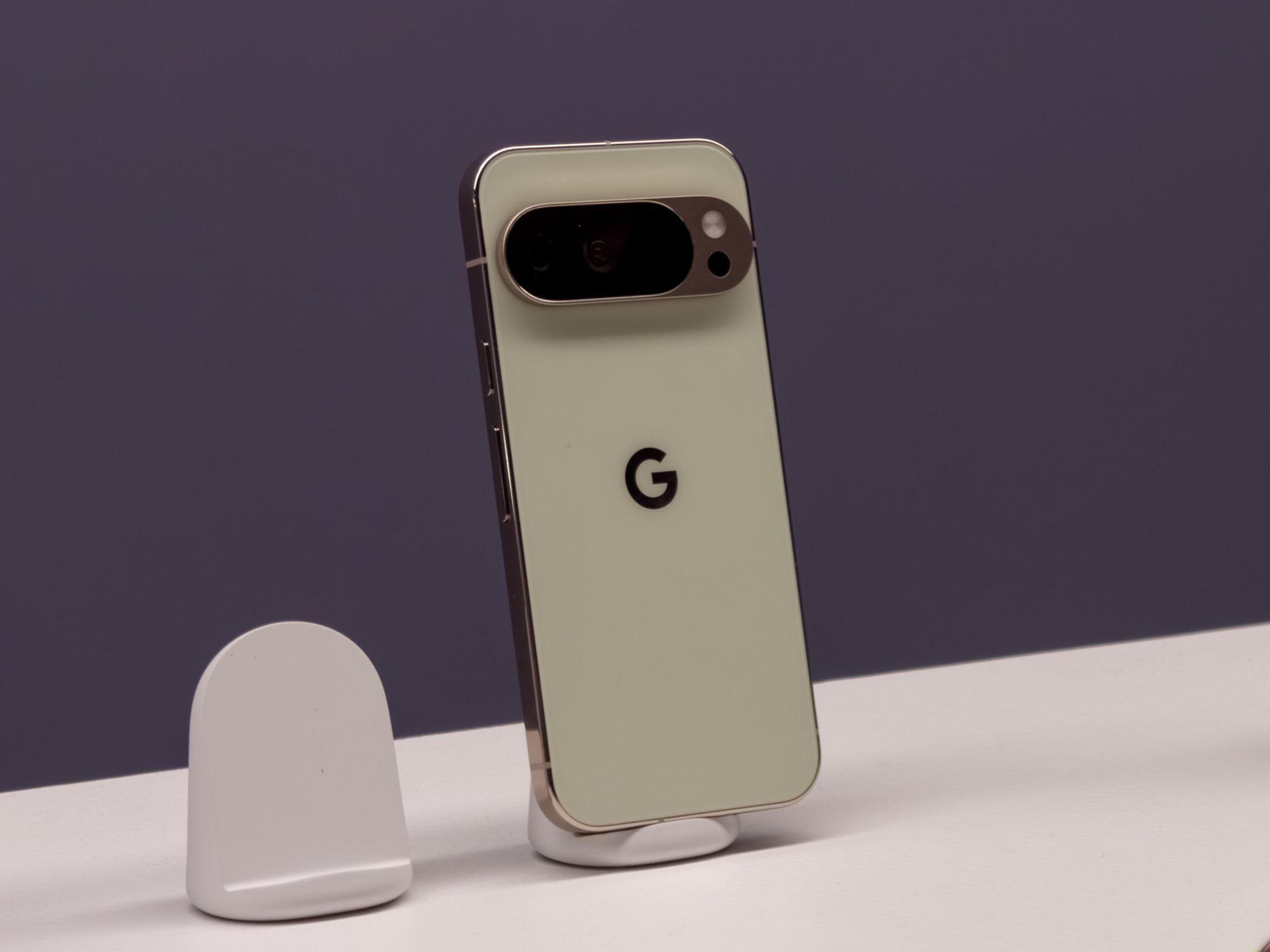
My favorite color is Jade, a snazzy light-green color way with subtle yellow and gold hues that refract in the light, and gold accents that help the phone look premium. However, Jade is likely to be a divisive color as it won’t appeal to everyone, so if this is you, look no further than Moonstone.
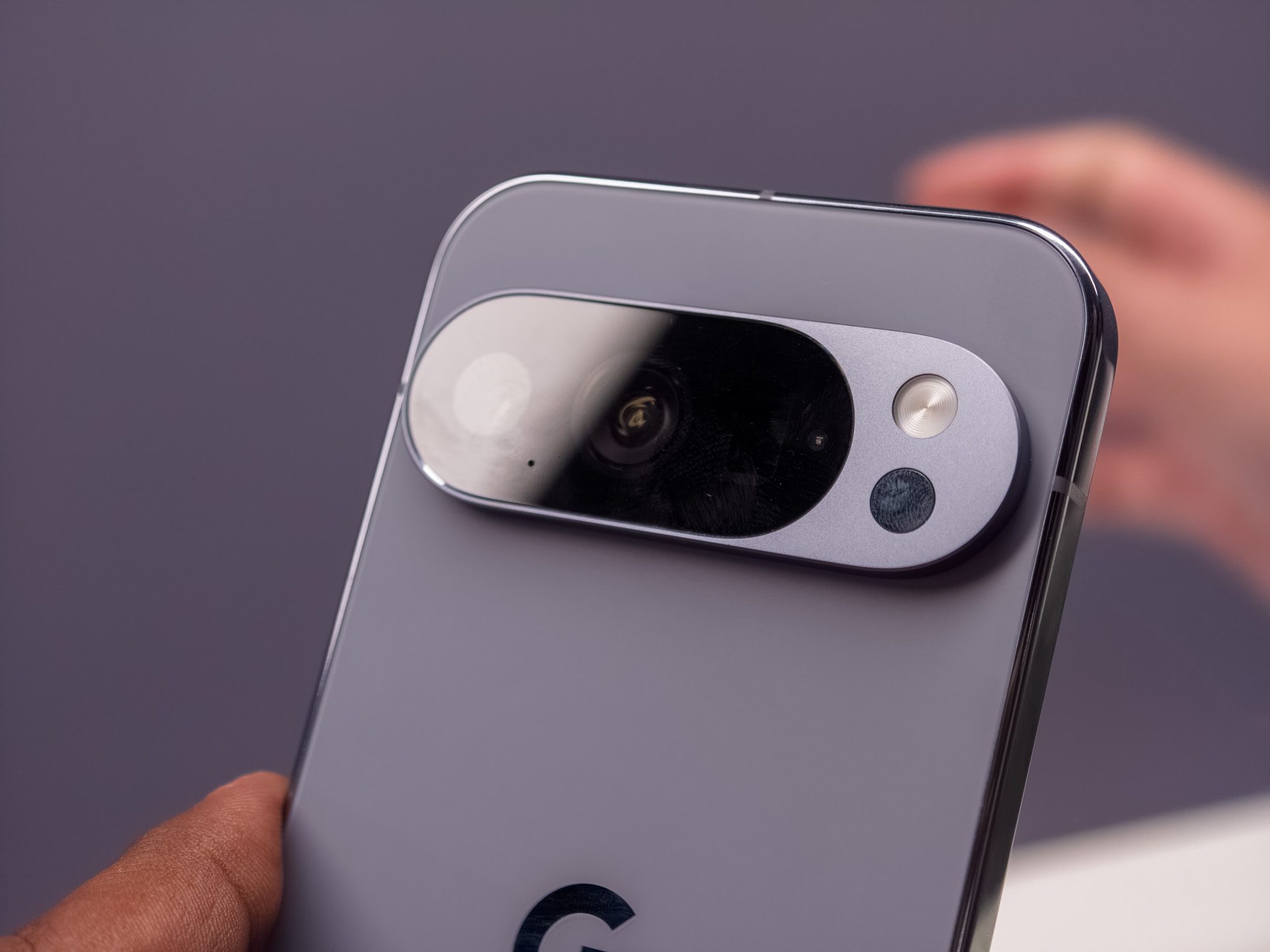
Moonstone is the color that Google teased before its event and features a light gray finish with subtle navy hues. In person, it looks far more impressive than the renders, and the glossy frame mixes well with the rear frosted glass. Although I really like the Jade colorway, the Moonstone seems like the best color for most people.
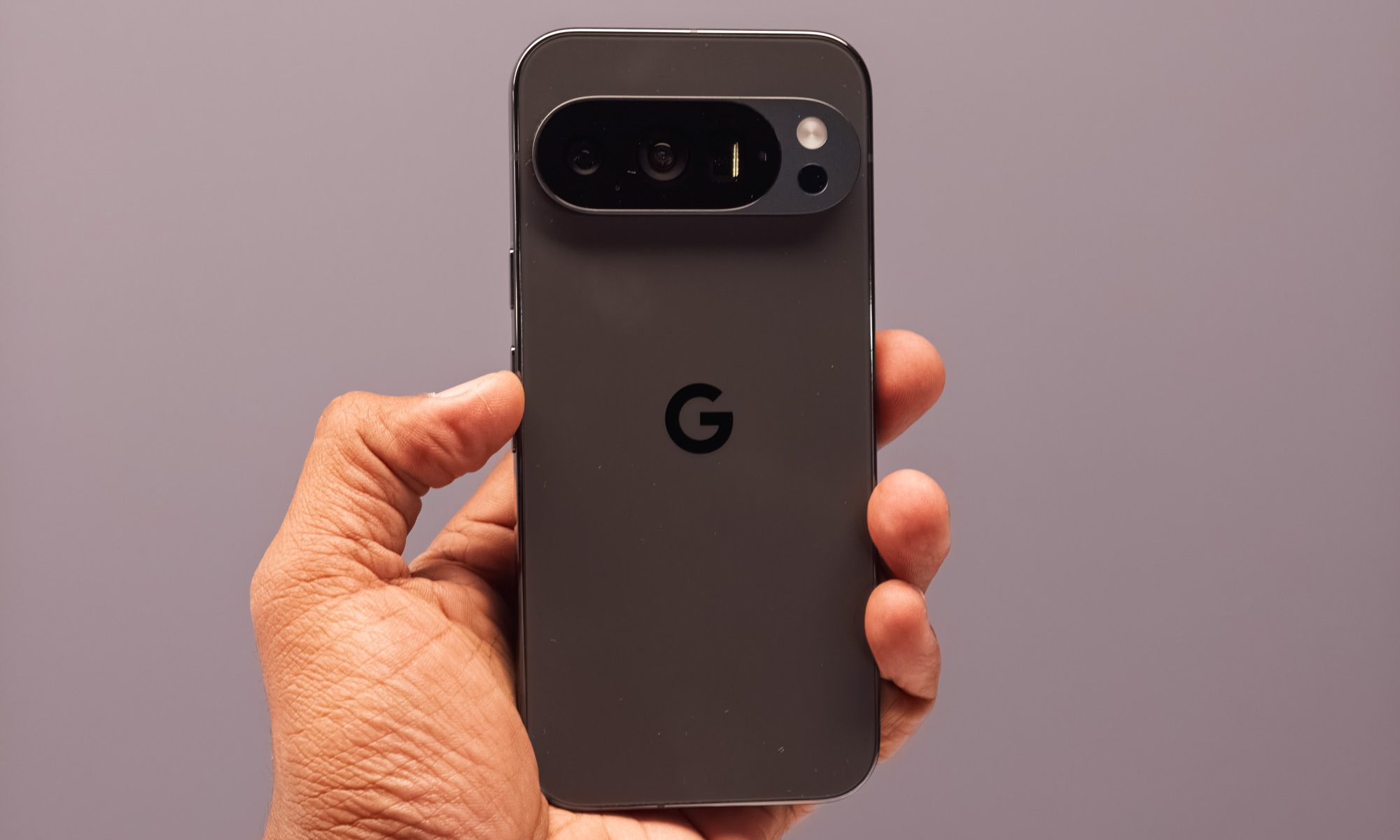
Then there are two colors that any Pixel fan will be familiar with: Porcelain and Obsidian. The latter is the same as the Pixel 10, while the former is a mix of white and silver that was commonplace amongst the Pixel 9 series. Yes, Porcelain is a little boring, but it does look quite nice in person, and it’s ideal if you find the other colors are too extroverted.
The Pixel 10 Pro Fold comes in two colors; the best is Moonstone

Last but not least, there’s the Pixel 10 Pro Fold, and Google’s taken an alternative approach here. Last year, the Pixel 9 Pro Fold was available in just Porcelain and Obsidian, but this year, Google has opted not to use either of these colors.
Instead, there are just two color choices, and both are the same as the Pixel 10 Pro and Pixel 10 Pro XL series: Moonstone and Jade.

While I like Jade on the Pixel 10 Pro series, I think Moonstone is the better Pixel 10 Pro Fold color. The darker gray accents around the camera on the Moonstone variant, combined with the gray-blue rear, make it look more striking than the Jade colorway, especially since I’m not a fan of the gold and green mix on that option.
Pixel 10 price and release date
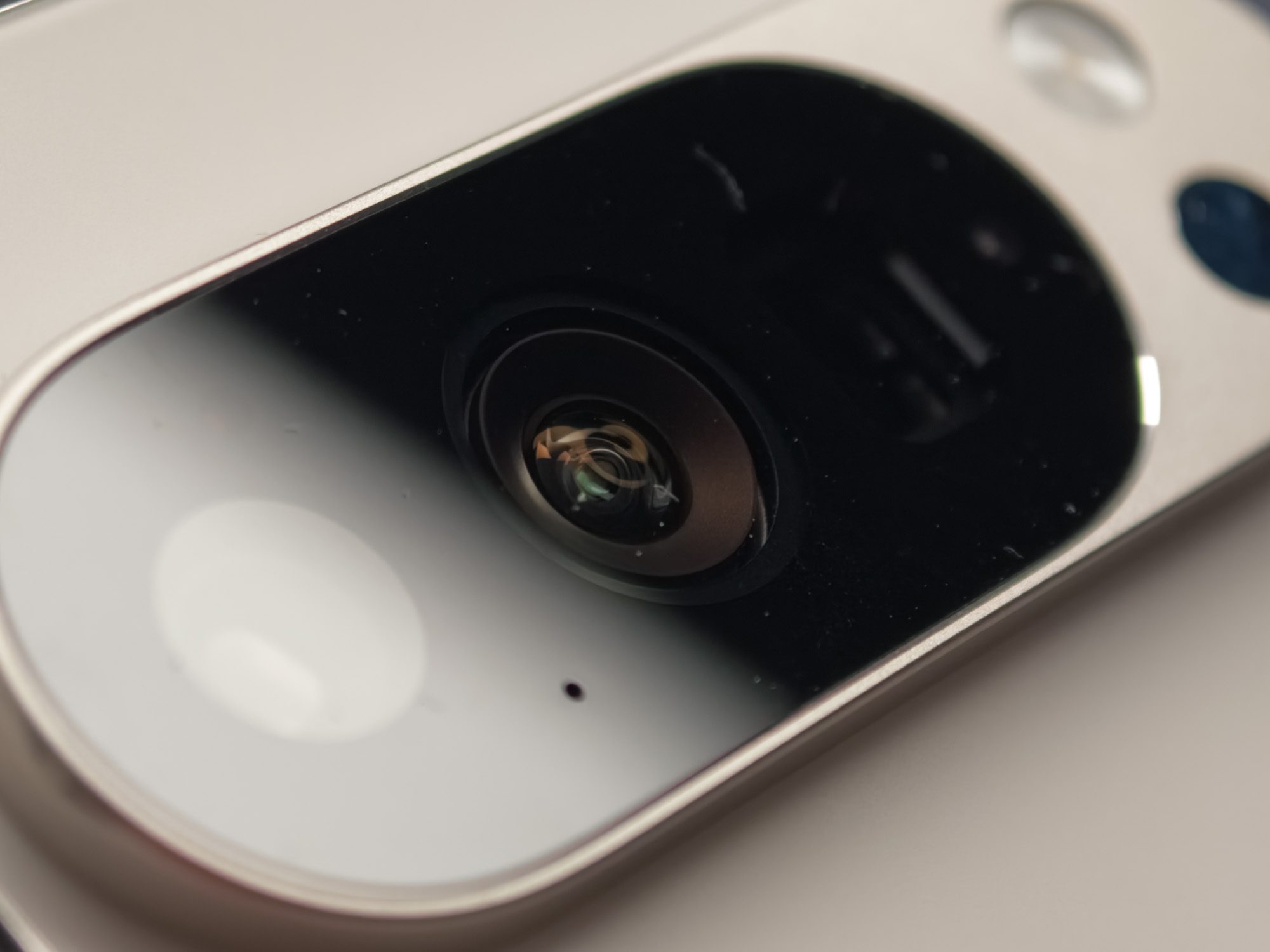
Whichever Pixel 10 series phone you choose to buy, most colorways are available from most retailers. However, some colorways are only available in certain storage options, such as the Jade Pixel 10 Pro series, which only comes with 256GB of storage, so you’ll need to keep this in mind.
Here’s a quick reminder of how much each phone will cost you:
| Phone | Pixel 10 | Pixel 10 Pro | Pixel 10 Pro XL | Pixel 10 Pro Fold |
| 128GB | $799 | $999 | – | – |
| 256GB | $899 | $1,099 | $1,199 | $1,799 |
| 512GB | – | $1,219 | $1,319 | $1,919 |
| 1TB | – | $1,449 | $1,549 | $2,149 |
Like many phone makers, Google also has several Pixel 10 pre-order deals that can discount the phone entirely or by up to $1,000. Some require a trade-in, while several Pixel 10 deals don’t need any trade-in to get the phone for free with Google’s carrier partners.