
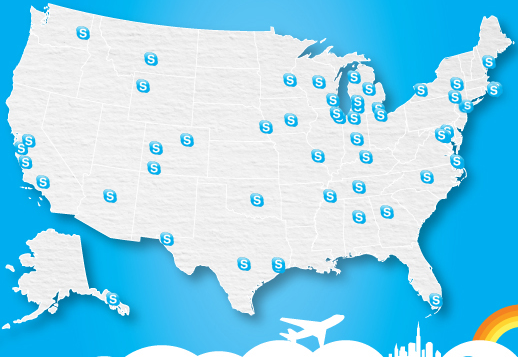
 Skype says it wants to make travelers’ lives easier over the holidays and has announced a free WiFi deal with certain airports. If you find yourself stuck in one of the 50+ participating airports’ terminals over the holidays, you’ll be able to tap into a free hour of Internet access at a third party wireless hotspot, courtesy of the Microsoft-acquired VoIP service.
The date for the free WiFi offer begins Wednesday, December 21 and ends December 27. Skype video and voice calls will be free and available to those with either a PC, Mac or iOS devices. It doesn’t seem as if those with Android, Blackberry or Windows Phone devices will get to access the offer.
To participate in the WiFi bounty, you’ll need to have the latest version of Skype for Windows or Mac, or have downloaded the Skype WiFi app for the iPad or iPhone. Sign in to your account and verify that the location is correct; if it’s not, Skype WiFi charges by the minute. Only one hour is free, but that may be the pleasant distraction needed during this stressful season. Major airports like JFK and the San Francisco International Airport are on the list; check with Skype to see if your airport is participating.
Skype’s holiday message? Love and family: “The holidays are all about connecting with those you love. Skype is helping people maintain these meaningful connections this holiday season from wherever they may be,” said Skype product marketing director, Linda Summers.
The company is picking up the Google slack this season. Google has in the past provided free wireless to many weary travelers stuck in airports around this time, though it seems as if Santa’s taking a break this year. Aside from the free offer, the Skype Credit powered WiFi program allows users Internet access at over 1 million WiFi hotspots globally.



