
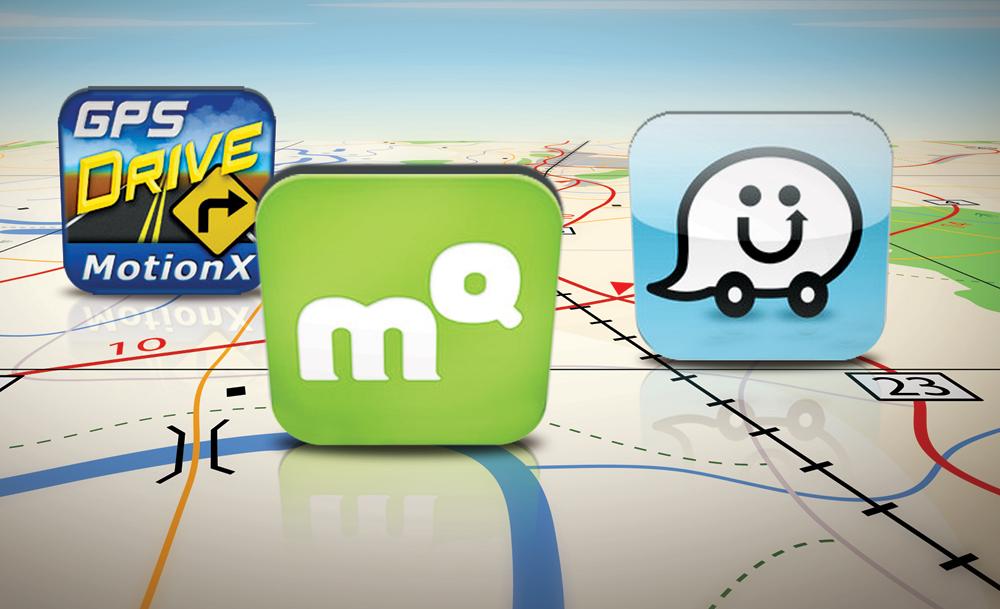
 Now that iOS 6 has forced Google Maps off the… well, map, and infiltrated our home bar with Apple Maps, it’s time we stake some claim over the ecosystem. Word is that Google is trying to get its proprietary maps app out the door and onto the iPhone as quickly as possible, but there’s some holdup. In the meantime, here are a few alternative mapping options that could easily give Apple Maps a run for its money.
MotionX GPS Drive — $0.99
This GPS app has a 4+ rating and features a pretty deep social integration – if that’s something you’re into. You can check-in directly from MotionX GPS Drive as well as use Wikipedia and Local Search directly. There are lots of little extras like a parking spot marker and live compass as well. Now the maps – what actually matter – aren’t really the most aesthetically pleasing. They’re busy and a little childish-looking, but they get the job done: The app has live traffic maps, turn-by-turn voice directions, and active lane guidance for confusing routes.
MapQuest – Free
Mapquest is a veteran (albeit an ailing one) of the mapping market. That said, its app has been a popular one even before Apple Maps came in and blew the door wide open for new competitors. Its turn-by-turn functionality won it plenty of users even when Google Maps had top billing, and its price – free – made it a popular choice among more expensive options. The app also has live traffic integration, re-routes you in real-time if need be, and while the maps aren’t as easy-on-the-eyes as Google or Apple Maps, they are fairly familiar and do a good job cutting down on clutter and keeping things simple and clean.
Waze – Free
You may have heard the name Waze mentioned a handful of times within the last few days: The social maps platform has been working with Apple on iOS 6’s Maps, and apparently, has some not-so-flattering things to say about the new product. But all that aside, Waze has made a name for itself as an iPhone GPS alternative. It includes real-time traffic information, route learner (so it knows your common destinations,) and even a feature that finds you the cheapest gas on your trip. The UI isn’t going to win many style points, but it’s hey — it’s free and feature-full, so you’ll have to take what you can get.
GPS by Telenav — Free
First things first: If you’re used to the clean-cut look of Google Maps, you’ll have to forgive this app’s cartoonish look. After you’ve gotten over this hurdle, start looking a little deeper below the surface. Turn-by-turn directions, cheap gas spots, and traffic info are all here. It’s a fairly simple little app, but the location plotting should be more accurate.
Garmin Street Pilot — $0.99
Garmin brings you quite a bit in this affordable app. In addition to 3D imaging, turn-by-turn, and social network check-ins, the app also has public transit information available for major metropolitan areas. This is arguably the biggest flaw in new Apple Maps feature, and luckily most of us can use this to replace that serious oversight. Of course, there are subscription fees enforced after your first 30 day of use, but if you’re seriously missing the functionality but loving the look of Apple Maps, Street Pilot might be worth the extra buck.
Forever Map by Skobbler — $2.99
The Skobbler platform uses the OpenStreetMaps for its data set, a company that’s been getting increasing attention for the work it’s doing with mapping the world we know. Forever Map is the premium version of what the Skobbler team has been able to do with all that information. Maps load incredibly quickly, and you can save maps as well, so no more worrying about losing directions during travel (an especially big coup for international travelers). The maps themselves look rather plain and ordinary, but it’s an upgrade from some of the childish-looking products we’ve seen.



