
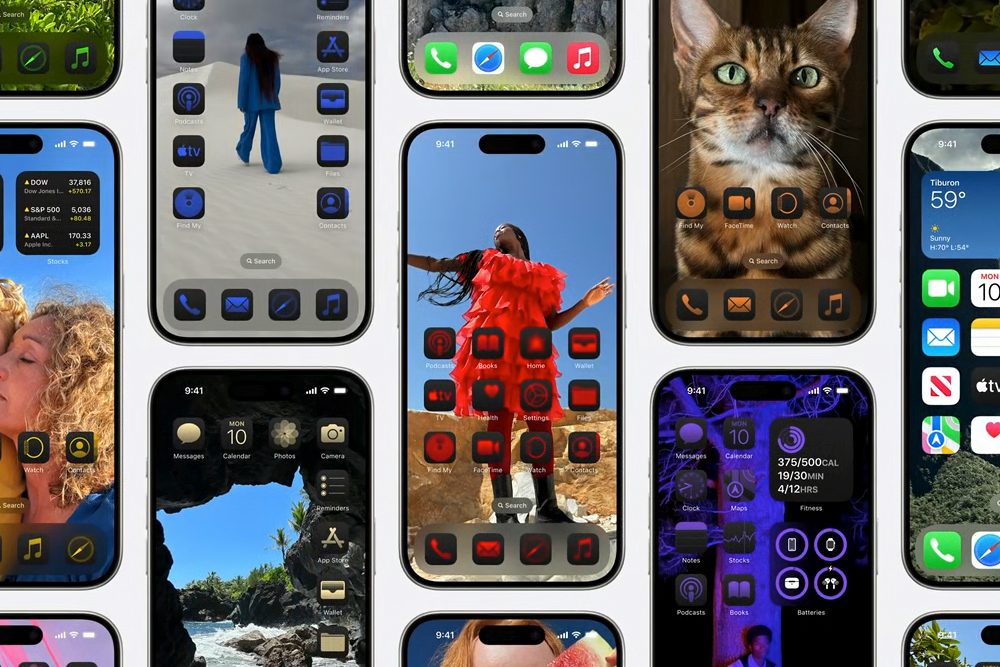
If you don’t have an Apple Developer Account and have been eager to try out iOS 18 on your iPhone, rejoice! Apple has finally released the first public beta for iOS 18. The public betas are typically a bit more stable than the developer betas, which is a reason why some people hold off until the public beta.
Apple released the first developer beta of iOS 18 right after the WWDC 2024 keynote on June 10. Since then, three developer betas have come out, and Apple tends to release about three developer betas before the public version a week later. Apple also said that the public beta would arrive sometime in July, and that time has come.
The public beta isn’t just limited to iOS 18 either. With today’s release, there are also public betas of iPadOS 18, watchOS 11, macOS Sequoia, tvOS 18, and visionOS 2. So, if you have a compatible iPad, Apple Watch, Mac, Apple TV, or Apple Vision Pro and don’t mind diving into some early pre-release software, then make sure to download those as well.
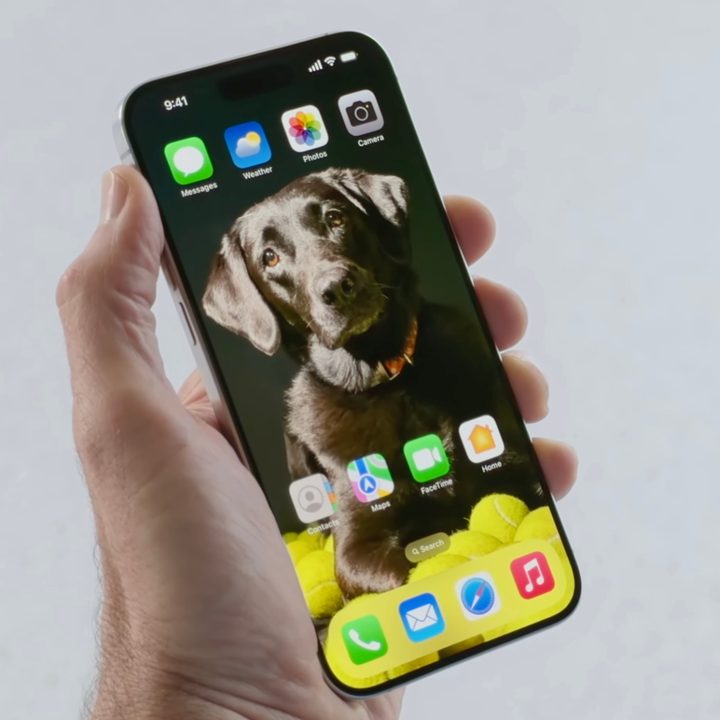
If you’re interested in giving the iOS 18 beta a try, you can also do so directly on your phone. Just go to Settings > General > Software Update > Beta Updates, and then select the iOS 18 Developer Beta or iOS 18 Public Beta. Or you can download the betas on the Apple Beta Software Program page.
As a refresher, iOS 18 is going to be a big one, especially if you have an iPhone 15 Pro or iPhone 15 Pro Max. That’s because iOS 18 is packed with Apple Intelligence features, which include writing tools, summarization, priority notifications, improved searches in the revamped Photos app, image generation, and even a smarter Siri and ChatGPT integration.
The new and improved Siri is an especially big change. Backed with Apple Intelligence, Siri should feel more natural, relevant, and personal. It will have on-screen contextual awareness and even be able to handle multi-step requests.

Unfortunately, if you don’t have an iPhone 15 Pro or iPhone 15 Pro Max, then you won’t be able to access the Apple Intelligence features. That’s because those two iPhones are the only ones that are powerful enough to run Apple Intelligence (A17 Pro chip and 8GB RAM). But there are other cool iOS 18 features that don’t rely on Apple Intelligence.
For example, iPhone 15 and earlier (up to iPhone XR) still have all of the quality of life changes coming to iOS 18. This includes the new home screen customization of placing icons and widgets anywhere on the grid, app icon color customization, a new Control Center, the ability to change lock screen shortcuts, message scheduling in iMessage, RCS support, and more. Even without Apple Intelligence, iOS 18 brings a lot of highly requested user features that will make your iPhone experience a lot nicer.
The final public release of iOS 18 should arrive in the fall, likely in September, alongside the iPhone 16 series.


