
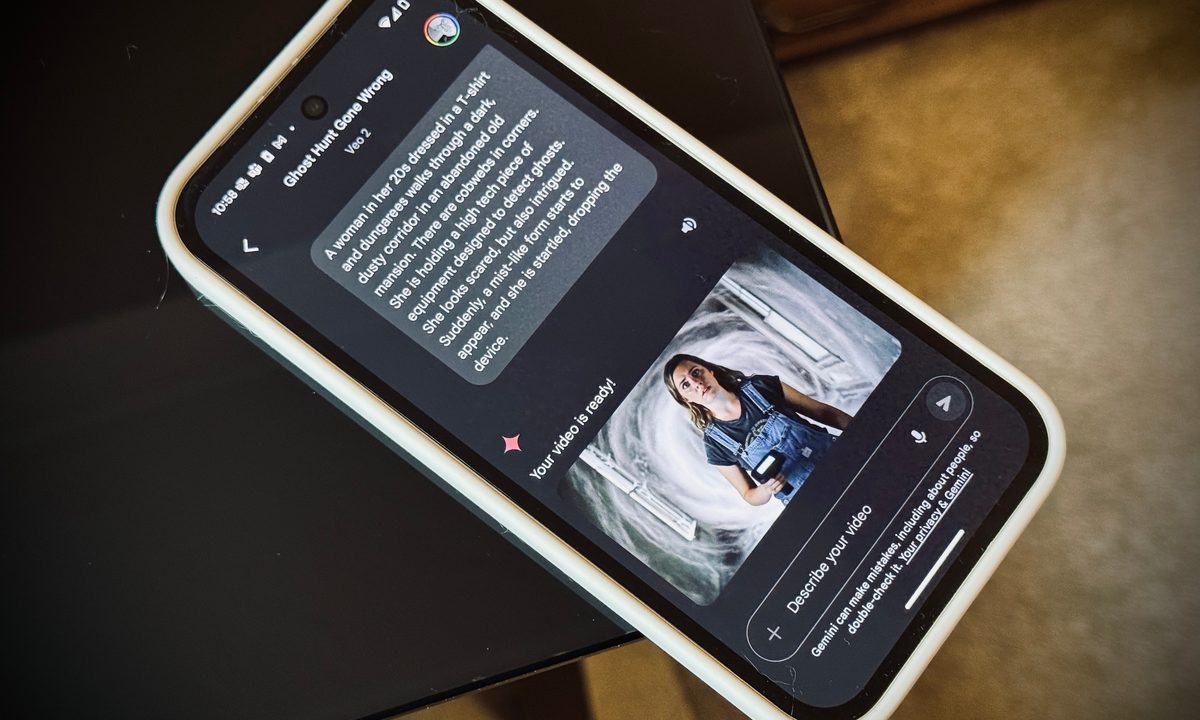
Google has added a new and exciting feature to Gemini Advanced, its AI personal assistant and chatbot. Using just a text prompt, Gemini can now create an 8-second animated video, bringing your words to life in a way you won’t quite believe. The feature is powered by Veo 2, its video model introduced in late 2024, which is designed to create realistic videos complete with a deep understanding of human movements, real-world scenes, and even different lens types.
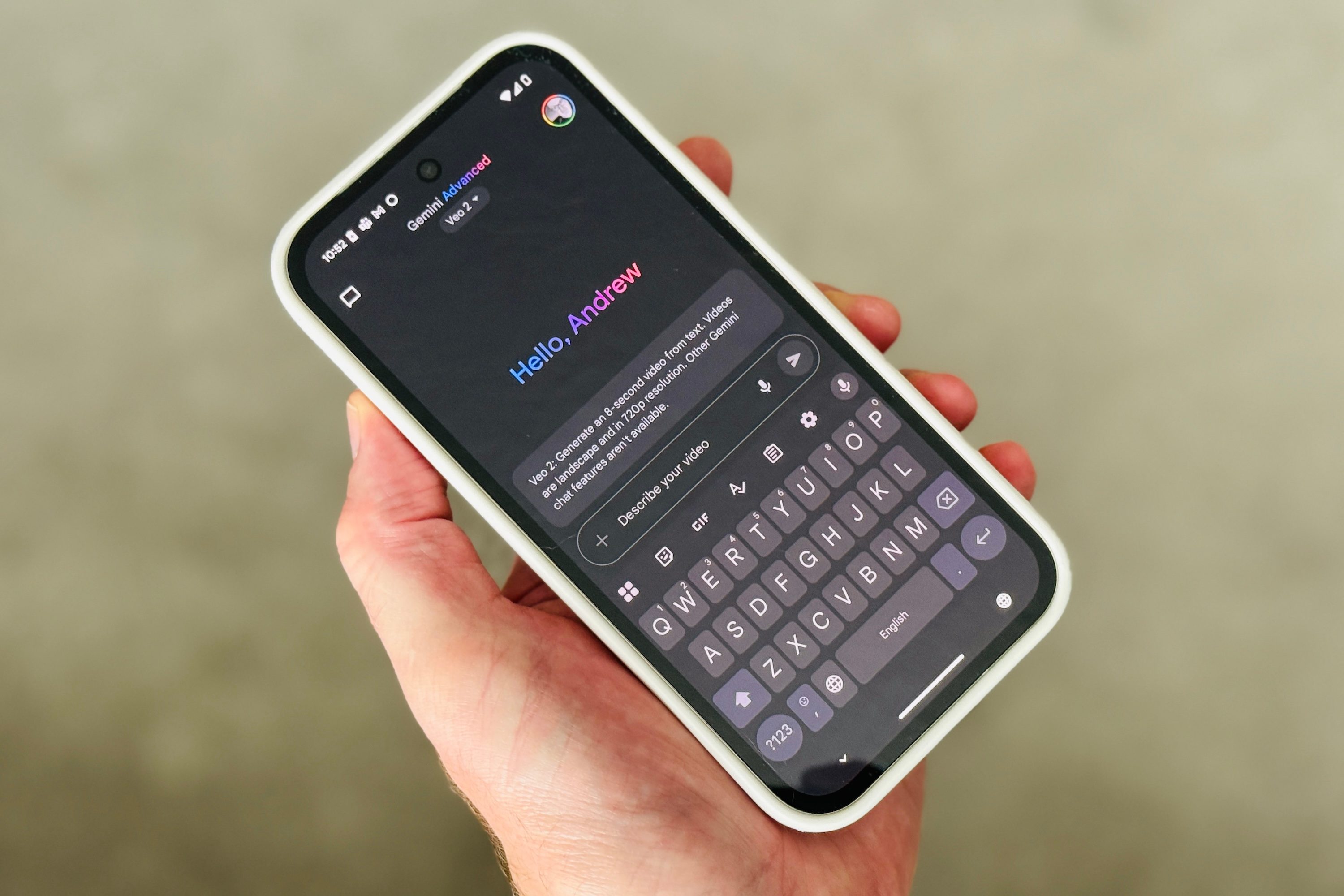
Google explains how it’s simple to create videos with Gemini and Veo 2. “Just describe the scene you want to create — whether it’s a short story, a visual concept, or a specific scene — and Gemini will bring your ideas to life. The more detailed your description, the more control you have over the final video. This opens up a world of fun creative possibilities, letting your imagination go wild to picture unreal combinations, explore varied visual styles from realism to fantasy, or quickly narrate short visual ideas.”
The videos created by Google Gemini last for eight seconds and are generated in 720p resolution, and have a 16:9 aspect ratio. The MP4 files can be downloaded from your chat with Gemini, or shared directly to Facebook, Reddit, LinkedIn, or X from the feed. You can also share videos using a public link, and you can see some of the videos we’ve created using Veo 2 this way by following the links in the next section.
Trying out Google Gemini’s video creation
If you’ve ever tried to make videos with AI before, you’ll already know the more detail you put in to the description, the more closely the result will match your vision. Google Gemini is no different, but it is really good at filling in the blanks when you’re quite vague with your prompt, and also has some interesting “ideas” of its own.
For example, I gave it a simple and deliberately short prompt to create a video showing, “A k-pop girl group playing a song on stage in a huge stadium. There are thousands of people watching and singing along, and almost all are waving light sticks to support the group.” The video it created is impressive, with the main singer having a distinctive K-pop idol style, and the stadium suitably packed. But what I really liked is the Korean text at the bottom of the screen, setting the scene and making it appear like it was a clip taken from a streamed live performance.
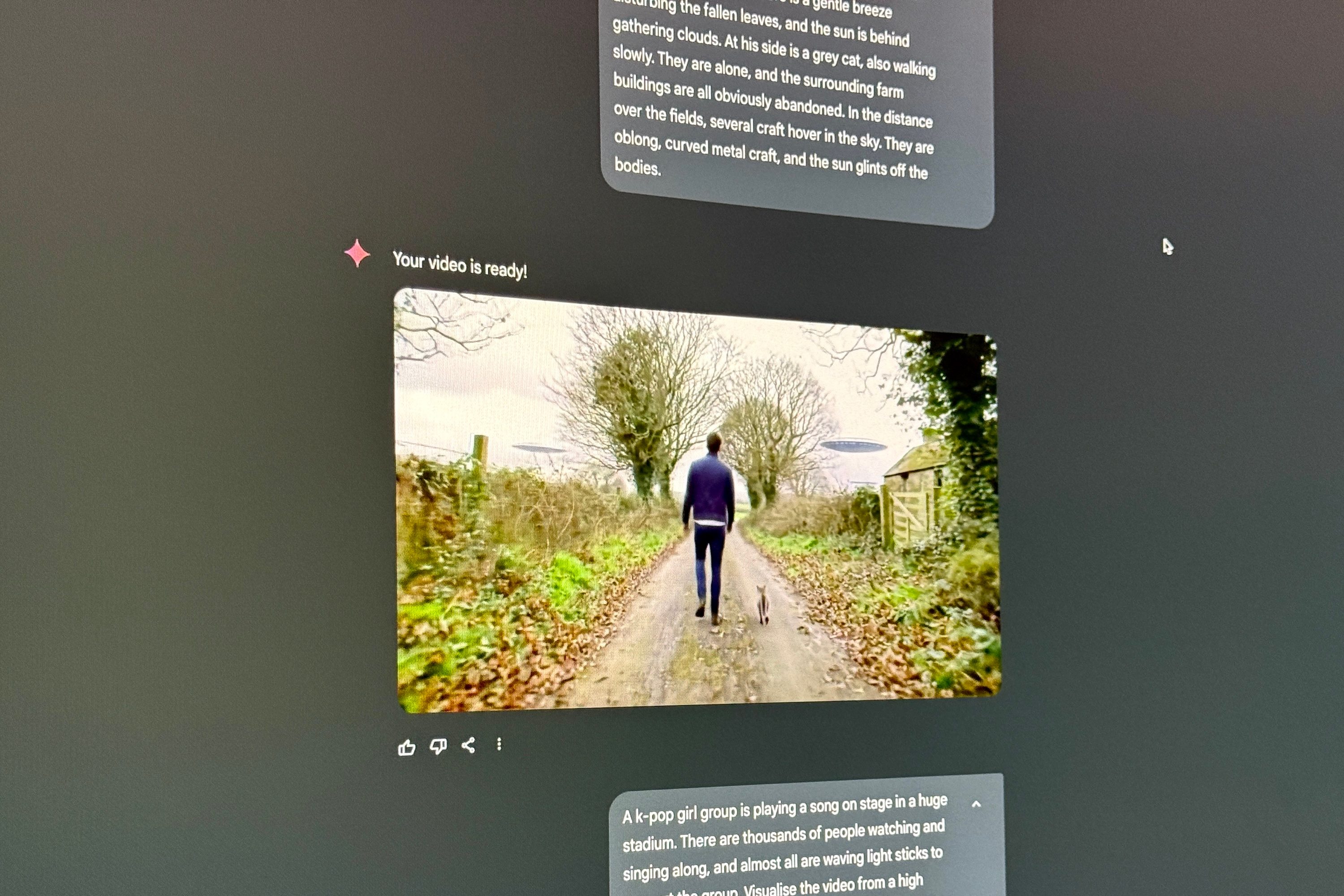
For another clip, I used a much more detailed description to create a countryside scene, where a man and a cat walk along a lane flanked by abandoned farm buildings, with UFOs hovering over distant fields. The final video is really good and I love the way it captured the leafy lane I’d imagined, the cat’s movements, and the way the UFOs appear as the camera moves past the trees. These videos were made from simple prompts in just a few minutes, and it was fun to see what Veo 2 can do. Spend more time on crafting your scene, and there’s a lot of potential here.
How to get video creation in Gemini
Google Gemini’s Veo 2 video creation mode is available to subscribers with Gemini Advanced, which costs $20 per month or 19 British pounds per month to access. It’s found under a new drop-down menu, where you can switch between different models — 2.0 Flash, 2.0 Flash Thinking, 2.5 Pro, and Deep Research with 2.5 Pro. Veo 2 is available on the desktop and on mobile, and Google states the feature will arrive from today and continue to launch over the coming weeks.
If you have a Google One AI Premium subscription ($20 per month) and access to Google’s Whisk tool, you can use images to create videos. At this time, images can’t be added to Veo 2 to help inform it of style or appearances. Previously only available only in certain regions, Whisk is now available globally to subscribers.



