What’s happened? Apple has just released the iOS 26.1 update widely for iPhone users through the public release channel. It brings a bunch of new features and bug fixes to the table. The most notable change, however, is the addition of a new display control that can help tone down the Liquid Glass design language.
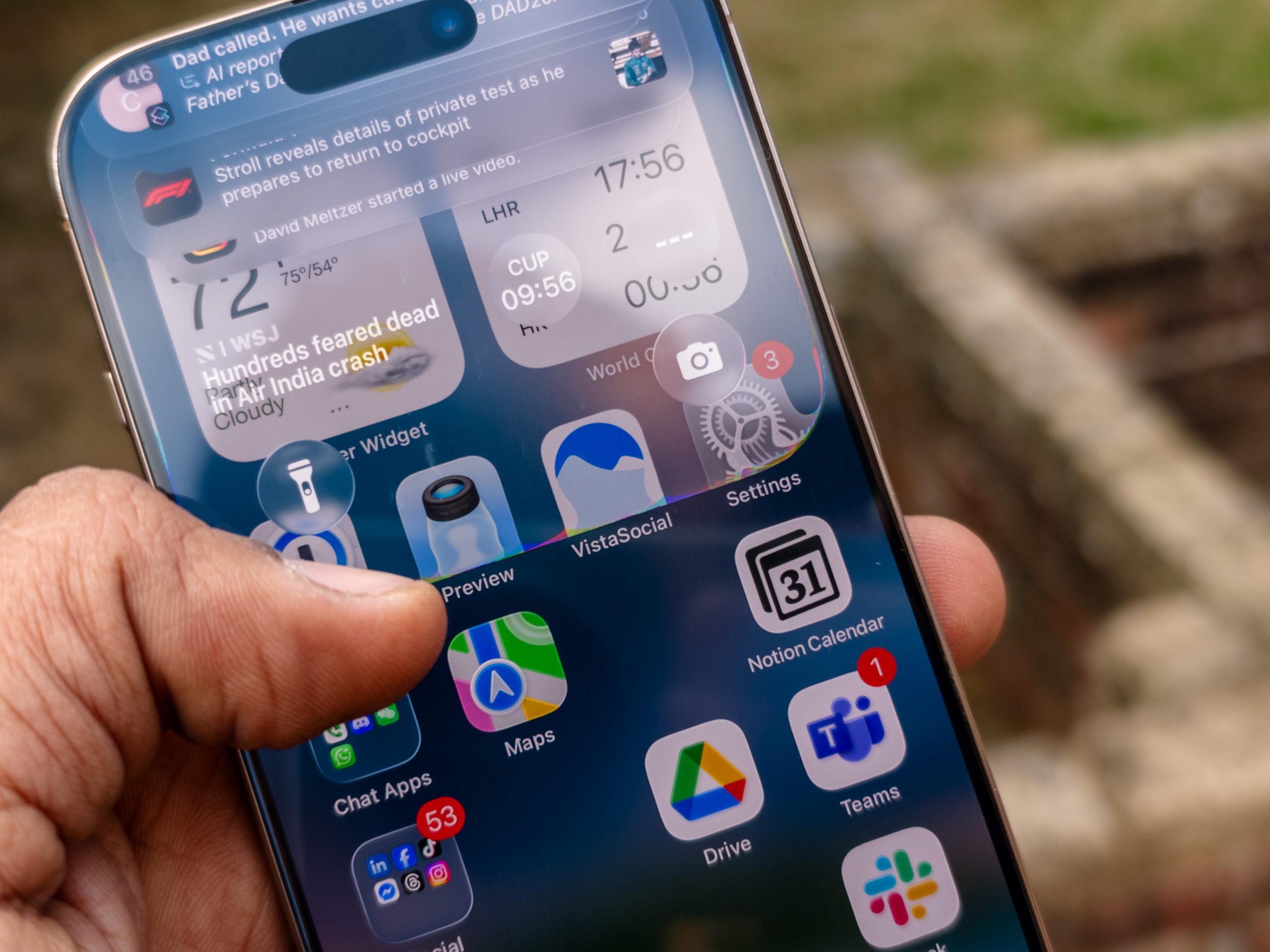
- In the Settings app, there’s now a dedicated Liquid Glass control that lets users pick between clear and tinted.
- When tinted mode is applied, the menu bubbles and buttons reduce the see-through effect that was introduced with Liquid Glass. Essentially, it dials down the background transparency.
- To switch between the two modes, follow this path: Settings > Display & Brightness > Liquid Glass

This is important because: When Apple rolled out the Liquid Glass design language, it stirred some heated debate, not only because the aesthetic overhaul was a little too aggressive, but also due to the visual discomfort.
- Many users reported that transparent UI elements made text harder to see. One UX designer in my own circle argued that putting text over images is a readability concern because the contrast usually isn’t strong enough to keep words from melting into the background.
- Some users pointed out that instead of being a subtle change that blends with the page, the transparent elements, such as the tab bar, title, and buttons cover the page contents and look distracting. Interestingly, a few brands that make Android phones have started to ape the look.
- With iOS 26.1, Apple is not fixing the whole situation, but merely giving users a choice between transparency and tinted glass, which gives a semblance of opacity and solid interaction targets on the screen.
Why should I care? The new iOS 26.1 update brings a fix for the Liquid Glass design situation, and it should solve some of the legibility issues users pointed out with the transparent UI elements. The update, however, brings a few other changes, as well.
- The Live Translation feature for the AirPods is adding support for Japanese, Korean, Italian, and Chinese languages. So far, it has only worked with English (UK, US), French (France), German (Germany), Portuguese (Brazil), and Spanish (Spain).
- It also enables the automix system within Apple Music when it’s connected via an AirPlay stream.
- On the lock screen, users can now disable the camera shortcut, which enables access via a swipe gesture.
- Apple says it has also improved the quality of audio in FaceTime calls, enabled Communication Safety and Web content filters on websites by default, for child accounts.
Okay, so what’s next? With a solution available for the Liquid Design visuals, the iOS 26.1 update is also adding a few fitness and creator-focused changes, as well.
- Users can now log their workouts manually in the Fitness app.
- For camera enthusiasts, they can now save locally captured media to a specific location, and when an external USB mic is connected, they will now have access to gain controls while recording audio.