  1. Home
  2. Phones
  3. News

iOS 26.4 adds a new setting to further tone down the Liquid Glass shimmer

The Liquid Glass shine was a bit much. iOS 26.4 lets you dial it back.

Add as a preferred source on Google
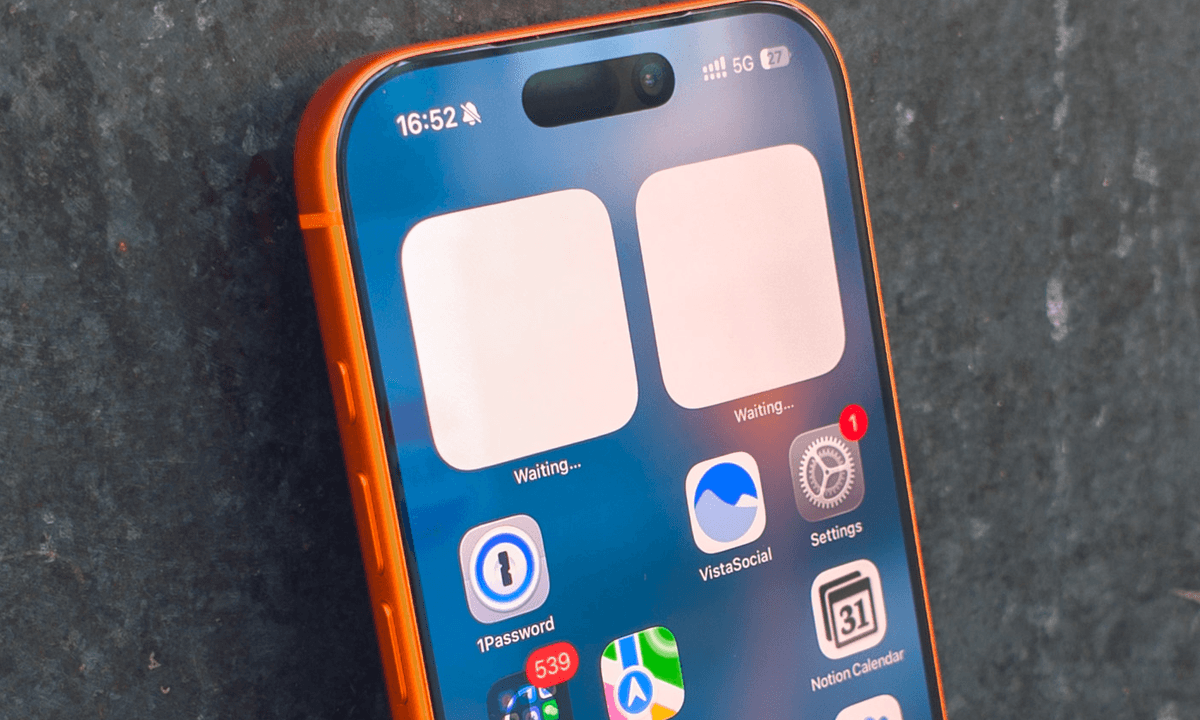
Apple iPhone 17 Pro in Cosmic Orange leaning on a gray wall.
Digital Trends

The iOS 26 Liquid Glass update has been one of the most troublesome iOS releases ever. It is marred by inconsistencies and design choices that cause several UI and readability issues.

One of the issues that was more noticeable on older Apple devices with SDR screens, including the iPad mini, iPhone SE, iPhone 11, and earlier models, was the liquid glow effect that caused text and certain UI elements to become unreadable when you interacted with them.

Apple adds a new fix in iOS 26.4 developer beta 4

After the release of iOS 26, Apple has been listening to user feedback and providing options to reduce the Liquid Glass effect. One of the most prominent options was introduced with the iOS 26.1 update, which let users switch from the default “Clear” design to a “Tinted” look.

Recommended Videos

In the latest iOS 26.4 developer beta 4, Apple has added another setting called “Reduce Bright Effects” that minimizes highlighting and flashing when interacting with onscreen elements, such as buttons or the keyboard. 

These flashing effects were particularly prominent on Apple devices with SDR screens, as shown by an X user in his post. 

Finally, we have the best of both worlds! You can now disable the Liquid Glass highlights on iOS 26.4 Beta. Definitely turning them off. https://t.co/Aj56BE1uck pic.twitter.com/ozQ6OyZaaY

— Dylan (@DylanMcD8) March 9, 2026

If this effect has been bothering you, you can finally turn it off using the new setting. 

How to enable the Reduce Bright Effects setting on iPhone

The new setting has been released as part of Apple’s developer beta program. To get it, you need to be on the latest iOS 26.4 developer beta 4 version. Once you have updated your device, go to Settings → Accessibility ⇾ Display & Text Size, and turn on the toggle for “Reduce Bright Effects” settings.

If you are not running the developer beta on your iPhone, which I do not recommend installing on your primary device, you have to wait for the public beta or the stable release, which should arrive in about two weeks.

Rachit Agarwal
Rachit is a seasoned tech journalist with over seven years of experience covering the consumer technology landscape.
Motorola leak reveals the upcoming Razr 70 Ultra, and it doesn’t want to change one bit
Electronics, Mobile Phone, Phone

In typical Motorola fashion, the Razr series has leaked once again, and this time we’re getting our first proper look at the Razr 70 Ultra. The renders come courtesy of XpertPick, in collaboration with Steve Hemmerstoffer, also known as OnLeaks on X (formerly Twitter).

Is there anything fresh here?

Read more
Siri could soon support third-party AI tools in major iOS update
Apple lets Siri phone a friend (and it’s AI)
Siri

Apple is reportedly preparing one of the most significant changes to Siri in years, with plans to open its voice assistant to third-party AI services as part of the upcoming iOS 27 update. The move signals a major shift in Apple’s artificial intelligence strategy, transforming Siri from a closed assistant into a broader AI platform that can integrate with competing technologies.

A Shift Toward An Open AI Ecosystem

Read more
WhatsApp finally lets iPhone users run two accounts on the same device
One update, four fixes: WhatsApp gets dual iPhone accounts, smarter storage, seamless cross-platform transfers, and Meta AI tools baked right in.
WhatsApp feature drop.

WhatsApp has rolled out a major update rolling from March 26, and it genuinely makes me wonder what took so long. There are four key additions, enabling smarter storage management, cross-platform chat transfer, Meta AI tools, and, most importantly, dual accounts on iPhone. 

iPhone users can finally ditch their second phone

Read more